
Minecraft server hosting
Rent a Minecraft server that runs Vanilla, Paper, Spigot, Forge and Fabric, with one-click modpack installs from Modrinth and CurseForge. Online in about 60 seconds on Ryzen 9 hardware, with free backups and a panel built for Minecraft.
View Minecraft plans
Minecraft Budget
Perfect for small communities and friends playing together
Minecraft Premium
Ideal for larger communities with high performance needs
CONTROL PANEL Effortlessly manage your server
Our intuitive control panel gives you full control over your server. Monitor performance, manage resources, and access advanced tools with just a few clicks.
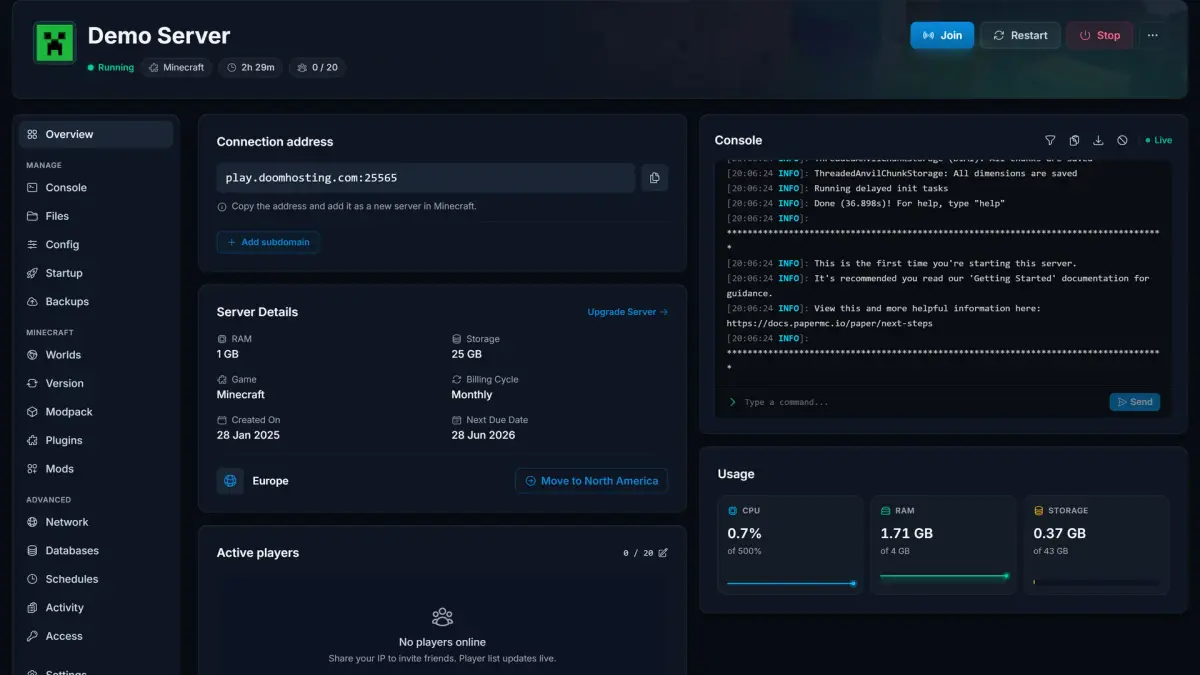
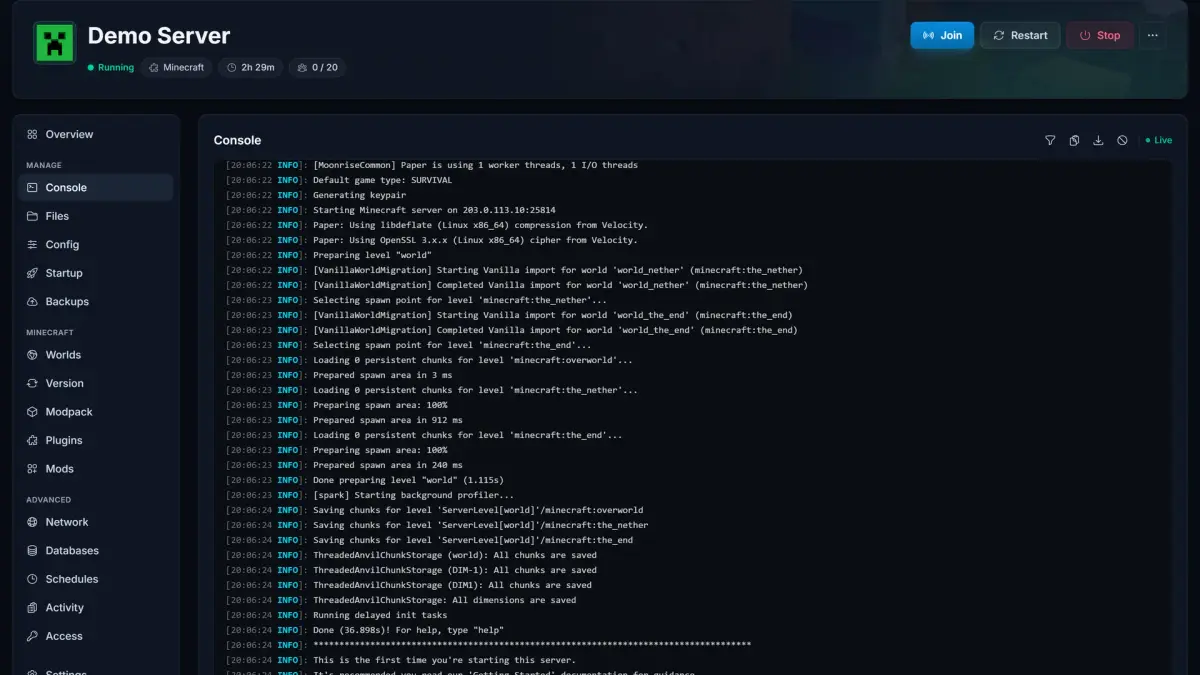
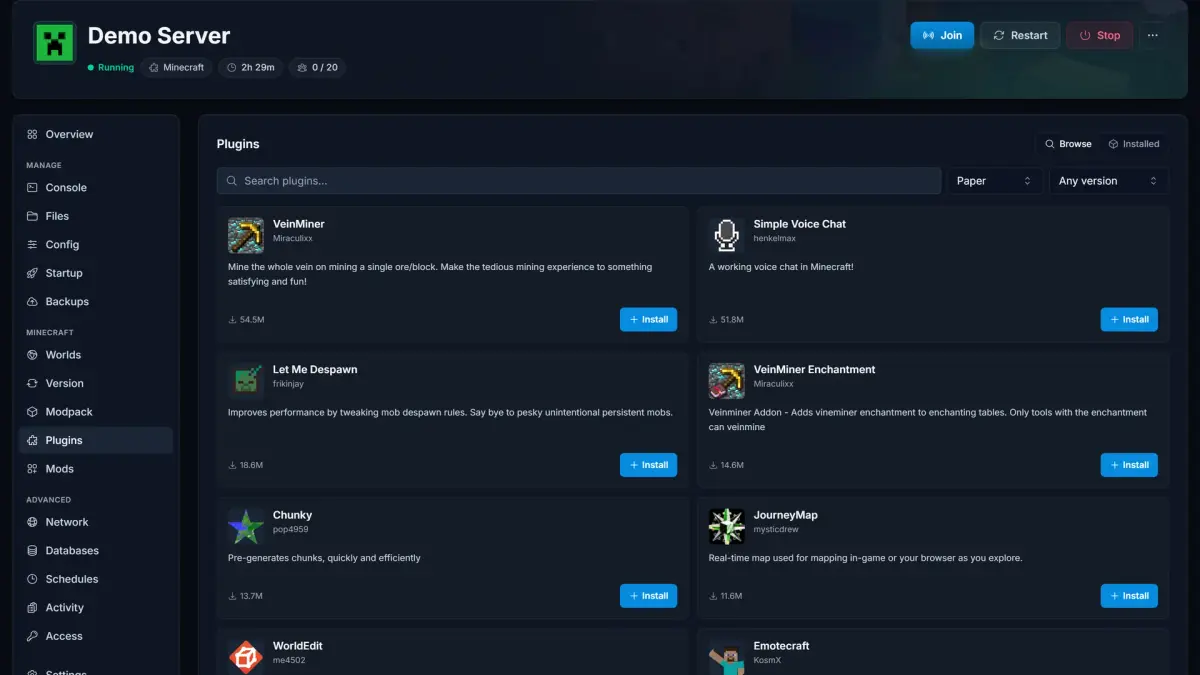
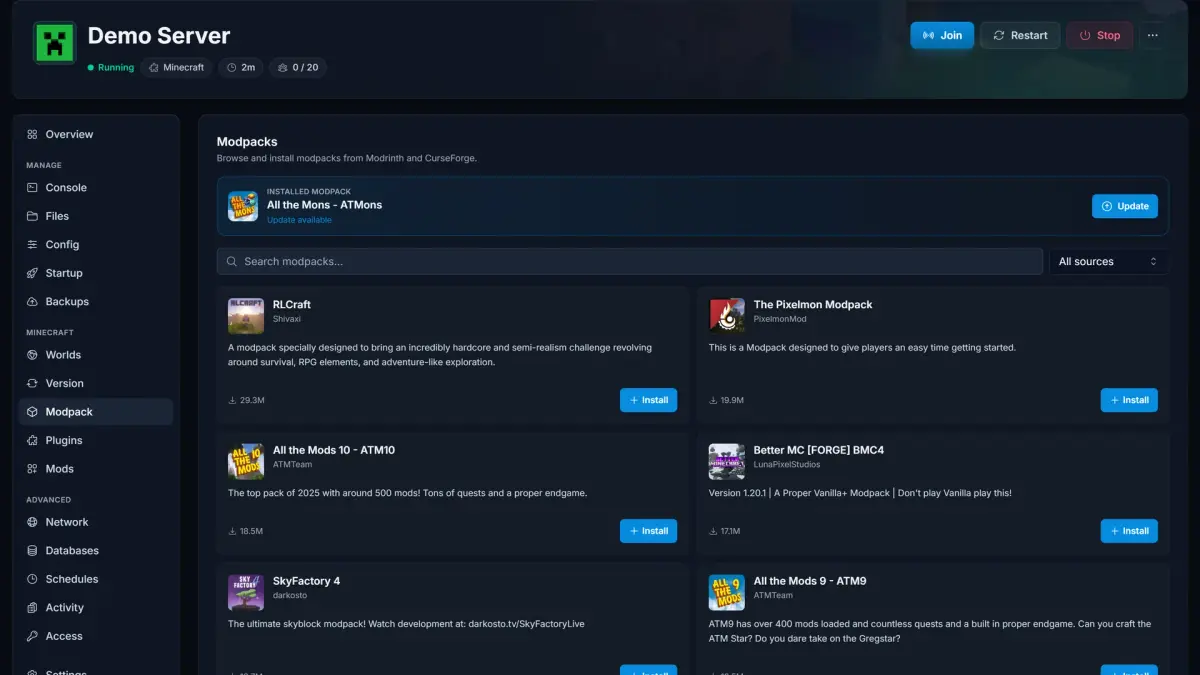
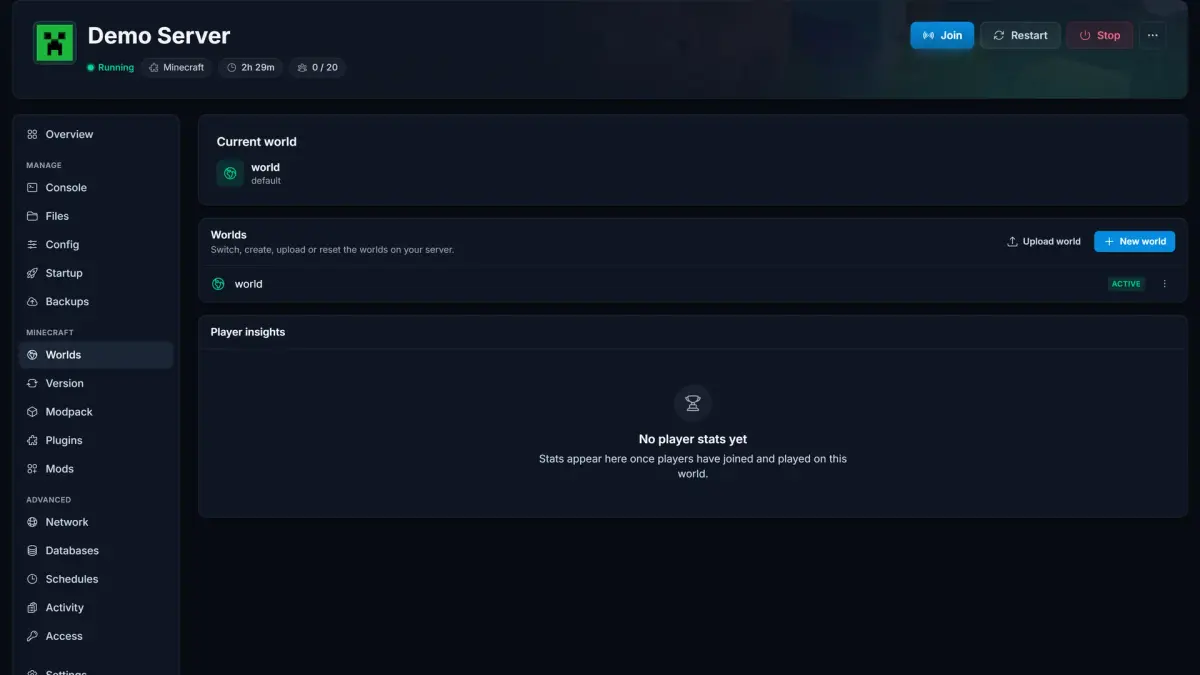
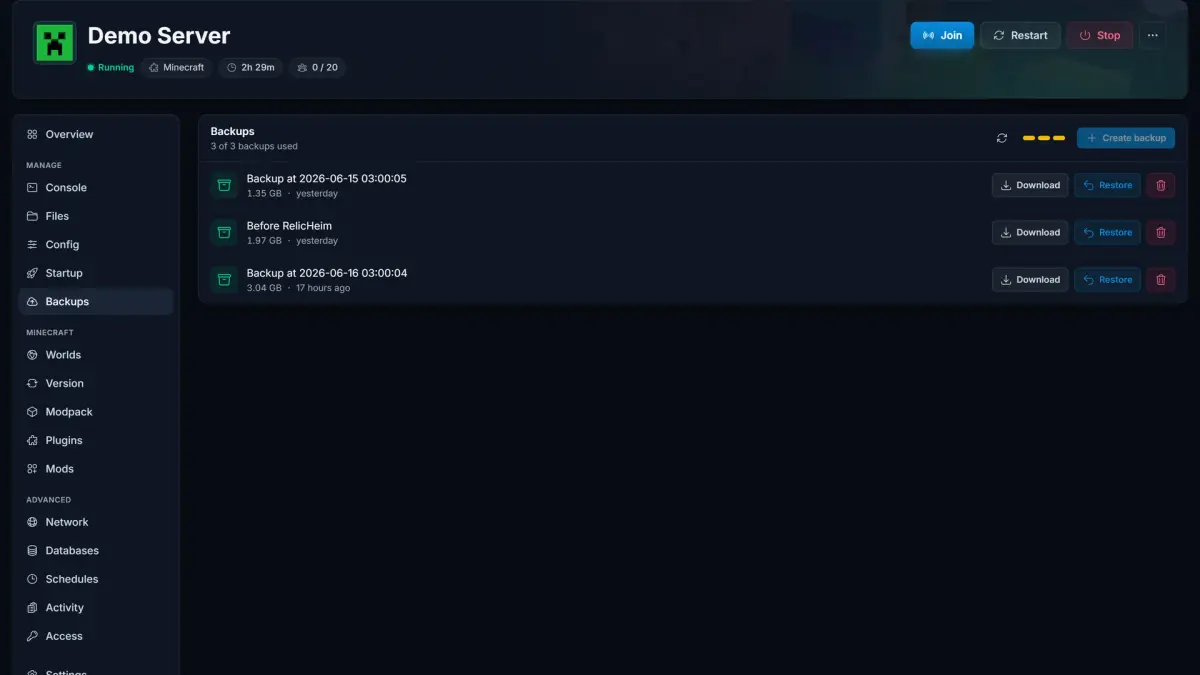
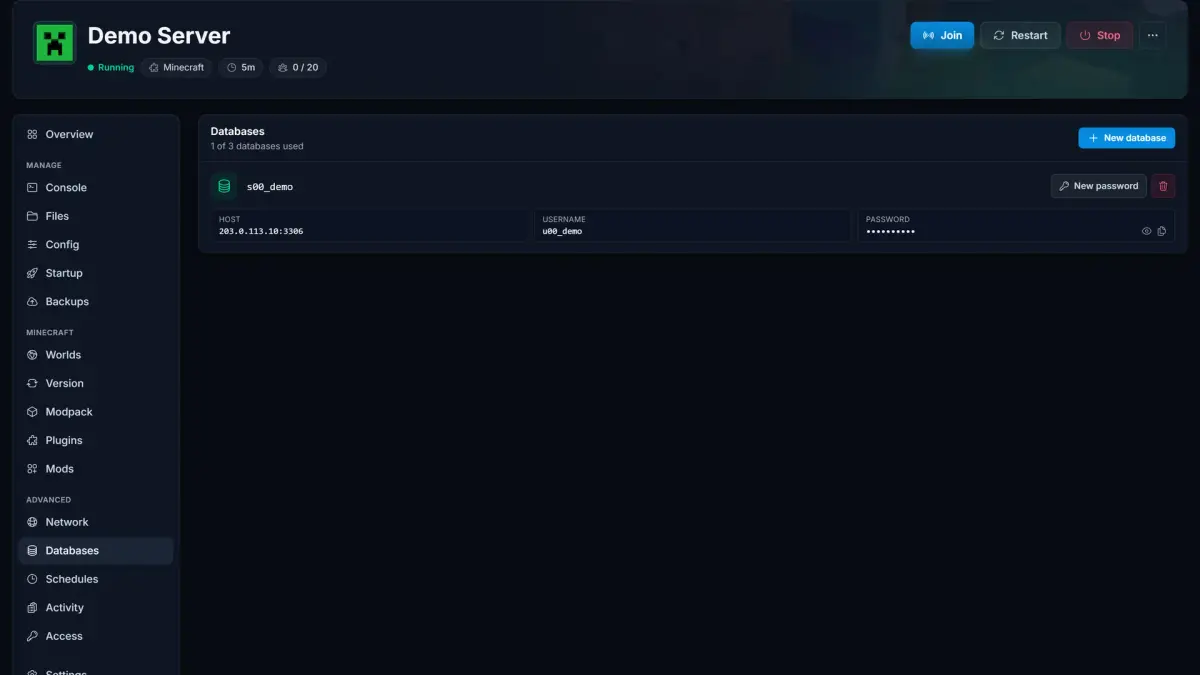
Server Overview·See status, connection address, live resource usage, and players at a glance.
Multiple server types supported
Switch between vanilla, modded, and plugin-based servers in one click. Every major loader is preinstalled and ready to deploy.
- Java Edition
- Bedrock Edition
- One-click switching
Don't see your loader?
Looking for a modpack server? Browse the modpacks we host

- Vanilla
- Paper
- Spigot
- Purpur
- Bukkit
- Forge
- Fabric
- NeoForge
CUSTOMER TESTIMONIALS
What our customers say

"Reliable hosting, great uptime, low ping. Perfect for multiplayer with friends."
"Deployed in minutes, smooth sessions. Quick support for config questions."
"Consistent speed and low latency. Simple administration saves time. Global locations ensure a great experience."
GLOBAL PRESENCE
Global locations

Frequently asked questions Find answers to common questions about our Minecraft server hosting.
Any more questions?
Free Minecraft Tools
Explore more games
Check out our other game server hosting options



Game guides
High performance hosting with 24/7 support
How to Install a Modpack on Your Minecraft Server
Install a Minecraft modpack in one click from the panel, no FTP. Browse Modrinth and CurseForge, pick a version, install, and update later. Plus the world and client gotchas.
How to Turn PvP On or Off on Your Minecraft Server
Minecraft 1.21.2 moved PvP from server.properties to /gamerule pvp. Here is how to turn PvP on or off without restarting, plus per-world rules and older versions.
How to Turn Off the Locator Bar on Your Minecraft Server
Minecraft 1.21.6 added the Locator Bar that shows nearby players above the hotbar. Run /gamerule locatorBar false to disable it, plus per-world setups and Bedrock.