Founder & Hosting Engineer
Andreas
Andreas is the founder of DoomHosting and the engineer who built most of the infrastructure powering it: the Pterodactyl deployment, the Nuxt frontend, the panel automation, and the billing stack. He writes the deeper technical pieces here: hardware comparisons, real performance numbers from our own nodes, and the occasional opinionated take on what's wrong with the wider game-hosting industry.
Articles by Andreas
How to Install Satisfactory Mods on Your Server
Install Satisfactory mods the easy way: connect Satisfactory Mod Manager to your DoomHosting server over SFTP, or upload manually via the File Manager.
How to Install a Modpack on Your Minecraft Server
Install a Minecraft modpack in one click from the panel, no FTP. Browse Modrinth and CurseForge, pick a version, install, and update later. Plus the world and client gotchas.
How to Set the Palworld Admin Password
Set the Palworld admin password from the panel on the Overview tab. It unlocks admin commands and RCON. Set a strong one and never leave the default.
How to Set a Palworld Server Password
Set a Palworld server password straight from the panel, no config files or FTP. Set, change, or remove the join password on the Overview tab in a few clicks.
How to Install Palworld Mods on Your Server
Install Palworld mods two ways: one click from the CurseForge browser in your DoomHosting panel, or manually via the File Manager. Plus the client-side caveat.
How to Connect to Your ARK: Survival Ascended Server
ARK: Survival Ascended servers never appear in Steam's server browser. Join through the in-game Unofficial list by server name on PC and console.
How to Change the Map on Your ARK: Survival Evolved Server
Change your ARK server map from the Startup tab in one step. Includes every official map code (TheIsland, ScorchedEarth_P, Ragnarok and more) and how mod maps work.
How to Become Admin on Your ARK: Survival Evolved Server
Set your ARK admin password, then run admin commands in-game (enablecheats + admincheat) or straight from the panel Console over RCON. Includes a command cheat sheet.
How to Join Your ARK: Survival Evolved Server
Joining an ARK server fails for one reason: Steam uses the query port, not the game port. Here are the two reliable ways to connect and where to find the address.
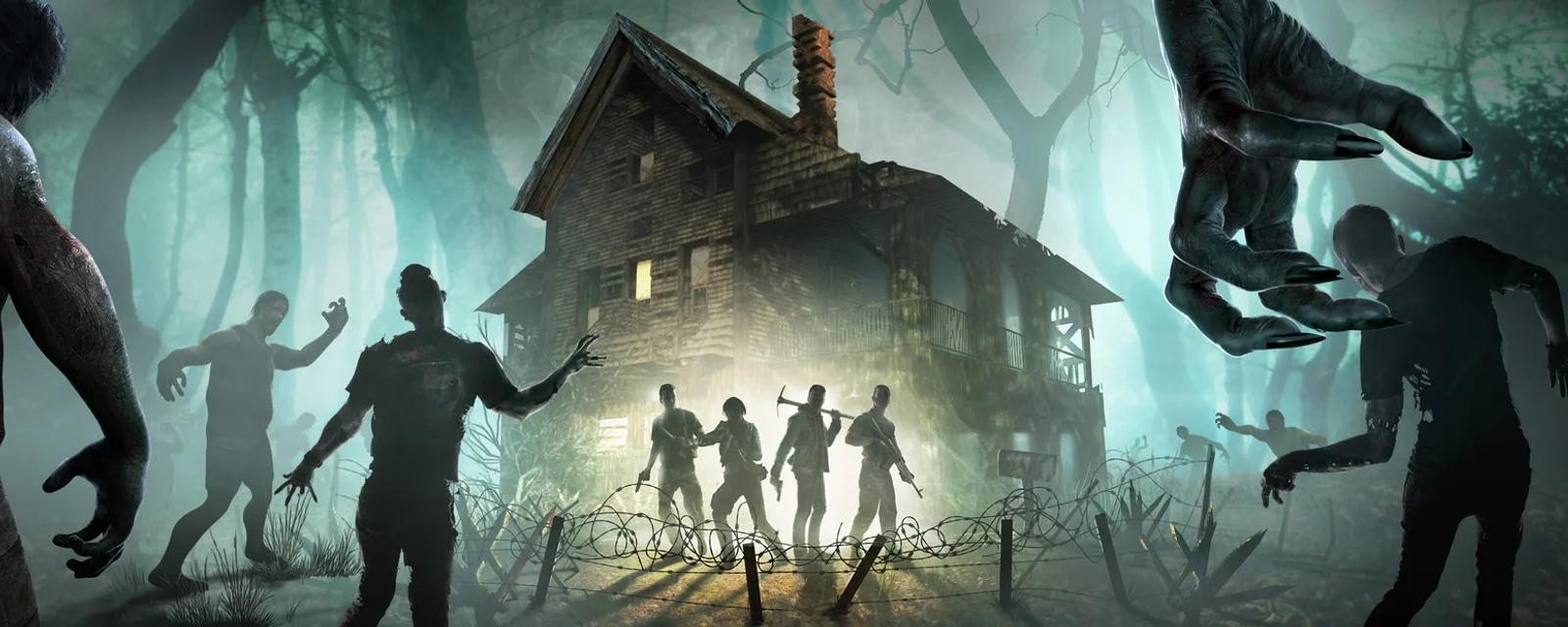
7 Days to Die V3.0 "Dead Hot Summer" Is Here: What's New and How to Play It on a Server
7 Days to Die V3.0 Dead Hot Summer is live on experimental: 150+ sandbox options, new loot, 60+ POIs. What is new and how to run it on your server.
How to Update Your 7 Days to Die Server to V3.0 (Dead Hot Summer)
V3.0 Dead Hot Summer is on the experimental branch now. Move your 7 Days to Die server to 3.0 in two steps: set Beta Branch to latest_experimental, then Reinstall.
How to Change the Resource Drop Rate on Your Valheim Server
Turn Valheim resource drops up or down from the Modifiers tab in your server panel. Pick a value, restart, and the new rate applies to your existing world.