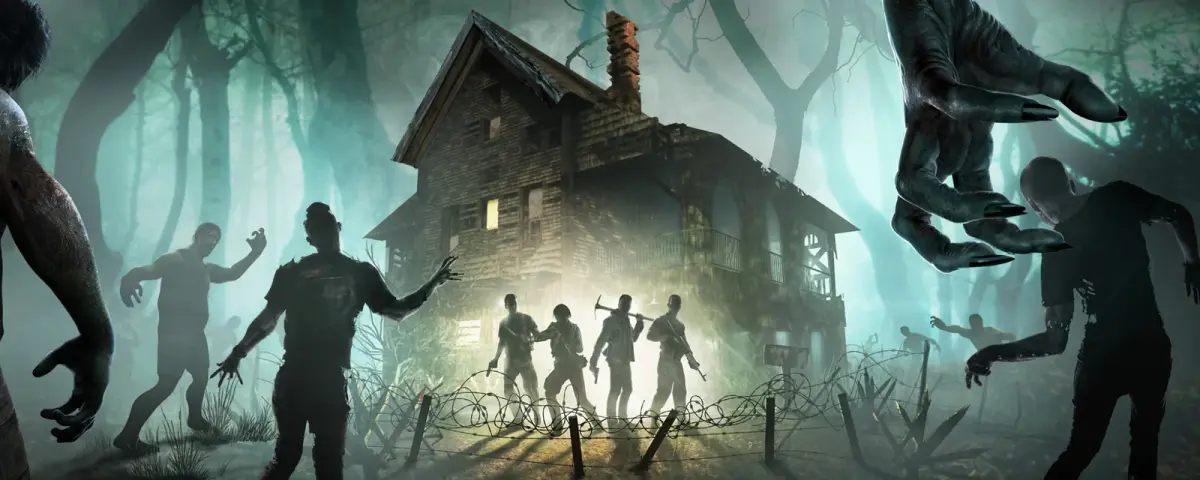
The biggest 7 Days to Die update in years is live. V3.0, nicknamed Dead Hot Summer, hit the experimental branch on June 15, 2026, and the stable release is set for June 29. It is a sandbox-focused update: far more control over how your world plays, a reworked loot system, a signage overhaul, and a wave of new places to raid. Here is what is in it, and how to get it running on your own server today.
What's New in V3.0
150+ sandbox customization options. The headline feature. V3.0 turns a huge range of rules into dials you can tune: zombie behavior, the day and night cycle, loot and economy, XP, and much more. Eleven official presets bundle these into ready-made playstyles, from relaxed builder runs to brutal survival, so you can set a tone in one click or fine tune every value yourself.
The Item Magnitude loot system. Loot quality now scales more meaningfully with where and how you find it, making exploration and tougher locations pay off instead of handing out the same drops everywhere.
Sign-Tech. A full signage overhaul gives you far more control over in-game signs and text, a real quality-of-life win for server communities that label bases, traders, and rules.
60+ new points of interest. New bunkers, factories, and other locations expand the map's pool of places to clear, which keeps the loop fresh on long-running servers where players have seen the old POIs a hundred times.
Experimental Now, Stable on June 29
V3.0 is on the experimental branch first. That is the public test build, open to everyone with no password, where the team irons out bugs before the stable release on June 29. Experimental is great if you want to jump in early, just expect frequent patches while it settles. If you would rather wait for the smoothest version, the stable build is only a couple of weeks out.
How to Play V3.0 on Your Server
On a DoomHosting server you can switch to V3.0 from the panel in two steps, with no files to edit:
- Open the Startup tab and set the Beta Branch field to
latest_experimental. - Go to Settings and click Reinstall.
That pulls V3.0 from Steam and your server boots on the new version. There is one thing to back up first, and your players need to opt into the experimental build in their own Steam client to join. We walk through all of it, including how to move to the stable branch on June 29, in our step-by-step guide: how to update your 7 Days to Die server to V3.0.
New to Hosting a 7 Days to Die Server?
Running your own server means you set the rules, keep the world online 24/7, and decide who joins. With V3.0's sandbox options that control goes further than ever. We host 7 Days to Die on dedicated Ryzen 9 hardware with instant setup, full FTP access, DDoS protection, and 24/7 support. See 7 Days to Die server hosting for plans, and use our 7 Days to Die RAM calculator to size your server for your player count and world.
Grab the experimental build now, or get set up before the stable launch on June 29. Either way, Dead Hot Summer is the best excuse in years to start a fresh server.