Game Server Expert
Magnus
Magnus writes the in-depth guides, troubleshooting articles, and patch breakdowns at DoomHosting. He's spent years running Pterodactyl panels for multiplayer survival and sandbox games like Minecraft, Rust, Valheim, Palworld, and V Rising. Most posts you'll read here come from problems he hit on real servers and the fixes that actually stuck. His goal is simple: write the article he wishes existed when he was googling the error himself.
Articles by Magnus
How to Join a Minecraft Bedrock Server on Switch, Xbox and PS
No Add Server button on console? Join your Minecraft Bedrock server from Switch, Xbox or PlayStation with BedrockConnect DNS or the Friends tab, step by step.
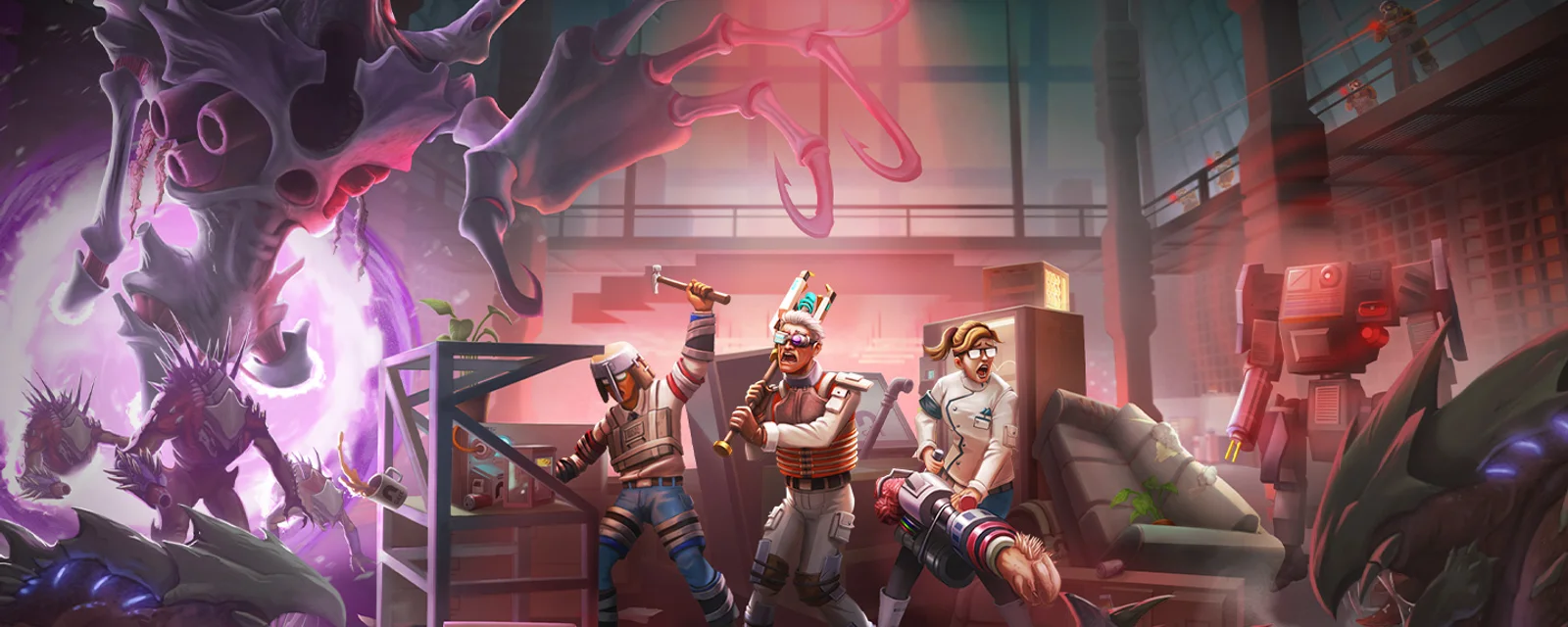
Abiotic Factor Entropic Break Release Date Moves to 2027: Mods Come First
Abiotic Factor Entropic Break is delayed to Q1 2027. Community Update #5 brings official mod.io mod support first. What changes for your dedicated server.
How to Set Up Your Avorion Server: Admin, Galaxy and Mods
Set up your Avorion server: Server Name, Admin ID and galaxy settings on the Startup tab, game rules in server.ini, and Steam Workshop mods with modconfig.lua.
How to Join a Return to Moria Dedicated Server
Join a Return to Moria dedicated server with Join World, Advanced Join Options and Direct Join, using the IP and port from your panel, plus password and fixes.
Return to Moria Dedicated Server Setup: Getting Started
Set up your Return to Moria dedicated server: world name, password and difficulty on the Startup tab, MoriaServerConfig.ini, and build and storage permissions.
How to Join an Avorion Server (Server Browser)
Join an Avorion server by finding its Server Name in the multiplayer server list. Why Join via IP stays empty on hosted servers, and fixes when it will not show.
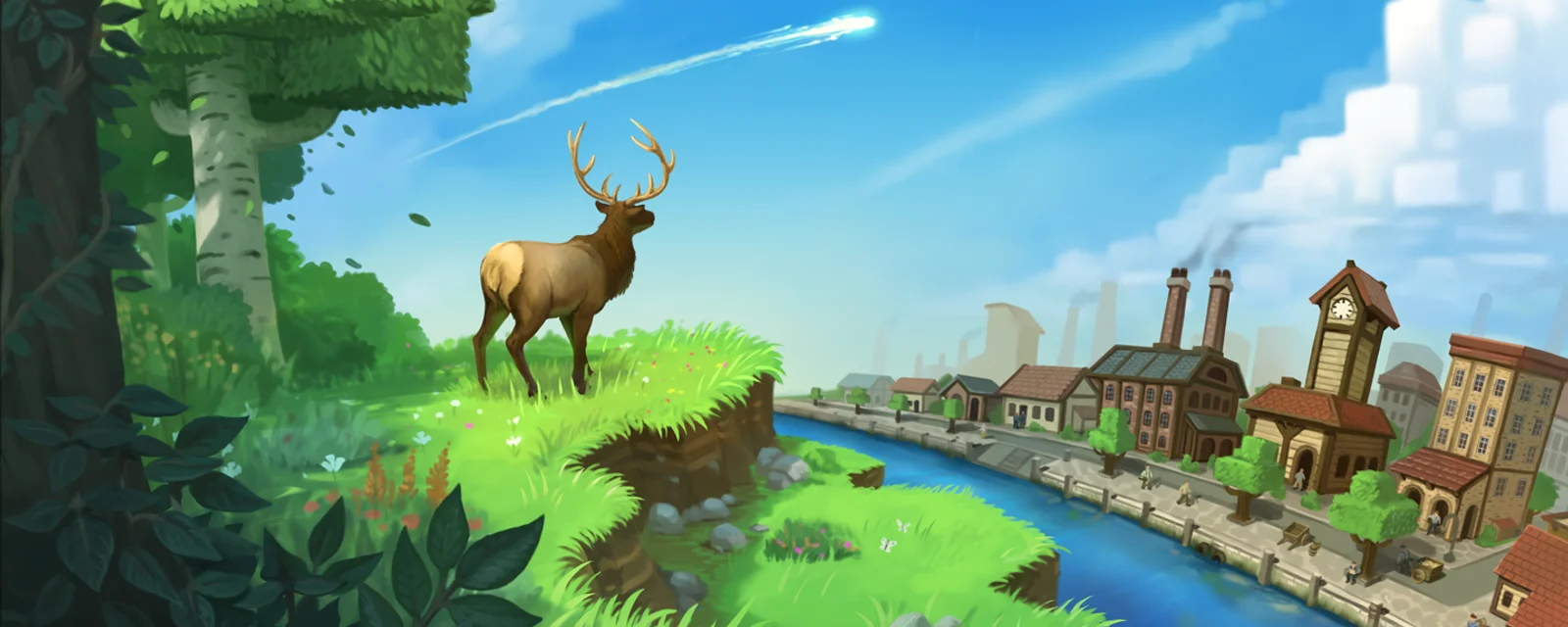
Free Eco Server vs Renting One: What Eco Really Needs
Is a free Eco server real, and can you rent one for Xbox or PS5? The honest answer, plus why world size and 24/7 uptime set the cost, not player slots.
Can You Mod a SCUM Server? What You Can Change Today
SCUM has no official mods or Steam Workshop yet. Here is what you can customize on your server today: loot overrides, traders, raid times, settings and admins.
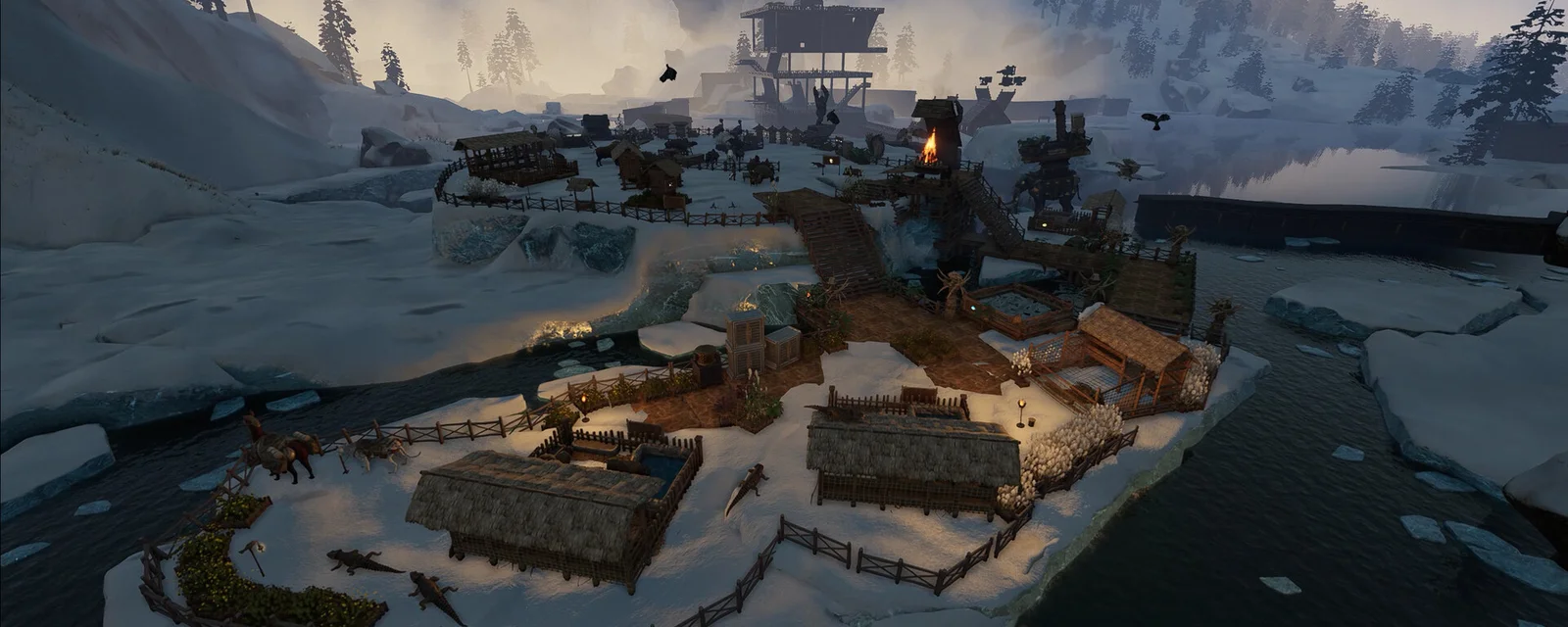
Soulmask Server Lag: Tribesmen, Yards and the Settings That Fix It
Soulmask server running rough? The cause is usually tribesmen and production yards, not your hardware. Here is what to change, including the new yard limits.
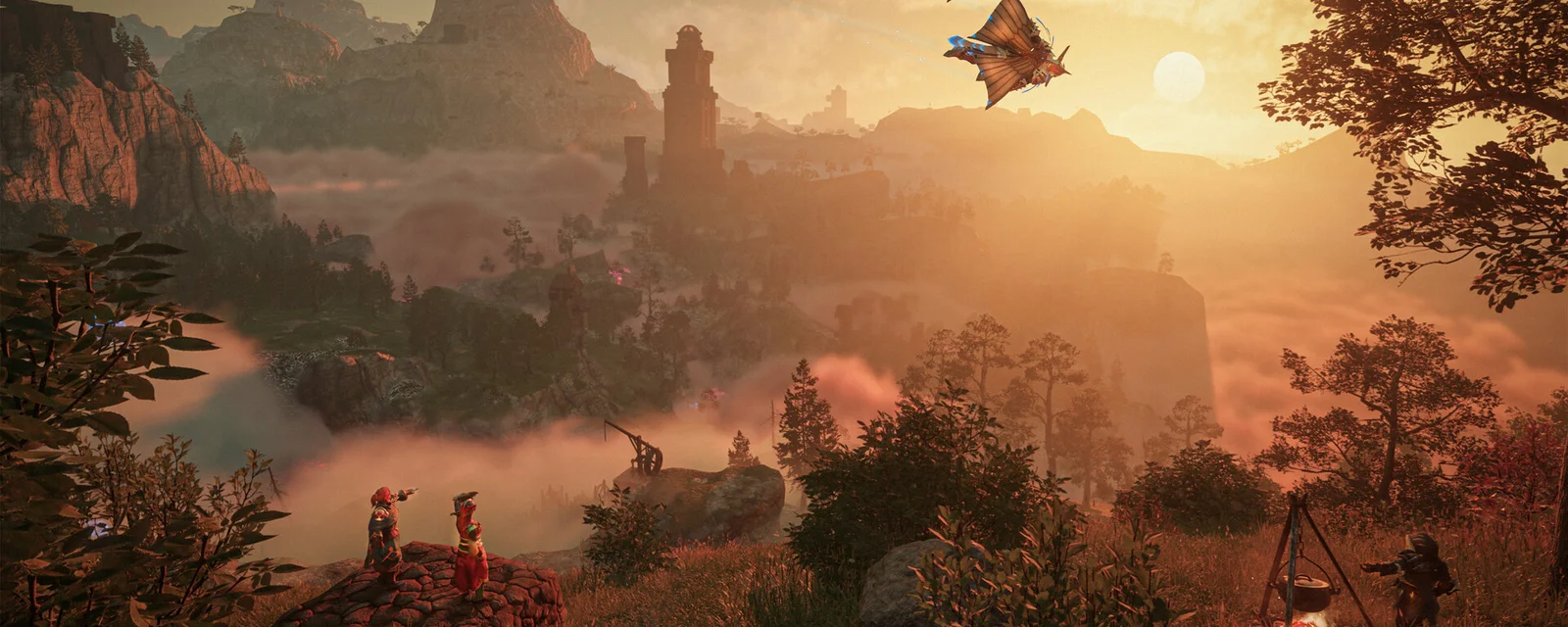
Will Enshrouded 1.0 Wipe Your Save? What Server Owners Need to Know
Enshrouded 1.0 lands October 15 and no wipe has been announced. What actually threatens your dedicated server world, and the ten minute backup that covers it.
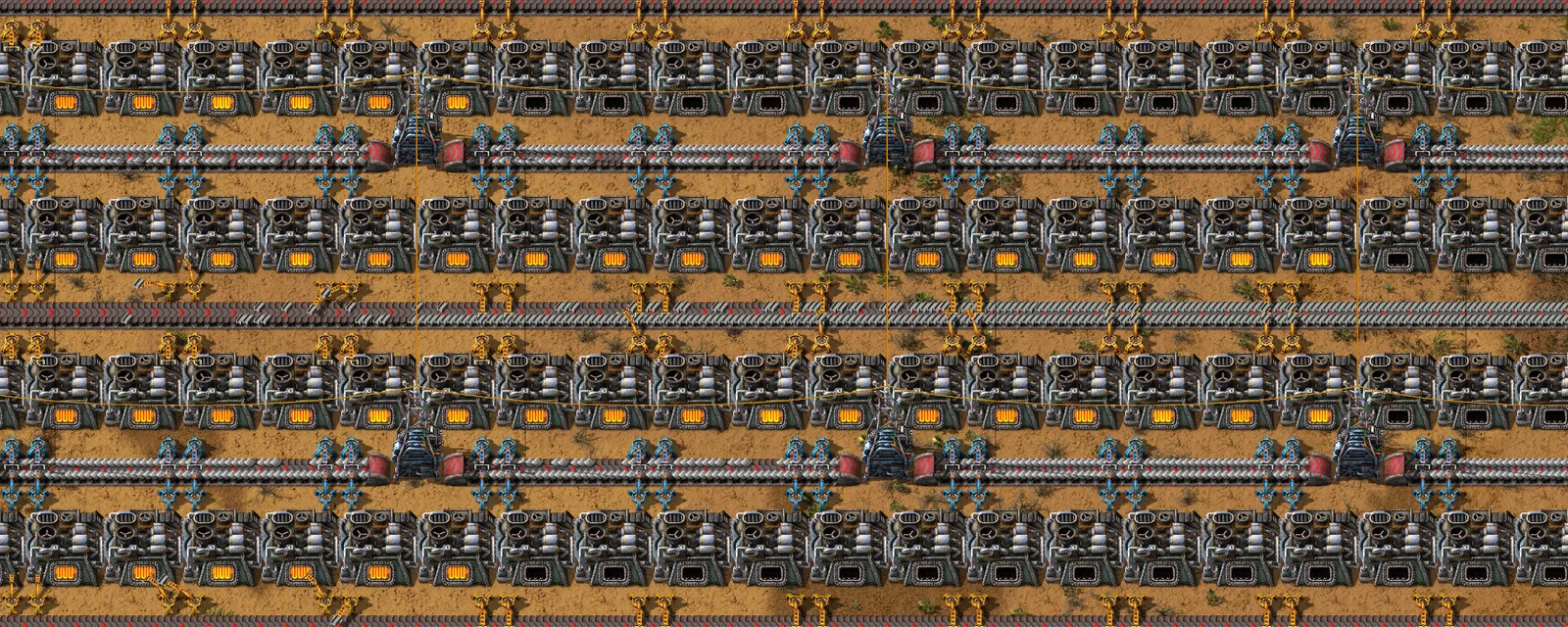
Factorio ARM64 Linux Port: Headless Servers on a Raspberry Pi
Factorio's new ARM64 Linux build ships the headless server, and Wube saw no ARM64 vs x86 desyncs. What Friday Facts #446 means for your dedicated server.
How to Join an Abiotic Factor Server
Join an Abiotic Factor dedicated server from PC, PlayStation 5 or Xbox: the server browser, Direct Connect, the crossplay setting, and why a server does not show up.