


To join a FiveM Enhanced server you need GTA V Enhanced on PC plus the FiveM for GTAV Enhanced client, and then you connect to the server's IP and port from inside that client. Below you will find what players have to install, where the server owner finds the address in the DoomHosting panel, and three ways to get into the game.
What every player needs
- GTA V Enhanced on PC. This is the newer PC edition of the game. Owning only the older edition is not enough.
- The FiveM for GTAV Enhanced client, downloaded from fivem.net. It is a different program from classic FiveM, so a player who already has FiveM still needs this one.
Enhanced and Legacy run as two separate networks. A player on classic FiveM cannot join an Enhanced server, and the Enhanced client cannot join a Legacy one. When a group is split between editions, the server owner has to pick one build for everybody: FiveM Enhanced hosting or FiveM Legacy hosting.
Where to find the server address
If you own the server, open it in the panel and click Join in the header. A small popover appears with the connection address and a copy button.
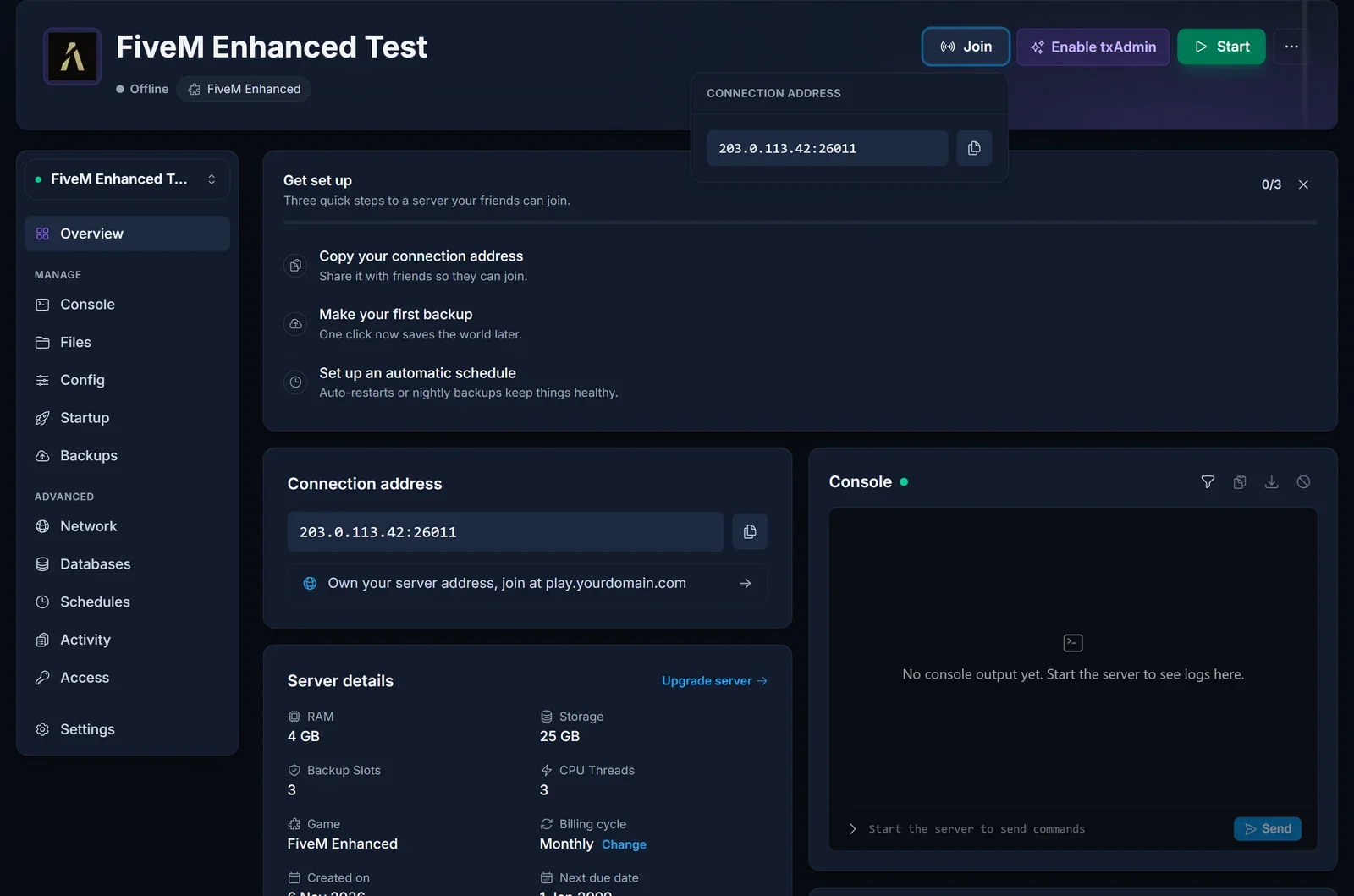
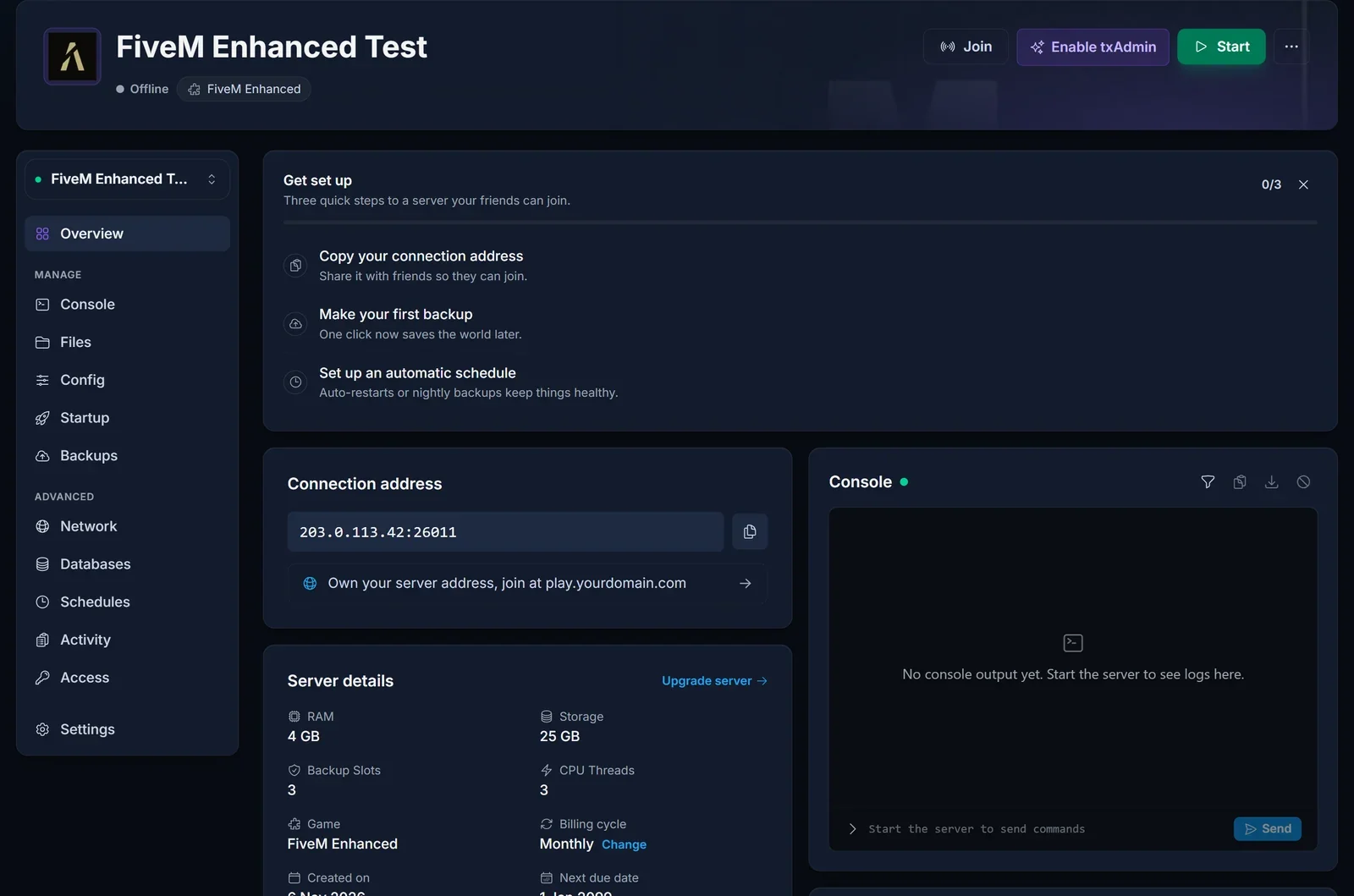
The same address sits in the Connection address card on the Overview page. It is the server IP followed by a colon and the game port, for example 203.0.113.42:26011. Always pass on the full address with the port. Your server's game port is the one shown in the panel, not FiveM's default 30120, so the bare IP will not work.
Do not hand out the second port listed on the Network tab. That one belongs to txAdmin's web interface, not to the game.
Option 1: connect through the F8 console
- Start FiveM for GTAV Enhanced and wait until the main menu has loaded.
- Press F8 to open the client console.
- Type
connectfollowed by the address and press Enter:
connect 203.0.113.42:26011
This is the most direct route, and it works even when the server does not show up in the list.
Option 2: search the server list
Open the server list in the client and search for the server's name. That name is whatever the owner set as Server Hostname on the Startup tab, so tell your players the exact wording. If the search turns up nothing, fall back to F8.
Option 3: share the cfx.re/join link
Once the server has started, its console prints a cfx.re/join link. Owners can copy it from the Console tab and post it in Discord or on a website. Clicking it opens FiveM and connects straight to the server, which is the easiest option for less technical players.
Common issues
A friend cannot find or join the server: check which client they launched. Classic FiveM on the older GTA V edition will never reach an Enhanced server; they need GTA V Enhanced and FiveM for GTAV Enhanced.
The connection times out: make sure the server shows as online on the Overview page and that the address includes the game port. Using the txAdmin port by mistake gives the same timeout.
The server does not start, so nobody can join: an Enhanced server will not boot without a license key, and some Legacy resources fail on Enhanced. Both are covered in the FiveM Enhanced setup guide.
Players get stuck loading after connecting: this can be caused by a resource built for Legacy, for example streamed assets that were never converted for Enhanced. The owner can read the console output and check the migration list in the setup guide.
Everything a server owner uses here, from the Join button to the Console tab, is part of our game panel.
