
The Satisfactory crossplay update is live. Patch v1.2.5.0 (Build 517554) landed on November 4, 2026, exactly one year after the console launch, and it lets Steam, Epic, PlayStation 5 and Xbox Series X|S pioneers build in the same factory for the first time. There is one catch that matters a lot if you rent a server: dedicated servers are not part of crossplay. Below is what changed, how to get a cross-platform session running, and what it means for the factory you keep online 24/7.
What Does the Satisfactory Crossplay Update Add?
Crossplay runs on Epic Online Services (EOS), so every player in a cross-platform session needs a free Epic Games account. You can create one from the game's Online Settings menu if you don't already have one. Coffee Stain is clear that nothing is forced on PC players: single-player needs no extra account, and Steam players who only play with other Steam players can keep using the Steam backend. On consoles an Epic account was already required for any multiplayer.
Getting into a friend's game on another platform takes three steps:
- Link the account you play on (Steam, PlayStation or Xbox) to an Epic account.
- Be friends twice: on your own platform and on Epic. The Epic side is easiest to set up in the Epic Games Launcher.
- Open Join Game. Your friend's crossplay session now shows up in that menu.
If the session is missing, check that your platform privacy settings let others see your profile, then fully restart the console or PC and relaunch. Joining through the system friends list also works when the in-game list is stubborn.
Does Satisfactory Crossplay Work on Dedicated Servers?
No, not yet. The patch notes put it plainly: the dedicated server is only available on PC and therefore not available during crossplay. A crossplay session is always hosted by one of the players, and the factory only runs while that player is in the game.
That leaves your dedicated server where it was, which is not a bad place:
- Steam and Epic PC players can still share it. Cross-store play between the two PC launchers on a dedicated server is unchanged.
- Console players can't join it. There is no console client for dedicated servers, and this update does not add one.
- There is no cross progression. Saves stay on the host's platform, so a console world cannot be moved to PC or to a server.
Mods and Crossplay Don't Mix
Consoles have no mod support, so only unmodded sessions can use crossplay. The usual rule still applies on PC too: everyone in a session needs the same mods. If your group runs a modded dedicated server, it stays a PC-only world. That is worth knowing before you promise a console friend a seat on a server running Refined Power or Micro Manage.
Server-Side Fixes in v1.2.5.0
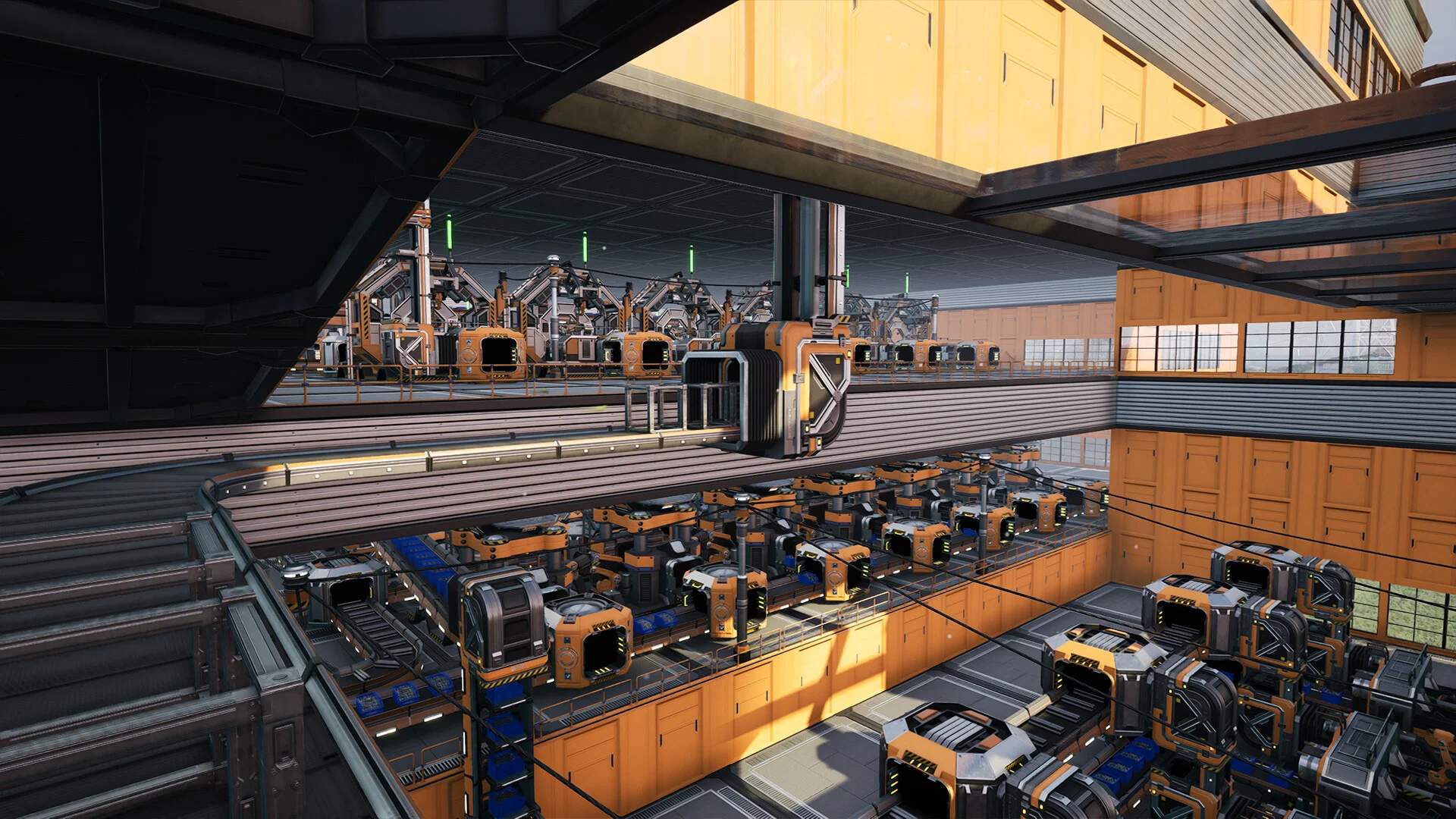
Crossplay is the headline, but some of the quieter fixes matter more to anyone running a dedicated server:
- Drone crash fixed. A dedicated server crash in
AFGDroneVehicle::GeneratePathToDestination()is gone. If your server dropped at random in a late-game save with a drone network, this is the likely culprit. - Big saves join more reliably. Coffee Stain lists potential fixes for players who could not join large saves in multiplayer, and admits some cases remain.
- Download Save shows progress again in the Server Manager, which helps when you pull a heavy save off the server.
- Daisy chaining now works on the Radar Tower and Priority Power Switch.
- Rocky Desert water is deep enough for Water Extractors again, which also closes a few fall-through-the-map spots.
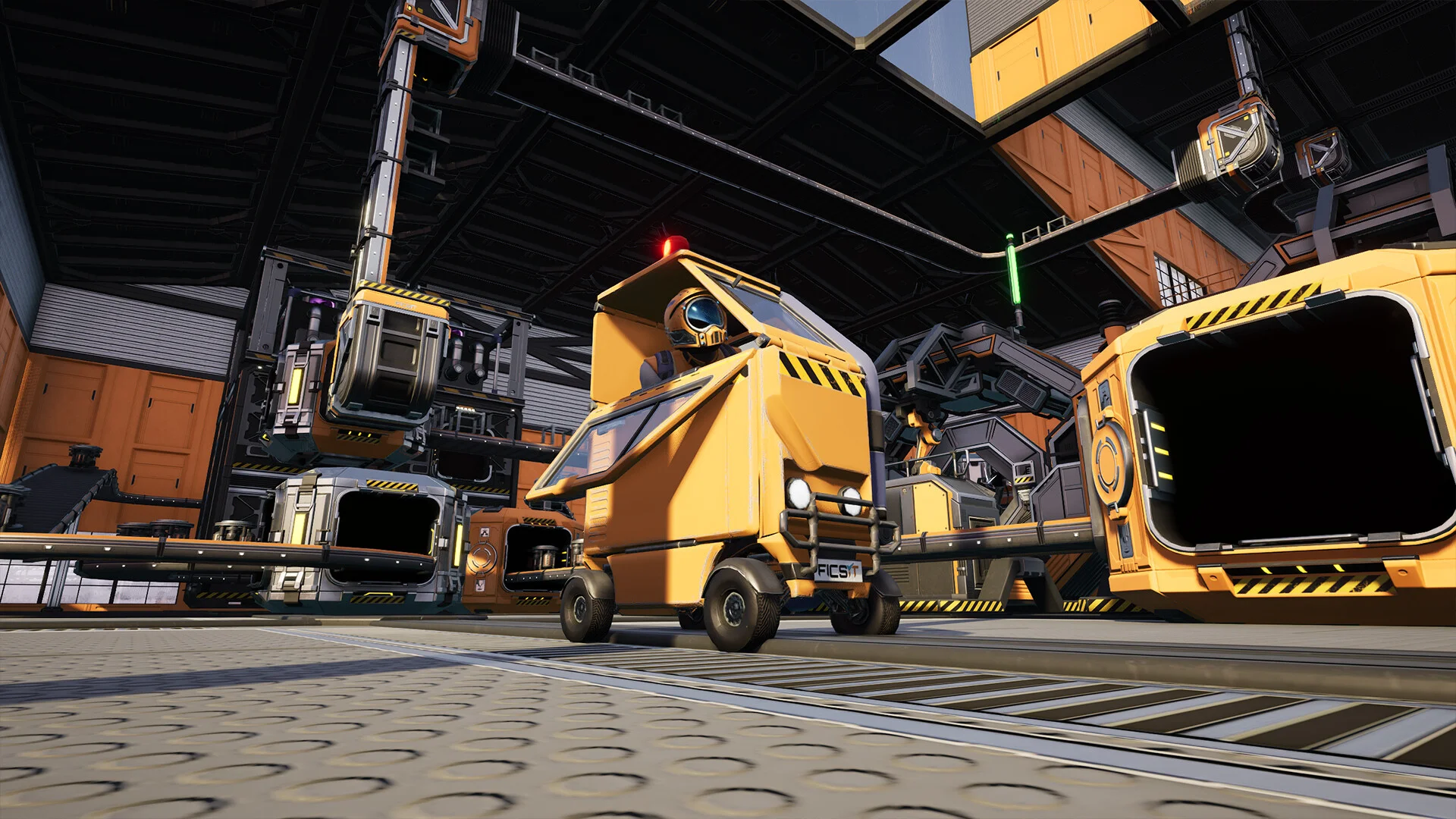
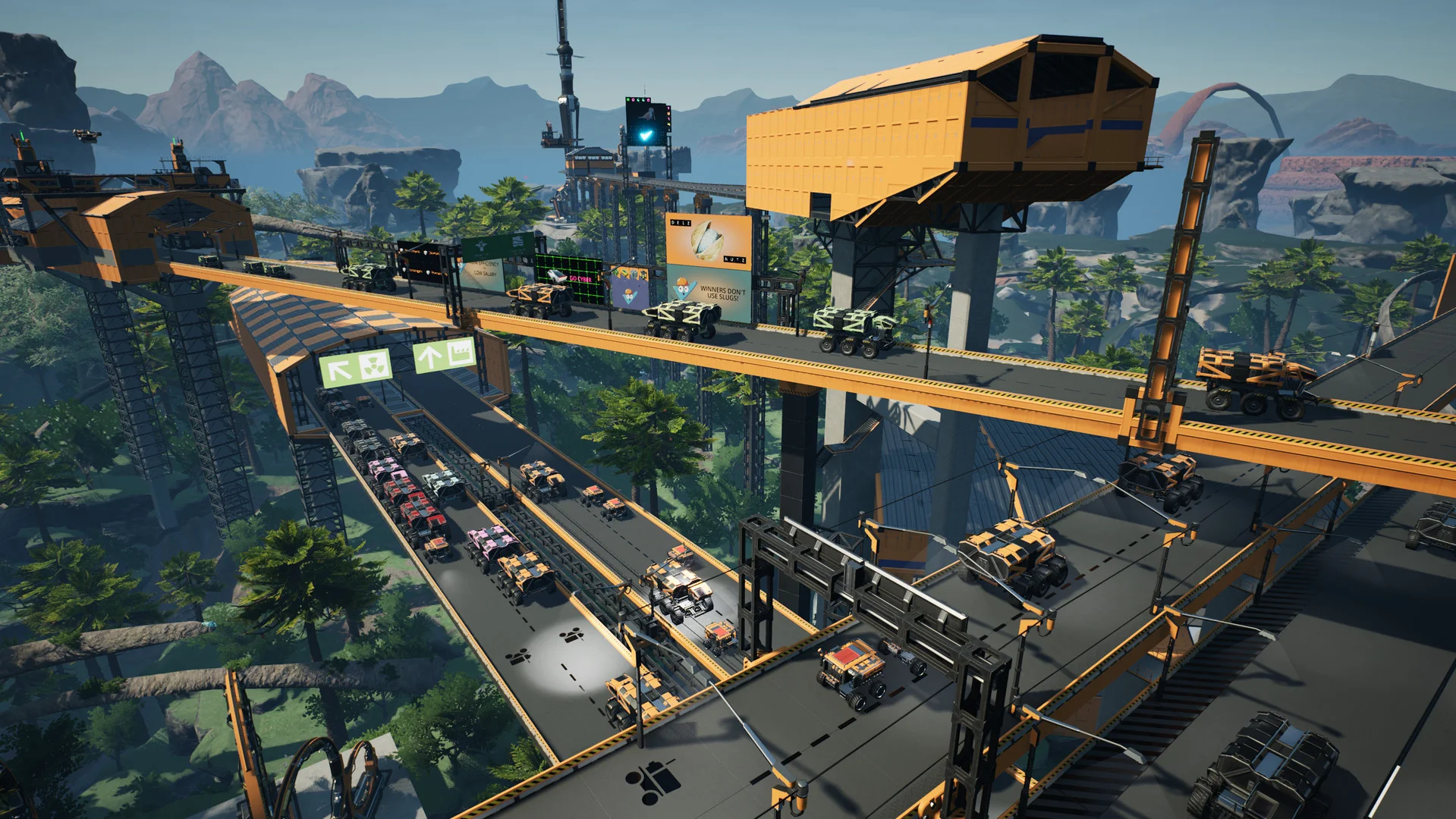
Truck logistics got a real pass as well. Automated vehicles should stop getting stuck in Truck Stations, trail less slowly behind each other and stop stealing path reservations from the vehicle ahead. Vehicles crossing between two paths no longer get treated as being on both at once, which was behind the teleporting trucks some of you saw while loading and unloading.
What This Means for Your Server
- Update before your players do. The client and server must run the same build. On a DoomHosting Satisfactory server, automatic updates are on by default, so a restart pulls Build 517554.
- Back up first. Take a backup from the panel before the restart. It costs a minute and gives you a way back if the patch misbehaves on your save.
- Check your mods. A game patch can break mods until their authors catch up. Look each one up on ficsit.app before you let the server load them.
- Run two worlds for mixed groups. Keep the dedicated server as the 24/7 PC factory. For a session with console friends, download the save through the Server Manager and host it from a PC with crossplay on. Saves stay on the host's platform, so the file is still a PC save you can upload back later.
Verdict
Crossplay is the update console players have asked for since launch, and it works the way most people play Satisfactory: a few friends, one host, one factory. For a server owner the picture hasn't changed much. Your dedicated server is still where a PC group keeps a factory running while nobody is logged in, and this patch makes it more stable with drones, trucks and big saves.
Host Your Satisfactory Server with DoomHosting
Want a factory that keeps producing while you sleep? DoomHosting's Satisfactory servers run on dedicated Ryzen 9 hardware with automatic updates, panel backups, full FTP access and DDoS protection. Not sure how much memory a late-game save needs? The Satisfactory RAM calculator gives you a number, and our Satisfactory dedicated server guide covers ports, the Server Manager and save uploads.
Consoles get crossplay, PC keeps the 24/7 factory. Update, back up, and get building.