

Project Zomboid Server Hosting
Project Zomboid is the ultimate isometric zombie survival sandbox, set in a meticulously detailed Knox County overrun by the undead, where every choice could be your last. Scavenge, fortify a base, manage hunger and sanity, and survive as long as you can with friends in punishing co-op. Rent a dedicated Project Zomboid server from DoomHosting for 24/7 uptime, instant setup, full Steam Workshop mod support, and DDoS protection.
Supported platforms
CONTROL PANEL Effortlessly manage your server
Our intuitive control panel gives you full control over your server. Monitor performance, manage resources, and access advanced tools with just a few clicks.
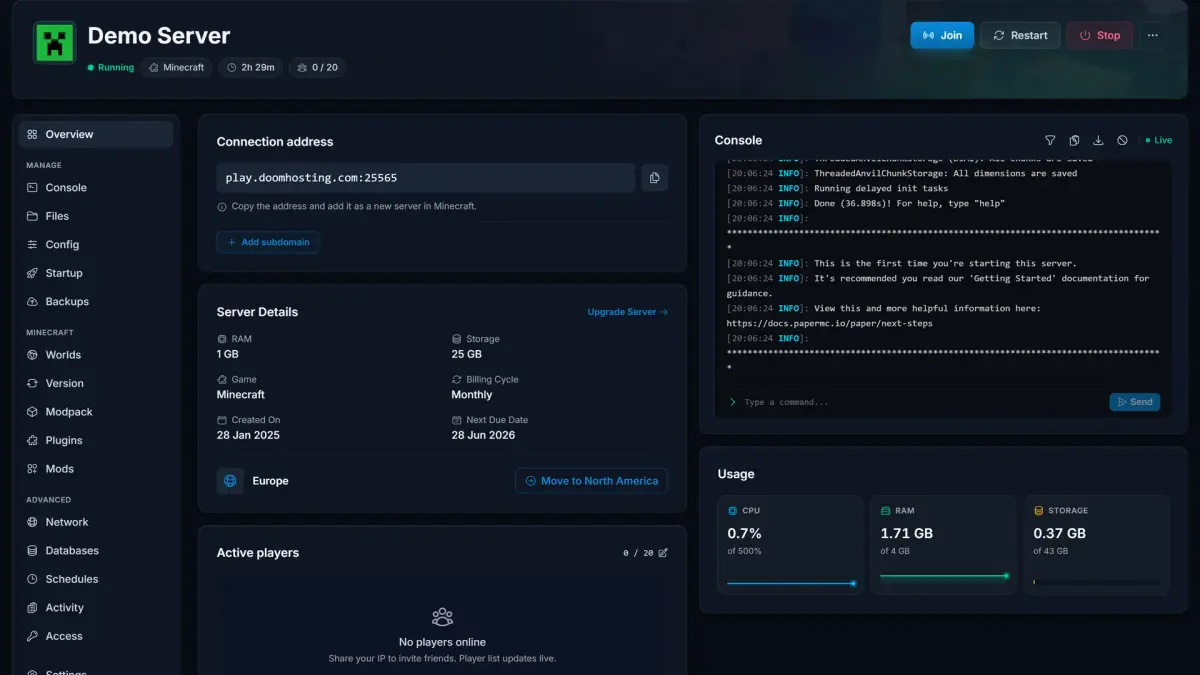
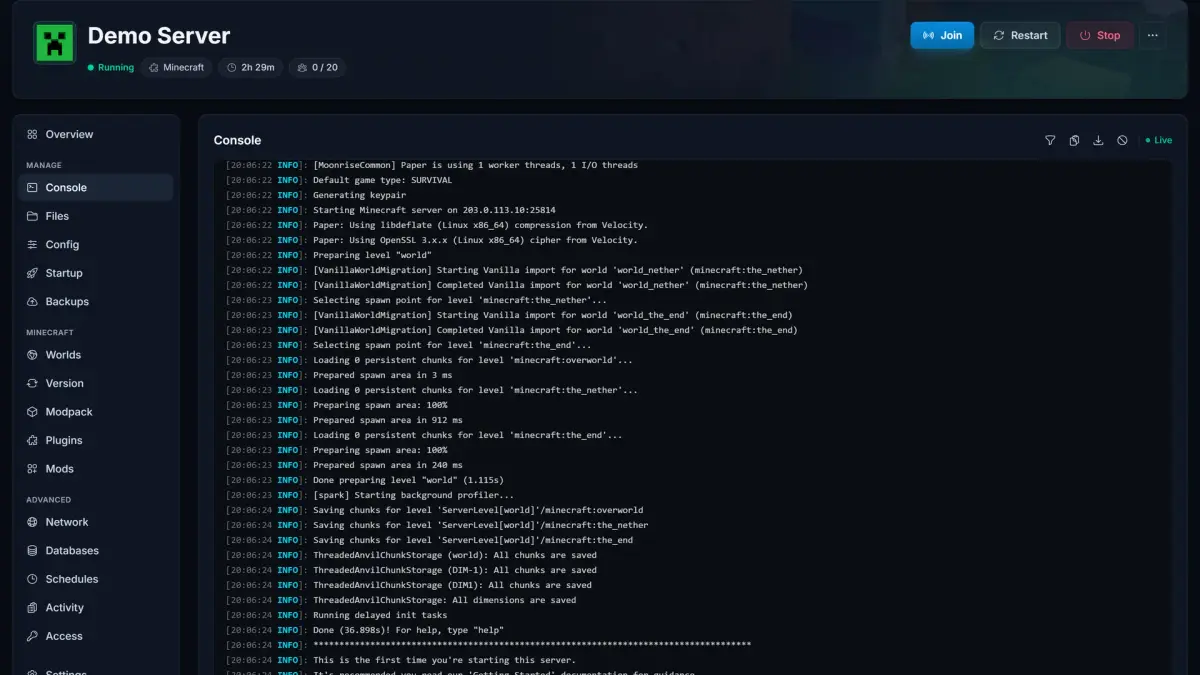
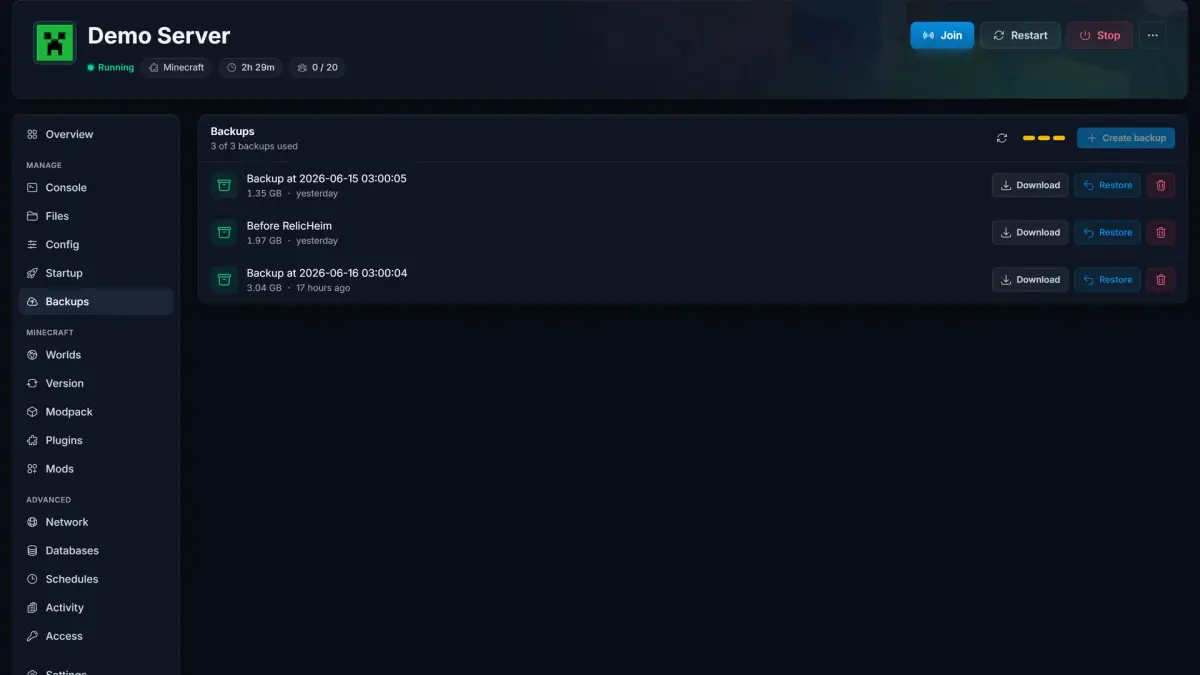
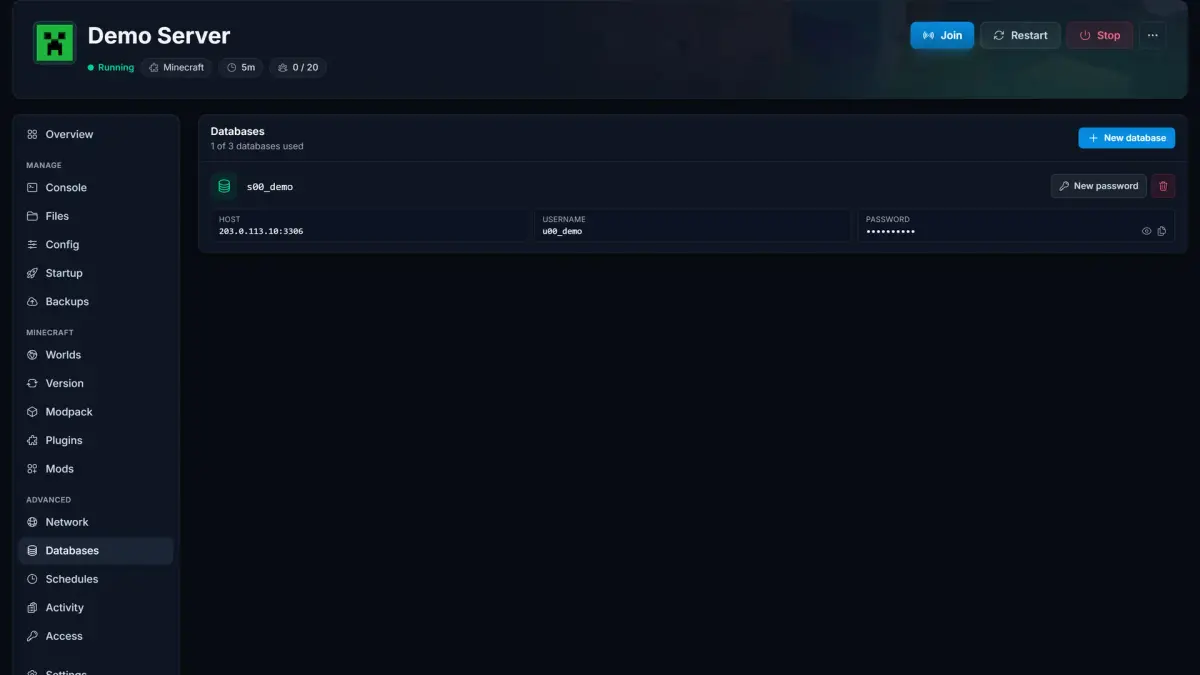
Server Overview·See status, connection address, live resource usage, and players at a glance.
CUSTOMER TESTIMONIALS
What our customers say

"Reliable hosting, great uptime, low ping. Perfect for multiplayer with friends."
"Deployed in minutes, smooth sessions. Quick support for config questions."
"Consistent speed and low latency. Simple administration saves time. Global locations ensure a great experience."
GLOBAL PRESENCE
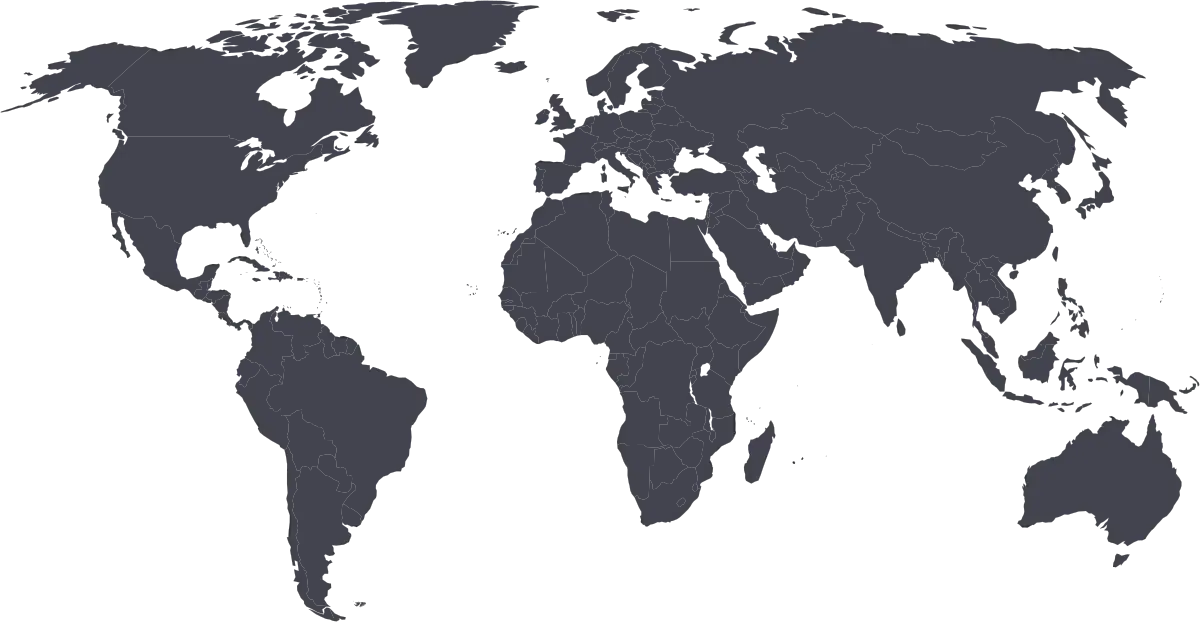
Global locations
Frequently asked questions Find answers to common questions about our Project Zomboid server hosting.
Any more questions?
Explore more games
Check out our other game server hosting options
Game guides
High performance hosting with 24/7 support
How to Install Project A-Life on Your Project Zomboid Server
Install the Project A-Life NPC mod on your Build 42 Project Zomboid server: one-click Mods tab install, the manual ini method, key sandbox settings and fixes.
Getting Started with Your Project Zomboid Server (Build 42)
Set up your Project Zomboid server step by step: first boot, admin password, server name and password, joining, becoming admin and installing Build 42 mods.
How to Change Your Project Zomboid Server Settings
Change any Project Zomboid server setting: the panel Config tab, the .ini and SandboxVars.lua in .cache/Server, and why your uploaded config files get ignored.