

If your players log back in after a restart missing gear they had just found, or standing where they were half an hour earlier, that is a rollback. It is not a fault on your server. It is how DayZ decides when to write a character to disk, and once you know the rule you can run restarts that cost nobody their loot. This guide explains when DayZ actually saves, and gives you a restart setup that saves everyone on the way down.
When DayZ saves a character
DayZ has no manual save. There is no console command, no RCON command, and no button in any panel that forces a character to disk. Saving happens on its own terms:
- A character is written to persistence when the player disconnects cleanly. That is what the 15 second logout timer is for. It is the moment the server commits their inventory, health and position.
- Item and container persistence covering tents, stashes, barrels and vehicles is committed when the server shuts down.
- Position is tracked more often than inventory, which is why a rollback often puts a player roughly where they were but strips what they were carrying.
The whole problem follows from the first line: if the server process ends while players are still connected and nothing disconnects them properly, those characters never run their save path, so they revert to the last state the server committed.
That is why a player who has been online for two hours without relogging can lose two hours of progress, and why duplicated items sometimes appear afterwards. An item moved after the last commit can end up recorded in two places.
The safe way: let DayZ shut itself down
DayZ has a built-in shutdown that handles this properly, and it lives in the same messages.xml file that sends your server messages. When its countdown reaches one minute, the server saves every connected player, locks itself so nobody joins mid shutdown, and kicks everyone, then terminates. Players are disconnected cleanly, so the save path runs for all of them.
Set it up once:
- Open your server in the game panel and go to the Files tab.
- Open
mpmissions/dayzOffline.chernarusplus/db/messages.xml. On Livonia usedayzOffline.enoch, on Sakhal usedayzOffline.sakhal. - Replace the contents with a countdown. This restarts four hours after the server comes up, warning players the whole way:
<?xml version="1.0" encoding="UTF-8" standalone="yes"?>
<messages>
    <message>
        <deadline>240</deadline>
        <shutdown>1</shutdown>
        <text>#name restarts in #tmin minutes. Find a safe spot and log out.</text>
    </message>
</messages>
- Save, then restart the server once so the file is read.
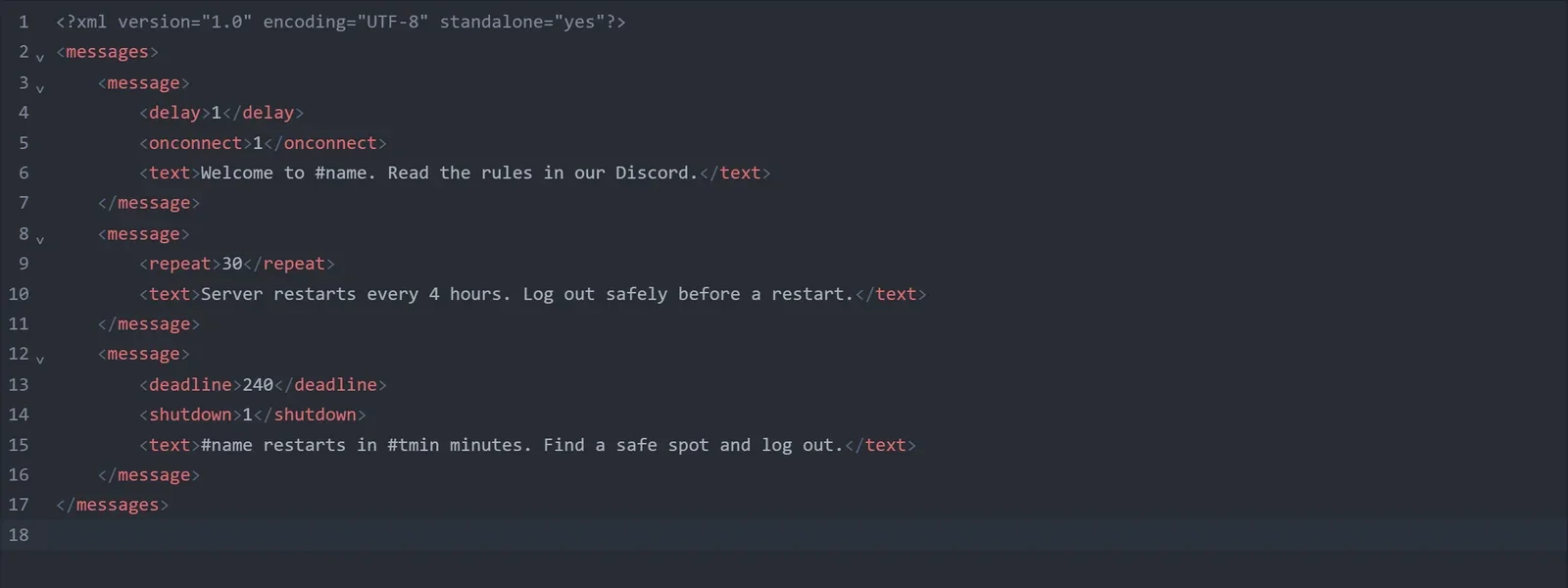
deadline is in minutes, and the clock starts when the mission has finished loading rather than when you press Start. The server repeats the warning as the deadline approaches with #tmin counting down. On DoomHosting the panel brings the server straight back up afterwards, so this one entry gives you a complete restart cycle. The full tag reference is in how to set up automatic DayZ server messages.
Why a plain restart is worse
Pressing Restart in the panel, stopping the server, a crash, and an out of memory kill all end the process without DayZ running its save-and-kick sequence first. From a connected player's point of view they are the same event, and the result is the same rollback. The difference is not how gently the process ends, it is whether players were disconnected properly before it did.
So use the messages.xml countdown for routine restarts, and keep the panel's power buttons for the times you actually need them, ideally when the server is empty.
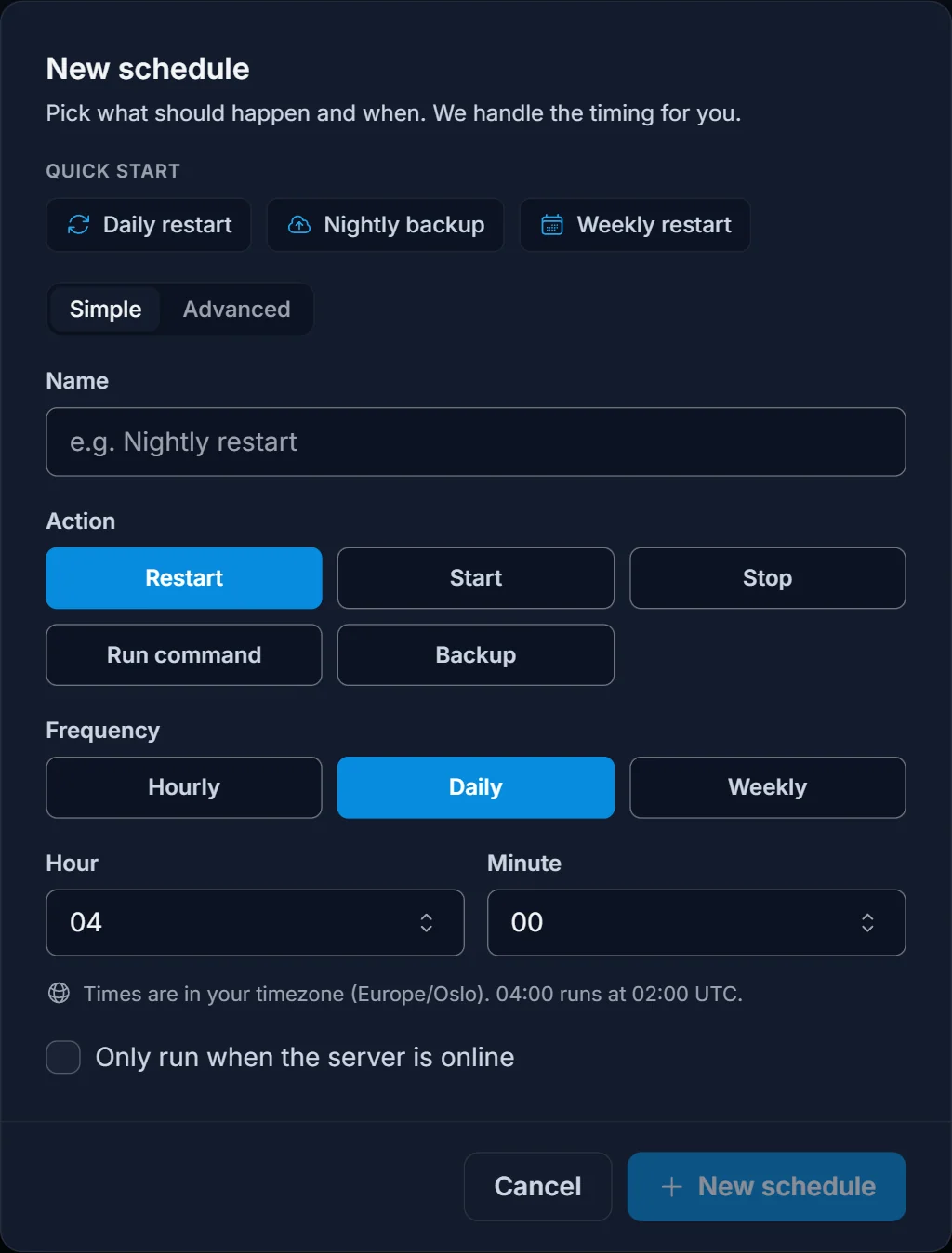
If you want restarts at fixed clock times instead, set shutdown to 0 and add a Restart action on the Schedule tab, with deadline a few minutes shorter than the schedule interval. The warnings still go out, but be aware the stop itself is a panel stop, so it will not run the save-and-kick sequence. The warnings are doing the work in that setup, so give players a generous countdown.
Keep the restart cycle short enough to matter
A four hour cycle with warnings is far safer than a twelve hour cycle without them, but the interval matters on its own. Longer uptimes mean more unsaved progress for anyone who does not relog, and DayZ servers get less stable as memory use climbs. Most populated servers land on a 3 to 4 hour cycle. If your server is busy and you are getting complaints, shorten the cycle before changing anything else.
Protect the persistence files themselves
Rollbacks are the common case, but persistence files can also be damaged outright. Two things help:
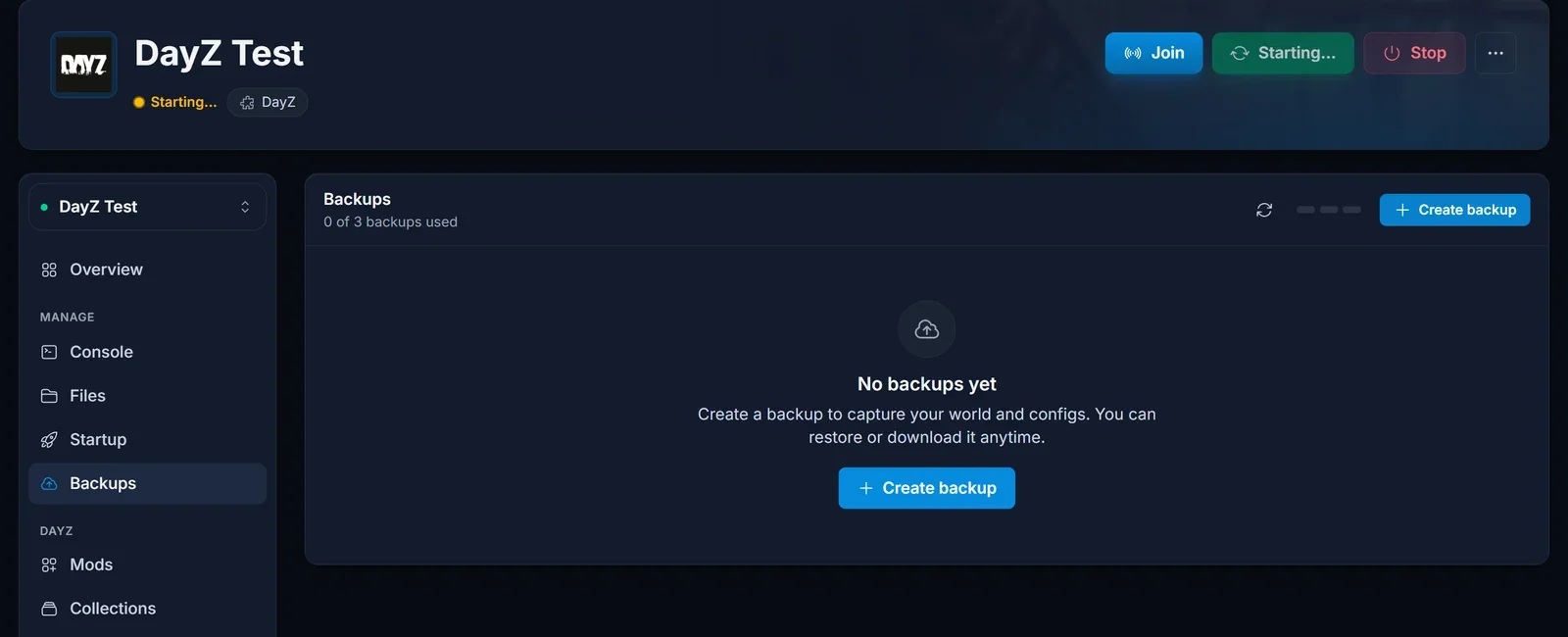
Take backups. Use the Backups tab before you change mods, adjust wipe settings, or edit anything in db/. Restoring a backup rolls the whole server back to that moment, including bases and player data, so treat it as disaster recovery rather than a way to fix one player.
Know what storageAutoFix does before you enable it. In serverDZ.cfg, storageAutoFix = 1; makes the server check persistence files at boot and replace corrupted ones with empty files. It keeps a damaged server bootable, which is worth having, but it does that by discarding the damaged data rather than repairing it. Leave it on for uptime and rely on backups for anything you actually want back.
Common issues
Players still lose gear even with warnings. Warnings only help players who act on them. Announce the restart cycle in your Discord and add a repeat message as well, so people know the schedule instead of being surprised by it.
Gear comes back after a second restart. This usually means two mission folders are writing to the same persistence, or that a backup was restored on top of live data. Check that the mpmissions value on the Startup tab matches the folder you have been editing.
Everything rolled back after a crash. A crash is the one case a countdown cannot cover. If crashes are frequent, look at RAM headroom first. A DayZ server that runs out of memory is killed mid session and takes every connected character's progress with it.
One player lost their gear and nobody else did. That is usually a client side disconnect rather than a server rollback. If their game closed before the 15 second logout finished, their character was never committed.
