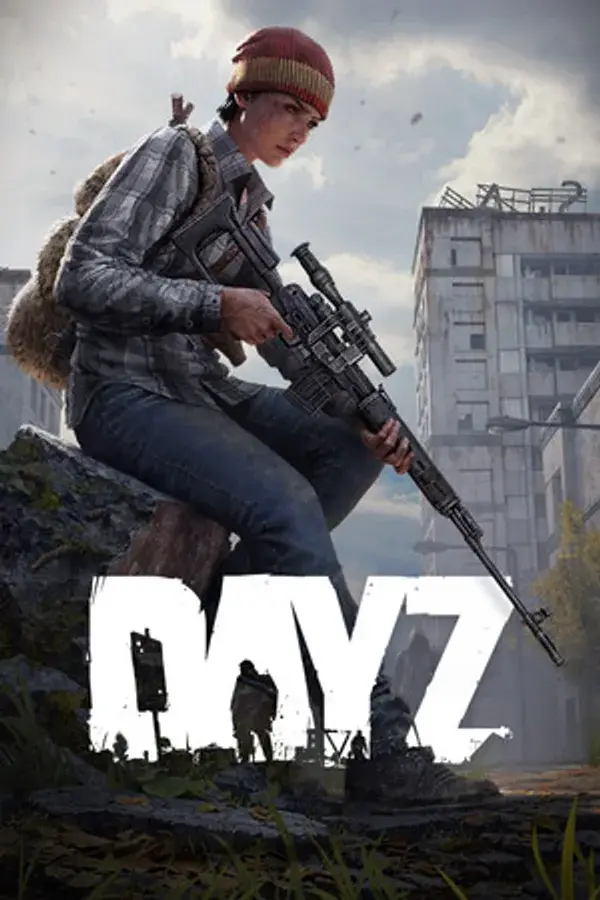

Running your own DayZ server lets you control the loot, the rules, and the mods for your own corner of Chernarus. This guide walks you through deploying your server, connecting to it, editing serverDZ.cfg, and installing Steam Workshop mods.
Deploy your DayZ server
After you order a DayZ server, it deploys automatically and installs the DayZ dedicated server files from Steam on first boot. That first install pulls several GB, so give it a few minutes before the server shows as online in the panel.
Pick your RAM based on player count and mods. A vanilla server for 40 to 60 players runs comfortably on 8GB, while a heavy modded setup built around DayZ-Expansion wants 12GB or more. Use the DayZ RAM calculator to size it, and upgrade anytime from the control panel without wiping your world.
Connect to your server
Your server's IP and port are shown on the panel dashboard. There are two easy ways in:
- DZSA Launcher (recommended): the DZSA Launcher matches and installs the exact mods your server runs, so players join modded servers in one click. Add your server by IP and port under Favorites.
- In-game: open DayZ, go to the community server browser, and filter by your server name.
A modded server only appears in the browser once its mods have finished downloading, so give a new server a few minutes after its first mod install.
Configure your server
Most DayZ settings live on the Startup tab of your panel, and the server writes them into serverDZ.cfg on the next restart:
- Server Name and Max Players set your identity and player cap.
- Server Password and Admin Password gate access (leave the server password blank for a public server).
- Time Multiplier and Night Multiplier speed up or slow down the day and night cycle.
- Verify Signatures, Disable Third Person, and Disable Crosshair let you run a hardcore or first-person-only server.
For deeper changes, full FTP access lets you open serverDZ.cfg directly and tune the Central Economy: types.xml controls what loot spawns and how much, and the mission folder controls where.
Install Steam Workshop mods
DayZ has a huge Steam Workshop mod scene. To add mods to your server:
- Subscribe to the mods you want in the DayZ Launcher and export a modlist, or note each mod's Workshop ID.
- On the panel Startup tab, add the mod IDs, or upload your exported modlist.html.
- Restart the server. It downloads and loads the mods automatically.
Popular picks include DayZ-Expansion (helicopters, markets, and a quest system), Namalsk (a brutal frozen survival map), and custom trader mods. Server-side-only mods go in the separate server mods field, so clients do not need to download them. Once mods are installed, use FTP to edit their config files.
Common issues
- Server stuck on install: the first boot downloads the full DayZ server from Steam. Wait a few minutes and watch the console log for progress.
- Players cannot find the server in-game: a modded server only lists after its mods finish downloading. Use the DZSA Launcher, which handles mod matching automatically.
- Mods will not load: confirm the Workshop IDs are correct and that you restarted the server after adding them. The console log names any mod it could not find.
- Wrong loot or spawn rates: loot is driven by the Central Economy (types.xml). Edit it over FTP, then restart the server.
