

How to Set Up an ARK: Survival Ascended Cluster (Transfer Between Maps)
An ARK: Survival Ascended cluster links two or more servers, one per map, so your survivor, tamed dinos and items can travel between them. On DoomHosting you don't configure it yourself: you rent a server for each map, send us a message, and we link them into one cluster for you. This guide covers why you need a cluster, what to order, how transfers work in game and the mistakes that cost people their dinos.
Why Changing the Map Doesn't Bring Your Character Along
One server runs one map at a time. When you switch it to another map in the Maps tab, the server loads that map's own save, and your character, tames and items stay behind on the map you left. Switch back later and the old world returns exactly as it was, but nothing crosses over in either direction.
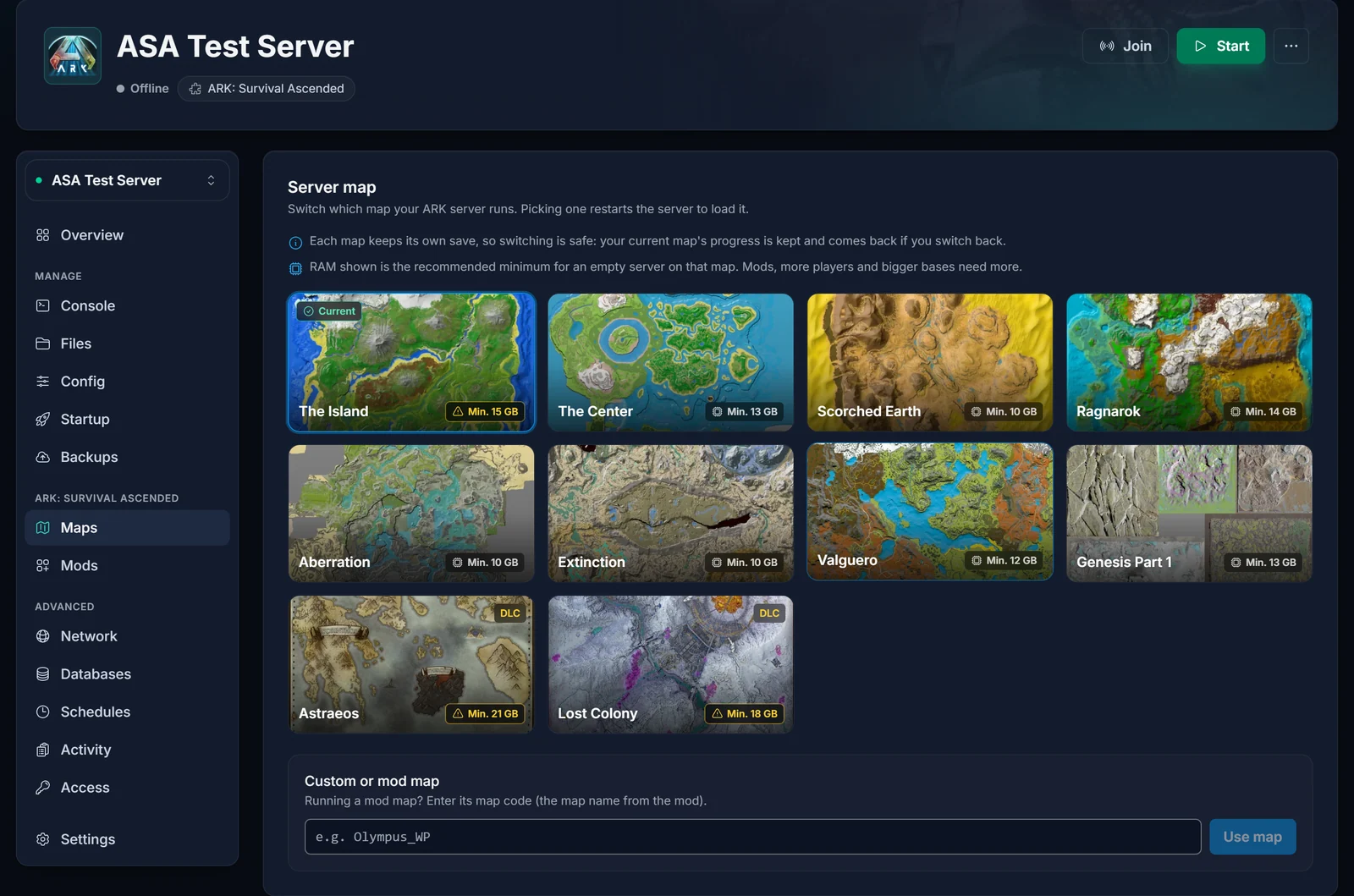
So if the question is "can I change map and keep my character?", the answer is a cluster. If you just want to try another map and start over on it, our guide to changing the map on your ARK: Survival Ascended server covers that.
What an ARK Cluster Is
A cluster is a group of servers that share one storage area for uploads. In game that storage is called ARK Data. You put a survivor, a dino or items into it on one map, then pull them out on another map of the same cluster. Two things make it work behind the scenes: every server in the cluster reads and writes the same cluster folder, and every server uses the same cluster ID. We set up both.
Typical setups our customers run:
- Two story maps side by side, for example Ragnarok and Extinction, to farm on one and fight bosses on the other.
- A main map plus a resource map, so a tribe can hop over, gather what their home map lacks and bring it back.
- Every free map in one cluster for a community server where players spread out.
How to Get a Cluster on DoomHosting
1. Order one server per map
Each map in the cluster is a server of its own with its own plan. Order them from the ARK: Survival Ascended server hosting page and size each one for its map, because the maps don't need the same memory. The ARK: Survival Ascended RAM calculator gives you a starting point per map and player count, and the Maps tab shows the recommended minimum on every map card.
Already have one server? Keep it. Order a second server for the other map and we link the two.
2. Set the map on each server
Pick the right map on each server in its Maps tab before or after you contact us, whichever suits you. Use the same mods on every server if you run any (more on that below).
3. Message us and we link them
Open a live chat or a support ticket and tell us which servers belong together. We place them in one cluster with a shared cluster folder and a matching cluster ID, restart them, and tell you when it's done. You don't have to edit any files or startup settings.
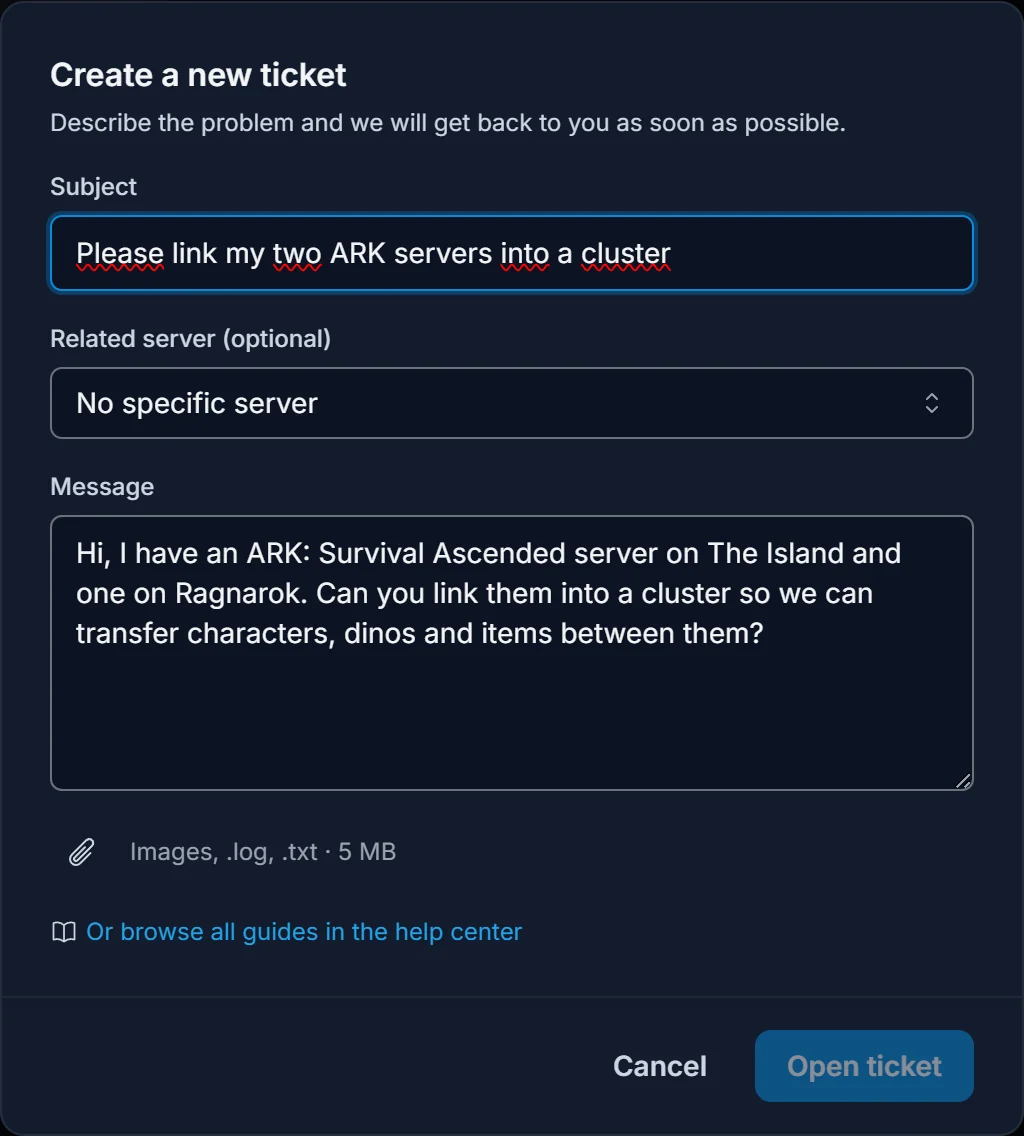
A good message names the servers and the maps, for example: "Please link my Island server and my Ragnarok server into a cluster." Adding a third map later works the same way: order it and ask us to add it.
How to Transfer Your Character, Dinos and Items
Once the servers are linked, the transfers happen in game:
- Walk up to an Obelisk, a Supply Drop or a Tek Transmitter on the map you're leaving and open its inventory. The ARK Data section there is the shared cluster storage.
- Upload what you want to take: items first, then dinos (bring them right up to an Obelisk or Tek Transmitter), and your survivor last.
- Leave the server, join the other map's server and pick your uploaded survivor when you spawn, instead of creating a new character.
- Open an Obelisk, Supply Drop or Tek Transmitter on the new map and download your dinos and items from ARK Data.

Every player joins each map separately: the servers stay separate in the server list, each with its own name. Give them names that show they belong together, for example "Our Tribe | Island" and "Our Tribe | Ragnarok". See how to change your ARK: Survival Ascended server name and, for joining, how to connect to your ARK: Survival Ascended server.
Things That Trip Up Cluster Transfers
- Uploads don't wait forever. With ARK's default server settings, uploaded items and dinos expire after 24 hours in ARK Data, while an uploaded survivor has no expiry. Download your dinos and items soon after you arrive.
- Mods must match. A modded item, dino or structure can only be downloaded on a server running the same mod. Install the same mods on every server in the cluster through the Mods tab, as described in our ARK: Survival Ascended mods guide.
- Some things never transfer. Bases stay where they were built, and the game itself blocks a few creatures and items from leaving certain maps. If something won't upload, that's the game, not your server.
- Tribes are per server. Your tribe exists on each map separately. Re-create it on the new map, or the first player who arrives makes it and invites the rest.
- Each server is billed separately. A two-map cluster is two servers, each on its own plan and RAM.
Does ARK: Survival Evolved Work the Same Way?
Yes. ASE clusters work exactly like ASA clusters: one server per map, we link them for you, and players move through Obelisks, Supply Drops and Tek Transmitters. ASE maps are not cross-compatible with ASA, so an ASE server and an ASA server can never share a cluster.
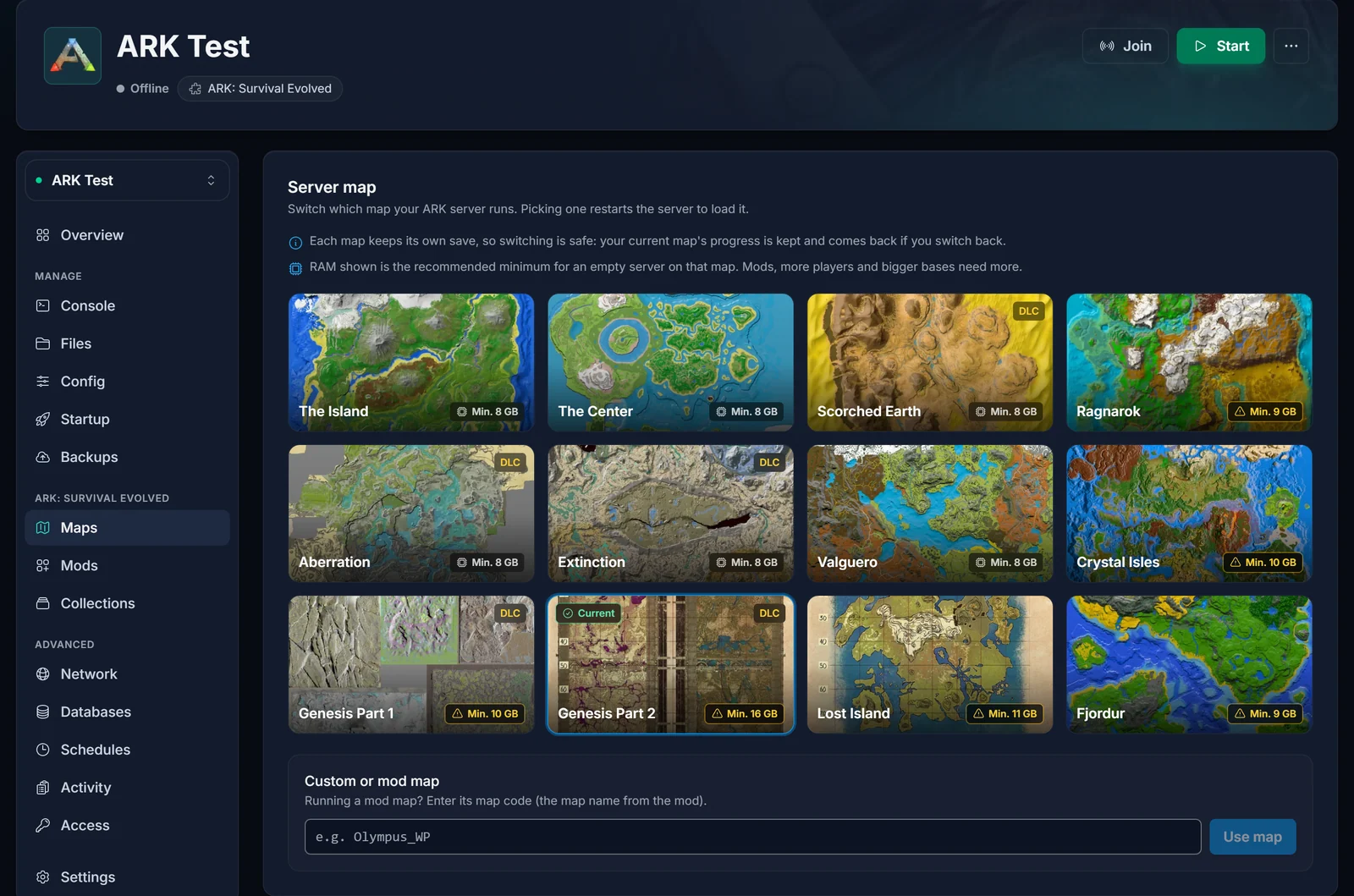
For ASE map switching, read how to change the map on your ARK: Survival Evolved server.
Common Questions
Can I run two maps on one server?
No. One server runs one map. To play two maps at the same time, rent two servers and have us link them.
Can I change map and keep my character without a cluster?
No. Every map has its own save, so a survivor made on The Island doesn't exist on Ragnarok. With a cluster you upload the survivor first and download it on the new map.
Can we keep one server and hop back and forth between maps to move materials?
Not on a single server, because switching the map unloads the old world completely and nothing travels with you. You need two servers in a cluster: upload on one, download on the other, and both maps stay online.
Do both servers have to be online for a transfer?
No. Each server only has to be running while you are playing on it. The servers share the upload storage, so you can upload today and download tomorrow, as long as the upload hasn't expired.
Can my friends on different maps still play together?
Yes, as long as they're on the same map at the same time. Players on Ragnarok and players on Extinction share a cluster but not a world.
Can you add a server I already have to a new cluster?
Yes. Existing servers keep their worlds when we link them. Making a backup in the Backups tab first is still a good idea.
Ready to Build a Cluster?
Compare plans on our ARK: Survival Ascended server hosting page, then open a live chat or a ticket and we'll link your maps. Curious what else the panel does? Have a look at the game panel.
