Mods are how a V Rising server grows past the vanilla wipe cycle: full RPG progression, proper admin tools, build-copying, and gameplay tweaks that keep a clan logging in for months. The setup catches people out, though, because V Rising modding runs on BepInEx, needs EasyAntiCheat turned off, and splits cleanly into server-side and client-side mods. After running modded V Rising servers since the 1.0 and 1.1 patches, these are the mods worth installing in 2026.
How V Rising Mods Work on a Server
V Rising modding is powerful once you know the four rules:
- BepInEx and Thunderstore: mods live on Thunderstore, and the server runs them through BepInEx. Players manage their own client mods with the Thunderstore app or r2modman.
- EasyAntiCheat must be off: V Rising ships with EAC on, and it blocks mods. You disable it on the server, and players disable it in their launcher.
- VampireCommandFramework (VCF): most server mods depend on this command framework. Install it once and the rest hook into it.
- Server-side vs client-side: server-side mods (admin tools, most RPG systems) install on the server only, and players just connect with EAC off. Client-side mods (UI, build schematics) need installing on every client too.
Everything below is tagged so you know what your players have to install.
Admin and Management: KindredCommands and KindredArenas
These are server-side and they are the first thing to install on any community server:
- KindredCommands: the admin toolkit V Rising should have shipped with. Teleports, player management, item granting, server controls, and the moderation commands you need to run a public server. Close to essential.
- KindredArenas: define and control PvP zones, so you can run duels and events without the whole map being a free-for-all.
- KindredLogistics: quality-of-life storage and crafting logistics that make a clan's castle far less tedious to manage.
Run a public server without admin tooling and you will regret it the first time someone needs moderating.
RPG and Progression: Bloodcraft and RPG Mods

This is the category that turns a wipe-and-repeat server into a long-haul one:
- Bloodcraft: a deep RPG overhaul with leveling, classes, professions, weapon expertise, and familiars. It is the mod most long-running V Rising communities build their server around, and it is mostly server-side.
- RPGMods / OpenRPG: an alternative progression suite with experience, skill trees, and player stats for groups who want a different flavour of leveling.
Pick one progression system and commit, since two leveling overhauls will fight over the same player stats. Bloodcraft is the most feature-complete in 2026.
Building and Content: KindredSchematics and the Bloody Suite
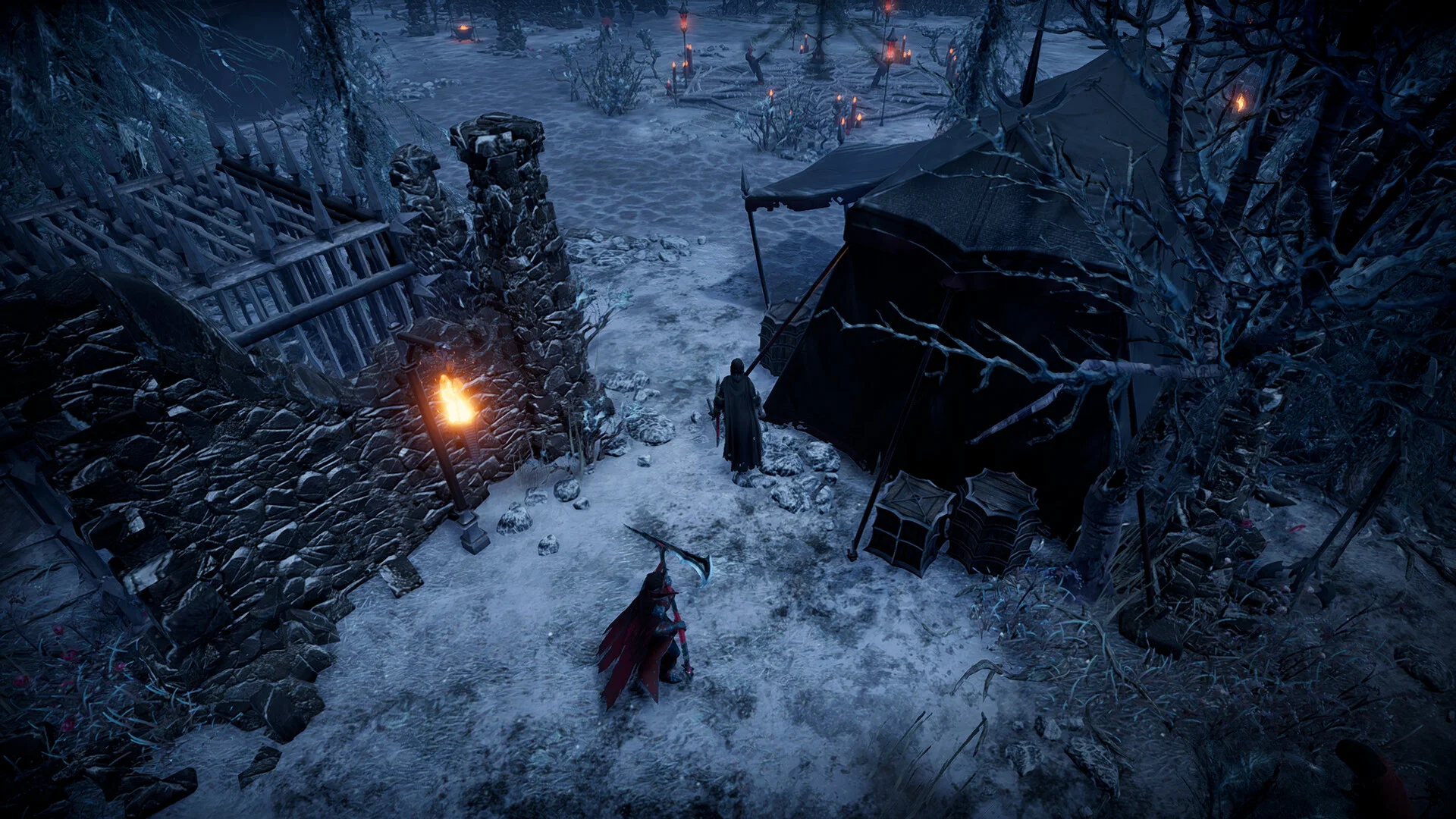
- KindredSchematics: copy, paste, and save castle builds. A huge time-saver for server events and for rebuilding after a wipe, though it has a client-side component for the building tools.
- The Bloody suite (BloodyMerchants, BloodyRewards, and friends): vendor, reward, and economy mods that add shops and incentives to a community server.
- Backpack and inventory mods: extra storage and quality-of-life that take the edge off the late-game grind.
Building and economy mods are how a server develops its own identity instead of feeling like every other public V Rising world.
How to Install Mods on Your DoomHosting Server
The flow is the same for every mod:
- Turn EasyAntiCheat off in your server settings
- Install BepInEx on the server, then drop mods into the
BepInEx/pluginsfolder over FTP - Install VampireCommandFramework and any other dependencies the mods list
- For client-side mods, every player installs the same mods at the same versions with r2modman or the Thunderstore app, EAC off
- Restart the server and check the BepInEx console for load errors
On DoomHosting V Rising servers you get full FTP access to the BepInEx folder and an EAC toggle, so a stack of KindredCommands, Bloodcraft, and a few quality-of-life mods is a quick setup. If you are still tuning the server itself, our V Rising server settings guide covers the PvP, PvE, and decay options worth setting before you add mods.
A Note on EAC and Versions
Two issues cover almost every modded V Rising problem. First, EAC: if a player cannot connect after you add mods, the usual cause is EasyAntiCheat still on for them, not the server. Second, version mismatches: V Rising updates can break mods, so after a game patch, wait for your mods and VampireCommandFramework to update before forcing the server onto the new version. Keep a backup of your save before adding a big progression mod like Bloodcraft.
Host Your V Rising Server with DoomHosting
Rent a dedicated V Rising server from DoomHosting on Ryzen 9 hardware with full FTP access, a one-click EAC toggle, DDoS protection, one-click backups, and 24/7 support. Install KindredCommands, Bloodcraft, and your favourite quality-of-life mods straight into BepInEx, and host in North America or Europe for the lowest ping. Whatever you run, disable EAC, match the versions, and back up first: the right mods are what turn a one-wipe V Rising server into a community your clan keeps coming back to.