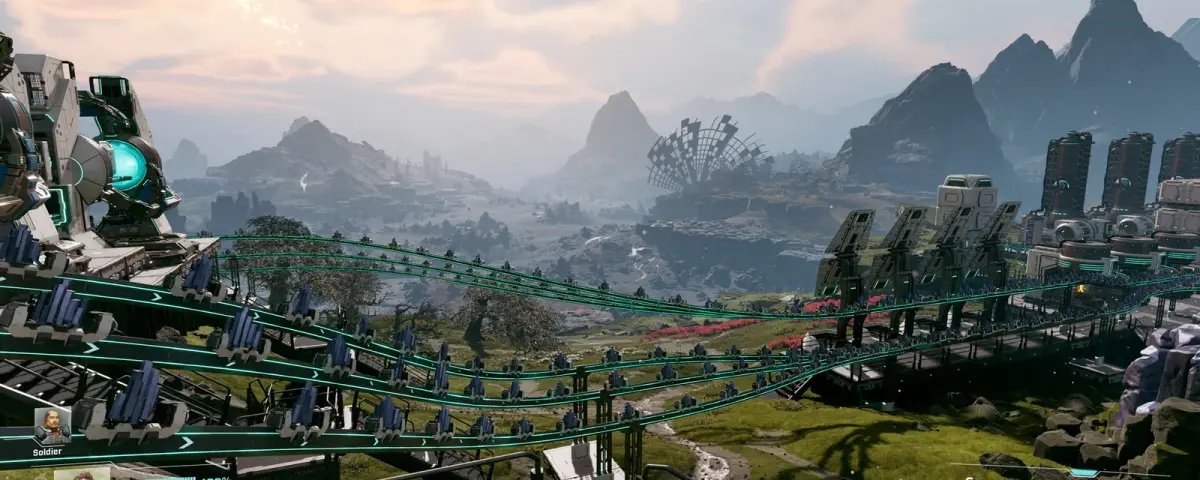
StarRupture asks something slightly contradictory of a co-op group. It is a factory game, so the whole point is the machine you leave running: excavators feeding smelters, smelters feeding a drone rail that hums along whether anyone is watching or not. It is also a host-and-friends game by default, so that machine only exists while one specific person has the game open. Creepy Jar's answer is a separate dedicated server tool. It still carries the Experimental label, and it is configured in a way that catches out people who have set up a dozen other servers. Here is what it actually does.
The Dedicated Server Is a Free, Separate Steam Tool
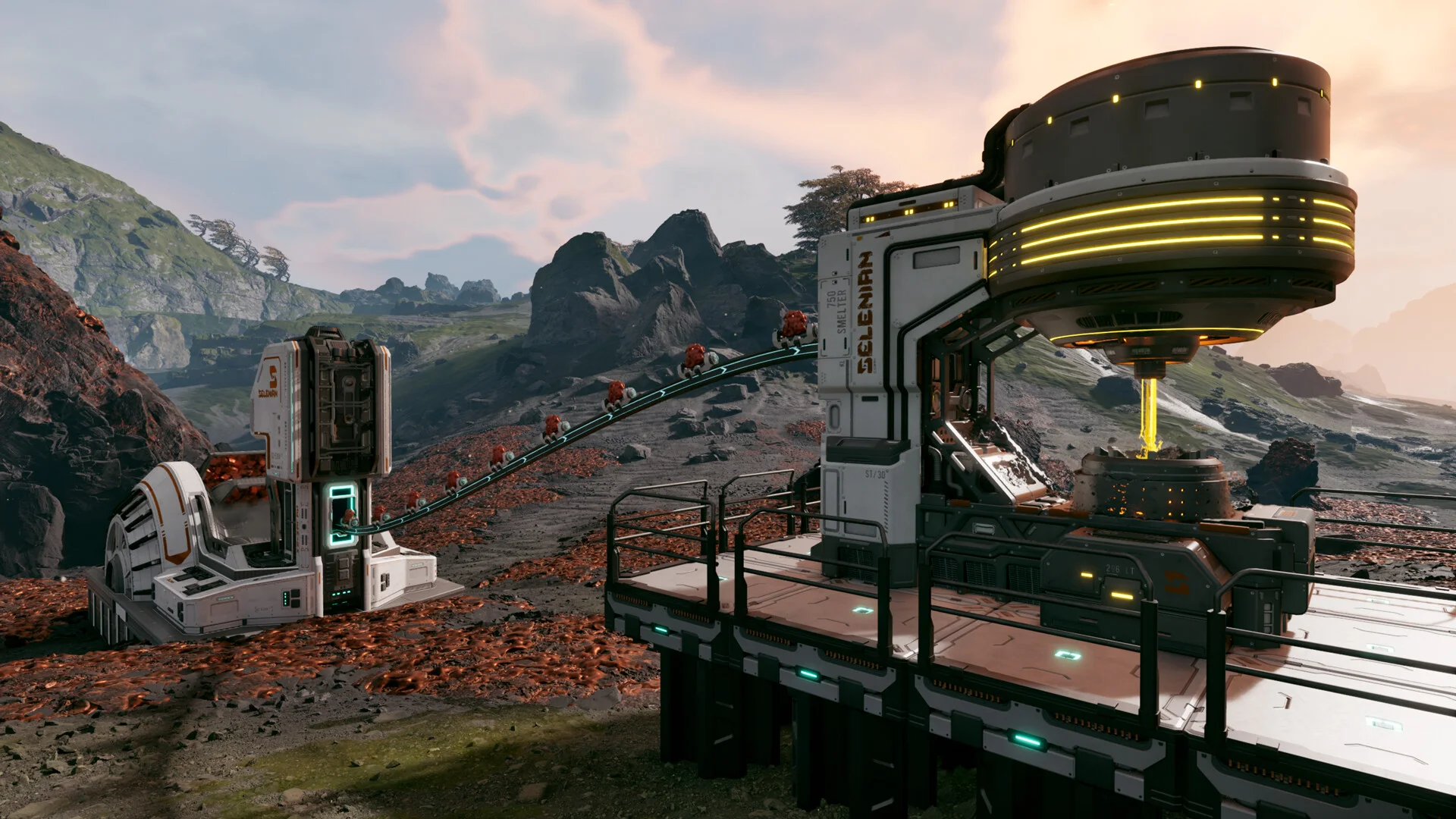
It is not hidden inside the game files. "StarRupture Dedicated Server (Experimental)" is its own Steam application, ID 3809400, free to download and attached to the base game as a tool. Nobody has to buy a second copy of StarRupture to run it, and whoever used to host no longer needs to be online.
Three things about that package decide most of your setup:
- It is Windows only. There is no native Linux build, so on a Linux host it runs under Wine. That is exactly how our own StarRupture servers are built, and it is why the Visual C++ 2022 runtime turns up as a dependency: the server binary wants it whether it is running on Windows or inside a Wine prefix.
- It is large. The current depot is roughly 21 GB, so the first SteamCMD pull takes a while on a home connection.
- It moves. The last public server build was pushed on 17 June 2026, alongside the game's own 0.2.8 hotfix. Client and server builds have to match, so a game update is always a server update too.
The SteamCMD line itself is ordinary:
steamcmd +force_install_dir C:\StarRuptureServer +login anonymous +app_update 3809400 validate +quit
The tool is free to download, so an anonymous login normally works. If your SteamCMD refuses, log in with a real Steam account instead. Nothing about ownership changes, some setups just behave that way.
Start the finished install from a script (a .bat on Windows) rather than the Play button in the Steam client. The two end up fighting over the same Steam session, and the resulting errors look like network problems rather than what they are.
StarRuptureServerEOS.exe -Log -Port=7777
DSSettings.txt Is the Entire Config, and It Is JSON
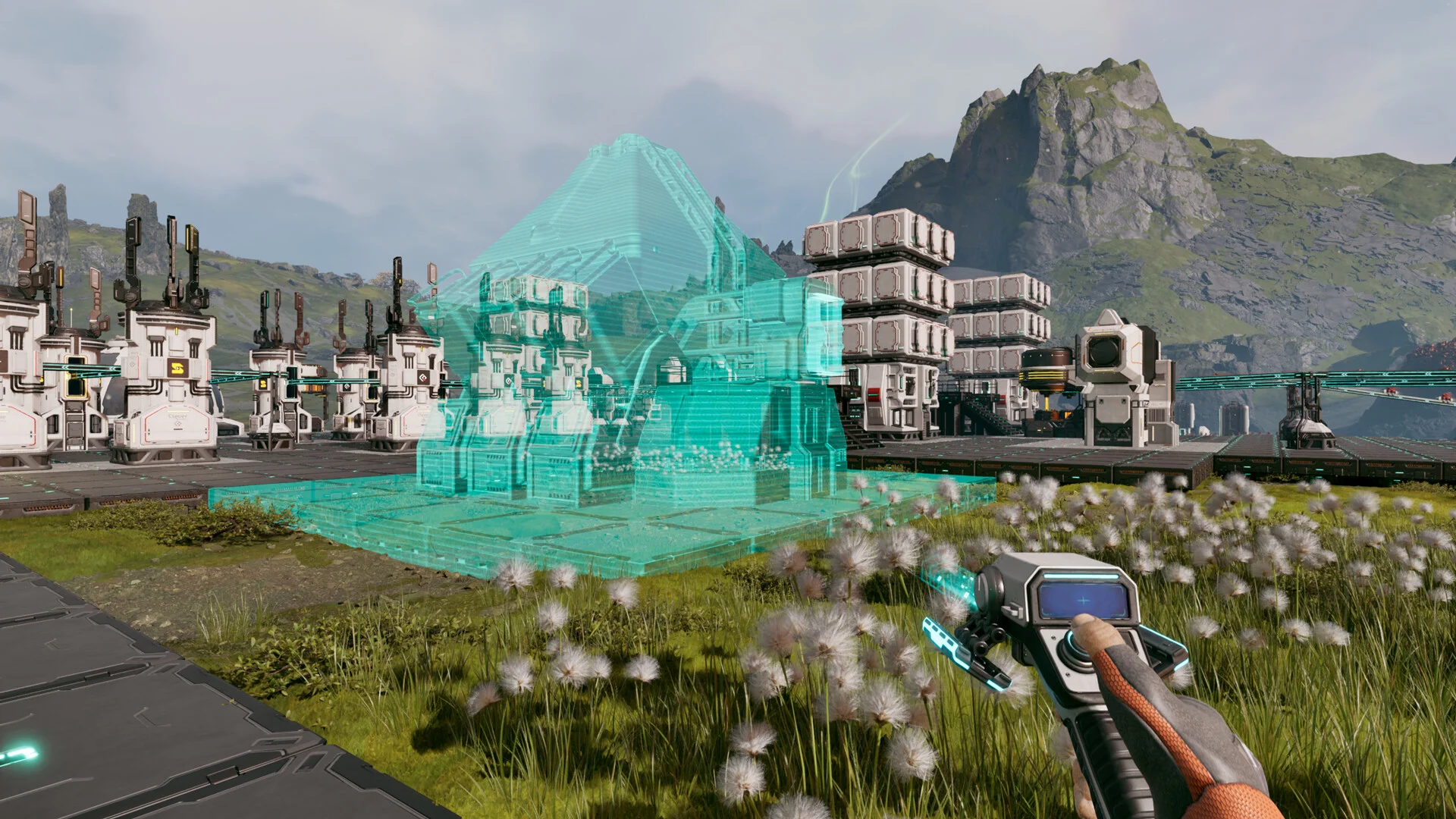
There is no sprawling INI with two hundred tunables here. The server reads one file called DSSettings.txt, sitting in the server root next to the executable, and despite the .txt name the contents are JSON. A stray trailing comma will stop the server booting, and the error you get for it is not friendly.
{
  "SessionName": "SESSIONNAME",
  "SaveGameInterval": "300",
  "StartNewGame": "true",
  "LoadSavedGame": "false",
  "SaveGameName": "AutoSave0.sav"
}
- SessionName: the folder your world is saved into, under
StarRupture/Saved/SaveGames/. Pick something you will still recognise in three months. - SaveGameInterval: seconds between autosaves. 300 is five minutes, which is sensible for a game where an hour of work is a lot of belt layout.
- StartNewGame: generates a brand new world.
- LoadSavedGame: loads an existing one instead.
- SaveGameName: which save file to load, for example
AutoSave0.sav.
The trap is the third and fourth keys. StartNewGame is correct exactly once, on the very first boot. Leave it on afterwards and a restart can hand your group a fresh planet while the old world sits untouched in the SaveGames folder. Nothing is deleted, which is the only reason this is recoverable, but four people logging into an empty map is still a wasted evening. As soon as the first boot succeeds, set StartNewGame to false, LoadSavedGame to true, and name the save you want in SaveGameName.
One number you will not find in here is a player cap worth raising. StarRupture is built around four players in a session, and pushing past what the game supports is a way to find desync, not a way to run a community server.
Passwords Live in Two Separate Files
Access control is not in DSSettings.txt either. It sits in two more JSON files in the server root:
Password.jsonholds the management password, the one that grants server administration.PlayerPassword.jsonholds the join password, the one your friends type to get in.
What gets stored is a hashed string rather than the password you typed, which is why hosts point at the community generator at starrupture-utilities.com for the file contents. Use a password you do not use anywhere else, paste the output into the file, and restart.
Resetting either one is the same trick in reverse: delete the file, generate a new one. Be deliberate, because a server with no PlayerPassword.json has nothing between the internet and your factory.
Joining Is an Address, Not a Server Browser
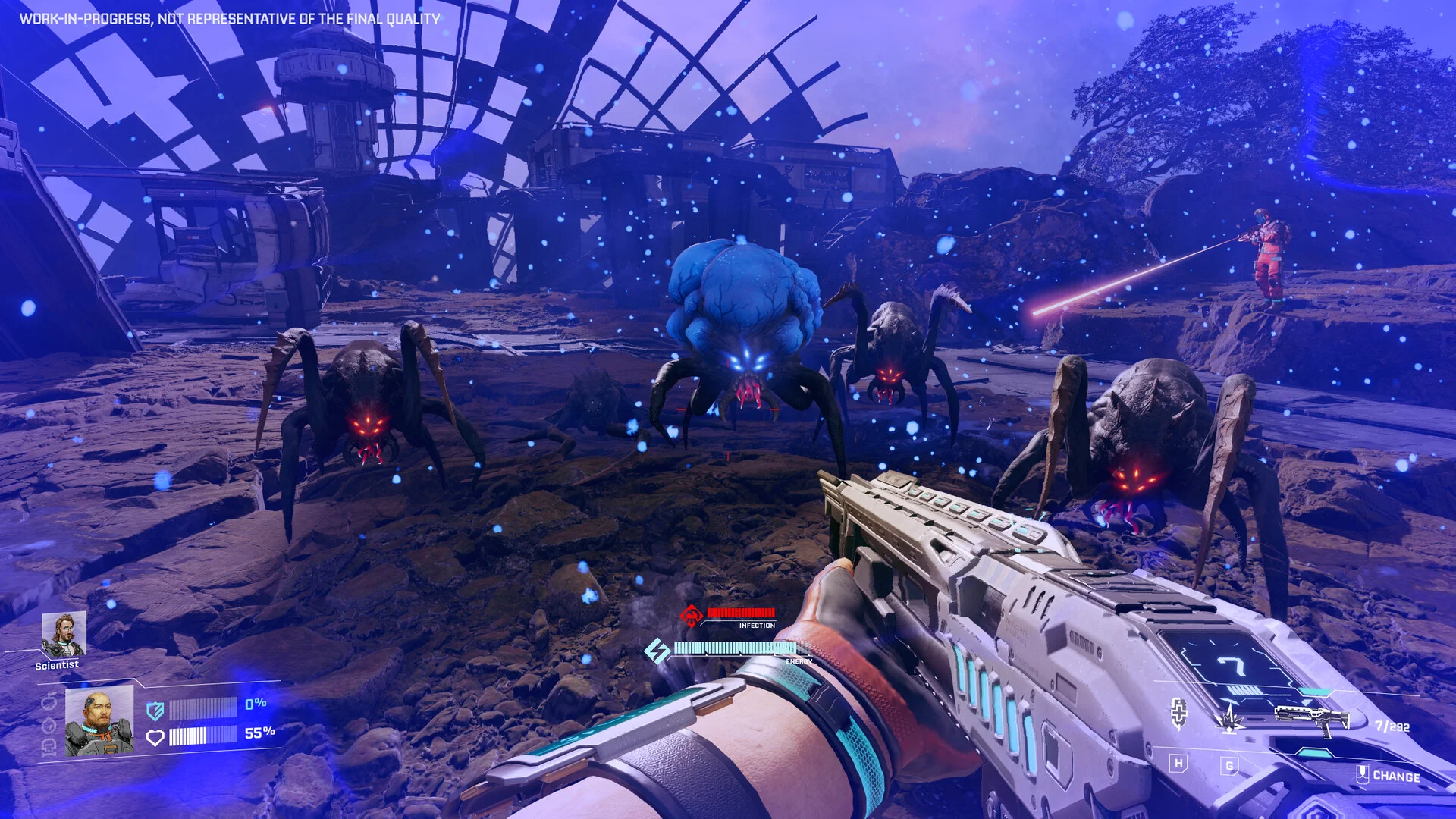
From the main menu: Join Game, then the Dedicated Server tab, then the address as ip:port plus the player password. No public list carries your server, so the address is something you hand out rather than something people stumble into.
The port you launch with is the port they type. 7777 UDP is the conventional default and there is nothing magic about it, but the -Port= argument, the address you give players and the firewall rule in front of the machine all have to agree.
The one log line worth knowing is OnUpdateSessionComplete. StarRupture registers its session through Epic Online Services during startup, and that line is the moment the server genuinely accepts connections. We use it as the readiness marker on our own servers for that reason. Everything before it is still loading, so a friend who tries thirty seconds after you hit start and gets nothing was simply early. The full log lives at StarRupture/Saved/Logs/StarRupture.log.
Size the Server for the Factory, Not the Player Slots
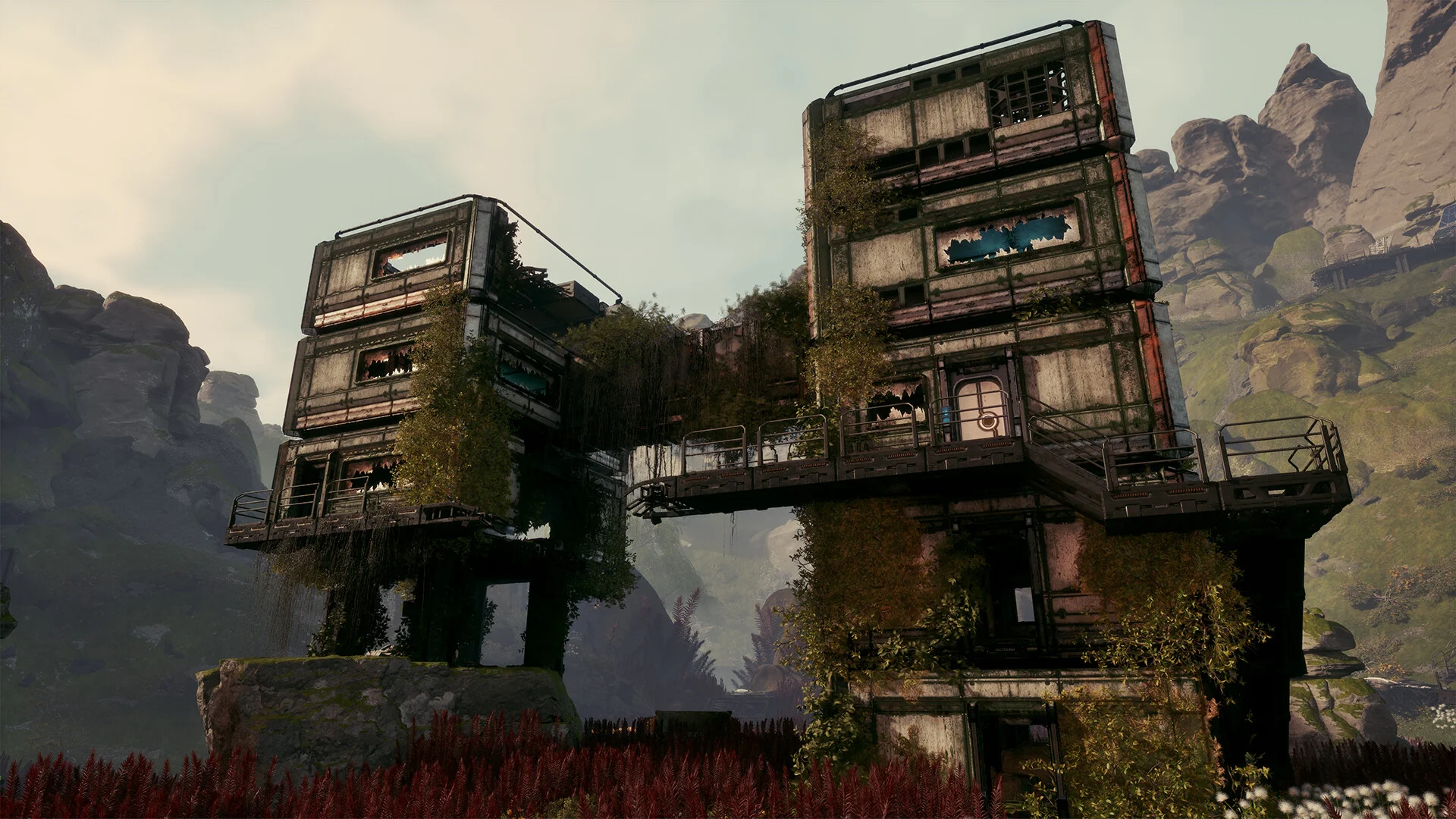
Because the ceiling is four players, the usual "how many slots" arithmetic barely applies. What grows on a StarRupture server is the world: machines running, drone rails and ziplines strung between them, items in storage, and how much of the map has been walked through. A first evening world is cheap to run. The same world after several Corporation Levels, an Oil Extractor chain and a couple of unlocked zones is a different machine entirely, and it keeps growing all season.
Two practical consequences:
- Plan for growth, not for launch. Sizing for what the world costs on day one is how groups end up migrating mid season. The StarRupture RAM calculator factors in world size and build density, which is more useful than one recommended number.
- Clock speed beats core count. Factory simulation leans hard on single thread performance, so a high per core frequency does more for a busy base than extra cores do.
Updates, Backups and the Early Access Reality
Because builds have to match, every game patch is a server patch. Managed hosts handle that on their own. Self hosting means re-running the same app_update 3809400 validate line and restarting.
Back up the SaveGames folder before a big update rather than after. This is early access and the precedent is real: Update 1 in April 2026 rolled every Corporation Level back to 1, returned prior progress as Data Points to redistribute, reworked Quartz and rebuilt how Cargo Dispatchers pair with Receivers. Existing worlds survived, but not unchanged. The game moved through hotfixes 0.2.1 to 0.2.8 between April and June 2026, so the cadence is quick.
Or Hand It To Someone Else
If the Wine prefix, the 21 GB pull and the update treadmill sound like someone else's job, that is what StarRupture server hosting is for, with the game control panel giving you the config files and logs without an SSH session. Either way the factory keeps running while you sleep, which was the whole point.