The V Rising Free Weekend (May 14 to 18) dropped a fresh wave of players into the game, and a lot of them are spinning up private servers for the first time. V Rising server settings are still the part that scares people off: ServerGameSettings.json ships with 200+ options and no clear instructions for which ones actually matter.
This guide is from a hosting-owner perspective. We run V Rising servers every day, so the focus is on the settings that change how the server feels, the ones that quietly tank performance, and the configs we ship to clans that have been running for a year without drama.
Where V Rising server settings actually live
A dedicated V Rising server reads from two JSON files. ServerHostSettings.json controls infrastructure: max players, network port, admin list, save name, the in-app GameDifficulty preset, and the security mode. ServerGameSettings.json controls gameplay: difficulty, multipliers, PvP rules, castle decay, blood drain, and everything in between.
On a hosted server, both files live in the save folder (something like /home/container/save-data/Saves/v3/<server-id>/). You edit them via your panel's file manager or FTP, restart the server, and the new values apply.
The launcher's "Game Difficulty" dropdown only sets the preset for the next fresh world. It does not retroactively change a running server, and editing ServerGameSettings.json on a live server is the only way to tune anything beyond the three presets.
Difficulty: Relaxed, Normal, Brutal (and the mid-wipe trap)
"GameDifficulty" accepts three values:
- Relaxed: bosses deal 40% less damage with 20% less health. Enemies deal 25% less damage. Resources drop more freely.
- Normal: vanilla balance, what the game was tuned around.
- Brutal: bosses deal 70% more damage with 25% more health and are three levels higher than normal. Enemies deal 40% more damage.
The trap is changing this on a live server. If you bump from Normal to Brutal mid-wipe, players who already cleared bosses keep their gear, but every new boss they fight is suddenly three levels higher than expected. We see this kill clan retention more than any other setting. If you want Brutal, set it before the world generates, or commit to a clean wipe.
There is a quiet performance cost too. Brutal scales enemy AI aggressiveness and counter logic, not just damage numbers. On a 16-player open PvP server with heavy world combat, Brutal eats roughly 8% more CPU than Normal in our panel metrics. Not a deal-breaker, but worth knowing if you are already CPU-bound.
Our recommendation: Normal for almost every server. Brutal only if your players have specifically asked for it and you can afford a clean wipe.
Blood Quality, BloodEssenceModifier, and the gathering modifiers
"BloodEssenceYieldModifier" (default 1.0) controls how much blood essence enemies drop. "BloodDrainModifier" controls how fast players drain their own blood pool while moving. Both are aggressively tunable.
For a casual PvE clan, 1.5 on BloodEssenceYieldModifier and 0.5 on BloodDrainModifier is comfortable. Players spend less time hunting for blood and more time building, which is what casual servers exist for. For competitive PvP, leave both at 1.0. Cheating the blood economy is the fastest way to break the wipe loop.
The gathering modifiers ("MaterialYieldModifier_Global", "ItemStackSizeModifier", "DurabilityDrainModifier") work the same way. 2.0 gather plus 5x stacks is a common "weekend warriors" preset. 1.0 gather plus 2x stacks is what we ship to PvP clans that want a 2-week wipe to feel meaningful.
A practical config diff between our 4-player co-op preset and our 16-player open PvP preset is essentially three lines:
4-player co-op:                          16-player open PvP:
"GameDifficulty": "Normal"               "GameDifficulty": "Normal"
"MaterialYieldModifier_Global": 2.0      "MaterialYieldModifier_Global": 1.0
"BloodEssenceYieldModifier": 1.5         "BloodEssenceYieldModifier": 1.0
That is it. Everything else can stay at defaults.
Castle limit, decay, and CastleDamageMode
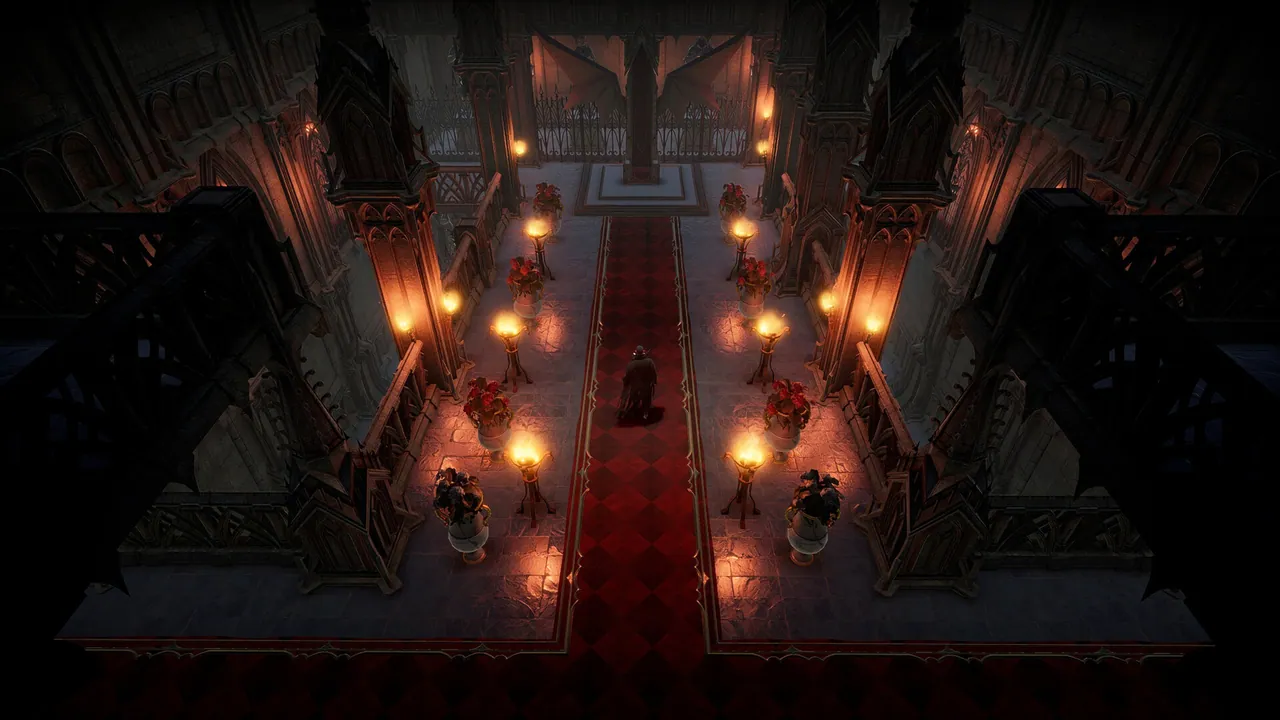
"CastleHeartLimit" (default 2) caps how many Castle Hearts a single player can place. Each heart claims a territory. On a 16-player server with a CastleHeartLimit of 2, you have 32 potential territories competing for the map, and not all V Rising maps have that many viable plots. We bump this down to 1 on competitive PvP servers to force scarcity.
"CastleDamageMode" is where most new server owners trip:
- Never: castles cannot be damaged by other players, ever. This is the PvE default.
- TimeRestricted: castles can only be damaged during configured siege windows. This is the standard PvP setting.
- Always: castles are damageable 24/7. We do not recommend this on any live server. It produces offline raids that gut player retention within two weeks.
If your server is PvE-flagged with PvP off, set CastleDamageMode to Never. Setting it to TimeRestricted while running a PvE server is the most common foot-shooting we see. Players assume "PvP is off" means castles are safe, find their base raided during a siege window, and quit.
Castle decay ("CastleDecayRateModifier") defaults to 1.0. We set it to 0 on most clans, and 1.0 to 1.5 on competitive PvP wipes to clear out inactive bases.
PvP and siege windows that actually work across timezones
V Rising's PvP timing system splits weekdays and weekends, each with its own start and end hours in server local time. "PvPProtectionMode", "WeekdayPvPTime", "WeekendPvPTime", "WeekdayCastleSiegeTime", and "WeekendCastleSiegeTime" are the five fields you actually edit.
The mistake is treating the server's timezone as the players' timezone. If your server is in Frankfurt but half your clan is North American, a 19:00 to 23:00 siege window is 13:00 to 17:00 their time. Nobody is home to defend.
The setup that works for mixed EU/NA clans:
- PvP active: weekdays 16:00 to 23:00 server time (UTC), weekends 14:00 to 23:00. That covers EU prime time and NA afternoon.
- Castle siege: weekdays 20:00 to 22:00, weekends 18:00 to 22:00. Two-hour windows are tight enough to schedule around but long enough for a real raid.
Never set siege windows that overlap with off-hours for one of your timezone groups. If raids happen while half your server is asleep, those players quit.
Inventory, ClanSize, and the multipliers that hit server performance
"InventoryStacksModifier" (default 1.0) multiplies stack sizes for every item. Bumping to 5.0 is a popular quality-of-life setting and costs nothing on the server side. We run 3.0 to 5.0 on every PvE preset.
"ClanSize" (default 4) is where you can quietly hurt performance. On a 16-player server with ClanSize 16, two clans of eight will generate two huge chat and proximity channels with constant updates flying. We have seen this push V Rising tickrate from 30 down into the low 20s on stock 8-thread allocations. Stick to 4 to 8 unless your players have specifically requested larger.
"DropTableModifier_..." settings (loot multipliers per tier) interact with how often the server has to compute drop tables on enemy death. Setting all of them above 5.0 on a server with heavy mob activity adds noticeable per-second CPU. We cap our PvE preset at 2.0 for this reason.
Three ServerGameSettings.json recipes that just work
Solo or 2-player co-op
"GameDifficulty": "Normal"
"CastleDamageMode": "Never"
"CastleHeartLimit": 3
"CastleDecayRateModifier": 0
"BloodEssenceYieldModifier": 1.5
"MaterialYieldModifier_Global": 2.0
"InventoryStacksModifier": 5.0
"ClanSize": 2
Goal: comfortable progression, lots of inventory space, no decay punishing time off.
Casual PvE clan (4 to 8 players)
"GameDifficulty": "Normal"
"CastleDamageMode": "Never"
"CastleHeartLimit": 2
"CastleDecayRateModifier": 0
"BloodEssenceYieldModifier": 1.25
"MaterialYieldModifier_Global": 1.5
"InventoryStacksModifier": 3.0
"ClanSize": 4
Goal: quality of life without invalidating the progression loop.
Competitive PvP (8 to 16 players)
"GameDifficulty": "Normal"
"CastleDamageMode": "TimeRestricted"
"CastleHeartLimit": 1
"CastleDecayRateModifier": 1.0
"BloodEssenceYieldModifier": 1.0
"MaterialYieldModifier_Global": 1.0
"InventoryStacksModifier": 2.0
"ClanSize": 4
"WeekdayCastleSiegeTime": { "Start": 20, "End": 22 }
"WeekendCastleSiegeTime": { "Start": 18, "End": 22 }
Goal: meaningful 2-week wipes, defendable bases, no quality-of-life shortcuts.
Five mistakes that crash or bleed V Rising servers
- Setting GameDifficulty mid-wipe. Either set it before world gen or commit to a clean wipe. Halfway is worse than either extreme.
- CastleDamageMode = Always on any live server. Offline raids kill retention. Use TimeRestricted with tight windows.
- ClanSize 16 on a 16-player server. Chat and proximity traffic spike tickrate. Cap clans at 4 to 8.
- Stacking every multiplier at 10.0+. Quality of life is fine, but past 5.0 you are quietly breaking the boss progression curve and the drop logic both. Players hit endgame in a day and quit by the weekend.
- Editing ServerGameSettings.json on a live process. V Rising does not hot-reload most game settings. Save your changes, restart the server, then verify the values applied via an in-game admin command.
Hot-reload versus restart: which is which
A handful of settings (PvP windows, siege windows, decay rate, announcement toggles) can be reloaded via the admin console without restart. Anything that touches difficulty, modifiers, or the world itself requires a clean restart. When in doubt, restart. A 60-second downtime is cheaper than a save corruption.
Host your V Rising server with DoomHosting
DoomHosting's V Rising servers ship on dedicated Ryzen 9 hardware with full FTP access to ServerGameSettings.json and ServerHostSettings.json, instant setup, DDoS protection, and 24/7 expert support. Every config in this guide can be applied via our panel in under a minute, with one-click backups before each change so you can revert a botched preset without losing your wipe.
Get your settings right once, and a V Rising server runs itself.