The 7 Days to Die 3.4 update went stable on October 26, 2026, only three days after it opened on the experimental branch. On paper it is a small quality of life patch: a search bar for your backpack and containers, and traders who can fetch a lost drone. In practice it ships with one known issue that every server admin should read before pressing update, because it touches your players' inventories the moment they first connect.
The same day, The Fun Pimps pushed the b9 hotfix to all platforms. It fixes crashes in multiplayer games and inventory slot locks that reset every time you closed the inventory. So if you tried 3.4 on experimental and bounced off it, b9 is the build to try again.
Backpack Search and Container Filters
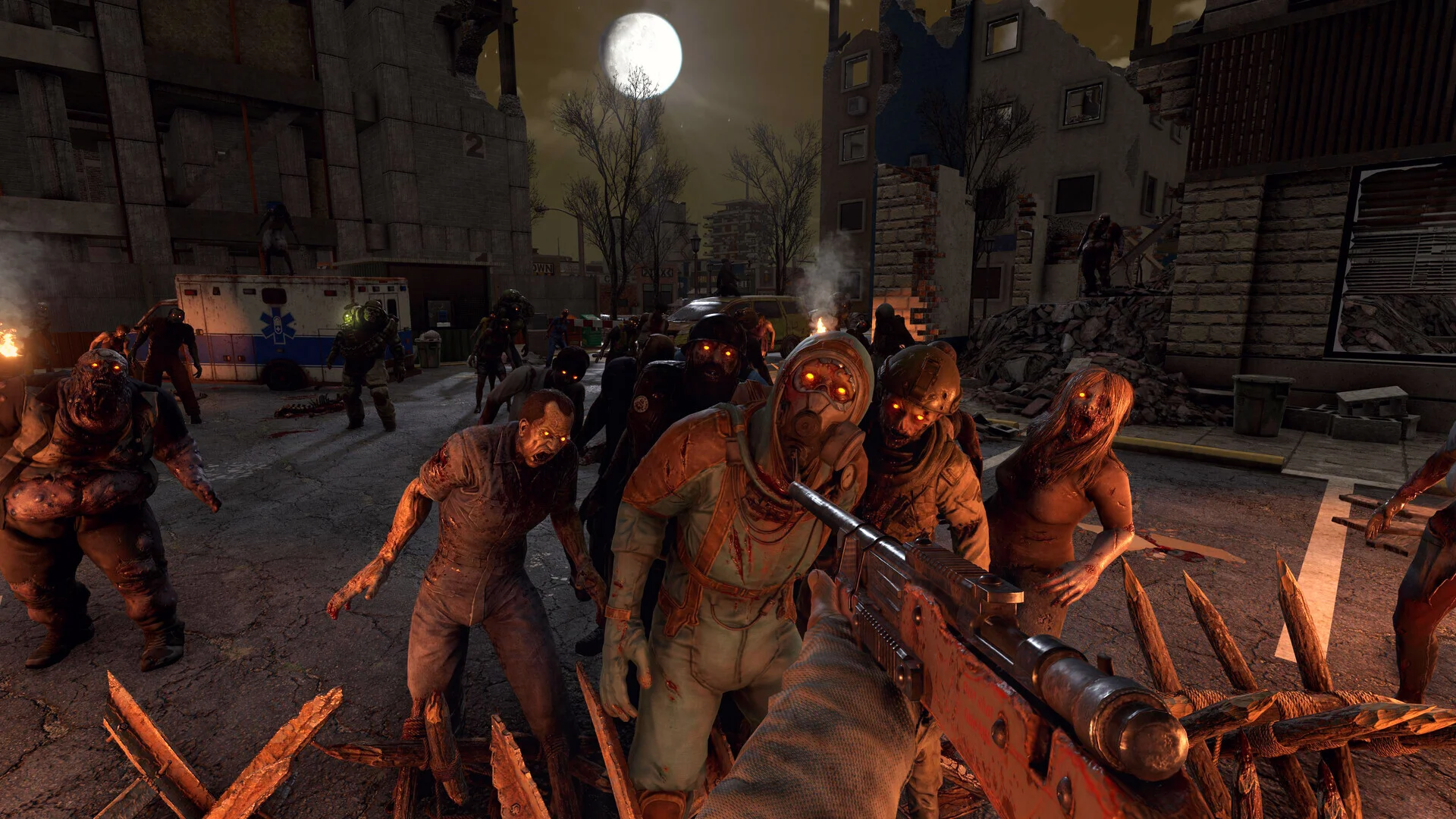
V3.3 gave everyone a backpack slot and up to 96 inventory slots. V3.4 deals with the side effect: 96 slots is a lot of grid to scan when a demolisher is walking at you. Your backpack and every container now have a search bar where you type an item's name, plus category filters to narrow the view.
On a solo world that saves a few seconds. On a server it matters more, because shared storage is where the mess lives. Five players dumping loot into the same wall of boxes is the reason your group's base looks like a hoarder's garage. Typing "nails" into a crate beats opening twelve of them before horde night.
A few items were also rebalanced for the new backpack sizes: Night Stalker Vol. 4, Steroids, Chicken Nuggets and the completed Fireman's Almanac set now work with the capacity rules V3.3 introduced.
Traders Now Recover Lost Drones
Drones have had a habit of getting stuck in terrain or simply vanishing, and until now that usually meant the drone, and whatever was in it, was gone. In 3.4 you can ask a trader to recover a lost drone for you. Paired with the fix for drones circling the player after placement, this is the best state drones have been in since they arrived.
For server admins this deletes a classic support request. "My drone fell through the map, can you spawn it back?" now has a player-side answer.
The One-Time Item Bug Server Owners Need to Know
Here is the line from the known issues list, word for word:
Joining a dedicated server or p2p game on 3.4.0 b6 or later may transform some resource items from a client's 3.3 inventory into different items. This is a one-time indexing error.
In plain terms: the first time a player who last played on 3.3 joins your 3.4 server, some resource items in their inventory may turn into other items. It happens once per player, not on every login. TFP did not say which resources are affected or whether items in storage boxes are safe, so treat the note as covering inventories only and do not promise more than that.
What we would do on a community server before updating:
- Take a full backup. Use the Backups tab so you have the whole world as it stood on 3.3.
- Post a heads-up in your Discord. Ask players to move anything rare out of their inventory and into storage before the update. It costs them two minutes and keeps the bug away from whatever is not in their pockets.
- Ask players to screenshot their inventory if they are carrying something they care about. When an item swap happens, a screenshot makes it a quick admin fix with a give command instead of an argument.
Once everyone has logged in once on 3.4, the problem is behind you.
The Other Fixes Worth Knowing
The changelog is short, and several lines are multiplayer specific:
- Boosted icons no longer appear on items that are not actually boosted in multiplayer.
- Shift + Left Click moves items into dropped zombie bags and airdrops without errors.
- Vehicle inventories stop scrolling when they should not, and the scrollbar now accounts for installed storage mods.
- Sharing quests from before 3.4 no longer causes issues, so a group mid-questline can update without losing the share.
- GetSandboxOptions now prints changed values when you print all options. If you check your server's sandbox setup from the console, the output finally matches what you set. Our 7 Days to Die sandbox code generator is still the quickest way to build a setup and share it.
- The game launches again on macOS with Easy Anti-Cheat enabled, and selling the 10th hotbar item works again.
Known issues still open include a possible NRE when generating chunk decorations on brand new games, the Euthanizer perk not working, and Mac players with the client set to French being unable to join a server. If you run a fresh world on 3.4, keep an eye on the console during the first boot.
How to Update Your Server to 3.4
Clients and server must run the same version, so update the server first and then tell players to restart Steam. Because b9 went out on all platforms, console players on crossplay servers get it too, which was not the case while 3.4 sat on experimental.
On a DoomHosting server:
- Back up the world in the Backups tab, and download
serverconfig.xmlfrom the Files tab if you edited it by hand. - Check the Startup tab. If Beta Branch still says
latest_experimentalfrom testing, clear it. - Open Settings and run Reinstall without the wipe option. SteamCMD pulls 3.4.0 and keeps your saves.
- Start the server and confirm the version in the console before you open it up.
If you run UI mods that rewrite the backpack or container windows, take them out before the first boot. Those windows just gained a search bar, and an old XML patch over them is the most likely cause of a broken inventory screen. Our guide on how to update a 7 Days to Die server covers the reinstall in more detail.
Worth Updating Now?
Yes, with a backup taken and a message pinned. The b9 hotfix fixed the multiplayer crashes that made the experimental build risky, and the search bar is something your players will use every session. The item indexing bug is a one-time cost, and a two-minute warning in Discord turns it from a lost haul into a non-event.
Every DoomHosting 7 Days to Die server comes with one-click backups, full FTP access to your Mods folder, branch switching from the Startup tab, DDoS protection and 24/7 support.