
7 Days to Die Server Hosting
An open-world survival horror game set in a post-apocalyptic world overrun by zombies. Scavenge resources, craft weapons, build fortifications and fight to survive against relentless undead hordes. Every 7th night a Blood Moon rises and the horde attacks.
Supported platforms

CONTROL PANEL Effortlessly manage your server
Our intuitive control panel gives you full control over your server. Monitor performance, manage resources, and access advanced tools with just a few clicks.
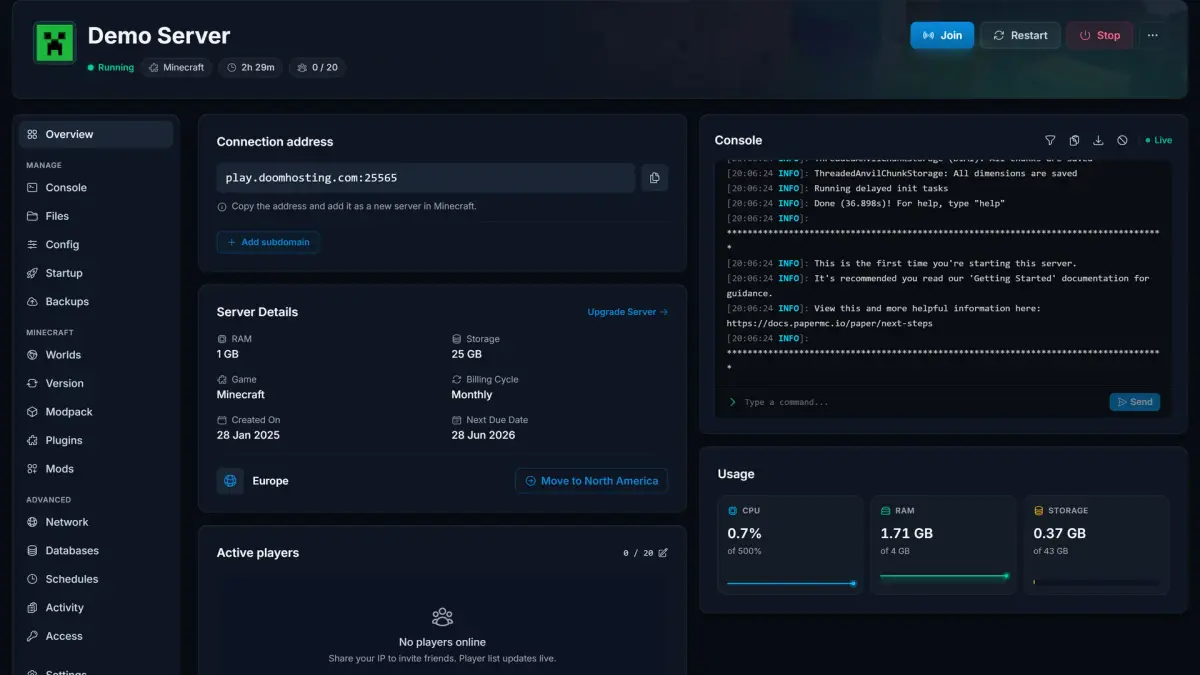
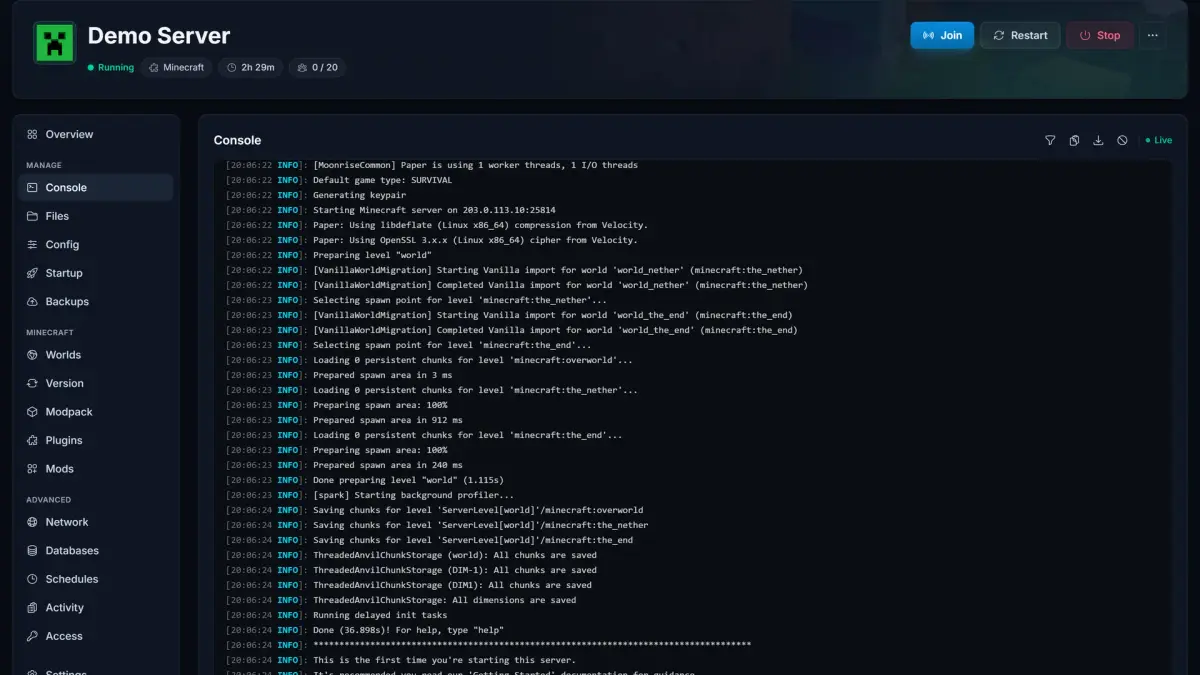
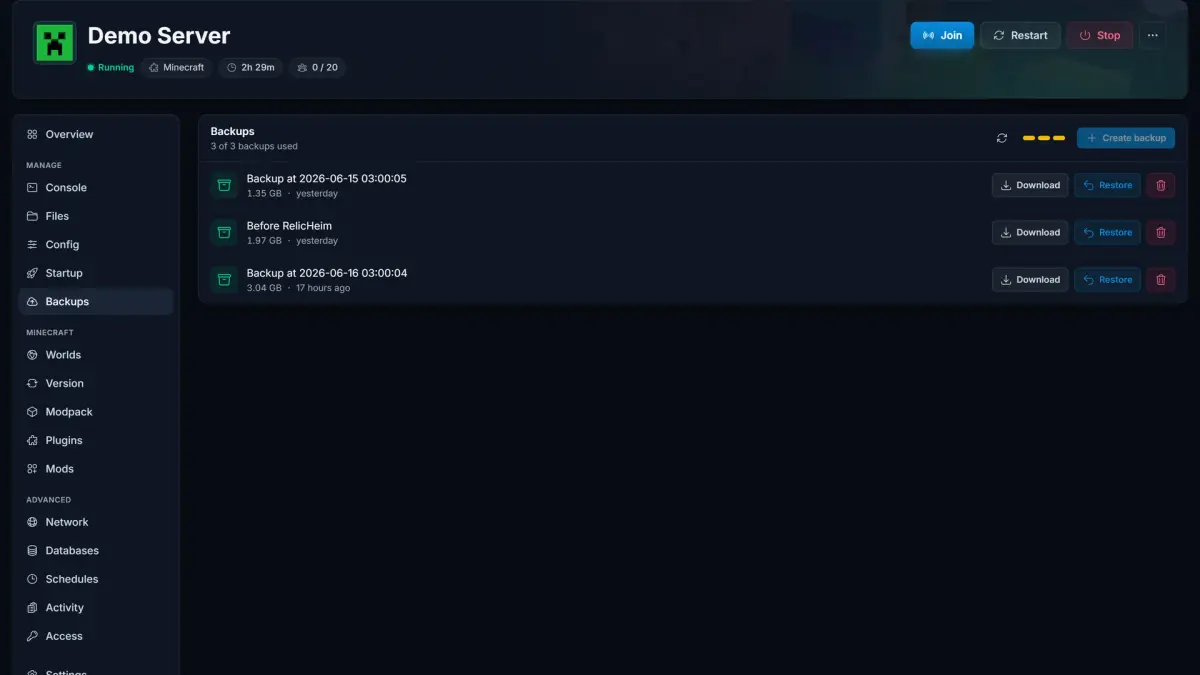
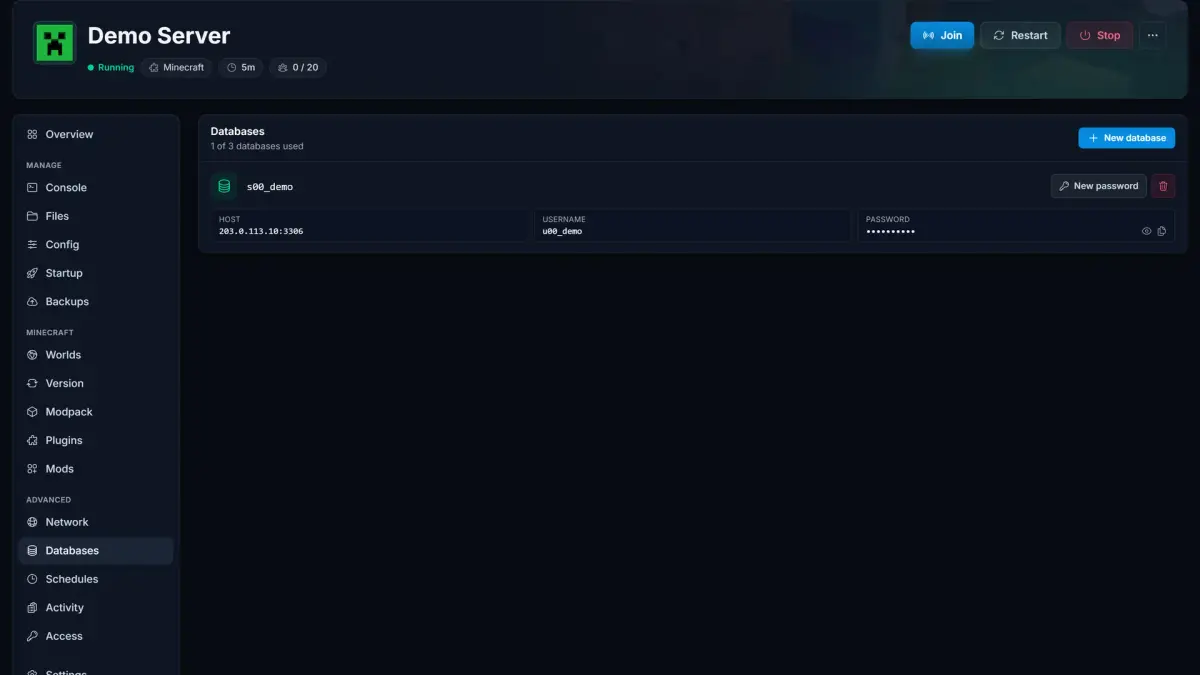
Server Overview·See status, connection address, live resource usage, and players at a glance.
CUSTOMER TESTIMONIALS
What our customers say

"Reliable hosting, great uptime, low ping. Perfect for multiplayer with friends."
"Deployed in minutes, smooth sessions. Quick support for config questions."
"Consistent speed and low latency. Simple administration saves time. Global locations ensure a great experience."
GLOBAL PRESENCE
Global locations

Frequently asked questions Find answers to common questions about our 7 Days to Die server hosting.
Any more questions?
Explore more games
Check out our other game server hosting options




Game guides
High performance hosting with 24/7 support
How to Update Your 7 Days to Die Server to V3.0 (Dead Hot Summer)
V3.0 Dead Hot Summer is on the experimental branch now. Move your 7 Days to Die server to 3.0 in two steps: set Beta Branch to latest_experimental, then Reinstall.
How to Configure Blood Moon Settings in 7 Days to Die
Configure blood moon settings on your 7 Days to Die server: change horde frequency, blood moon count, warning time, and difficulty through the V3.0 Sandbox Code.
How to Fix 7 Days to Die Blood Moon Server Lag
Fix blood moon lag on your 7 Days to Die server. Tune the Blood Moon Count in your Sandbox Code, cap MaxSpawnedZombies, and learn why it is a CPU problem, not RAM.