


ESX and QBCore are the two frameworks nearly every FiveM roleplay server is built on. They give you jobs, money, inventory, and the shared data layer that scripts hook into. This guide shows how to install either one on a DoomHosting FiveM server, including the MySQL database they both need and the correct ensure order in your server.cfg.
ESX or QBCore: which framework should I choose?
Both are free, open source, and MySQL-backed, so the choice is about the ecosystem you want to build on:
- ESX is the older and more widely used framework. There are more third-party jobs, scripts, and tutorials written for it, so it is the safer pick if you plan to buy or download a lot of ready-made resources.
- QBCore is newer, more modular, and many developers find its code cleaner to extend. If you have a scripter on your team or want to write a lot of custom logic, QBCore is popular for that.
You cannot run both at once. Pick one, build your server around it, and stick with it. Whichever you choose, the install steps below are the same shape: create a database, upload the framework, wire it into server.cfg.
Before you start: license key and database
Two things have to be in place before a framework will load.
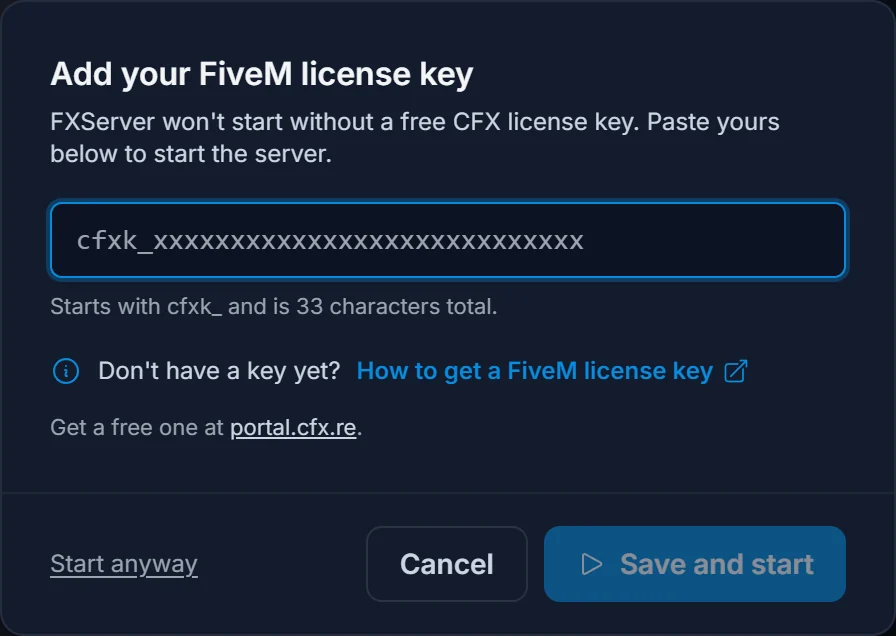
First, your server needs a valid CFX license key or FXServer will not boot at all. The panel asks for it the first time you press Start. If you have not set one yet, follow how to get a FiveM license key first.
Second, ESX and QBCore both store everything in a MySQL database. Your DoomHosting FiveM server includes one. Open the Databases tab in the panel and click New database. The panel creates the database and shows you the host, database name, username, and password. Keep this tab open, you will need those four values in a moment.
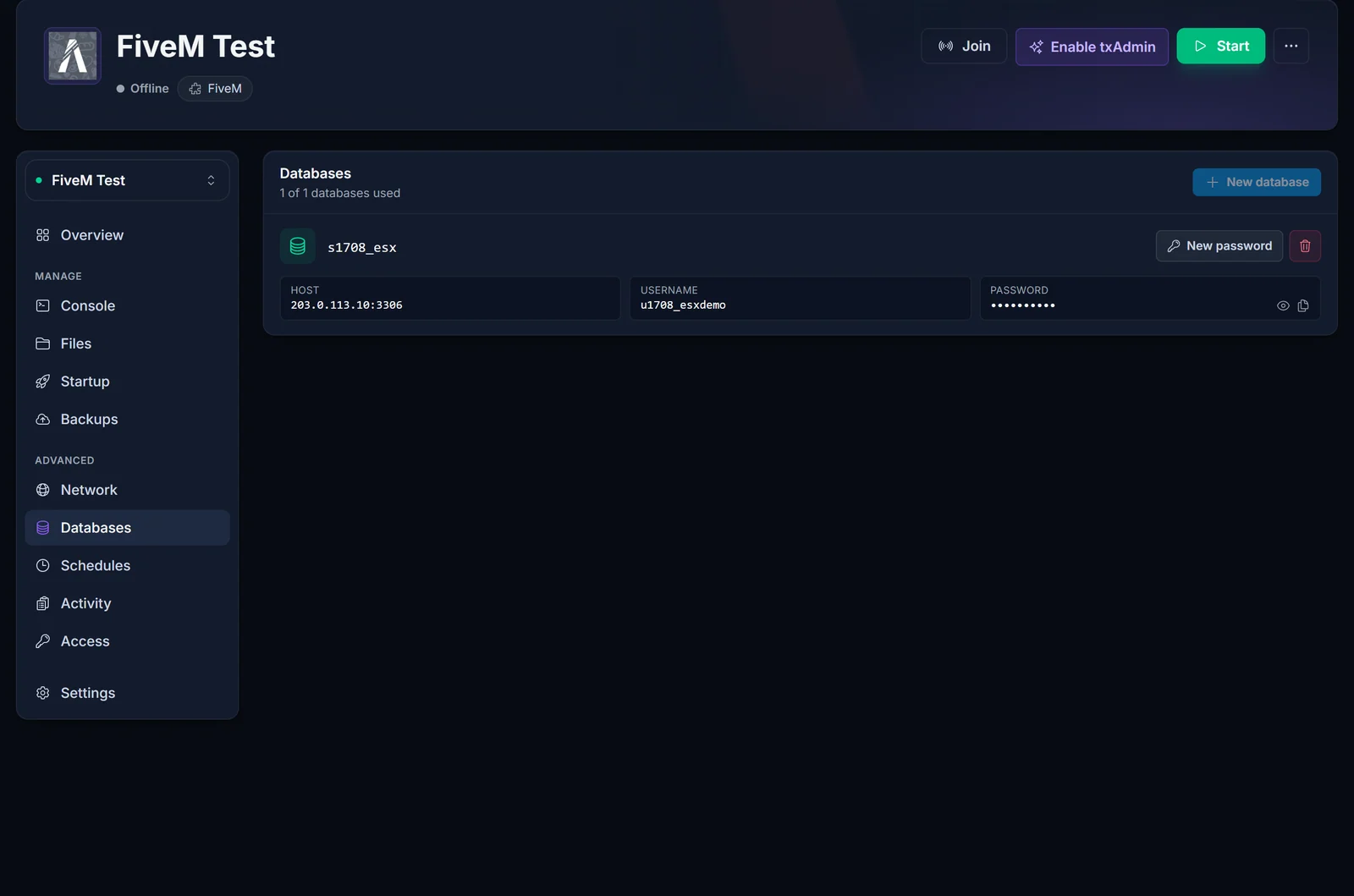
There is no phpMyAdmin on the server, so to import a framework's SQL you connect to that same host from a free MySQL client on your PC (HeidiSQL, DBeaver, or MySQL Workbench). Use the host, username, and password from the Databases tab, then run the framework's .sql file against your database.
How do I install ESX on a FiveM server?
Download the latest ESX release (the
es_extendedresource) andoxmysqlfrom their official GitHub releases.Open the Files tab, go into the
resourcesfolder, and uploades_extendedandoxmysqlthere. This is where every resource lives.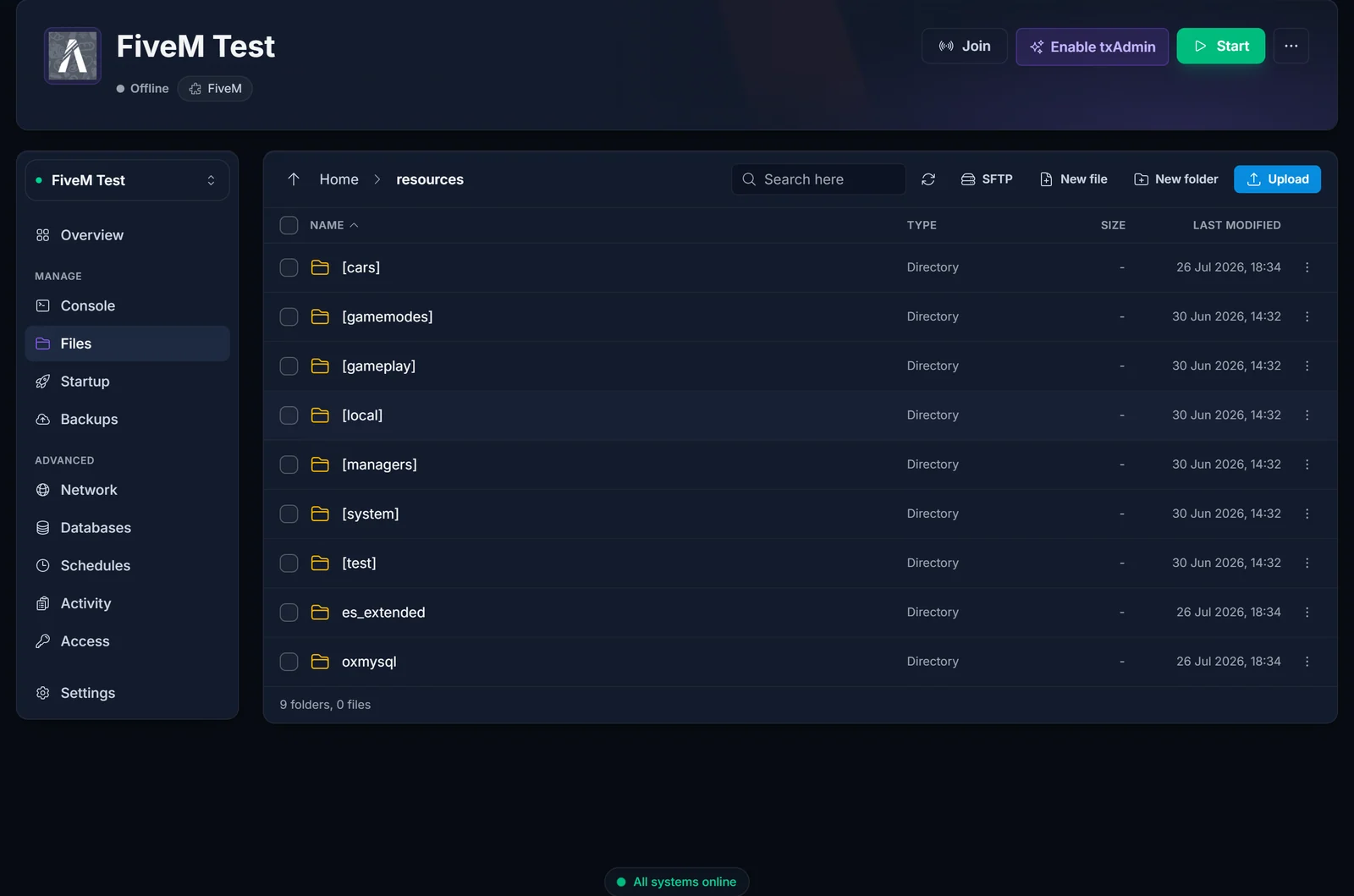
Import ESX's SQL file into your database using your MySQL client (step above). This creates the
users,jobs, and other tables ESX expects.Open
server.cfgin the file editor and add the database connection plus theensurelines. Order matters:oxmysqlandes_extendedmust load before anything that depends on them.set mysql_connection_string "mysql://USER:PASSWORD@HOST/DATABASE?charset=utf8mb4" ensure oxmysql ensure es_extended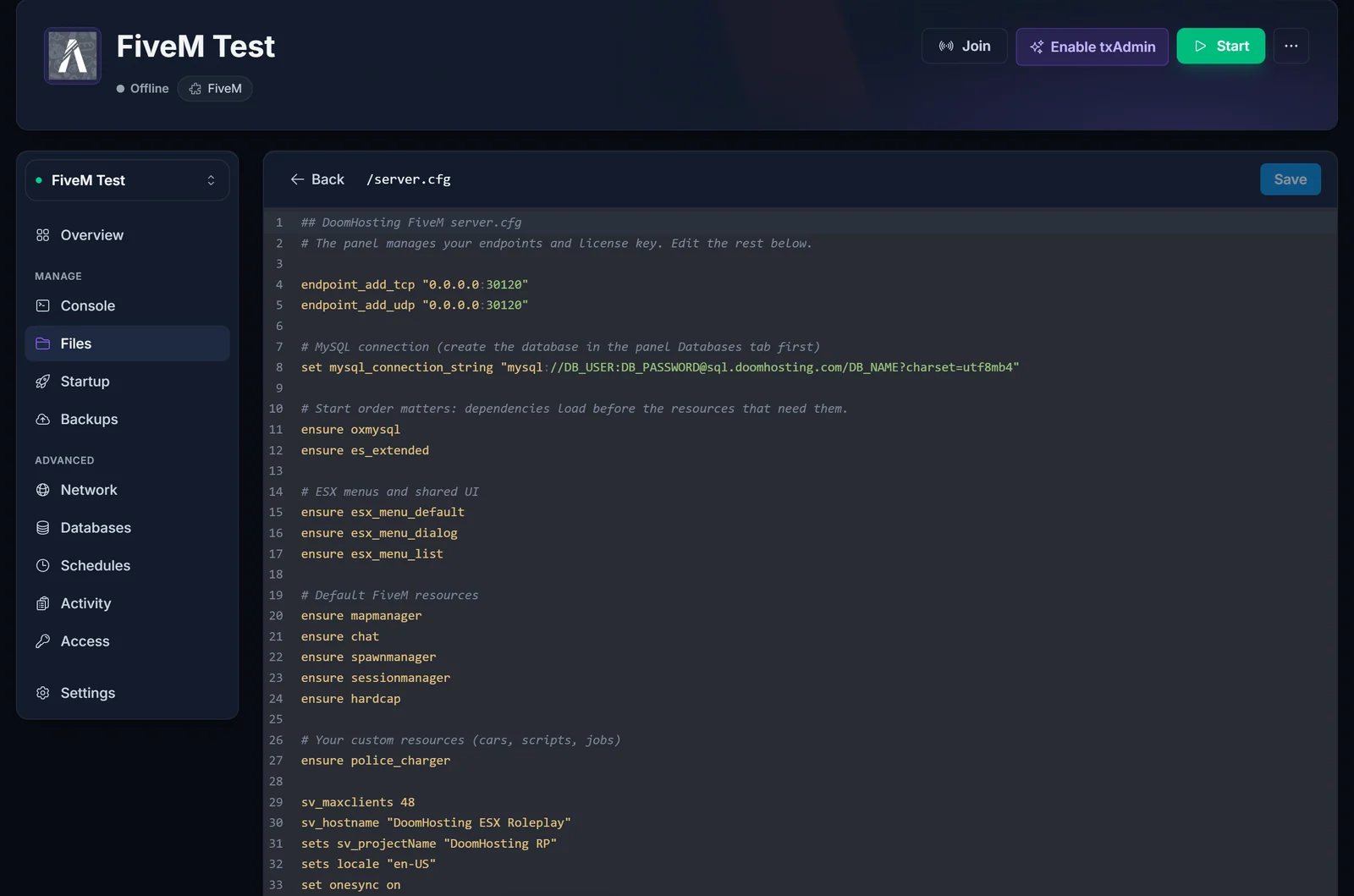
Restart the server from the panel. Watch the Console tab: you should see
oxmysqlconnect andes_extendedstart with no red errors.
How do I install QBCore on a FiveM server?
The steps mirror ESX:
Download the QBCore framework (
qb-core) andoxmysqlfrom the official QBCore GitHub.Upload both into the
resourcesfolder via the Files tab.Import QBCore's SQL dump into your database with your MySQL client.
In
server.cfg, set the connection string and ensureoxmysqlbeforeqb-core:set mysql_connection_string "mysql://USER:PASSWORD@HOST/DATABASE?charset=utf8mb4" ensure oxmysql ensure qb-coreRestart and check the console for a clean start.
What order do resources go in server.cfg?
Dependencies first, dependents after. A resource that calls the database needs oxmysql already running; a job script needs the framework already running. A safe pattern:
ensure oxmysql
ensure es_extended     # or qb-core
ensure your-inventory
ensure your-jobs
ensure your-other-scripts
If you ensure a job resource before the framework, it errors on boot because the framework's exports do not exist yet.
How do I make myself admin?
On ESX, admin groups are assigned in the database or via a permissions resource, and the framework's own documentation covers the exact table. On QBCore, you add your license identifier to qb-core/shared/config.lua or use the in-game permissions. The quickest way to find your identifier: join the server once, then check the Console tab, where FXServer prints your license: identifier as you connect. Copy that value into the framework's admin config and restart.
Common errors
[oxmysql] failed to connect: themysql_connection_stringis wrong. Re-copy the host, database name, username, and password from the Databases tab. The database name is the fullsNNN_nameshown there, not just the short name you typed.Unable to load resource es_extended/qb-core: the folder name inresourcesdoes not match theensureline, or you unzipped it one level too deep (a folder inside a folder). The resource folder must containfxmanifest.luadirectly.- Framework starts but no tables: you skipped the SQL import, or imported it into a different database. Re-run the framework's
.sqlagainst the exact database from the Databases tab. - Everything loads but players spawn with no money/job: usually a missing dependency (an inventory or
esx_*resource) or a wrong load order. Read the console top to bottom, the first red line is the real cause.
Next steps
Once the framework runs, you will add cars, jobs, and scripts on top of it. See how to add custom cars and scripts to your FiveM server for resource structure and streamed vehicles. If you prefer a web dashboard with one-click recipe deployment, set up txAdmin on your FiveM server, which can deploy a full ESX or QBCore base for you.
Need a server first? See FiveM server hosting or explore the full game control panel.
