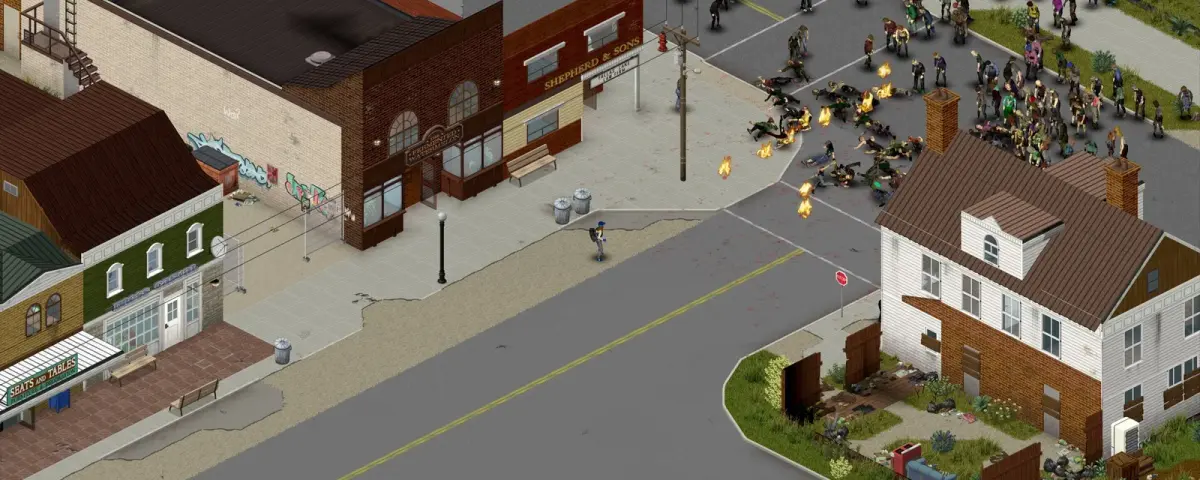
On October 21, 2026, The Indie Stone published "A Note on Java Mods and Modding", and if you run a Project Zomboid server for friends or a community, it is the most important dev post of the month. The short version: Project Zomboid Java mods are not officially supported, they will break when the game updates, and the developers want you to treat them like any other third-party software you run on your machine. Lua mods from the Steam Workshop are still the supported path.
What Did The Indie Stone Say About Java Mods?
The note draws a hard line between two kinds of mods:
- Lua mods: the officially supported modding route. They run inside the game's own scripting layer, and they are what almost every Workshop mod uses.
- Java mods: mods, third-party loaders and frameworks that change the game's underlying Java code. Project Zomboid is written in Java, so these can rewrite the game at a fundamental level. The developers' own image: a Lua mod repaints your house, a Java mod builds a new house next door, possibly with a back door you never see.
Four points from the post matter most to server owners:
- No support. Java mods, loaders and frameworks are "not officially supported", and the studio will not provide technical help or fix compatibility problems for them.
- They break on updates, without warning. Java mods hook into internal code that changes as the game develops.
- Bug reports need an unmodded save. If you hit a bug while running any mod, Lua or Java, you have to reproduce it without mods before the report is even considered.
- Trust the source. Java mods usually ask you to download files from outside the Workshop, run a separate loader or change how the game starts. The studio recommends open-source mods or builds that anyone can reproduce, and is clear that even a popular Workshop mod is no guarantee of safety.
Why Now? The First-Person Mod Wave
The note hints at it ("a whole new perspective, you might say"), and the timing lines up with the biggest modding story of the autumn: first-person camera mods for Build 42. pz3d by kolpaque and Project Viewpoint both swap the isometric camera for a view from your character's eyes, and both are Java mods. Project Viewpoint relies on the ZombieBuddy Java loader, and pz3d originally did too before switching to its own loader in early October.
The "breaks on updates" warning is not hypothetical either. Build 42.21 went stable on September 28, and ZombieBuddy v2.3.4 shipped on October 3 with a fix for a Java mod loading mismatch on 42.21. That is exactly the cycle the developers describe: the game updates, the Java layer breaks, players wait for a loader fix.
If your group has been asking about Project Zomboid first person mod multiplayer support, keep expectations low. pz3d's creator lists it as single-player only, and Project Viewpoint's author calls it multiplayer compatible but still alpha. Neither The Indie Stone nor the loader authors can promise how it behaves on your server's mod list.
How Java Mods Differ on a Dedicated Server
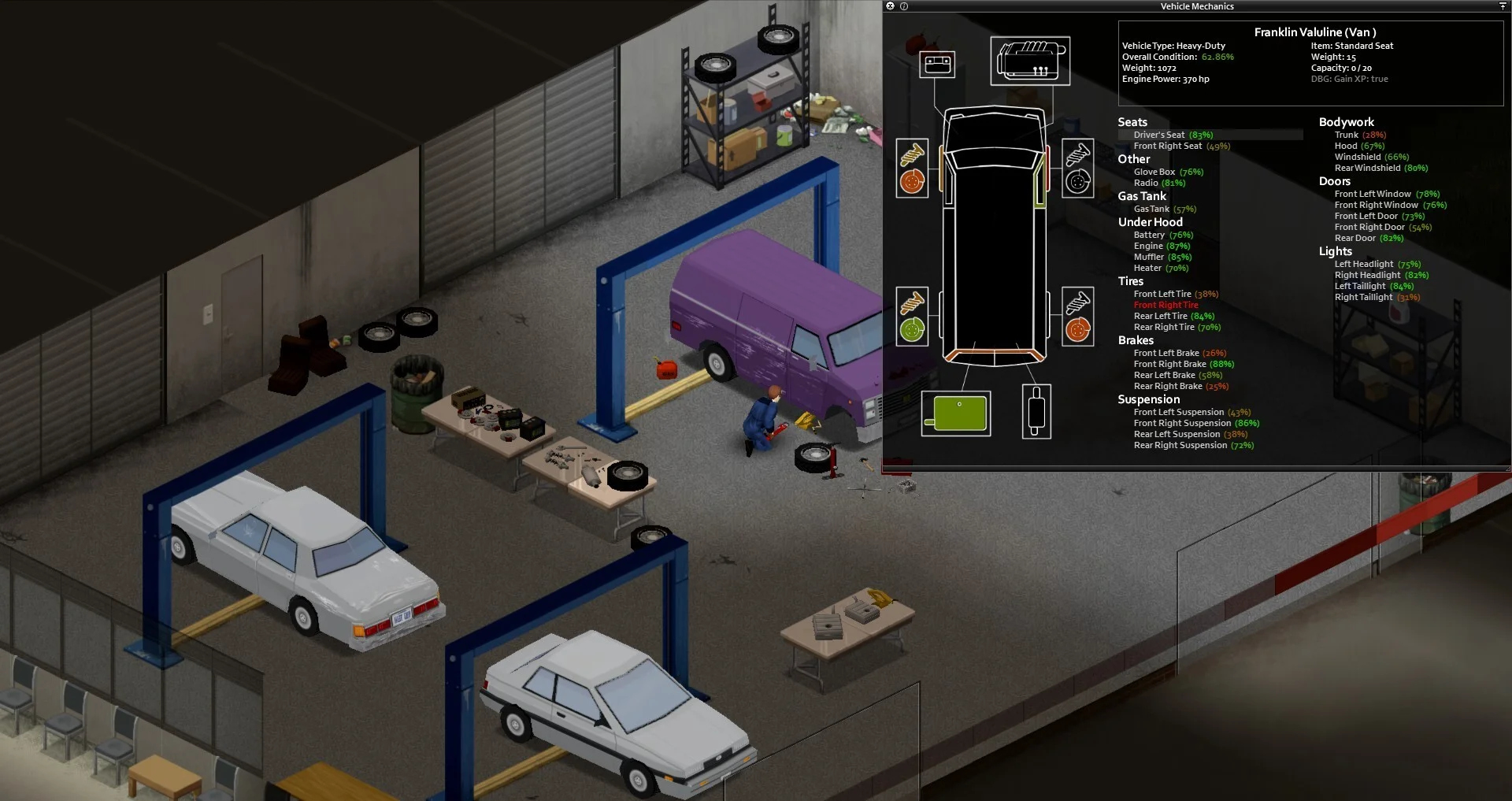
This is where running a host gives us a view most mod guides skip. On a Project Zomboid dedicated server, Lua Workshop mods are just two lines in your server config: the Workshop IDs in WorkshopItems= and the mod IDs in Mods=, separated by semicolons. The server downloads them on boot and clients pull the same files when they join. Nothing about the server process itself changes.
Java loaders work a level lower. The Linux server binary, ProjectZomboid64, hands every argument before a -- separator to the Java virtual machine, and the game's own arguments come after it. A loader like ZombieBuddy hooks in there, through a JVM option such as -javaagent:ZombieBuddy.jar -- (the Linux launch option pz3d's creator documents for clients).
We learned how fragile that spot is from our own egg this month. An old Debug Mode flag put -- in the wrong place, so the server's -port argument was passed to Java instead of the game, and the server died at boot with Unrecognized option: -port and Failed to create Java VM. That is the layer a Java loader lives in, and it is why it is never just a Workshop subscription on a server.
On DoomHosting, the startup command is set by the game egg and is not a free-text field, so the Startup tab will not let you bolt a -javaagent onto it. If your community genuinely needs a server-side Java loader, open a ticket first so we can look at the exact files with you.
Project Zomboid Mods Not Working in Multiplayer? Check This First
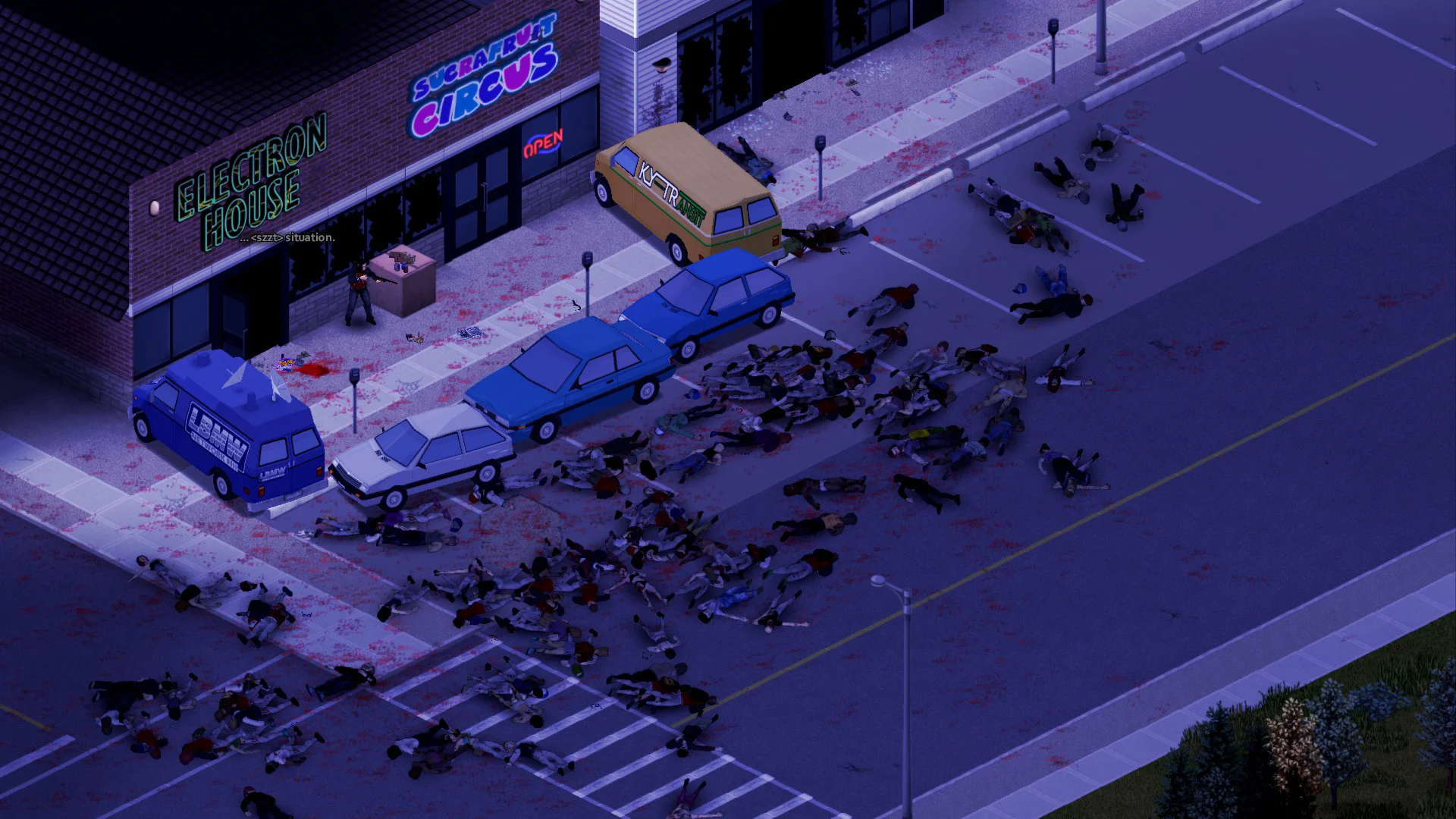
"Mods not working in multiplayer" is one of the most searched Project Zomboid problems, and the Java split adds a new cause. Before you blame the server:
- Check what kind of mod it is. If the install steps say "download this file", "run the installer" or "add a launch option", it is a Java mod, and your server's
Mods=line cannot fix it. - Match the load order. Lua mods load in
Mods=order and the last one wins a conflict. Our panel's Workshop tab writes both lines for you and has a Reorder mode for exactly this, and the Mod ID Grabber pulls the right IDs from a Workshop link. - Reproduce without mods. The developers will only look at bugs found in an unmodded save. Spin up a vanilla copy of your world before you file a report.
- Watch the client version. Players' games update through Steam whether you are ready or not, so a client-side Java mod can break for your whole group the day a patch drops, even if the server is untouched.
What Server Owners Should Do Now
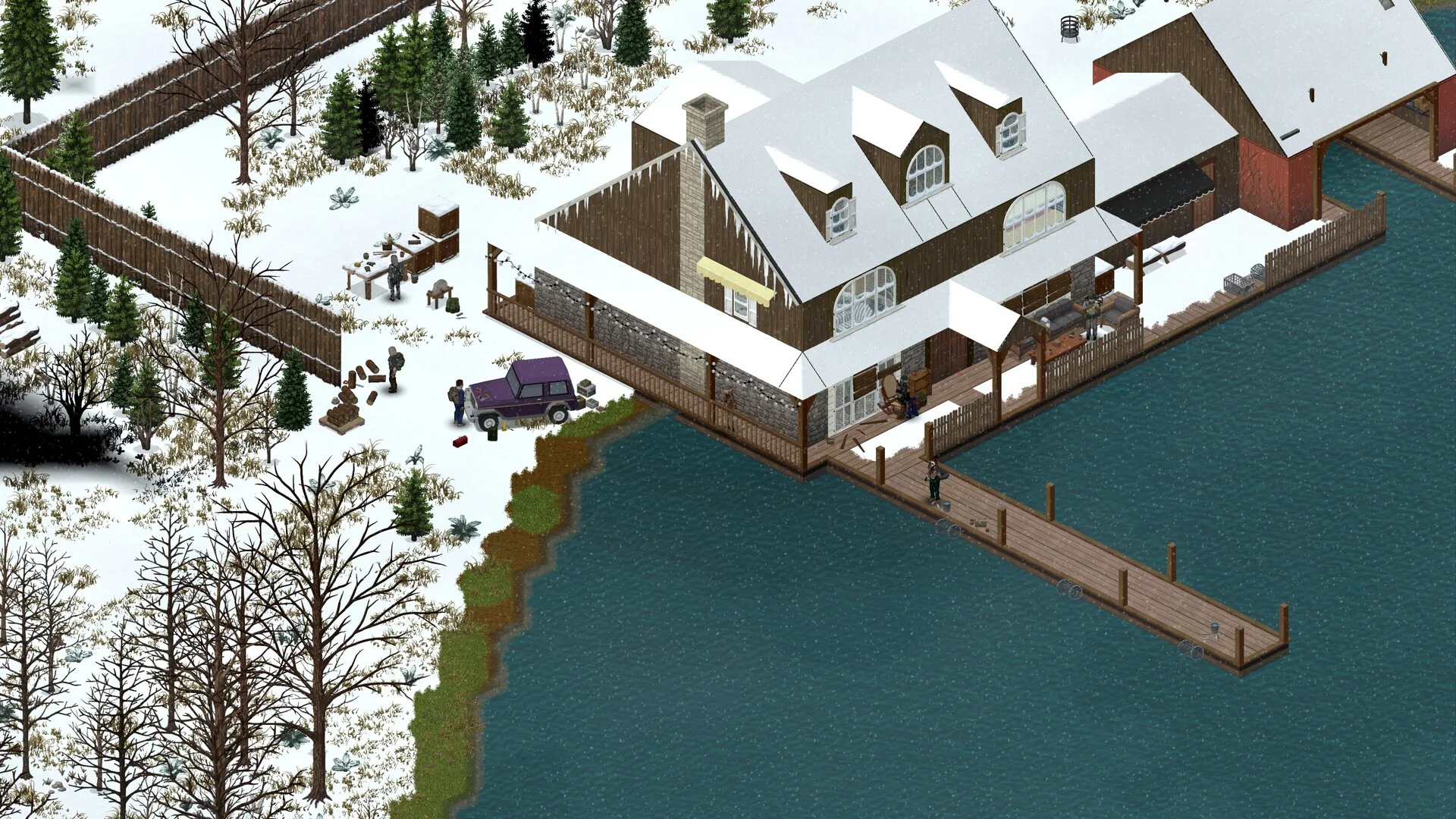
- Keep the server on Lua Workshop mods. That is the supported path, and our best Project Zomboid mods for multiplayer list only covers mods that install that way.
- Back up before every game update. A Build 42 patch can change saves, and Java mods add one more thing that can go wrong. Take a backup from the Backups tab first.
- Leave Steam Auto Update off unless you want it. It is a variable in the Startup tab, so you choose when the server moves to a new build, after checking your mods.
- Read the patch notes. Our Build 42.21 stable rundown covers what the last stable update changed for servers.
Host Your Project Zomboid Server with DoomHosting
Want a server where Workshop mods are a list you paste in, backups are one click, and you decide when to update? DoomHosting's Project Zomboid servers run on Ryzen 9 hardware with a Workshop tab, full FTP access, DDoS protection and 24/7 support.
Stay safe out there, survivor. Especially with what you download.