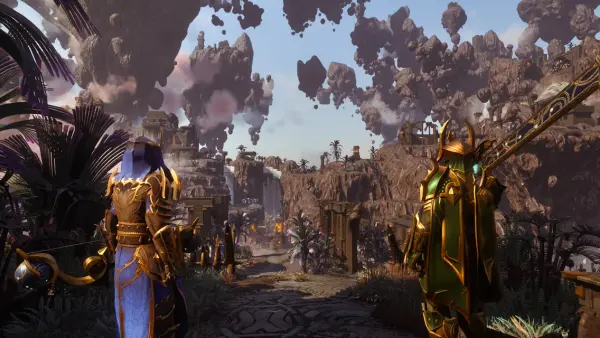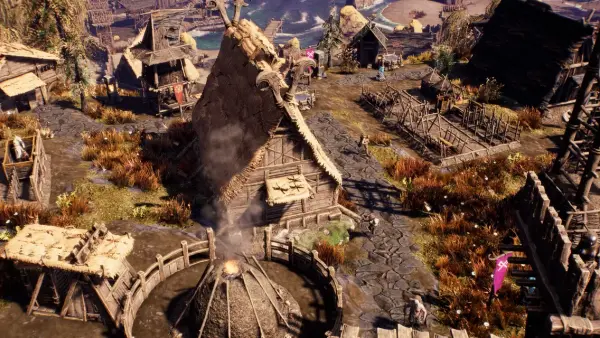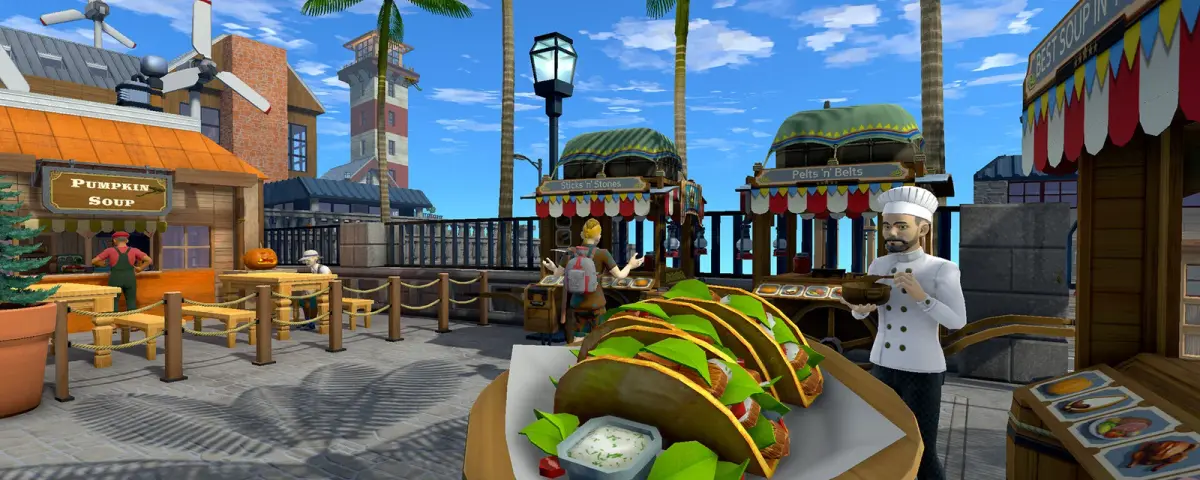
Strange Loop Games released Eco Update 14.2 on 8 October 2026. The studio calls it a minor update, and on the surface it is: no new profession, no new biome, no new machines. For anyone running an Eco server, though, it is one of the most hands-on patches of the year. Bank accounts get a full economic statistics view, stores get bulk discounts and buy quotas, the simulation stops hogging CPU cores, and the config templates pick up more than twenty new settings for economy privacy, mod.io auto-updates and performance logging.
Worlds from Update 14.1 migrate cleanly. The catch is that two balance changes only reach an existing server if you edit its config by hand, and that is the step most server owners will miss.
Economic Statistics: Every Transaction, Not Just the Last 50
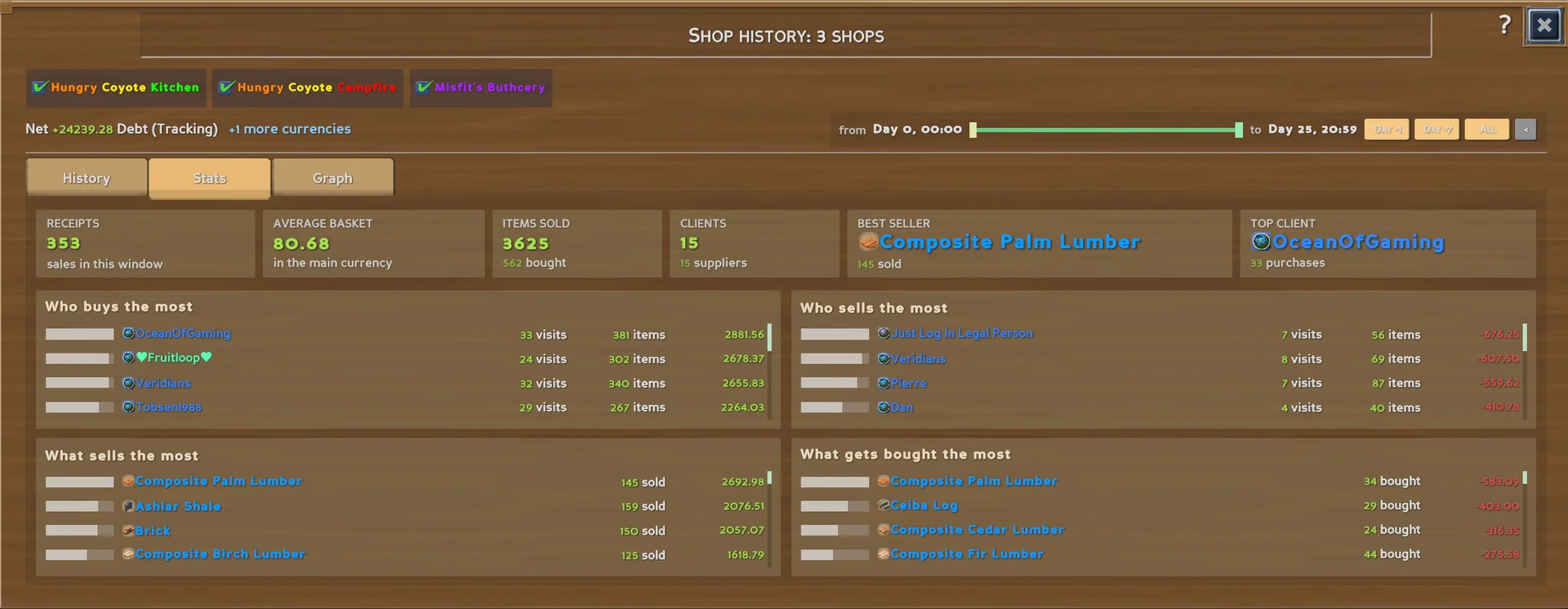
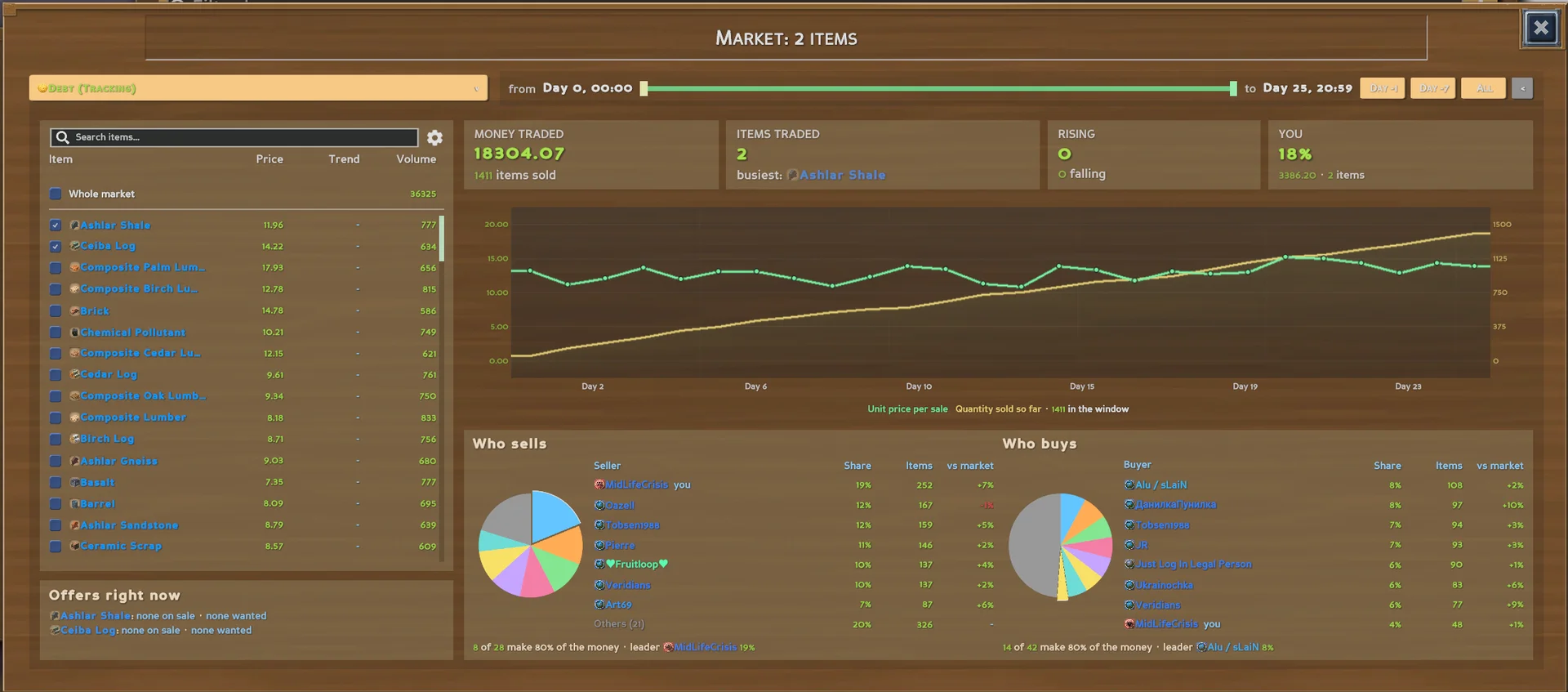
The old bank account history stopped at the last 50 entries. In 14.2 it keeps everything, and you can filter by currency, transaction type and time frame, or search the descriptions. Above the list sits a stats panel (number of transactions, average daily balance change, taxes paid, where money came from and where it went) plus a graph of the balance over time.
Store owners get a new shop view across one or several stores (total sales, average transaction, top buyers and sellers, most profitable items) and a market overview with trading volume and market share per item.
Two things to tell your players before they ask:
- The data is not retroactive. Statistics are collected from the moment your server runs 14.2. A world that has been live for a month will show empty graphs on day one.
- It lives in its own file, separate from the game database, and it is backed up together with the save. That has a disk cost on long running worlds, covered below.
Stores, Taxes and Property Crises
The store changes are the ones your traders will notice first:
- Up to ten tiers of bulk discounts on sale offers, applied automatically from the amount in the buyer's cart.
- Minimum balance: a store can refuse purchases that would drop its bank account below a set amount.
- Buy quotas: a buy offer can now be a one time quota instead of a restock target.
- Limits now mean what they say. A buy limit of 0 buys nothing and infinite buys anything. Existing buy offers set to 0 are migrated to infinite on world load, so stores keep working exactly as before. On sale offers the limit is now the amount held back, which lets an owner pause an offer without deleting it.
- New offers start unpriced ("No Price Set") instead of with a placeholder price that someone could trade against.
Governments get named taxes. A law can give its tax a name that shows on every payment, and taxes sharing a name are counted together, so amending or replacing a law keeps its revenue history. Property crises now pull claim papers and stakes from the settlement's own storage before a crisis ever starts. One small UI change will confuse people: the Tailor profession is gone and Tailoring now sits under Hunter.
The Config Changes You Have to Apply Yourself
Eco ships its defaults as .eco.template files in the Configs folder. The .eco files next to them are your server's real settings, and an update does not rewrite them. So when 14.2 changes a default, a server that already has the file keeps its old value. Strange Loop says as much in the notes.
Here is the diff that matters:
EcoSim.eco
  HeavyMineralNaturalDecayCeiling   1    ->  5.0
  ChemicalNaturalDecayCeiling       0.3  ->  1.0

Difficulty.eco
  MaxSpecialtiesPerCitizen          now defaults to 34
The two EcoSim values set how much pollution cleans itself up naturally. If you want the new, more forgiving balance on an existing world, edit them yourself. MaxSpecialtiesPerCitizen now matches the total number of specialties since Recycling arrived. Leave it lower only if you cap specialties on purpose.
Economy.eco gains the privacy settings that go with the new statistics. AccountBalancePrivate (default false) limits who can see an account's balance, a matching setting does the same for account history, and ShopHistoryPrivate (default true) keeps shop data owner only. Admins see everything by default (AdminsSeeBalances, AdminsSeeAccountHistories, AdminsSeeShopHistories), tucked behind admin only tooltips so they can still play as a normal citizen. AccountAuditors grants that visibility to named players without making them admins.
The one we would actually change is JournalRetentionDays. It defaults to 0, which means unlimited: on a busy world the economy journal grows for as long as the world lives, and it rides along in every backup. A retention of a few months is plenty for most servers.
Edit configs with the server stopped. Eco writes its config files on shutdown and will overwrite changes made while it runs.
Server Performance and mod.io Auto-Updates
The periodic civics and world simulation jobs (law timers, settlement checks, animal populations, plant growth, pollution) now run spread out in the background at low priority instead of saturating cores for several seconds at a time. BackgroundWorkCpuPercent in Performance.eco caps their share at 25 percent, and 0 restores the old behaviour. Ticks in pipe networks, power grids, linked storages, room values and store stock are lighter too, which counts most on large worlds.
Fixes cover freezes when many objects spawn with lots of players online, pipe loops freezing every work order, a tank crash, and servers that refused to start because the save held objects from a removed mod. If you are hunting lag, set SlowJobLogThresholdMs to 200 and JobSummaryMinutes to 5 for a session, read the log, then switch them back off.
ModKit.eco gets full mod.io automation: tracked collections, pinned mods and versions, an update check interval (6 hours by default) and ModUpdateMode with Notify, Download or Install. Our advice for a live world is to keep it on Notify. UserCode mods compile on every boot, and a mod that has not caught up with the current version can stop the server from starting at all. Pin what you depend on with PinnedMods and update when you are watching. ListModsInServerBrowser in Network.eco now shows your mod.io mods in the server browser.
What This Means for Your Server
- Back up first. Migration from 14.1 is supported, but a backup costs nothing.
- Stop the server, then apply the
EcoSim.ecodecay ceilings if you want the new pollution balance. - Decide on privacy before players build up a history they assumed was private.
- Set
JournalRetentionDaysso the economy journal does not grow forever. - Tell your players about Tailoring moving to Hunter and the new buy limit behaviour.
Worth Updating?
Yes, and quickly. The background simulation change alone is the kind of fix that makes a 30 player server feel different, and the statistics give governments and traders something they have been asking for since stores existed. Just do the config edits, because the patch will not do them for you.
Host Your Eco Server with DoomHosting
DoomHosting Eco servers give you full file access to Configs for exactly these edits, a Mods tab that installs from mod.io and flags files older than Update 14, and a log check that names the mod when one fails to compile on boot. New to running Eco? Our Eco dedicated server guide covers world size, the meteor clock and the settings to get right on day one.
Update 14.2 turns Eco's economy into something you can measure. Make sure your server is configured to keep up with it.