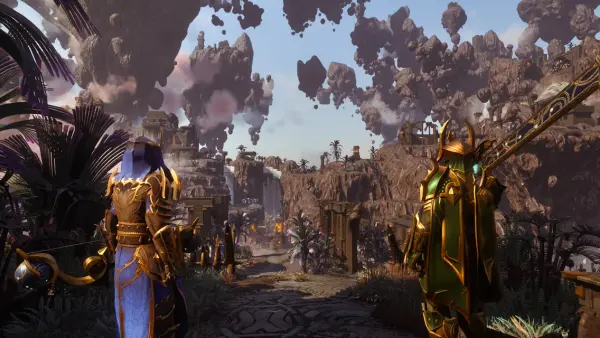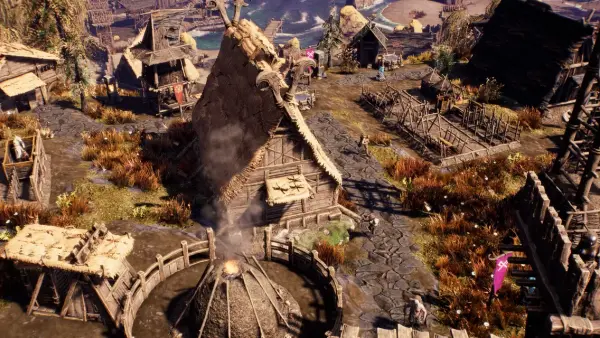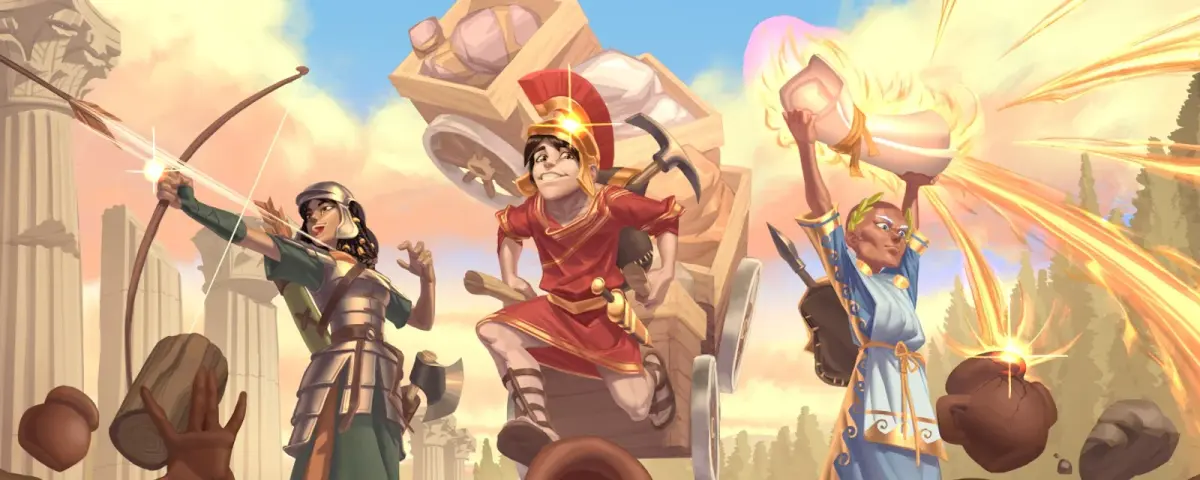
If your Romestead group keeps getting kicked mid-dungeon, you are not imagining it, and Beartwigs has now said so in writing. Their October 15, 2026 post, Message From Olympus #3, is the first time the developers have explained where Romestead disconnects come from, what they are changing, and which workarounds players have used to fix them. Two of those workarounds are "connect by IP" and "use a server provider", which makes this the most server-relevant news Romestead has had since the dedicated server tool shipped.
Here is what the post actually says, what to try first, and what it means if you run a server for your group.
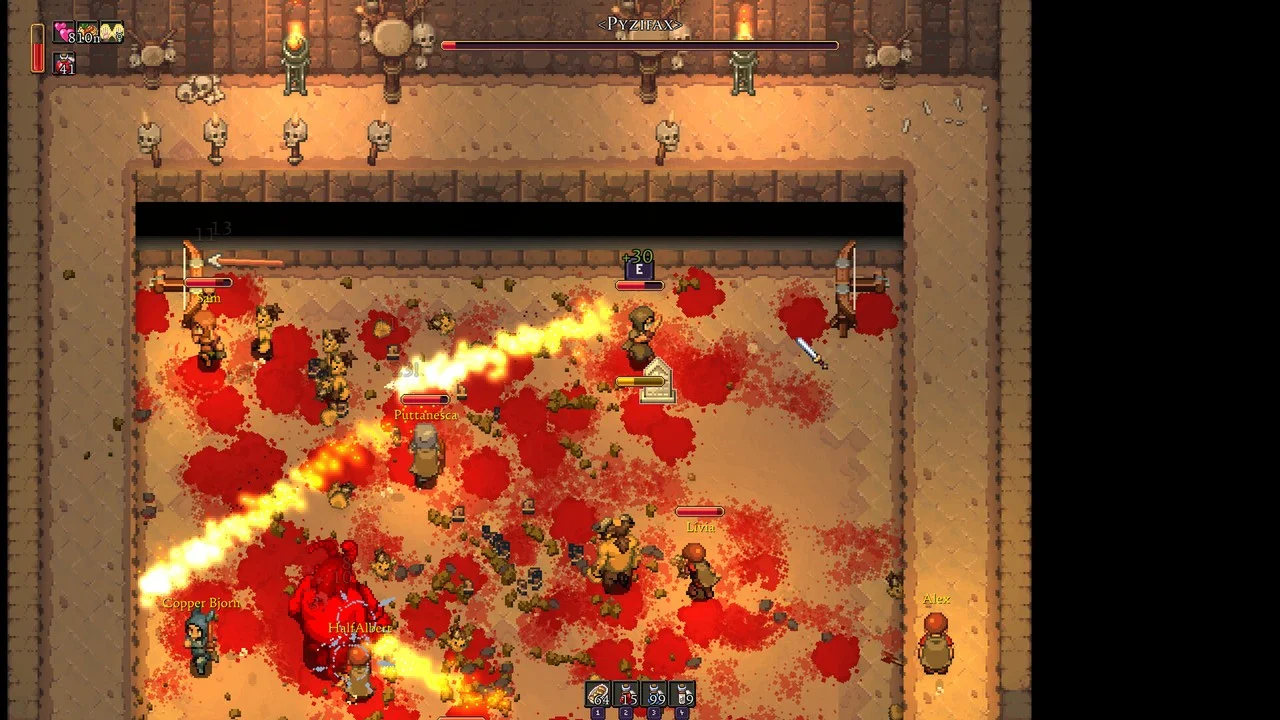
Why does Romestead keep disconnecting?
When you join a friend's world through Steam, the connection does not go straight from your PC to theirs. It goes through the Steam Datagram Relay (SDR) network. Beartwigs picked SDR for good reasons: it is usually faster and more stable than a raw connection, and it hides every player's IP address.
The catch is what happens when it goes wrong. According to the developers, a disconnect is usually just network messages between the host and the client not arriving in time. Somewhere along the route, packets are late, and the game gives up on the connection. Beartwigs is clear that the exact cause can be "a huge amount of reasons" behind the scenes and is mostly out of their hands.
They are also clear about something many players get wrong: Beartwigs does not host any servers. In a normal multiplayer session, the "server" is whichever player clicked Host. Every other player's experience depends on that one person's PC and home connection. The developers' own advice is that the player with the strongest internet should be the one hosting.
The quick fix: try the 0.26.3-beta branch
The first thing Beartwigs asks affected players to do is switch to the 0.26.3-beta branch on Steam. Right-click Romestead in your library, open Properties, go to Betas, and pick 0.26.3-beta from the list.
Two details make this low risk:
- Saves are compatible both ways. Beartwigs states that worlds move freely between the beta and the main version, so trying it does not lock your settlement into a test build.
- They want reports. If you still disconnect on the beta, tell them. That feedback is what decides whether these changes reach the main branch.
One practical warning for groups: everyone who plays together should be on the same branch. Mixing a beta client with a main-branch host is a recipe for a different kind of "can't connect" problem, so agree on the switch as a group, and do it together.
What Beartwigs is changing next
The post lists three networking improvements in progress:
- Removing the disconnect itself, so a shaky connection no longer throws you out of the world even when packets are late.
- Reconnecting where you were, instead of at your respawn point. Anyone who has been dropped halfway through a dungeon and woken up back at the shrine knows why this matters.
- Cutting network traffic the game needs, which helps every host, but especially one on a modest home upload.
There is no release date for these yet. The post also confirms the next major update is moving along, with new enemies, new environments and dungeons, and a first boss the team describes as "starting to look pretty terrifying". Development footage is promised soon. In the meantime, the Mundus Cerialis seasonal event from patch 0.26.2_3 is still running, with four new equipment items, a new boss fight, a new enemy variant and a respawn timer after death. The event stays replayable as long as you keep the items that start it.
The workarounds players found (and why they work)
Beyond the beta, Beartwigs passed on three fixes that players with repeated disconnects have reported:
- Connect through IP instead of Steam. Host the world with Host LAN or the Romestead Dedicated Server tool, and have friends join by IP address. Players doing this report the disconnects disappeared. On a home PC this may need port forwarding, and the default port is 8050.
- Use a server provider. Because the connection no longer goes through Steam, the developers say this can also resolve the issue.
- Use a VPN to improve routing, such as Cloudflare WARP.
The first two are really the same fix. Both take Steam's relay out of the path and give players a direct address to connect to. The difference is who carries the load. With Host LAN, your PC runs the world and your home upload carries up to seven other players. With a dedicated server, the world runs on a machine that does nothing else.
What this means if you run a Romestead server
If your group already plays on a dedicated server, you are using the setup Beartwigs' own community found most stable. A few things are still worth doing this week:
- Join by IP and port, not by friend invite. The point of the fix is avoiding the relay. Copy the address from your server's connection details and share that.
- Keep the server and every client on the same version. If some of your players move to the 0.26.3 beta, check that the build they run can still join your server before the next session, not during it.
- Give it enough memory. On our test servers, world generation crashed at 4 GB. Romestead needs 5 to 6 GB to create a world, and a large world wants around 8 GB. A server that is short on RAM will stutter in exactly the way that looks like a network problem.
- Back up before you switch anything. Saves are compatible between branches, but a copy of your world folder costs nothing.
If you are still choosing between hosting from your own PC and a server, our earlier breakdown of Romestead peer to peer vs a dedicated server covers that decision in depth.
Our take
This is a refreshingly honest post. Beartwigs could have shipped a quiet hotfix and hoped. Instead, they explained the architecture, admitted where their control ends, and pointed players toward fixes that are not theirs to sell. The reconnect-in-place change is the one to watch: it turns a ruined dungeon run into a two second hiccup.
Until it lands, the most reliable path is the one the community already found: get off the relay and onto a direct connection.
Host Your Romestead Server with DoomHosting
A Romestead server from DoomHosting gives your group a fixed IP and port to join, so the Steam relay is out of the picture from day one. World name, world size, password and player cap (up to 8) are fields on the panel's Startup tab, and you can upload an existing world. Our Romestead setup guide walks through the first boot.
Roma aeterna, and may your connection be too.