Project Zomboid Build 42.21 went to the Stable branch on September 28, 2026, five days after it landed on Unstable. It's the first incremental update since Build 42 went stable in July, and while the headline items read like bug fixes, several of them change how a multiplayer server behaves. If you run a server for your group, this is one to install today rather than next weekend.
Below: what's in the Project Zomboid 42.21 patch notes, which fixes matter most on a dedicated server, and how to update without risking your save.
When Did Project Zomboid 42.21 Release?
- September 23, 2026: 42.21 released on the Unstable beta branch.
- September 28, 2026: The Indie Stone pushed it to Stable after the community reported no major issues.
The developers also said this is how releases work from now on: every update goes to Unstable first, gets tested by players, and moves to Stable once it holds up. For server owners that's good news. You get roughly a week's warning before each Stable build, which is enough time to check your mod list against it.
Zombie Duplication and Disappearing Hordes, Fixed
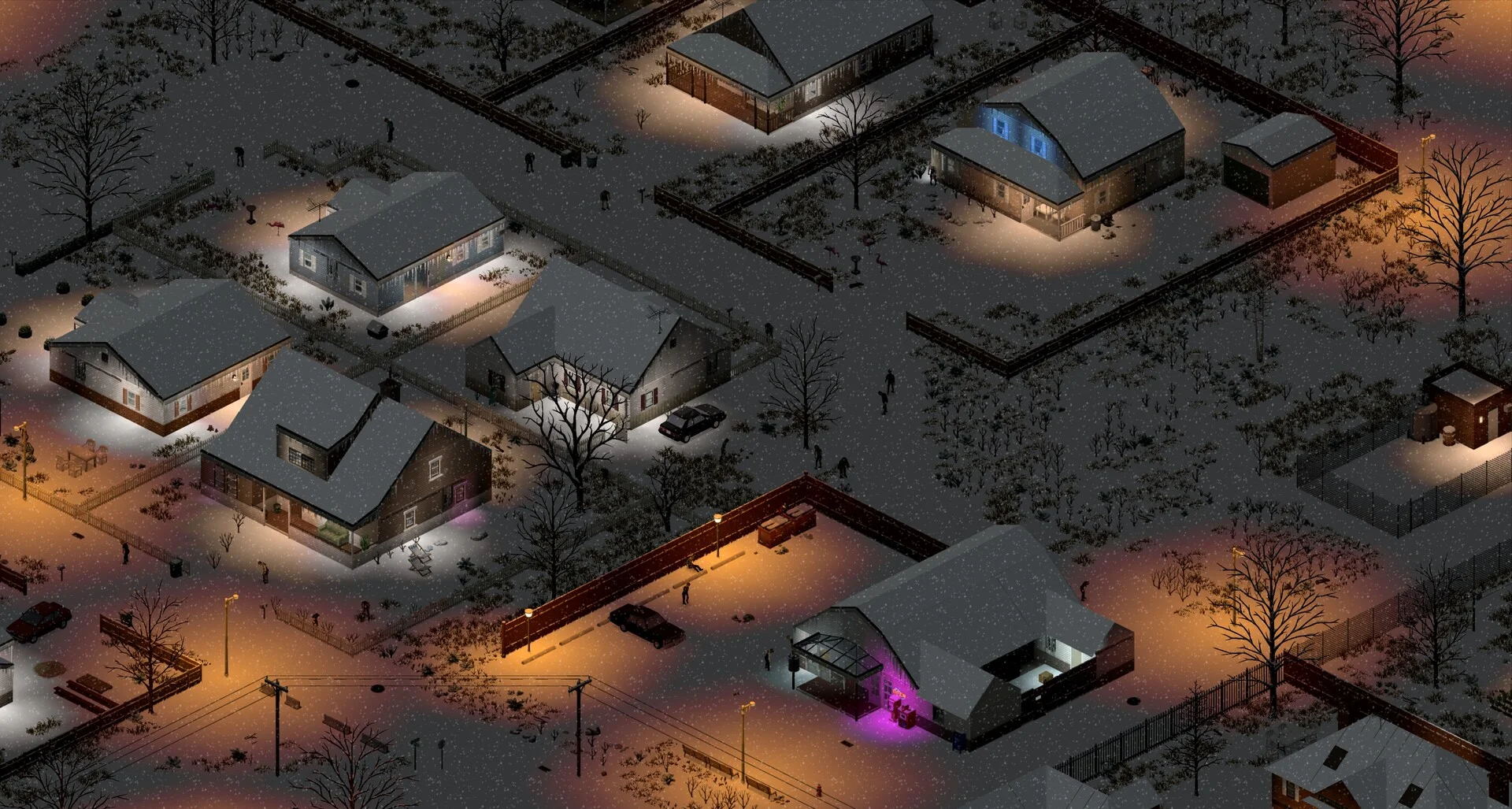
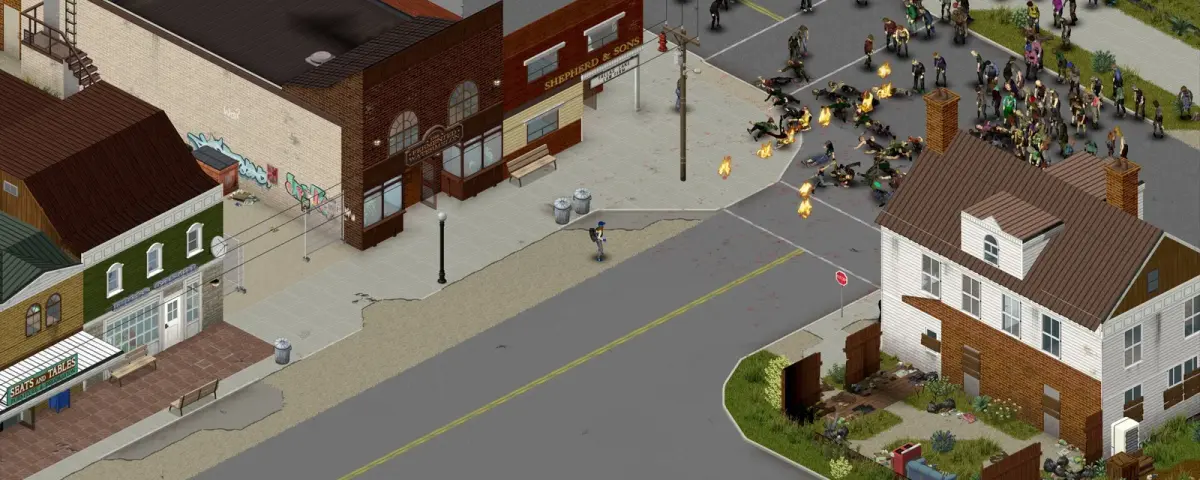
The biggest fix in 42.21 is one hardcore servers have complained about since Build 42 went stable. Zombies would vanish when a player left a chunk of the map and came back, and in multiplayer the same area could end up with duplicated zombies. Both showed up most on servers running high population settings, the ones where the horde is the whole point.
42.21 fixes the disappearing-zombie bug in singleplayer and multiplayer, closes several duplication cases and cleans up some zombie coordinate desync. The Indie Stone says a few instances remain and are on the list for the next update, so don't be surprised if a player still reports the odd clone.
If you lowered your population multiplier to work around the bug, now is a good moment to set it back. It lives in your sandbox settings.
The Security Fix That Makes SteamID Bans Work Again
This is the one that should decide your update window. The multiplayer notes include: "Fixed an issue where players could enter dedicated servers without correctly authenticating via Steam, which prevented SteamID bans."
In plain terms, on 42.20.x a player could get into a dedicated server without Steam authentication going through properly, and a SteamID ban did nothing to stop them. Once your server runs 42.21, banid and your existing SteamID bans are enforced again. After updating, check your ban list and admin roles to make sure nobody slipped in while the door was open. Our server commands guide covers banid, banuser and access levels.
The same section expands the anti-cheat with guards against "various new cheats", fixes safehouse exploits, and closes duping exploits involving bags, popcorn machines and sandbag walls.
loadstring Is Back: Good News for Modded Servers
The 42.20.4 hotfix on August 26 removed the Lua methods loadstring and loadstream to plug a security hole. That broke every mod that relied on them, and plenty of admins had to pull mods from their lists or wait for rewrites.
After investigating further, The Indie Stone re-enabled both methods in 42.21 and apologised to modders and server admins for the disruption. A mod that broke in late August may work again without an update. Before you re-add anything you removed, check its Workshop page: if the author already rewrote it around the change, you want the new version anyway. Our guide to installing mods on a Build 42 server covers the Mods and WorkshopItems lines.
Server Options and Admin Tools That Now Behave
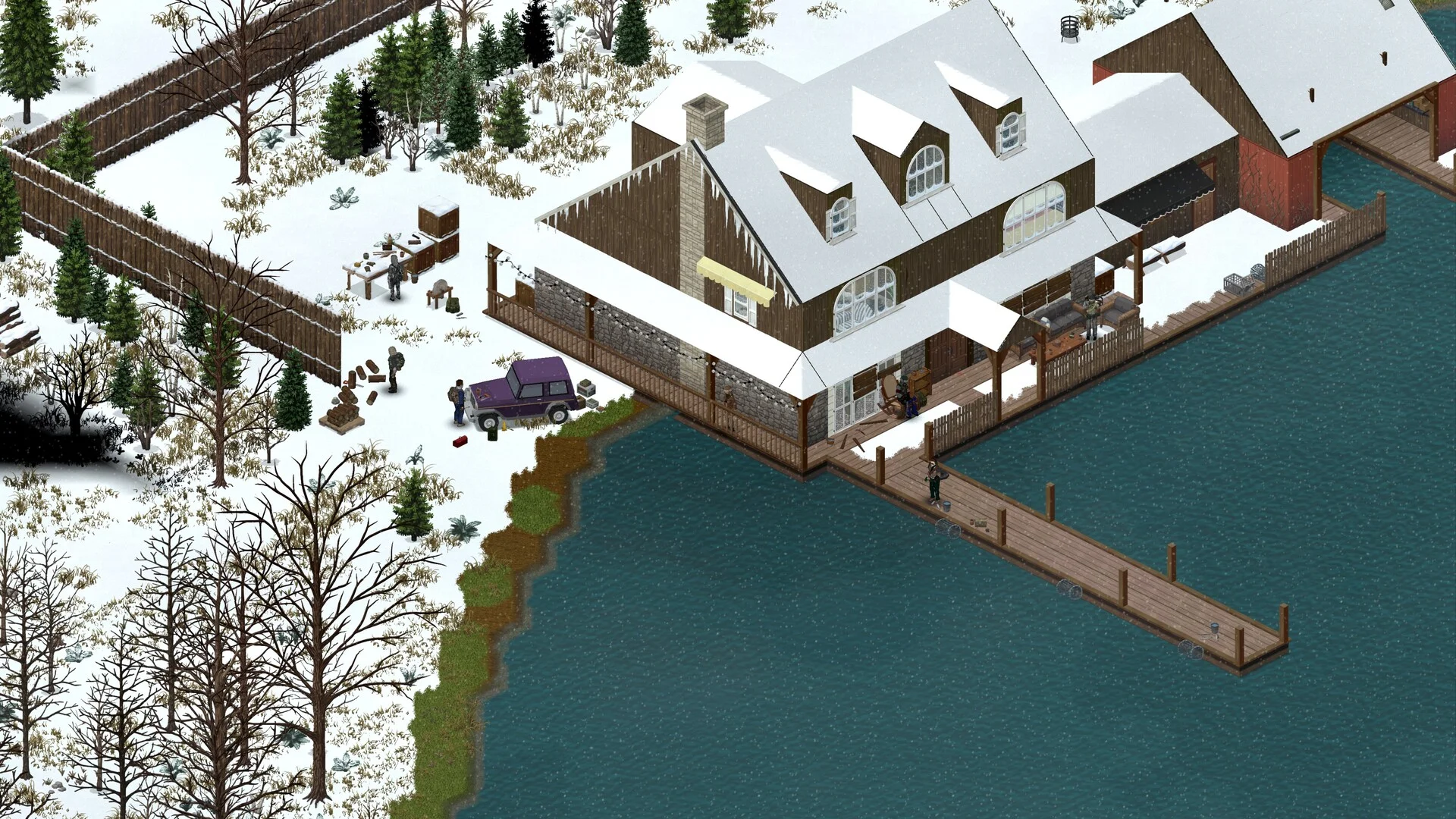
The full fix list hides a handful of lines that only matter if you run a server, which is exactly why they're easy to miss:
- Safety Disconnect Delay works again as a server option.
- Disable Safehouse When Owner Connected and Sledgehammer Only in Safehouse no longer conflict when both are on.
- Players can connect again when UsernameDisguises is enabled.
- Admin commands now work as intended: teleporting one player to another, plus
grantadminandsetaccesslevelfor users who aren't on the whitelist. Running a server command no longer kicks you. - The packet rate limit now applies only to addresses that aren't connected yet, so it targets connection floods instead of your own players.
- RakNet throughput now scales properly around 150 ms ping, which fixes the map not loading ahead of cars and passengers teleporting for players far from the server.
- A memory leak from eating food straight out of a vehicle trunk is gone, which helps servers that stay up for days.
- The Discord integration no longer loops forever when the Discord API is down.
- Clothing condition is now handled server-side.
- The server browser shows the last wipe instead of the last restart, and players who try to join a server on a different game version now get a notification saying so.
That last one saves admins a pile of support messages. A player whose Steam client already updated will see why they can't join a server still on 42.20.4.
How to Update Your Server to 42.21
Steam updates your players' clients automatically, so a server left on 42.20.4 turns away everyone who updated. Do it in this order:
- Take a backup. 42.21 shouldn't break saves, but a Build 42 world is weeks of work. Our backup and restore guide walks you through it.
- Pull the new build. On DoomHosting, open the Startup tab and check the
AUTO_UPDATEvariable. With it set to1, every restart runs SteamCMD and installs the latest Stable build before the server boots. - Leave Unstable if you tested there. If you moved the server to the
unstablebeta branch last week to try 42.21 early, Stable has caught up. Take a backup before any branch switch. - Restart and confirm the build. Project Zomboid's server query always reports version
1.0.0.0, which tells you nothing. The real build sits in the server's Steam tags asVERSION:42.21, and that's what the version chip in our panel reads, so it's the quickest way to confirm the update actually applied. - Update your Workshop mods. Every mod on the server needs a version that runs on 42.21, and players need the same versions.
Worth Updating Today?
Yes. The zombie fixes are the headline, but the Steam authentication fix is the reason not to wait: until your server runs 42.21, a banned player can come back. Everything else, from the safehouse option conflict to the trunk memory leak, quietly improves the server you already run.
Host Your Project Zomboid Server with DoomHosting
Build 42 with a full group and high population settings needs real RAM and a CPU that doesn't choke on horde pathing. DoomHosting's Project Zomboid servers run on Ryzen hardware with full FTP access, backups, a Workshop tab for mods, DDoS protection and a panel that shows your real build number at a glance.
The hordes stay put now. Make sure your server is on the build that keeps them there.