Update, 29 July 2026: Build 42.20 is live on the stable branch. Read Project Zomboid Build 42 Stable Is Live: What to Do Now for what this means for your server.
Project Zomboid version 42.20 goes stable on Wednesday, July 29, 2026: direct to the public branch, no experimental gate. The Indie Stone confirmed the date in their July 24 announcement, alongside a new Steam Store trailer and a plan for what happens after. For anyone renting a Project Zomboid dedicated server, this is the biggest upgrade window since Build 41 shipped in 2019, and it needs a few decisions from you before Wednesday.

Release Date
Build 42.20 lands on the default public branch on Wednesday, July 29, 2026. There is no gated "opt-in" this time, Steam will pull the new build to every default install as soon as the branch flips.
The Indie Stone also confirmed the next steps after stable:
- Hotfixes rolling in as issues are found
- A tweaks-and-adjustments patch aimed at late-game feedback
- Public release of the mapping tools (WorldZed, TileZed) and the in-house animation editor AnimZed
- An extensive modding guide alongside continued modding support work
- Ongoing community localization
- A Build 42 Support Update later in 2026 focused on optimization, additional modding hooks, and player-requested polish
Why Build 41 Saves and Servers Break
Build 41 savegames are not compatible with Build 42. The map, save format, animation system, crafting graph, and multiplayer serialization all changed too much between the two builds. On Wednesday the public branch will roll to 42.20 and any world you keep loading against it will refuse to open, or corrupt if you force it.
That covers both single-player and dedicated servers. Your Saves/ folder for a Build 41 character is a museum piece unless you actively hold the branch, see the next section.
How Server Owners Can Stay on Build 41 (legacy41 branch)
The Indie Stone shipped a legacy41 beta branch specifically for server owners and players who want to finish their current save without switching. If you run a Zomboid server through DoomHosting or any other host, this is the path to freeze your world.
On the client (every player who joins the server needs this too):
- Right-click Project Zomboid in your Steam library.
- Select Properties.
- Under Game Versions & Betas, select legacy41 from the dropdown.
On a dedicated server: your server manager needs to pin the SteamCMD download to the same branch. In the Pterodactyl-based panel we use, that means editing your server's startup variables to reference the legacy41 beta before the next re-install or update. The exact flag depends on how the egg wraps SteamCMD, but the concept is universal, SteamCMD's -beta legacy41 flag is the same one clients use in the Steam UI, just applied server-side.
Warning: every player who wants to keep joining a legacy41 server must be on the legacy41 client build. Steam won't let a public-branch client connect to a legacy41 server because the network protocol version won't match. Post the branch instructions in your server's Discord before Wednesday.
Finishing an Unstable 42.19 Game
If your community is already playing on the current Unstable branch (42.19), those saves also break on 42.20, additional content was added and the format shifted again. The Indie Stone shipped a 42.19 beta branch for exactly this case, so you can finish a run without being forced onto 42.20 the moment it drops.
Same Steam properties path: Right-click → Properties → Game Versions & Betas → 42.19. Again, both the server and every client that joins need to be pinned to it.
What Ships in 42.20
The Indie Stone is running a full blog early next week to walk through the new content in 42.20, along with an interview with Art Director Ayrton. What's already confirmed for this patch, on top of everything landed across Unstable 42.x:
- Character spawn fixes
- Controller support improvements
- Butcher hook meat yield rebalance
- Vehicle towing fixes
- Zombie culling in multiplayer: a longstanding server-performance pain point
That last one is the headline for anyone hosting Zomboid. Culling logic is what decides how many idle zombies stay ticked on the server versus dropped from simulation. Bad culling on a busy MP server pushes CPU and tick times up and eventually chokes the whole box. The 42.20 pass is the first real Build 42-native rework of that path.
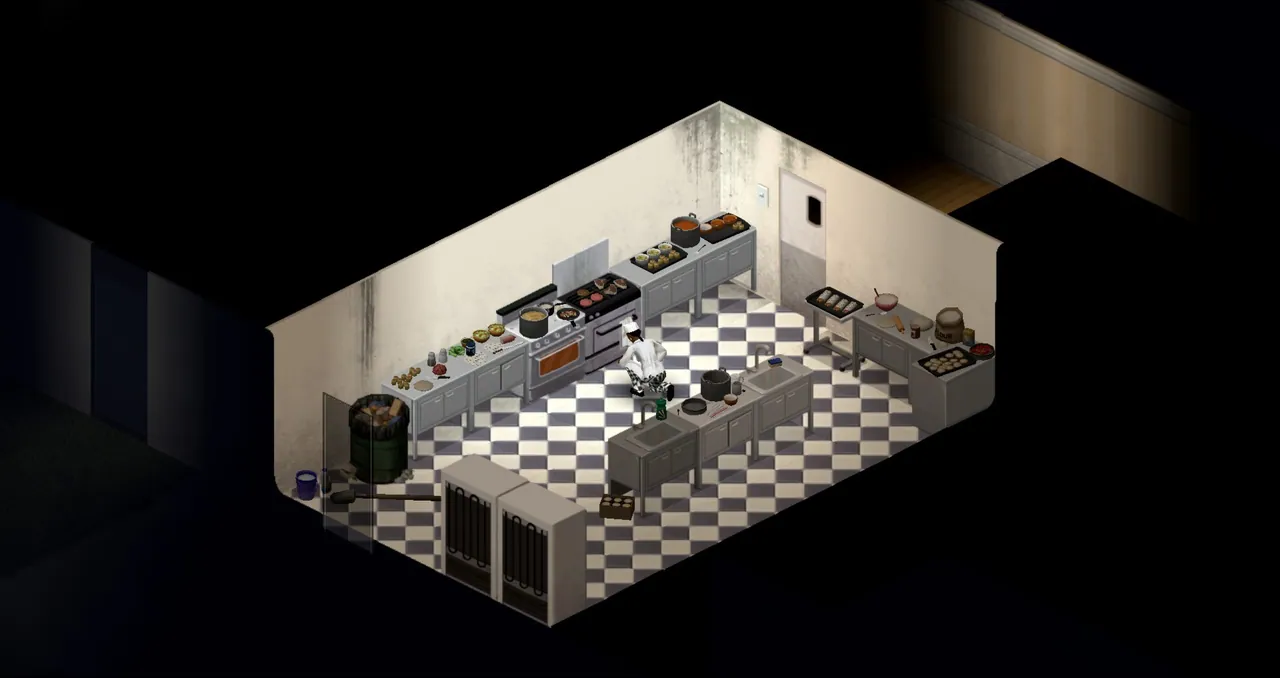
Everything already in the Build 42 Unstable line, new crafting depth, the deeper animation system, expanded map tiles, the revised skill and moodle framework, controller UI, and the new food and cooking loop, also comes with 42.20 for players who haven't touched Unstable yet.
Multiplayer, Modding, and What Comes Next
Beyond the launch itself, The Indie Stone flagged a few threads that matter for anyone running a server long-term:
- Mapping tools going public. WorldZed and TileZed shipping publicly means the custom-map scene finally gets a first-class workflow instead of the mix of ancient tools and unofficial forks that have kept it going. Expect a wave of new maps hitting the Workshop across the second half of 2026.
- AnimZed and the modding guide. The animation editor and integration tool the studio uses internally is going public. Combined with the extensive modding guide they're preparing, this is the biggest opening the Zomboid modding scene has ever had. Server owners should assume their favorite mods will churn in the weeks after launch as authors migrate to Build 42.
- Continued MP and controller improvements across the B42 patching cycle, so expect a hotfix cadence in the first few weeks.
- A Build 42 Support Update later in 2026 focused on optimization and additional modding hooks. If your server currently runs at the edge of its RAM budget, more headroom is coming, but the initial 42.20 build will not be that update.
Your Pre-Wednesday Server Owner Checklist
If you run a Zomboid server, do these before July 29:
- Back up the entire server save folder now. SFTP into your server, pull the
Saves/directory to your desktop, keep a copy. This is your only insurance against a bad 42.20 launch. - Decide the branch: default (upgrade to 42.20 on Wednesday and start a fresh Build 42 world), legacy41 (freeze on Build 41 to keep the current save), or 42.19 (finish an Unstable run).
- Post the client instructions in your community's Discord. Every player who joins needs the same beta branch selected in their Steam client, or they'll be locked out on Wednesday.
- If moving to 42.20: plan a downtime window for Wednesday. Steam usually takes 30 to 90 minutes to fully propagate a dedicated-server update, plus the first full 42.20 install has a bigger asset delta than a normal patch.
- Audit your mod list. Any Build 41 mod that hasn't been marked B42-compatible on the Workshop will break the server on start. Disable them going into Wednesday and re-enable as authors update.
- Warn players about save resets. Fresh Build 42 map, fresh characters, fresh XP. If your community was mid-run on 41, this is the hardest conversation to have on Wednesday afternoon, do it now.
Host Your Project Zomboid Server with DoomHosting
Rent a Project Zomboid dedicated server from DoomHosting and you get instant setup, full FTP access to that Saves/ folder for backups, Steam Workshop mod support, DDoS protection, and 24/7 support from people who actually play the game. If you want to sit out the 42 launch and hold your community on Build 41 for a while, we can set the legacy41 branch on your server directly, no ticket ping-pong.
Either way, Wednesday is going to be a busy day. Back up first, decide your branch second, and pick a launch time that isn't the moment Steam is hammered.