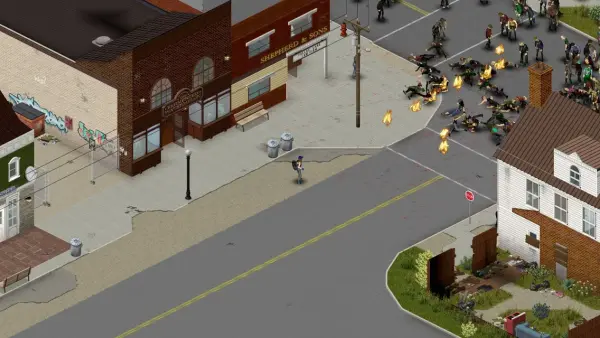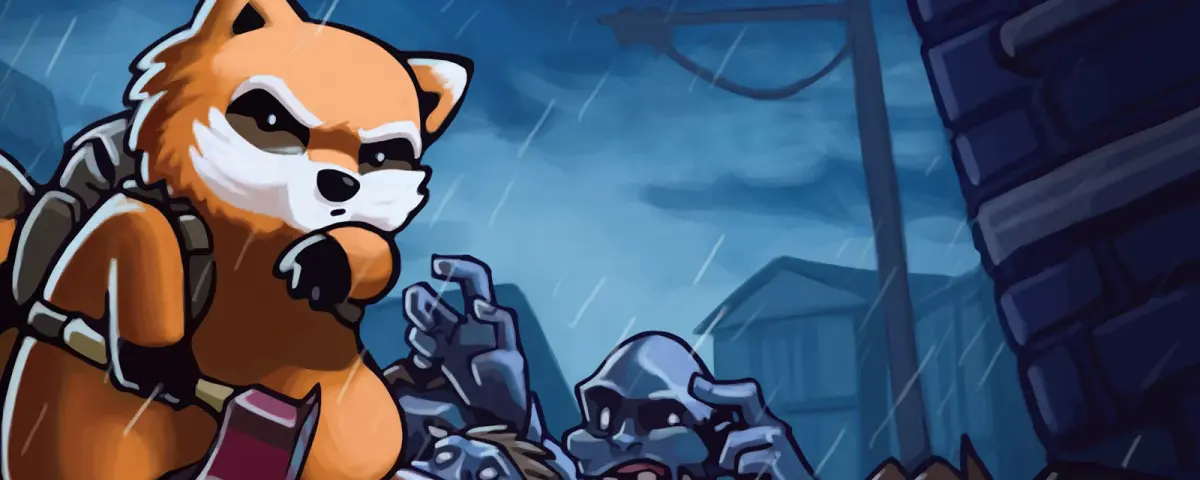
Project Zomboid Build 42.20 is live on the public stable branch. The Indie Stone flipped the switch on Wednesday, 29 July 2026, ending a 19 month run on the unstable branch. This is the biggest update the game has had since Build 41 shipped, and if you rent a dedicated server there are a few decisions to make today.
What landed
Build 42 is not a patch, it is close to a new game on the same bones:
- A rebuilt Knox Country map. Expanded westward, with existing towns reworked to feel lived in rather than laid out. The 42.20 release added map content beyond what was on the unstable branch.
- A new crafting system, built around workstations and real material processing rather than a flat recipe list.
- Animal husbandry. Livestock and wildlife are now part of the world simulation, which means farming loops that survive past the first winter.
- Basements, and a rewritten lighting model to go with them.
- A rewritten modding framework, which is the change with the biggest knock-on effect for server owners.
The Indie Stone also shipped a small security patch to both Build 41 and 42.19 alongside the release.
What it means for your server
Three things matter, in this order.
Your existing server did not change today. Our Project Zomboid servers ship with Steam Auto Update set to 0, so your server keeps running the files already on its disk. Nothing flipped underneath you while you slept, and nothing will until you reinstall or turn auto-update on. You choose the moment.
Build 41 saves cannot be loaded by a Build 42 server. There is no converter. The map, save format and crafting graph all changed too much. The same is true for anyone still on unstable: 42.19 saves are not compatible with 42.20 either, because of the extra map content added for release. If a world matters to you, back it up before you touch anything.
Build 41 mods do not work on Build 42, and they fail quietly. Workshop IDs are not version aware, so SteamCMD will happily pull your entire Build 41 mod list onto a Build 42 server. The server boots, the list looks right, and the mods do nothing or throw errors. Rebuild the list against Build 42 versions rather than carrying it over.
Your three options
Order a new server. Any Project Zomboid server ordered from us now installs Build 42.20 by default, with no branch variable to set. This is the clean way to try Build 42 without putting an existing world at risk.
Move your current server across. Back up the world, clear the Steam Beta Branch variable, then reinstall with the wipe option. Full walkthrough: How to Switch to Project Zomboid Build 42 Server.
Stay on Build 41. Steam kept it as a permanent branch called legacy41, for both the server and the game client. Pin your server to it and a future reinstall cannot pull Build 42 out from under your save. Full walkthrough: How to Keep Your Project Zomboid Server on Build 41.
One thing to warn your group about either way: Steam now serves Build 42 to every player by default. If you stay on Build 41, every player has to select legacy41 under Game Version & Betas in Steam, or they get a version mismatch when they try to join.
Sizing the server
Build 42 asks for more memory than Build 41 at the same player count. The new map is larger, the crafting and animal simulation both carry state, and mods sit on top of that. If you are running a Build 41 server at the minimum, plan to add a GB or two on the way across. You can change RAM in the panel without rebuilding the server, and our Project Zomboid RAM calculator will give you a starting number for your player count and mod load.
50% off your first month
If Build 42 is the excuse you were waiting for to start a server, the code SUMMER26 takes 50% off your first month on any game server, Project Zomboid included. Enter it at checkout.
You can rent a Project Zomboid server with Build 42 installed by default, on hardware built for it, and manage branches, mods, saves and backups yourself from the game control panel. Our support team is available 24/7 if a branch switch does not go the way you planned.