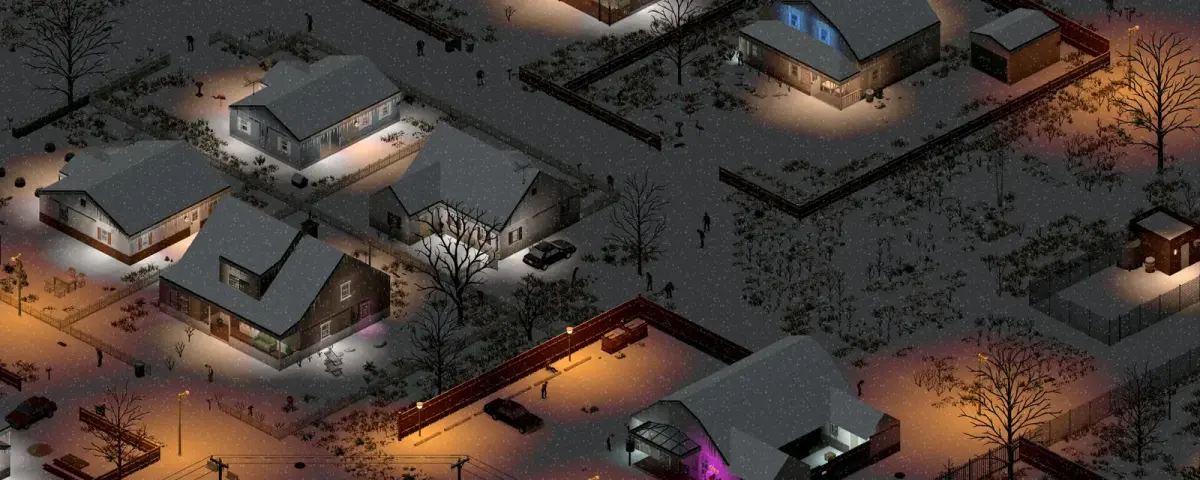
Most Project Zomboid server guides still describe a game that no longer exists. Build 42 became the stable branch on 29 July 2026, the old unstable branch is gone, and a fresh install now gives you Build 42 whether you planned for it or not. Mod compatibility, branch pinning and memory headroom used to be footnotes. On Build 42 they are the difference between a server your group plays on for months and one that dies in week two.
Here is the practical version: what a Build 42 server actually needs, which files control it, and the failure modes that catch almost everyone.
Why a dedicated server beats hosting from the game client
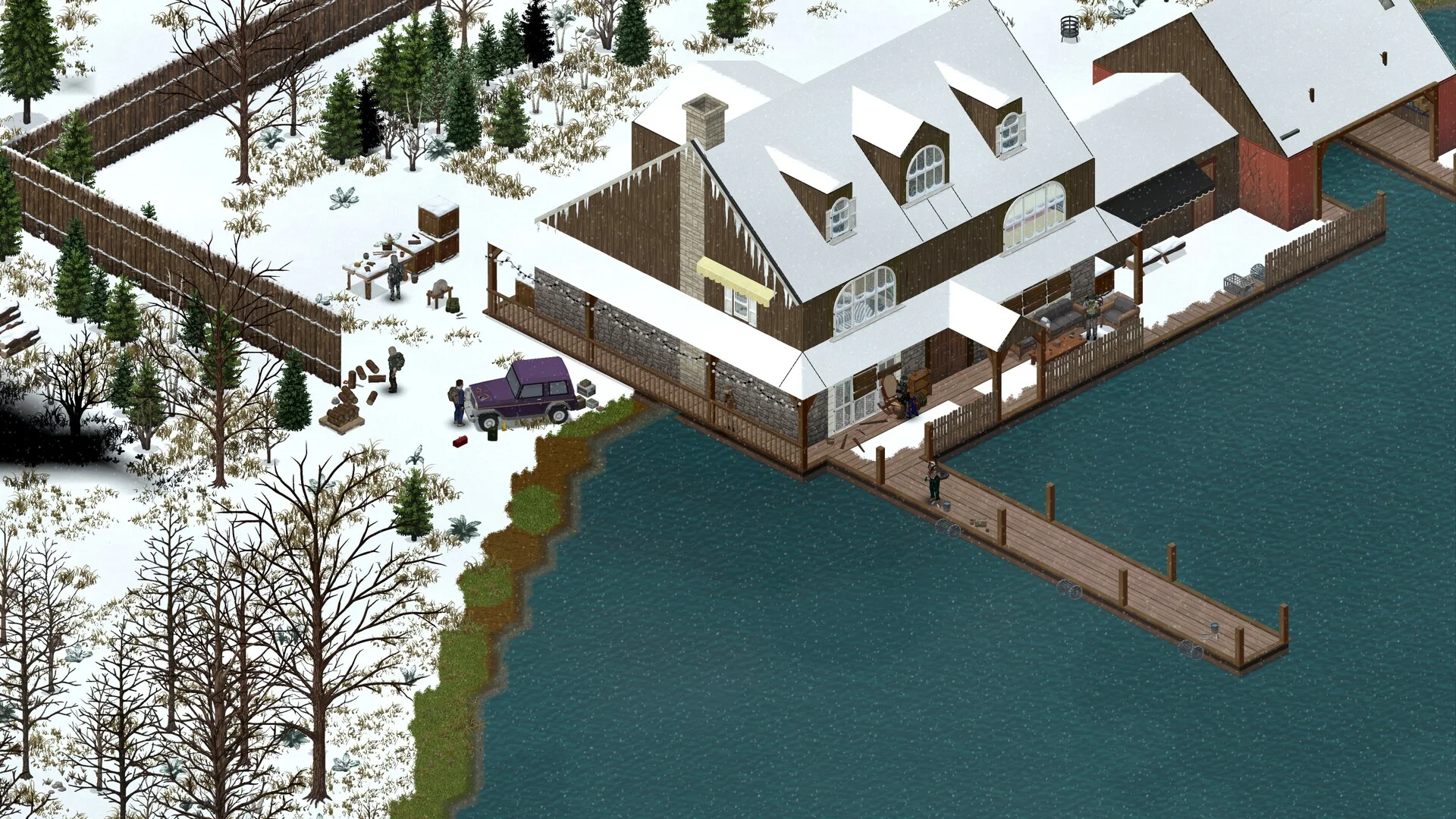
Project Zomboid lets you host from inside the game, and for two people playing the same evening that is fine. It stops being fine quickly.
When you host from the client, the world only exists while your game is open. Your friends play on your schedule. Your framerate and their latency come out of the same machine, so the moment you alt-tab to something heavy, everyone feels it. Knox County is a streaming world: it loads chunks as players move, so two people exploring in opposite directions doubles the memory pressure on your desktop while it is also rendering the game.
A dedicated server splits those jobs apart. The world ticks whether anyone is online or not, which matters more here than in most survival games, because generators burn fuel, crops grow, food rots, and in Build 42 animals need feeding. Players join when they want, and nobody's session depends on the host staying awake.
Size it before you build it
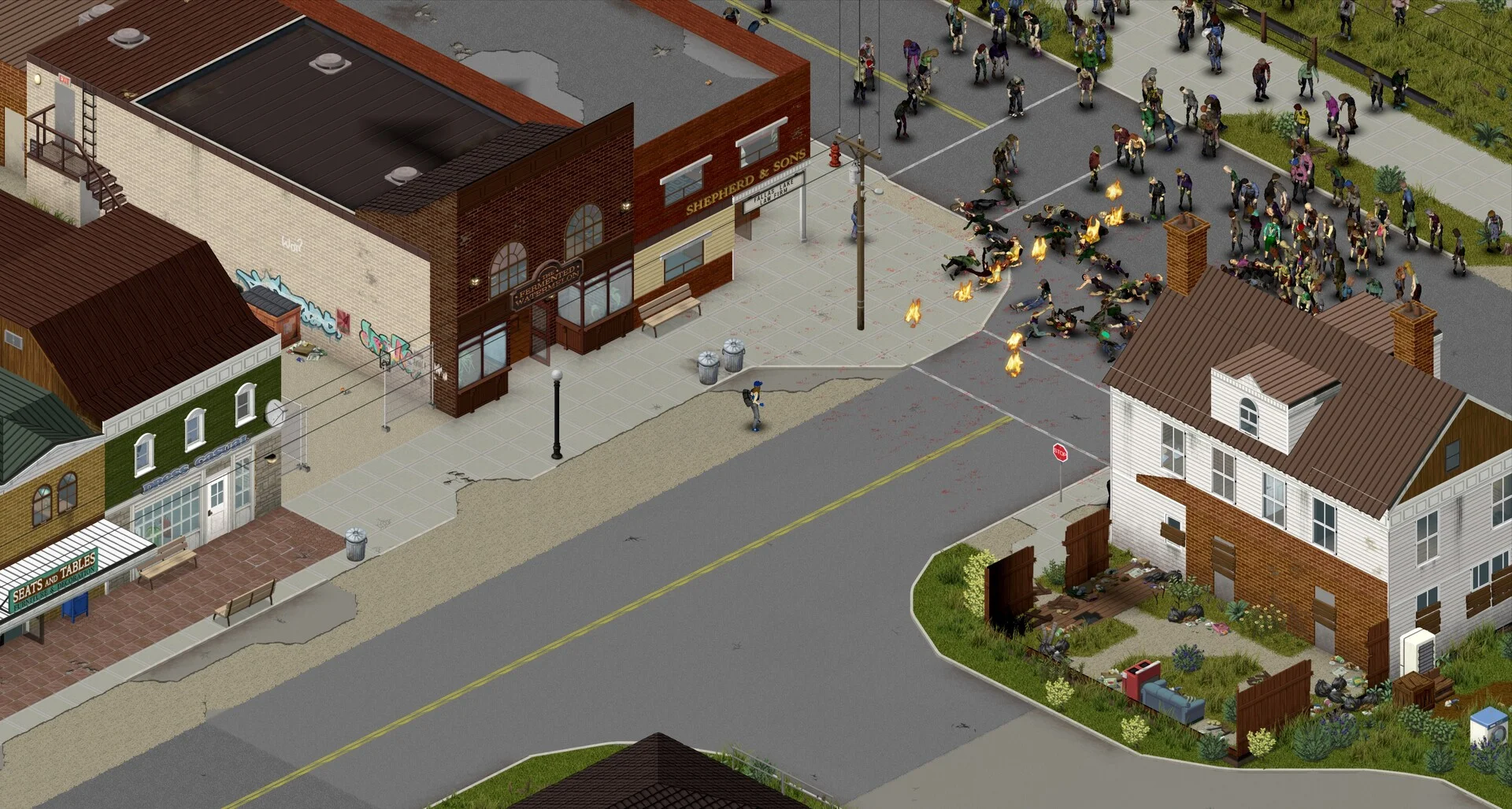
Build 42 is heavier than Build 41 across the board. The rebuilt map is larger, basements add vertical chunk data, and the crafting and animal systems both carry state that has to live somewhere.
Reasonable starting points for a Build 42 server:
| Group | Mods | Start with |
|---|---|---|
| 1-4 players | None | 6 GB |
| 4-8 players | None | 8 GB |
| 8-16 players | None | 12 GB |
| 4-8 players | Under 10 mods | 12 GB |
| 4-8 players | 30+ mods | 16 GB |
Three things drive those numbers and only one of them is player count. Map exploration is the big one: a server where the group settled in Rosewood and stayed there sits 30 to 40% below one where players have picked apart half of Knox County, because every visited chunk stays resident. Zombie population is second. Raising PopulationPeakMultiplier from 1.5 to 2.0 adds roughly 20 to 30% on its own. Mods are third, and they are wildly uneven: ModOptions costs almost nothing, while Brita's Weapon Pack routinely adds a gigabyte or two by itself.
Do not size to the minimum. Project Zomboid's memory use is spiky rather than flat. A helicopter event, a player walking into a fresh city, or several people saving at once all push transient spikes on top of your baseline. Sitting at 95% during quiet play means the first busy evening ends in an out-of-memory kill. Full tables are in our Project Zomboid server RAM requirements guide, and the RAM calculator will do the arithmetic for your specific group.
The two files that actually control your server
Nearly everything you will ever change lives in two files. On a DoomHosting server they are named after the server itself:
/home/container/.cache/Server/Pterodactyl.ini
/home/container/.cache/Server/Pterodactyl_SandboxVars.lua
The .ini holds server-level settings: player limit, password, PVP, the mod lines, the map chain. The SandboxVars.lua holds world rules: zombie speed and population, loot rarity, how fast time passes, whether power and water shut off and when.
One rule matters more than the contents of either file. Stop the server before you edit them. Project Zomboid writes both files back out on shutdown, so anything you change while the server is running is overwritten the moment it stops. This is the single most common reason a setting "did not save", and it looks exactly like a broken control panel. Stop, edit, start.
For what each sandbox value actually does, our sandbox settings guide goes through them field by field.
Three Build 42 traps
Build 41 mods install cleanly and then do nothing. Workshop IDs are not version aware, so SteamCMD will happily download an entire Build 41 mod list onto a Build 42 server. The download succeeds, the list looks right in your config, and the mods either silently fail to load or throw errors into the console. Rebuild the list against Build 42 versions instead of carrying it across, and check each Workshop page for explicit Build 42 support. Our mod install guide covers the WorkshopItems and Mods lines and the load order that avoids most conflicts.
Build 41 saves cannot be loaded by a Build 42 server. There is no converter and no in-place upgrade. The map, the save format and the crafting graph all changed. If you are moving an existing world across, accept that it is a wipe, and back it up first anyway.
Your players will be on the wrong version. Steam serves Build 42 to everyone by default now. If you deliberately pin your server to Build 41 using the legacy41 branch, every player has to select legacy41 under Game Version and Betas in Steam or they get a version mismatch when they join. That mismatch is the most common "the server is broken" report we see, and the server is almost always fine. Our guide on keeping a server on Build 41 has the full branch procedure.
Connecting, and the day-two jobs
Project Zomboid needs one port: 16261 on UDP. Older guides mention a range up to 16272, which has not been true since Build 41.65. If you rent a server from us the port is already open and there is nothing to forward. If you are self-hosting on your own machine, our port forwarding guide covers the router side, including what to do when your ISP puts you behind CGNAT and forwarding cannot work at all.
Once people are in, two housekeeping jobs are worth doing on day one rather than after an incident. Give yourself admin so you can moderate and fix things without a restart: see how to become admin. Then set up backups before you need them: backup and restore. Project Zomboid worlds represent months of player time, and the request we least like receiving is the one for a backup nobody took.
Bottom line
A Build 42 server is not hard to run, but it punishes assumptions carried over from Build 41. Give it more memory than you think it needs, stop it before you edit its config, rebuild your modlist rather than porting it, and make sure your players are on the same branch you are. Do those four things and the rest is maintenance.
You can rent a Project Zomboid server with Build 42 installed by default and manage branches, mods, saves and backups yourself from the game control panel.