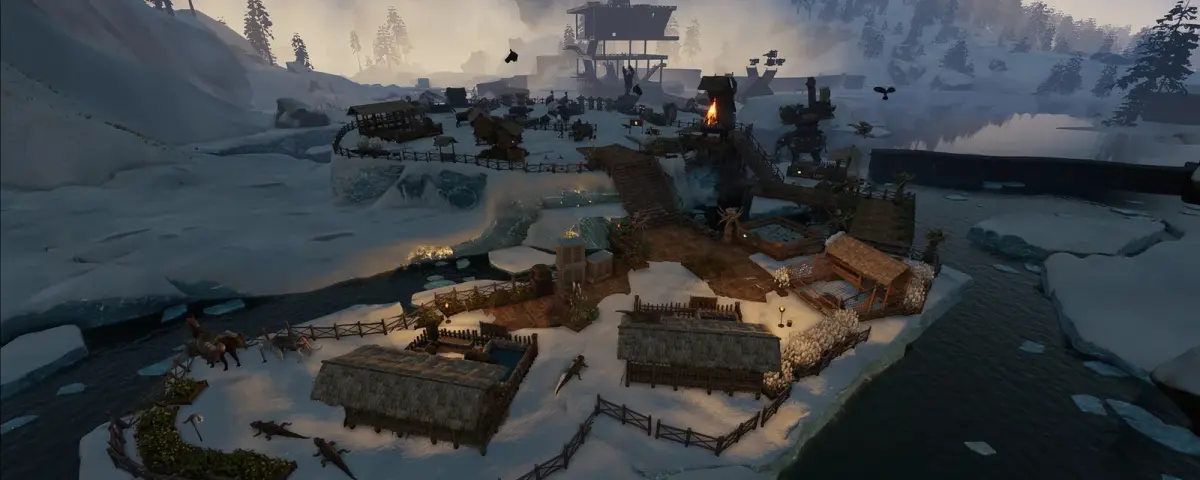
Soulmask does not pause when you log off, and that is the whole reason server performance behaves differently here than in most survival games. Your tribe keeps chopping, hauling, smelting and patrolling. A Soulmask server is not just tracking players and buildings, it is running a small workforce that makes decisions constantly. So when someone tells us their Soulmask server "feels laggy on good hardware", the cause is almost always something inside that simulation rather than the machine underneath it.
Here is what actually costs you performance, and which settings to reach for first.
What a Soulmask server is really simulating
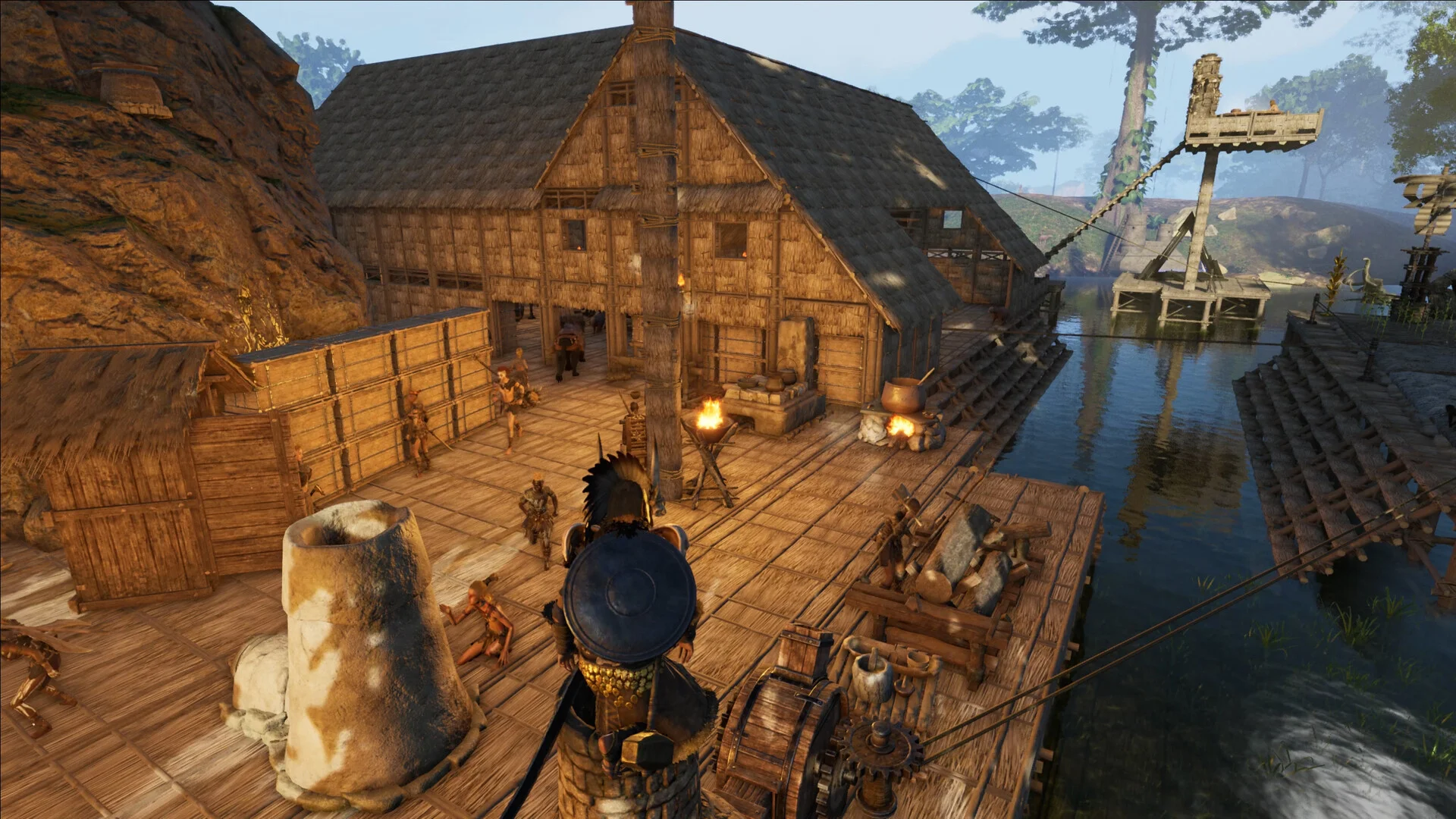
In most survival games the server tracks players, structures and a handful of roaming creatures. Soulmask adds a whole layer on top: tribesmen. Every barbarian you capture, convert and train becomes an autonomous worker with a job assignment, a path to walk, proficiency values, an inventory and combat behavior. Multiply that by a well developed tribe, then multiply again by however many players on your server are each running a tribe of their own, and the server can be resolving hundreds of independent actors at once.
That is why two servers on identical hardware can feel completely different. The slow one is usually not hosting more players. It is hosting more decisions.
Tribesmen are your biggest server cost
If you change only one habit, make it this one: treat your tribesman roster as a budget rather than a collection. Twenty specialists actually assigned to stations cost the server far less than sixty idle bodies wandering the base looking for something to do. An idle tribesman still paths, still evaluates its surroundings, still gets processed every tick.
Patch #19 (September 10, 2026) handed server owners a genuinely useful tool here: Quick Deploy. You can store selected tribesmen as data inside the mask, edit their equipment, weapon preferences and combat tactics while they are stored, then switch a tribesman between physical and data form when you need them. On a busy server that is a performance feature as much as a convenience one. A tribesman held as data is not a body standing in your base waiting to be simulated.
Tell your players about it. A tribe that parks its raid squad in the mask between raids is a tribe that is cheaper to host.

The yard limits Patch #18 handed you
This is the change most Soulmask server owners missed, and it is the most directly useful one in months.
Patch #18 (September 4, 2026) added per player and per Tribe limits for Collection Yards, Logging Yards and Excavation Pits, and made those limits configurable for single player games and private servers. The default is a maximum of 20 of each type, and setting the value to 0 removes the limit entirely. The same patch fixed server lag caused by hibernation calculations for those exact three yard types.
Read that second sentence again if your server has been stuttering. Unlimited automated yards were an acknowledged source of lag, not a community theory.
What to actually do with it:
- On a public server, leave the default of 20 in place. It is generous for normal play and it caps the worst case.
- On a small private server with trusted friends who want heavier industry, raise it in steps and watch performance, rather than jumping straight to 0.
- Setting 0 on a busy server is how one player's automation sprawl quietly degrades everyone else's session.
Also confirm your server is running Patch #18 or later. The yard hibernation fix only helps you if the server build actually has it.
Size the server before you blame it
Once the simulation side is under control, check that you have not simply under provisioned. Soulmask memory use scales with concurrent players and with how much of the world has been explored, built on and populated. A server that felt fine in week one with four people and a single camp is a different workload six weeks later with twenty people and three sprawling tribes.
Our Soulmask RAM calculator sizes it from player count and world size, so you can sanity check your plan in about ten seconds. Starting too lean is the most common self inflicted Soulmask problem we see, and it looks exactly like lag caused by something else entirely.
The unglamorous habits that keep it smooth
- Set a scheduled restart. The Schedules tab in your panel handles it. A daily or twice daily restart clears accumulated drift and is the cheapest performance habit available.
- Back up before every game update. Soulmask patched three times in September alone (#18, #19 and #20), and several were client and server updates. The Backups tab exists for exactly that moment.
- Watch the server from outside, not only from inside the game. The Soulmask server status checker tells you what the rest of the internet sees.
- Talk to your players about sprawl. Base size, yard count and tribesman headcount are social problems as much as technical ones, and one clear server rule fixes them more reliably than hardware does.
Where to start
Work in this order: confirm the server is on the latest patch, leave yard limits at the default unless you have a specific reason, ask players to park unused tribesmen as data, set a restart schedule, then check your RAM against the calculator. That sequence resolves the large majority of "my Soulmask server feels bad" reports without touching anything exotic.
If you would rather not babysit the machine underneath, our Soulmask server hosting plans include the panel tools above. And when your players inevitably argue about where to rebuild, our best Soulmask base locations guide makes a decent tiebreaker.