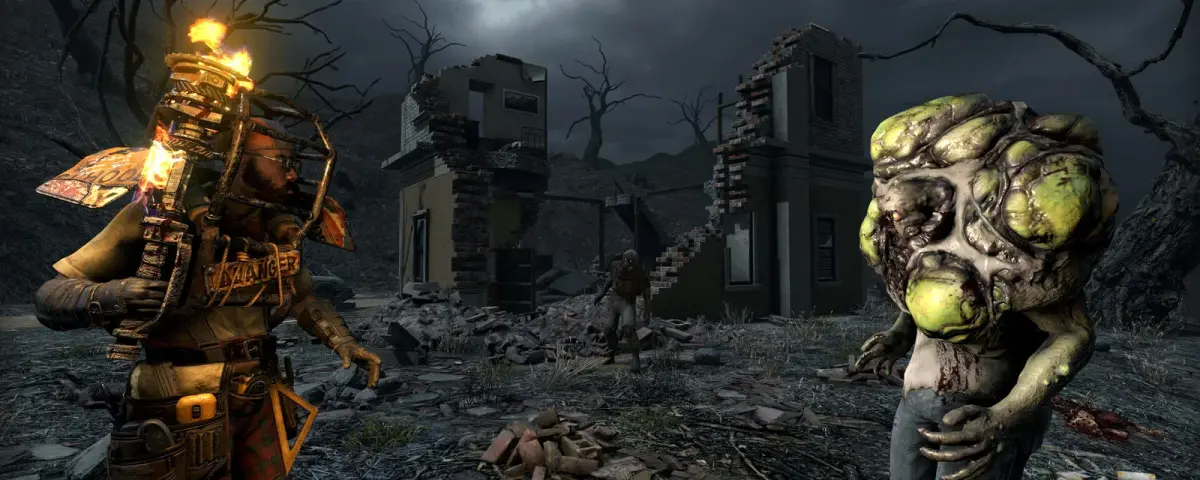
Mods are what keep a 7 Days to Die server alive long after your group has cleared the local map and out-levelled the Blood Moon. The catch is that 7 Days to Die modding has rules that trip up most new server owners: some mods install on the server only, some need every player to install them too, and almost all of them want EasyAntiCheat switched off. After running modded 7 Days to Die servers across the V1.0 line and into the current builds, these are the mods worth running in 2026, grouped by what they do to your server and your players.
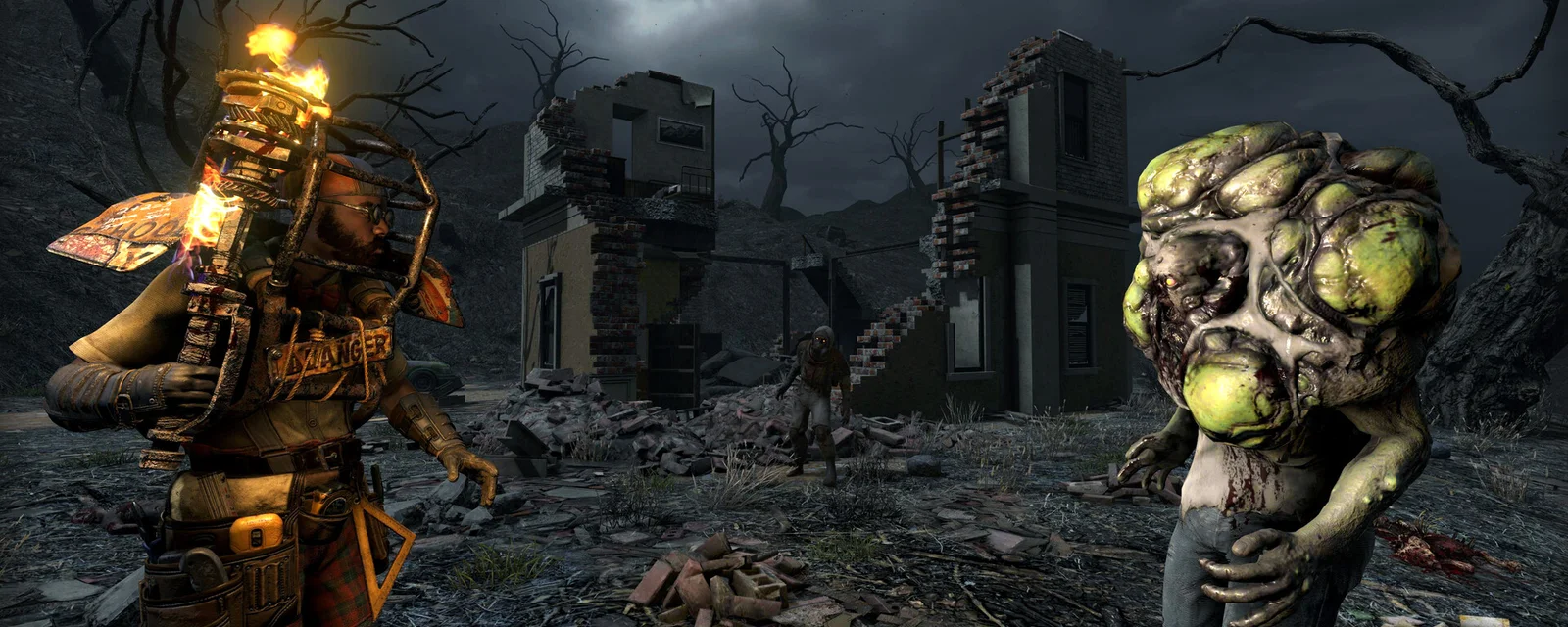
How 7 Days to Die Mods Work on a Dedicated Server
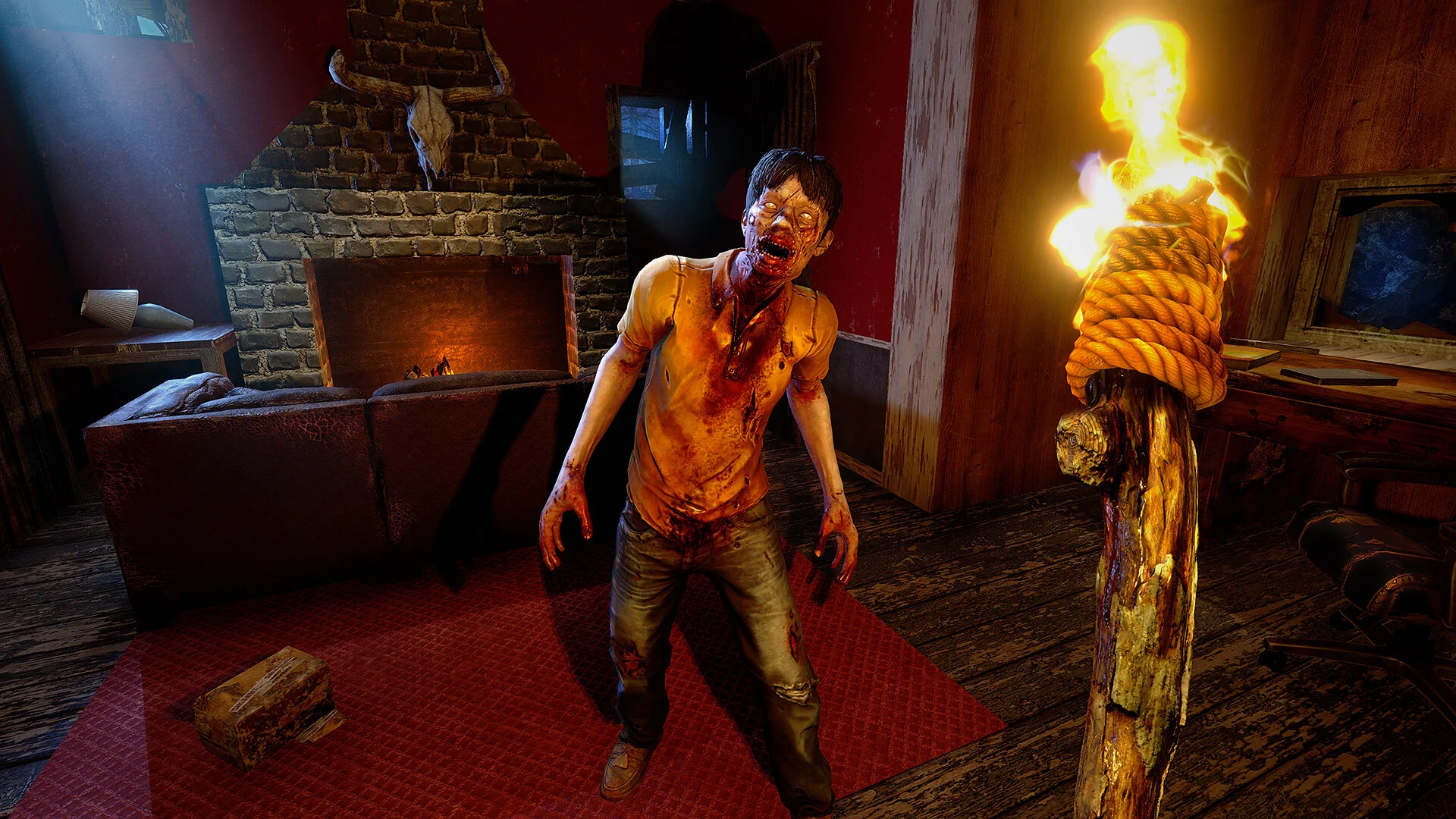
Before the list, the three rules that decide whether a mod works on your server:
- EasyAntiCheat must be off for almost every mod. 7 Days to Die ships with EAC on, and it blocks the code most mods rely on. You turn it off in the server config and players turn it off in their launcher.
- Server-side vs client-side: a server-side mod (custom zombies, admin tools, drop-rate tweaks) installs in the server's Mods folder only, and players just connect. A client-side mod (overhauls, UI, new models) has to be installed by every single player too, or they cannot join.
- Version matching: a mod built for an older build will break a current server. Always match the mod to your game version, and start a fresh world after adding a big overhaul.
Everything below is tagged server-side or client-side so you know what you are committing your group to.
The Big Overhauls: Darkness Falls, Undead Legacy, War of the Walkers
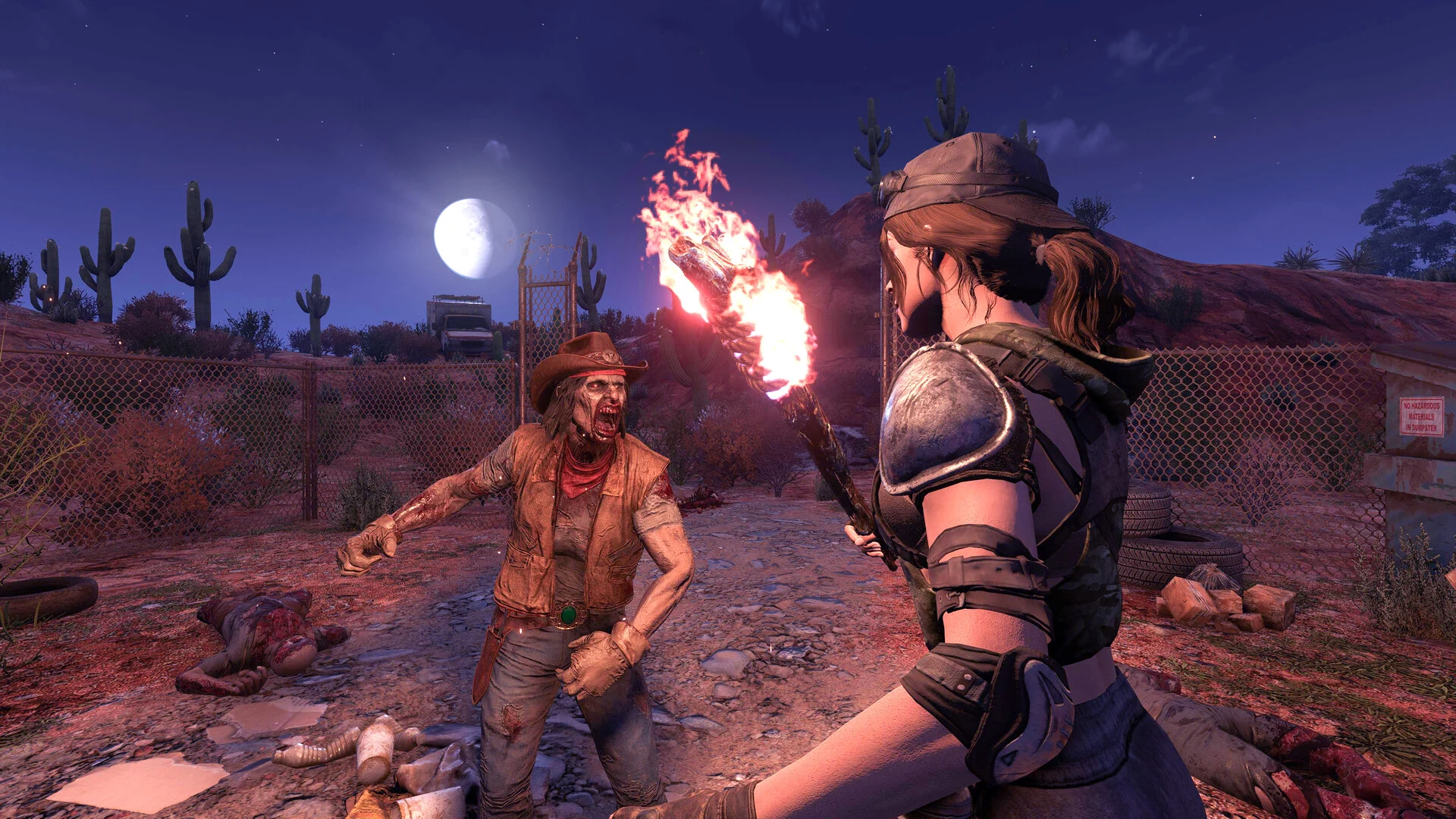
Overhauls are the reason most people run a modded server, and they are all client-side: every player installs the same version you do.
- Darkness Falls: the most popular total overhaul, adding classes, new tiers, titanium, and far nastier enemies. It turns 7 Days to Die into a much longer, harder game. It is heavier on the server than vanilla, so give a Darkness Falls server a bit more RAM headroom.
- Undead Legacy: a slower, more methodical overhaul with a deep crafting and repair system. Great for groups who want survival to feel like work in the best way.
- War of the Walkers: a content-rich overhaul with new weapons, vehicles, and enemies that keeps the vanilla feel while massively expanding it.
Pick one and commit. Overhauls are not meant to be combined, and a fresh save is mandatory.
Server-Side Enemy Mods: Snufkin's Custom Zombies
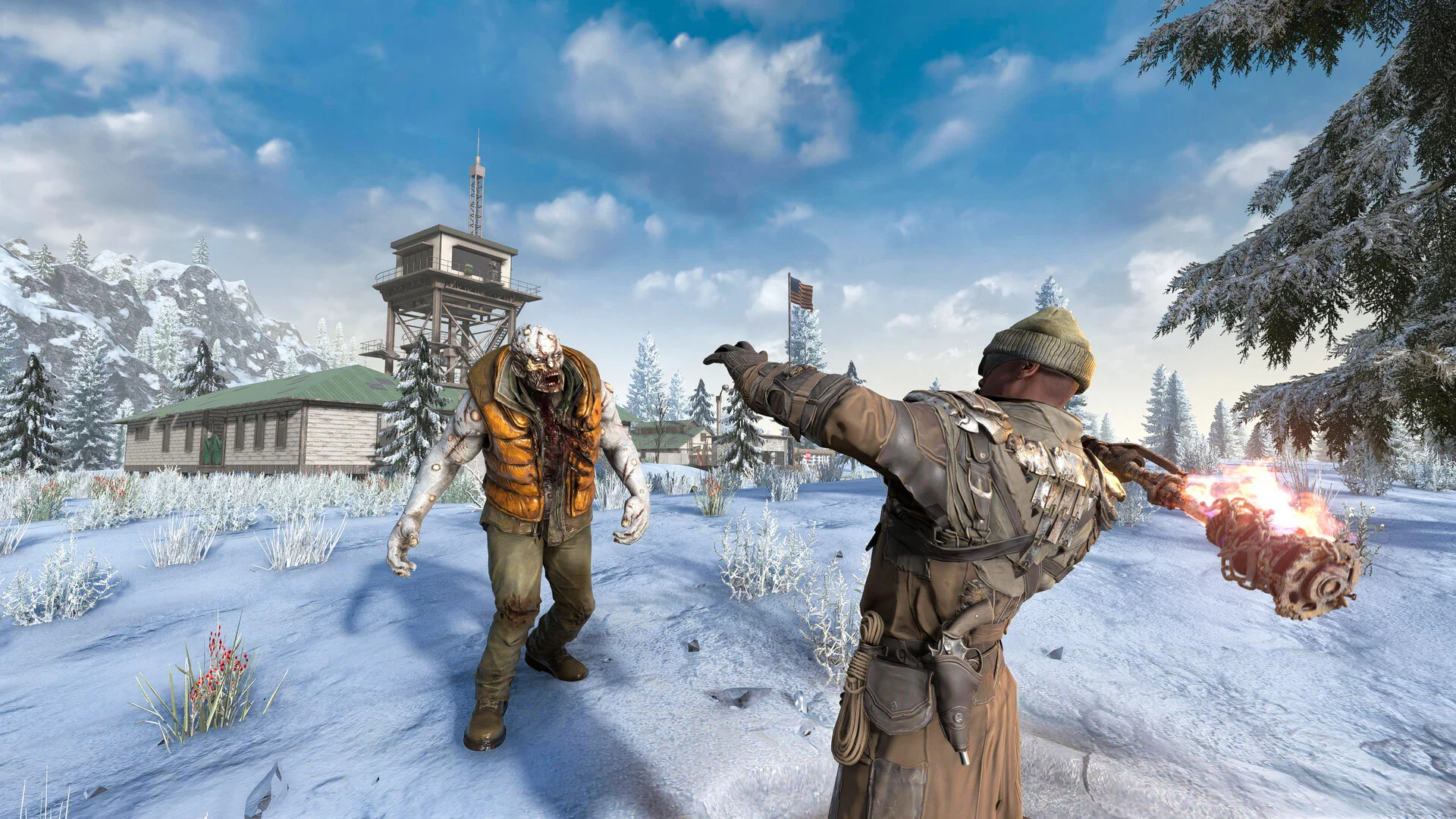
If you want more variety without forcing every player to install anything, server-side enemy mods are the sweet spot. Snufkin's Custom Server Side Zombies and the various server-side enemy packs add new zombie and boss types that every player sees, while only the server runs the mod. Nobody downloads a thing, they just notice the new horrors on the next Blood Moon.
These are the best bang-for-buck mods on a public server: high impact, zero friction for your players, and easy to remove if they do not land with your group. Keep an eye on your tickrate during Blood Moon, though, since custom enemies with extra AI cost more than vanilla ones when 60 of them hit your base at once.
Quality-of-Life Modlets
Modlets are small, focused mods, and most of the best quality-of-life ones are client-side but tiny. The staples for a 2026 server:
- Craft From Containers: pull crafting materials straight from nearby storage, the single biggest time-saver in the game
- Lockable Inventory Slots: stop your hotbar essentials getting hoovered up when you sort loot
- Bigger Backpack (60 or 96 slot): the most-installed convenience mod, just make sure every player runs the same slot count
- Increased Stack Sizes: fewer trips to the forge and a tidier storage room
These do not change the game's balance much, but they remove the busywork that makes long-running servers feel like a chore.
Admin and Performance Mods
These are server-side and they are what keep a public server manageable:
- ServerTools / Stallionsden's server-side suite: teleports, homes, zones, anti-grief, and admin commands the base game does not give you
- Allocs server fixes: long-standing fixes and the map-rendering web tools many communities rely on
- CSMM-friendly mods: if you run a community manager tool, several mods hook into it for automated moderation
A public 7 Days to Die server without admin tooling is a moderation headache. Install one of these before you open the doors.
UI and Vehicles
- SMX (by Sirillion): the gold-standard UI overhaul, cleaner menus and HUD. Client-side, and worth the install for any long-term server.
- Bdubs Vehicles: a huge, well-made vehicle pack if your group wants more than the vanilla options. Client-side and content-heavy, so confirm everyone installs the same version.
How to Install Mods on Your DoomHosting Server
The flow is the same for every mod:
- Turn EasyAntiCheat off in your server settings
- Upload the mod folder into the server's
Modsdirectory over FTP (each mod is its own subfolder) - For client-side mods, every player drops the same folders into their own local
Modsdirectory - Match every mod to your current game version, and start a fresh world for any overhaul
- Restart the server and check the console for load errors
On DoomHosting 7 Days to Die servers you get full FTP access to that Mods folder and a one-click EAC toggle, so you can have Darkness Falls or a stack of server-side modlets running in a few minutes. Keep a backup of your save before adding anything big, since overhauls are not save-compatible with vanilla.
A Note on EAC and Blood Moon Performance
Two things bite new modded-server owners. First, if a player cannot connect after you add mods, the usual cause is EAC still on for them or a version mismatch, not the server. Second, custom enemies and big overhauls multiply the AI your server simulates, and Blood Moon is when that bill comes due. If your tickrate dips on horde night, trim the Blood Moon count in the server config rather than blaming the mods.
Host Your 7 Days to Die Server with DoomHosting
Rent a dedicated 7 Days to Die server from DoomHosting on Ryzen 9 hardware with full FTP access, a one-click EAC toggle, DDoS protection, one-click backups, and 24/7 support. Install Darkness Falls, server-side custom zombies, or a stack of quality-of-life modlets straight from the panel, and host in North America or Europe for the lowest ping. Whatever you run, match the version, back up first, and watch your Blood Moon tickrate: a well-chosen mod list is what turns a one-week server into a community that sticks around for months.