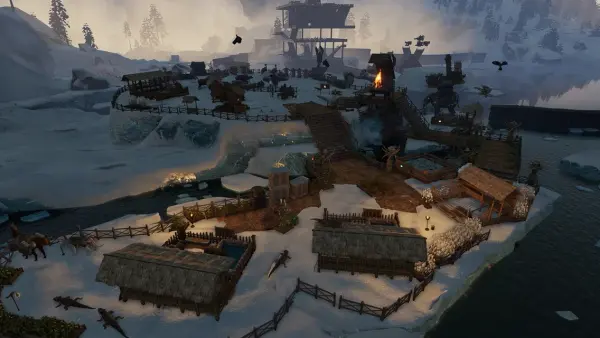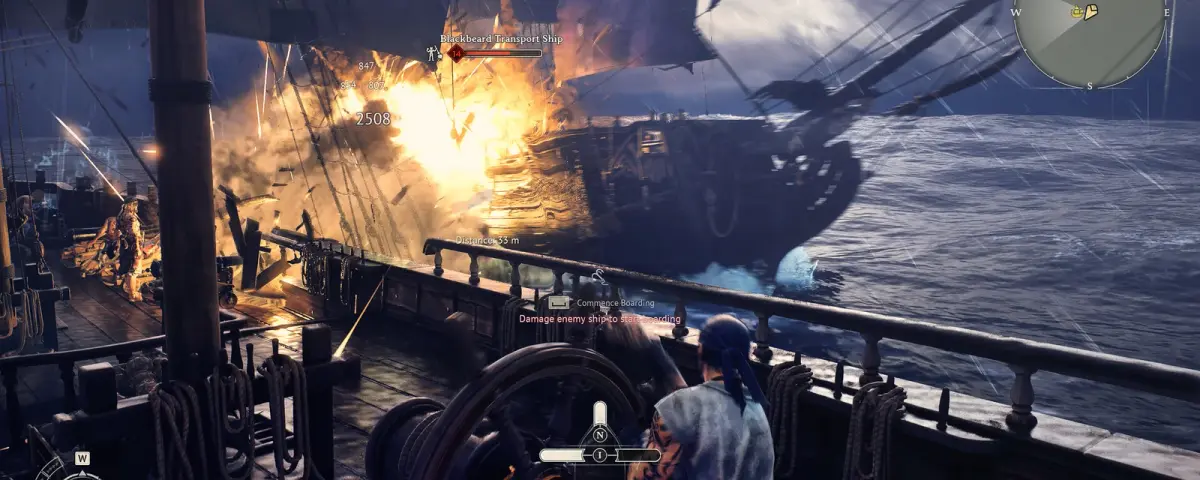
Windrose hands you a Caribbean full of islands, a ship that handles like it actually weighs something, and an invite code to pass around your crew. That last part is where most groups eventually hit a wall. The invite code works beautifully right up until the evening the host has other plans, and then a whole shared world just sits there doing nothing.
This is a plain explanation of how Windrose multiplayer is wired together: what the invite code really does, why the Force Relay Connection setting exists, and the point where hosting from your own PC stops being the sensible choice.
How Windrose co-op actually works
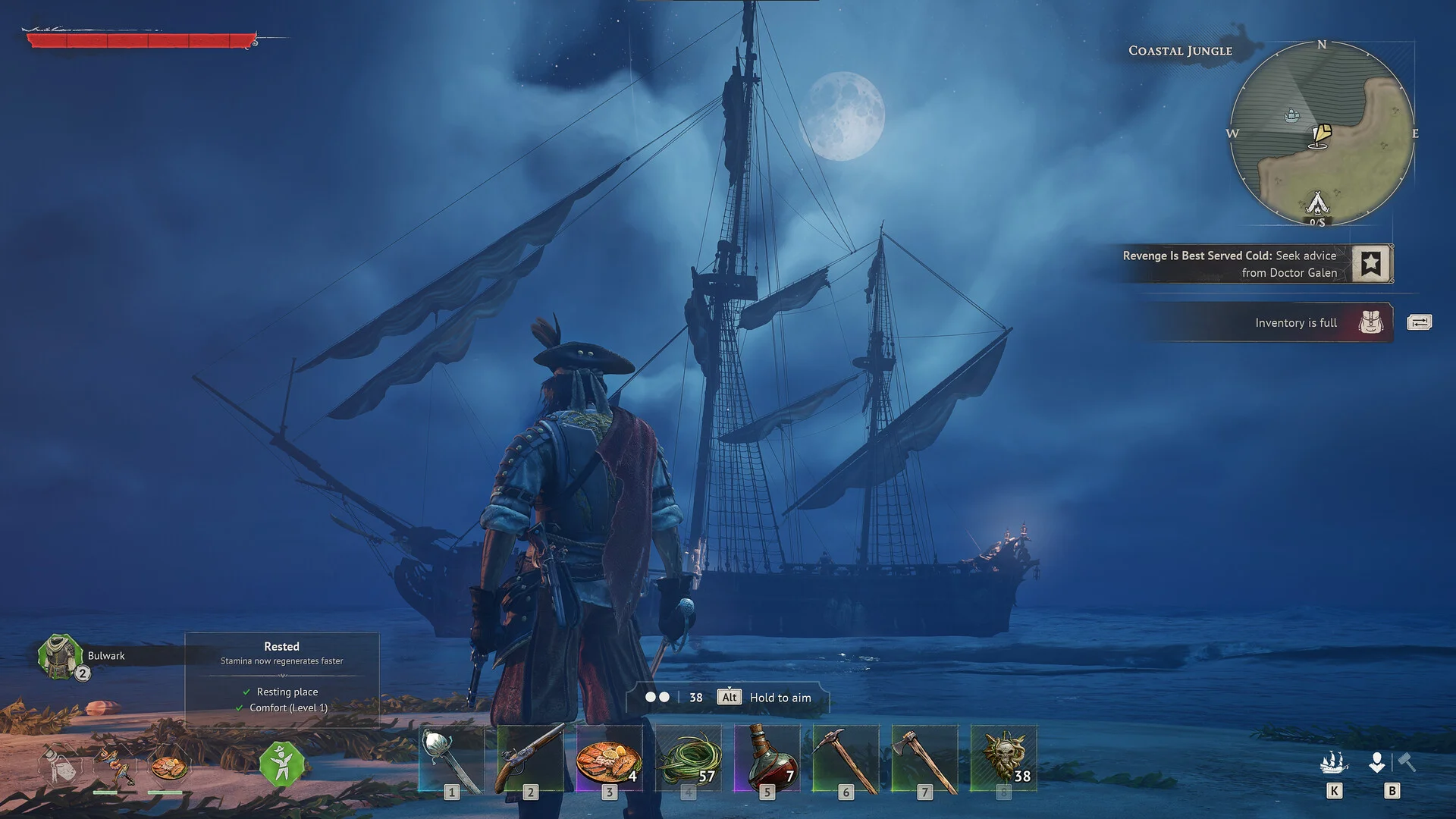
Windrose has no separate multiplayer save. You start a world solo, and when you want company you pick "Host a game", select that same world, and the game hands you an invite code. Your friends paste it into "Connect to server" in the Play menu and drop into your island chain with their own characters and their own gear.
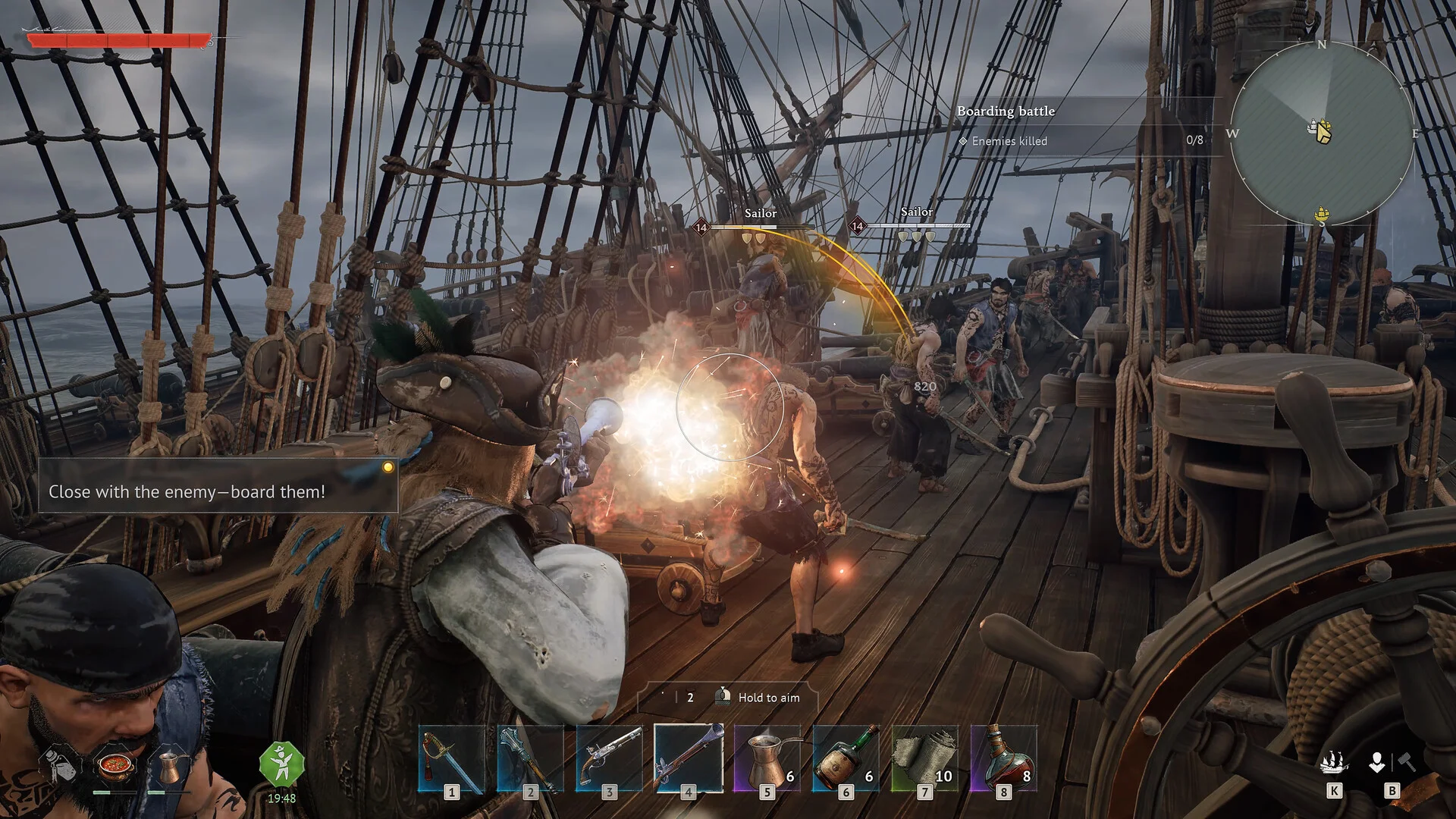
The supported ceiling is 8 players, and the game itself nudges you toward around 4 for a smooth session. That is not the developers being modest. A Windrose session is not just a handful of player positions being synced. It is ship physics, boarding fights with a deck full of NPC sailors, every building piece you have placed, farming plots, and quest state, all of it authoritative on one machine.
Since version 0.10.0.3.104 in April you also get manual server selection and a direct IP connection option, which starts to matter the moment you stop relying purely on the code.
Where the host-a-game model runs out of road
Three things break, and they tend to break in this order.
The world is only awake when the host is. Your friend two timezones over cannot log in for a quiet supply run before work. Progress only happens in the hours everyone happens to share, which gets old fast once a crew is more than two people.
The host pays for everybody. The same PC rendering your game at a comfortable frame rate is also simulating every ship, every NPC and every structure in the world. A cannon volley followed by a boarding action is exactly when you want frames and exactly when the host has least to spare. Patch 0.10.0.4.268 in late April fixed CPU usage rocketing on idle servers and clients and eased off the disk writes, which genuinely helped, but it did not change who is doing the work.
The save lives on one desktop. Windrose is decent about backups now: 0.10.0.5.120 replaced the old rolling system with a backup every 10 minutes of active play plus one on quit to desktop, and added a Data Recovery screen. Useful. Those backups still sit on the host's drive, next to the world they are meant to protect.
Force Relay Connection: the fix that costs you milliseconds
Windrose networks peer to peer by default. That is great when it works: low latency, nobody in the middle. It is miserable when someone's router, CGNAT setup or ISP refuses to cooperate, which is why "it worked fine last week" is a recurring sentence in co-op Discord servers everywhere.
Patch 0.10.0.4.268 added a Force Relay Connection setting. Instead of the standard P2P loop, it routes the session through Kraken Express relay servers. You pay for that in latency. What you get back is a connection that actually holds, and that is the better trade when the alternative is rubber-banding halfway through a boarding fight.
Turn it on when joins keep failing, when players drop repeatedly, or when the host sits behind a network they do not control. Leave it off when peer to peer is already stable.
One thing worth being clear about: the relay solves the reachability problem, not the workload problem. The host machine is still the server, and it is still carrying the whole world on its back.
When a dedicated server earns its keep
A dedicated server flips both problems at once. The world runs on hardware that is always on, and nobody's gaming rig has to double as the authority for everyone else.
It is the right call when:
- Your crew is spread across timezones and people want to play when they are free, not when the host is free
- You want a full 8 players without the host's frame rate quietly paying the bill
- You want to edit world settings properly. Version 0.10.0.6 specifically fixed dedicated server users being unable to modify their WorldDescription.json settings
- You want backups that are not sitting on somebody's desktop
Linux dedicated server support arrived in 0.10.0.7 in late June, delivered as Docker images. That is the change that made Windrose practical to run on normal server infrastructure instead of a spare Windows box in a cupboard, and it is why proper hosting for the game showed up when it did.
For sizing, our Windrose RAM calculator will give you a starting figure based on player count and world size. Most small crews are comfortable well under what they expect to need.
Moving an existing world across
You do not have to start over, and this is the part most people assume is worse than it is.
Windrose keeps its world data under Saved/SaveProfiles/Default/RocksDB/0.10.0/Worlds/{WorldIslandId}/, and the ID you need is stored in ServerDescription_Persistent.json under the WorldIslandId key. Copy the correct folder onto the server and your buildings, your ships and your quest progress all come with it. We have the full step by step in how to upload an existing world save to your Windrose server.
While you are in the config, set a custom invite code. A dedicated server still uses one, and choosing your own means you stop pasting a random string into chat every time someone reinstalls the game.
The short version
Host a game with an invite code is the right answer for two or three friends playing on the same evening. It is genuinely good at that, and 0.10.0.8 in July tidied up long range projectile hit registration on ships, so naval fights hold together better than they did at launch.
Force Relay Connection is the right answer when the connection itself is the problem and you are happy to trade a little latency for stability.
A dedicated server is the right answer when the world matters more than any single session: when people play on different schedules, when you want the full player count, and when losing the save to one dead SSD would actually hurt.
The timing matters too. The Ashlands devblog from July laid out the first major content update: a fourth biome, new factions and bosses, new ship classes and reworked ship gameplay, with the studio putting at least six months on it. Whatever you build between now and then is the base you sail out from, so it is worth putting somewhere that stays up.
If you want to skip the setup entirely, our Windrose server hosting runs on dedicated Ryzen 9 hardware with instant setup and full FTP access. And if you have not picked a spot yet, the best Windrose base locations guide covers the harbors worth claiming.