The Fun Pimps pushed V3.2.0 Stable to 7 Days to Die on August 26, 2026, and the feature everyone is quoting is the one where you honk your car horn at a trader door. That is genuinely fun. It is also the least important thing in the changelog if you run a dedicated server.
Underneath the horn gag sits a set of changes that touch how custom POIs reach your players, how screamers behave on a busy map, how much CPU your server burns checking sleepers, and one building rule that can quietly break bases people already built. Here is everything that changed since V3.1.0, read from a server admin's chair.
Honk Honk and the Combine Station Rework
Two player-facing features carry the update.
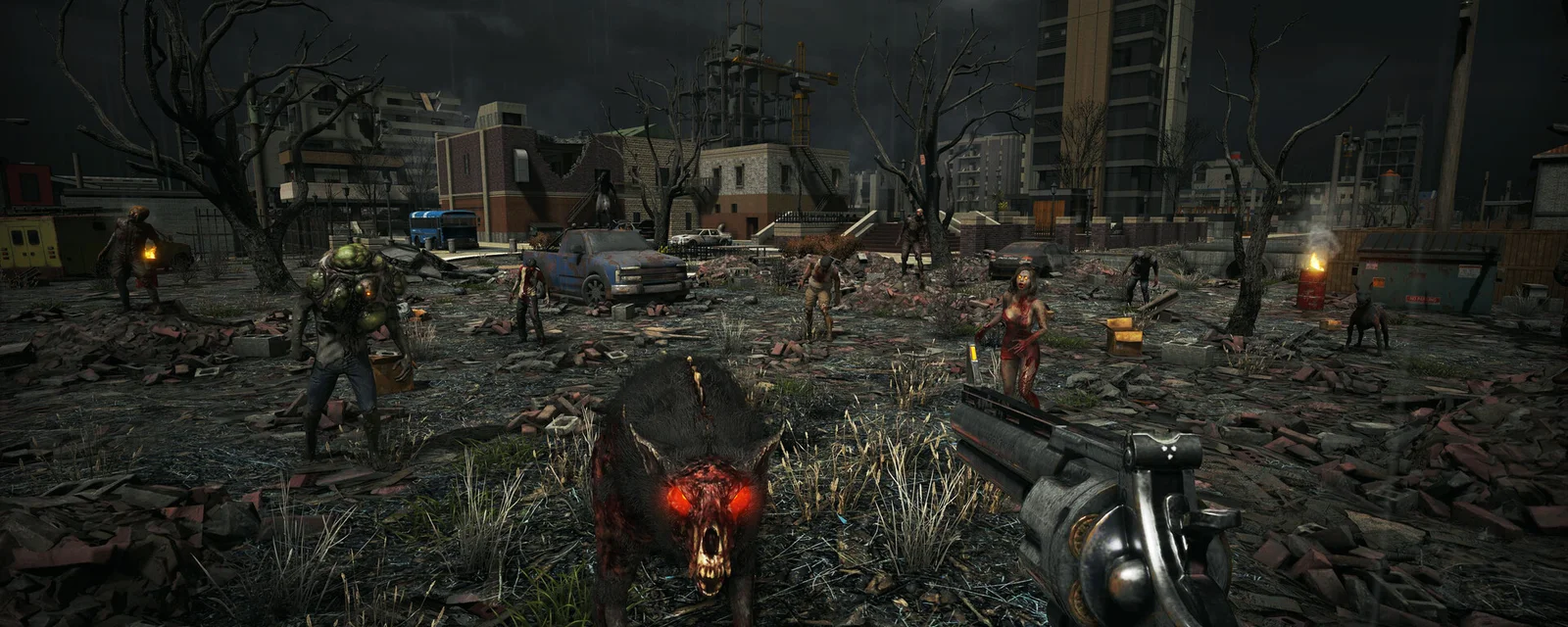
Trader doors now open when you sound your vehicle's horn. Every outer trader door reacts, but not all of them will fit your vehicle, and an onscreen prompt tells you when the horn will register. To keep this from breaking trader interiors, the Fun Pimps added a door variant called oldWoodDoorNoHonk and swapped it into Trader Rekt, Hugh, and Joel, so you cannot honk your way into a trader's back rooms.
The Combine Station also got a UI pass. You can now read the result and its final stats before you commit, a plus sign marks any item that came out of a combine, and combining is no longer automatic: you press a button. Your players will notice that last one inside ten minutes.
Custom POIs Now Push From the Server
This is the headline for anyone running prefab packs. The changelog line is short: "Custom POI's should be pushed to client from server (server pushes a minimal metadata package to client)."
Read the parenthetical carefully. The server sends metadata, not the prefab bundle, so this is not a magic "players never install anything again" switch. What it fixes is the class of desync where a client that did not know about a custom POI produced broken quest markers, missing prefab names, and the log spam that came with them. If you run a custom world with hand-placed POIs, this is the change most likely to delete a recurring support ticket from your Discord.
Prefab authors also get a new property called AllowDecorations, which separates world decoration inside a POI from the TraderArea settings that used to control both. The obsolete AllowTopSoilDecorations is gone, so any prefab still declaring it should be cleaned up.
Screamers Stop Calling Screamers
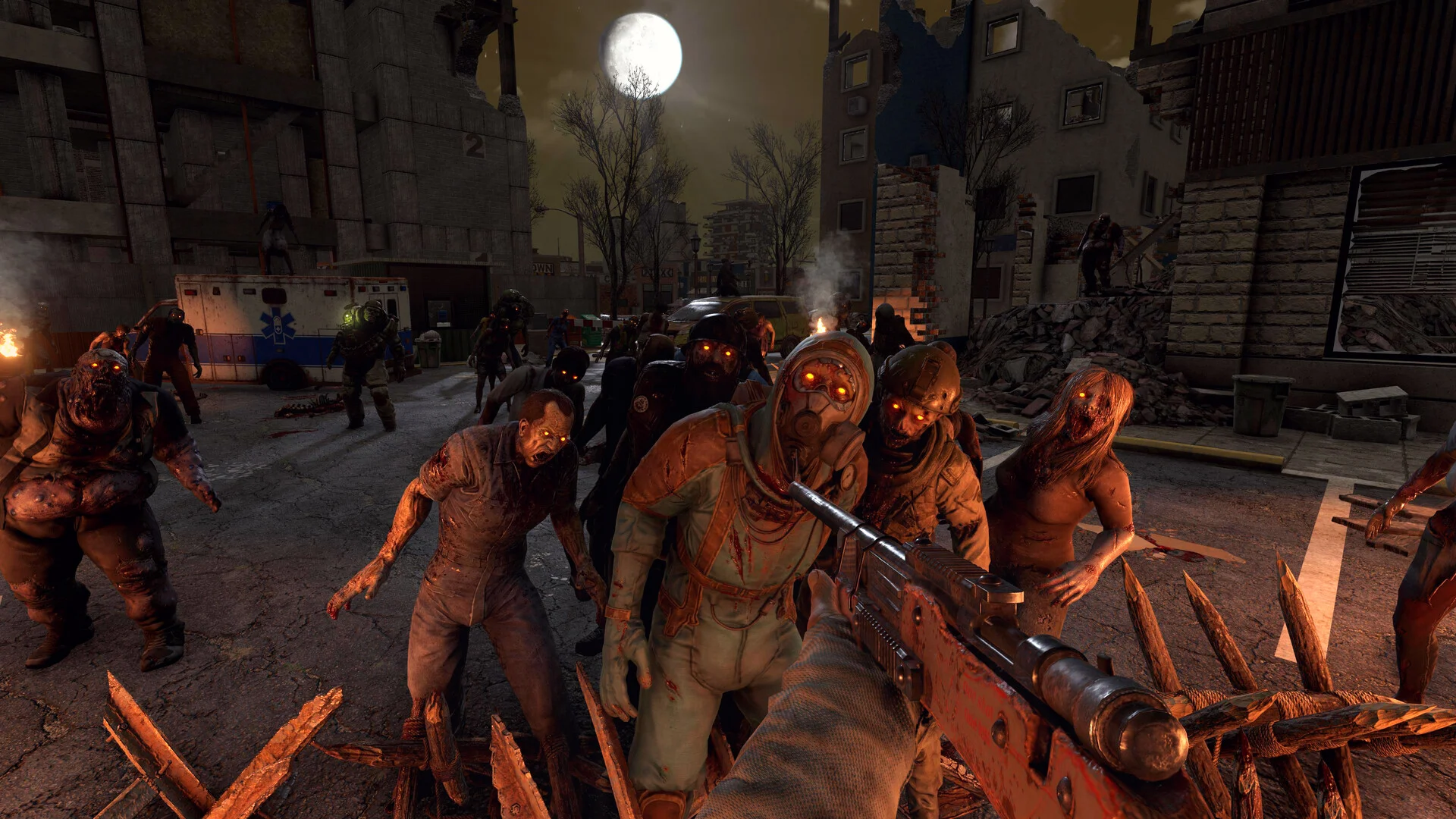
The single best line in this patch for server performance:
Commented out screamer spawns in screamer scout groups in entitygroups.xml to prevent screamers from calling other screamers.
If you have ever watched a forge-heavy base turn into a permanent siege, this was why. One screamer answered a heat map, screamed, and its scout group could spawn another screamer, which screamed again. On a server where several players run forges and campfires in the same chunk, that loop stacks entities faster than the server retires them, and your frame time goes with it.
Two things to know. First, this is a comment-out inside entitygroups.xml, not a hard-coded change, so anyone who wants the old spiral back can restore it. Second, and more important: if you run a mod that ships its own entitygroups.xml, you keep the old behavior until that mod's author merges the 3.2 file. Check your mods folder before you blame vanilla for a screamer storm.
The Quiet Server-Side Fixes
The rest of the server-relevant list is unglamorous and worth reading anyway:
- Optimized sleeper spawn checks for player visibility when players are far. A direct CPU saving that scales with how spread out your players are. An 8-player server where everybody is running their own quest chain across the map is exactly the case this helps.
- Entities can cause blocks to collapse during chunk resets is fixed. This one produced phantom structural damage on long-lived worlds, the kind reported as "something ate my base wall" with no raid to explain it.
- Trader progression gets stuck is fixed. It lived in persistent player data, so it hurt most on servers that have been up for months.
- Demolition zombies not exploding from client damage is fixed. On a server with mixed ping, demos were soaking damage without detonating.
- Failed to search EOS servers popup is fixed, which matters if your players find you through the in-game browser instead of a direct connect.
- Loot Max Tier clamps user mods is fixed, relevant to anyone running a loot overhaul.
Smaller changes round it out: timid animals got better threat detection, and the junk loot list and general trader inventory now offer cotton when Crop Yield is set to none.
Auto Turrets Lost Stability, and That Can Break Existing Bases
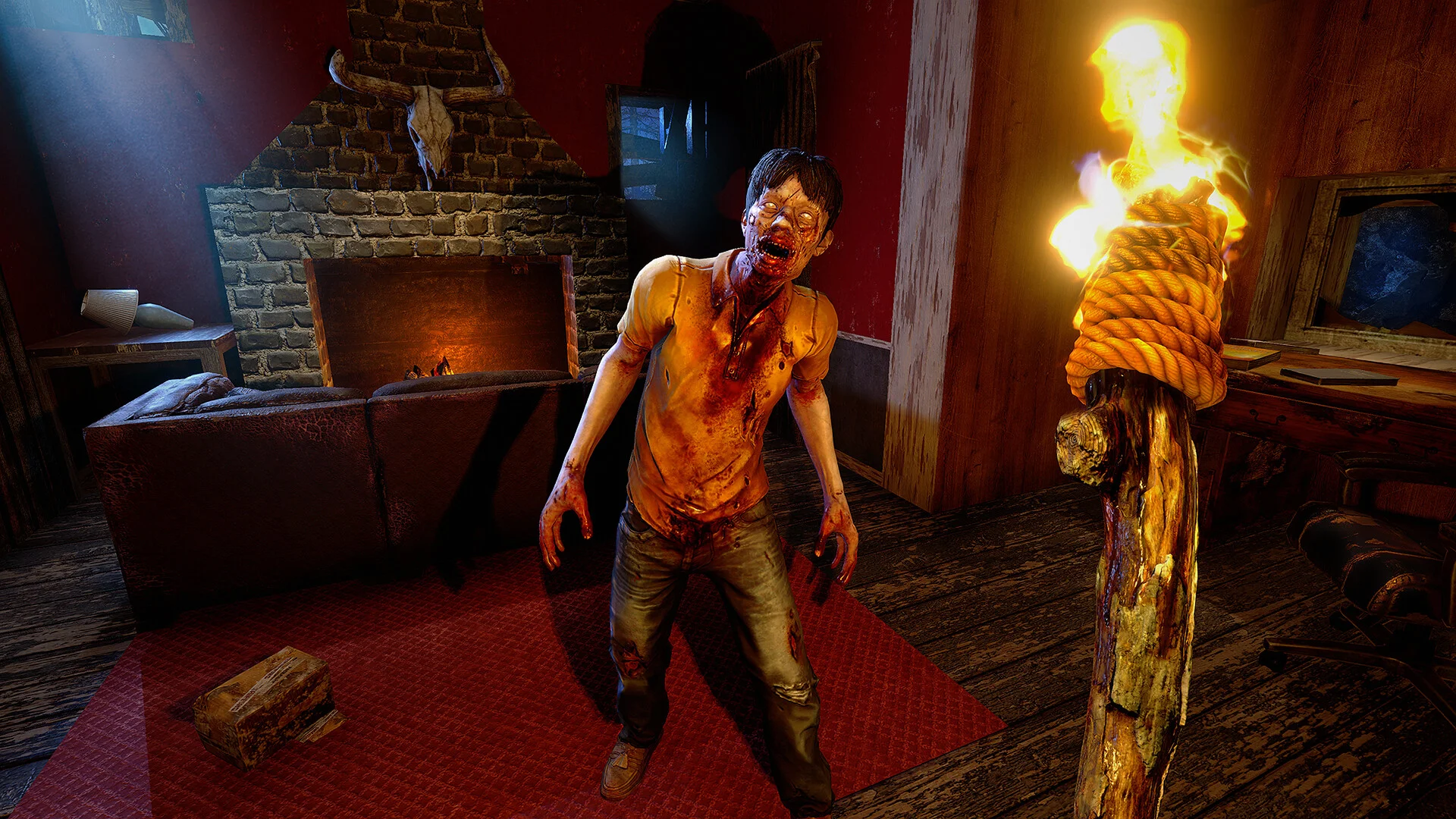
Two changed lines deserve a warning to your community before you update:
- Auto turrets no longer support stability
- Auto turrets can no longer be placed on walls
Base designs that hung turrets off a wall face, or leaned on a turret as a support block in a firing platform, will not survive the update intact. This is a balance decision rather than a bug, so it is not coming back. Take a full save backup over FTP first, then tell your players to check their turret placements before horde night rather than during it.
Update the Server Before Your Players Update Their Client
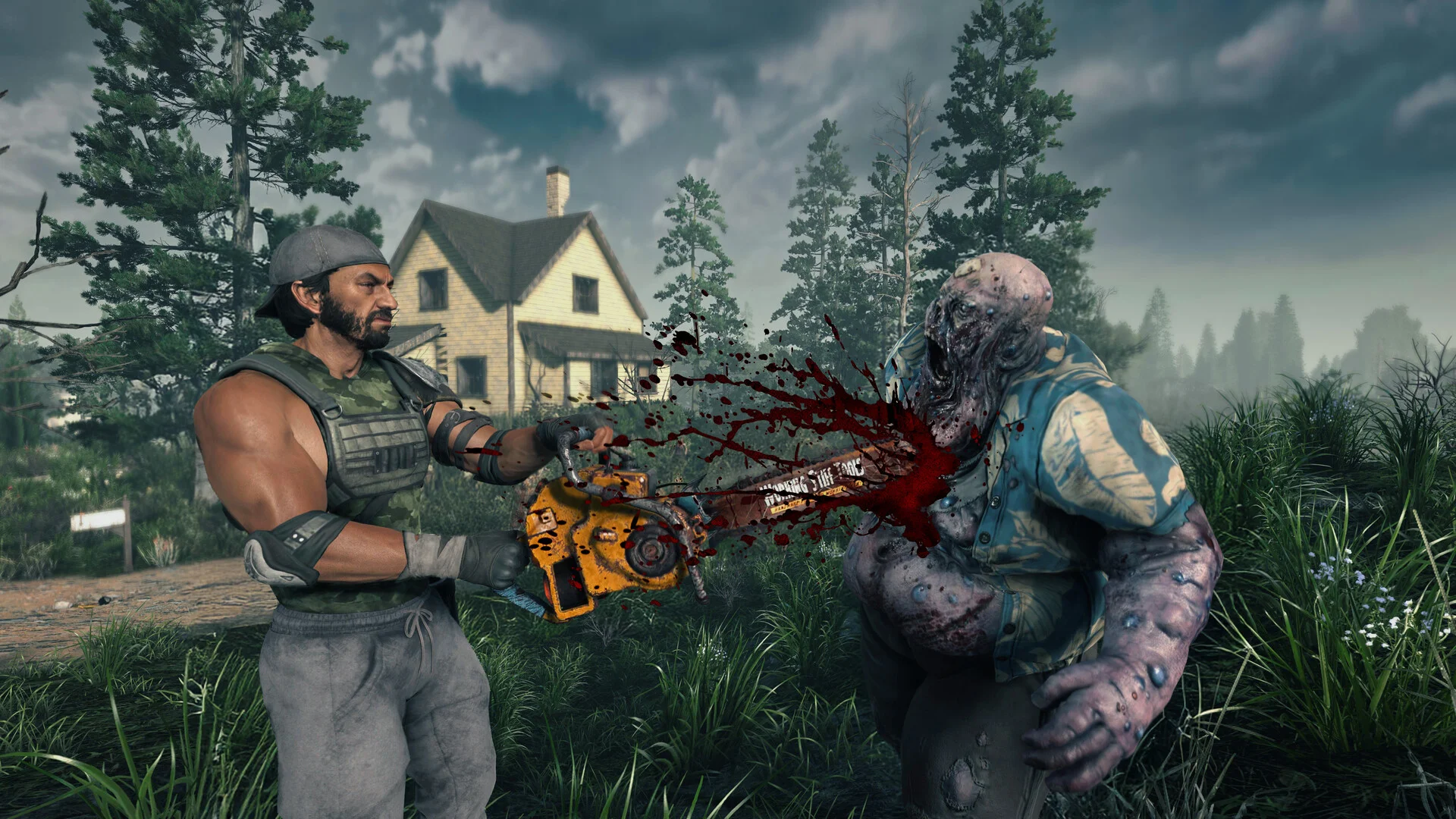
Steam updates clients automatically. Dedicated servers do not. A player on 3.2.0 cannot join a server still on 3.1.0, and the failure looks like a generic connection error rather than a version mismatch, which is exactly where the support tickets come from.
The order that works:
- Stop the server and take a full backup of the save folder.
- Confirm the server is on Default Public Version, the public stable branch, not
latest_experimental. - Update, restart, and read the console for mod load errors before letting players back in.
- Re-validate your sandbox preset. Preset codes changed shape in 3.1 when density and respawn split into separate day and night values, and an invalid code silently falls back to defaults. Our 7 Days to Die sandbox code generator will rebuild a valid one.
The Cadence Change Is the Real News
The patch notes open with something bigger than the patch. The Fun Pimps have staffed a dedicated team whose only job is smaller updates between major releases, separate from the team building v4.0, and they say 3.1, 3.2 and beyond will land more regularly. A player survey is coming to steer what that team tackles next.
For server owners that cuts both ways. More frequent quality-of-life fixes are good. More frequent updates also mean more update windows, more mod breakage, and more version mismatches between clients that auto-update and servers that do not. Build the routine now, backup, update, verify mods, rather than reacting to each drop as it lands.
Run 3.2.0 on Hardware That Can Take a Blood Moon
DoomHosting's 7 Days to Die dedicated servers run on Ryzen 9 hardware with one-click Steam branch switching, full FTP for the pre-update backup this patch deserves, DDoS protection, and 24/7 support.
Update the server, check your turrets, then go honk at Trader Joel.