Iron Gate shipped Valheim Patch 1.0.17 on October 6, 2026, and it is a short list with one line that matters a lot more than the rest: it fixes "a rare bug that could erase all objects in parts of the world when one large world save chunk file was split into smaller ones." If you run a Valheim server that has been building since 1.0 launched on September 9, that is the line to read twice.
This post covers the 1.0.17 patch notes, the run of world-data fixes from 1.0.14 to 1.0.16 that led up to it, and what to actually do on a dedicated server this week.
What Changed in Valheim 1.0.17?
The full 1.0.17 patch notes are four items:
- World save chunk bug fixed. In rare cases, splitting one large chunk file into smaller ones could wipe every object in parts of the world.
- Invalid item styles handled. Items with an invalid type, most visibly a root shield variant that slipped out on PlayStation 5 in 1.0.15, now reset to the default style instead of misbehaving.
- Placeholder text updated.
- Credits restored after 1.0.16 hid them.
Iron Gate says the patch needs a few days to reach every platform, but crossplay keeps working while it rolls out. Steam players get it first.
Why the Chunk Bug Matters on a Server
Valheim 1.0 changed how worlds are saved. The old flat pair of <World>.fwl and <World>.db in worlds_local became a folder per world, holding _main.<n>.fwl2 (name, seed, modifiers), _main.<n>.db2, a .chunks file, a small .ok marker written last to show the save finished, and a set of terrain .chunk files. The number counts up with every committed save.
Splitting world data into chunks is what lets a big world save quickly. It also means a save is many files instead of two, and the 1.0.17 bug lived exactly in the step where a large chunk file gets divided. Single-player worlds are small. Server worlds are where the large files are: several players, weeks of building, a dozen portals, a farm in every biome. That is why server owners should treat this patch as more than a hotfix.
The bug was rare, and nothing in the notes says it hit any particular build. But "objects erased in parts of the world" is the one failure you cannot fix by pickaxing a seam.
The 1.0.14 to 1.0.16 Fixes Server Owners Missed
1.0.17 is the end of a run. Three earlier patches in September touched world data or multiplayer directly.
Patch 1.0.14 (September 17) disabled biome data caching, which could end up in an invalid state and make it impossible to join remote servers. It also fixed terrain changes causing performance and portal problems in multiplayer, and a bug where a character did not save correctly when pressing Save on a server someone else hosts. Persistent events (pevents) now sit behind the devcommands toggle.
Patch 1.0.15 (September 18) fixed terrain duplication that cost performance. It also explained the item stand problem: items on item and armour stands lost their levels and variants when a world converted to the 1.0 format. That was fixed in 1.0.12, so worlds converted later are fine, but the lost data does not come back on its own. Iron Gate's workaround is to revert to the backup made at conversion, or load a copy of that backup, put the affected items on your character, and carry them back.
Patch 1.0.16 (September 25) fixed Deep North terrain edits reverting after an area unloaded, a bug that spawned far too many enemies during raids, an error in the online Player List, and crashes from snowballs rolling far from the player.
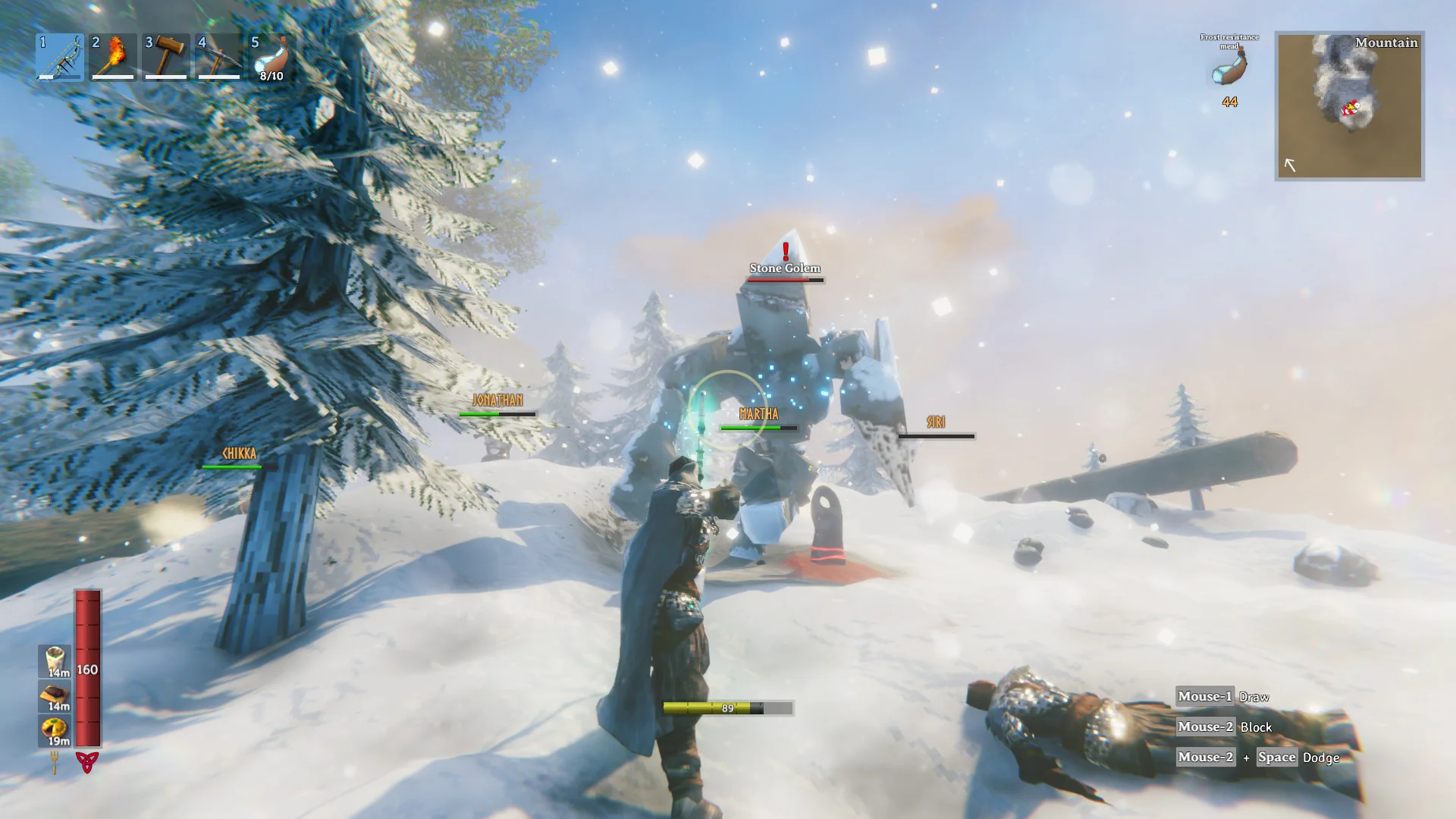
If your players complained about raid swarms or vanishing terraforming in the Deep North, those were real bugs, now patched.
How to Update a Valheim Dedicated Server to 1.0.17
On a DoomHosting Valheim server, Auto Update is on by default, so a restart pulls the latest build from Steam. The order matters more than the click:
- Take a manual backup first. Use the Backups tab in the panel so you have a full copy from before the update, separate from Valheim's own rolling saves.
- Restart after an autosave, not before. The server writes the world on its save interval (1800 seconds by default) and when it shuts down cleanly. Anything built after the last save is the part you risk.
- Let the update finish, then join and walk your bases. Check the builds that matter most, especially large ones near portals. The fix stops new damage. It does not restore anything already lost.
- Do not edit world files while the server runs. It holds the world in memory and overwrites your changes on its next save. Stop it first.
If a Steam player gets an incompatible version error, either their client or your server is still on the old build: restart Steam on their side or the server on yours. Console players can keep joining during the rollout, according to Iron Gate.
Where Your Backups Are If Something Is Missing
Valheim keeps its own rolling backups on the server. With our default startup settings it keeps 4 backups, takes the first one 2 hours into a session and then one every 12 hours. In 1.0 those backups are folders next to the world, named like <World>_backup_auto-<timestamp>.
If you find a hole where a build used to be:
- Stop the server.
- Pick the newest automatic backup that is older than the damage.
- Restore it in place of the world folder, then start the server and check the boot log for the world loading cleanly.
For the item stand problem from the conversion, look in worlds_local for <World>.fwl.old and <World>.db.old. Those are the pre-1.0 files the game kept when it converted the world. Remember that rolling back loses everything built since, so Iron Gate's "copy the backup and carry items over" route is usually kinder to a busy server.
Running mods? Patches like this can break BepInEx plugins built against the previous version. Check for updates in the panel's Mods tab before a big session, and see our Valheim mods guide for which mods every player needs installed.
What Comes Next for Valheim
Iron Gate's September 30 "Word from the Devs" confirmed more content updates are coming, without saying what. Valheim is nominated in three Golden Joystick categories (Best Multiplayer Game, Best Indie Game and PC Game of the Year), with voting open until October 23. The studio also said its dev updates will no longer be monthly, only when there is news.
Until then, expect more small patches like this one. If you are still deciding whether to start fresh for 1.0, our post on whether you need a new world covers the tradeoffs.
Host Your Valheim Server with DoomHosting
A world worth protecting deserves a server that backs it up. DoomHosting runs Valheim servers on dedicated Ryzen 9 hardware with one-click BepInEx mods, crossplay on by default, panel backups, full FTP access, DDoS protection and 24/7 support.
Update to 1.0.17, check your bases, and keep building.