
Getting Started
How to Set Up Your Farming Simulator 25 Dedicated Server
Set up your Farming Simulator 25 dedicated server: the first-boot install, core settings in the Startup tab, joining a 16-player farm, and adding ModHub mods.
Read
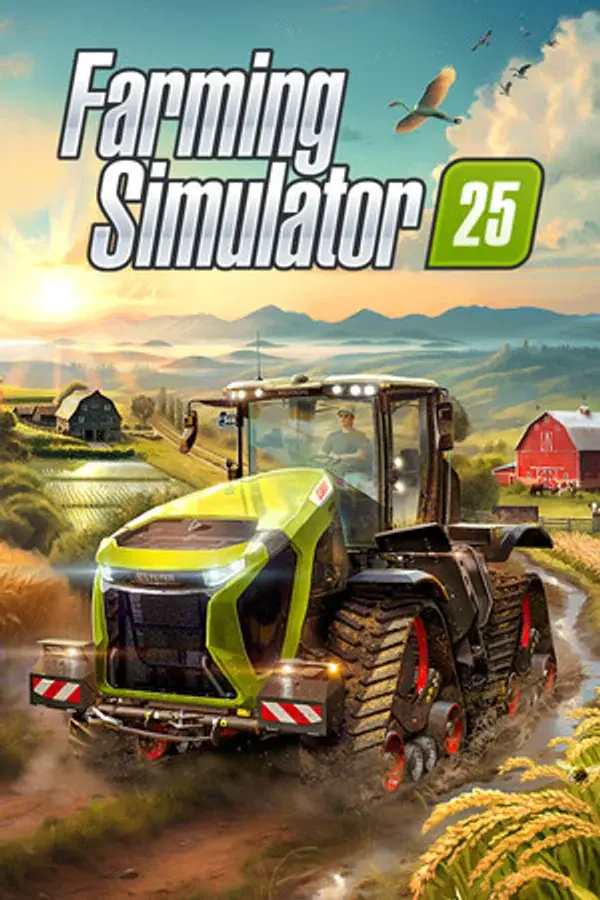
Farming Simulator 25 puts you in the driver's seat of over 400 authentic machines from brands like John Deere, Case IH, Fendt, and Claas across detailed maps in the United States, Asia, and Europe.
Set up your Farming Simulator 25 dedicated server: the first-boot install, core settings in the Startup tab, joining a 16-player farm, and adding ModHub mods.
Move your single player Farming Simulator 25 farm to a dedicated server. Zip the savegame folder, upload it in the FS25 web panel or into data/savegame1.
Farming Simulator 25 has no direct IP join. Find your server by name in the in-game Multiplayer list, with the exact steps, crossplay notes and fixes.
Install mods on your Farming Simulator 25 server: upload the ModHub zip file to /data/mods with the Files tab, SFTP or the Web Admin Panel, then restart.