

Enshrouded has no "connect to this IP" button sitting on the main menu. You search for your server by address inside the in-game browser, add it to your favourites, and then join with one of the server's group passwords. It takes about two minutes the first time and one click after that.
Copy the address from your panel
Open your server in the DoomHosting panel. The Overview tab shows the full address, and the Join button in the server header shows the same thing without leaving the tab you are on.
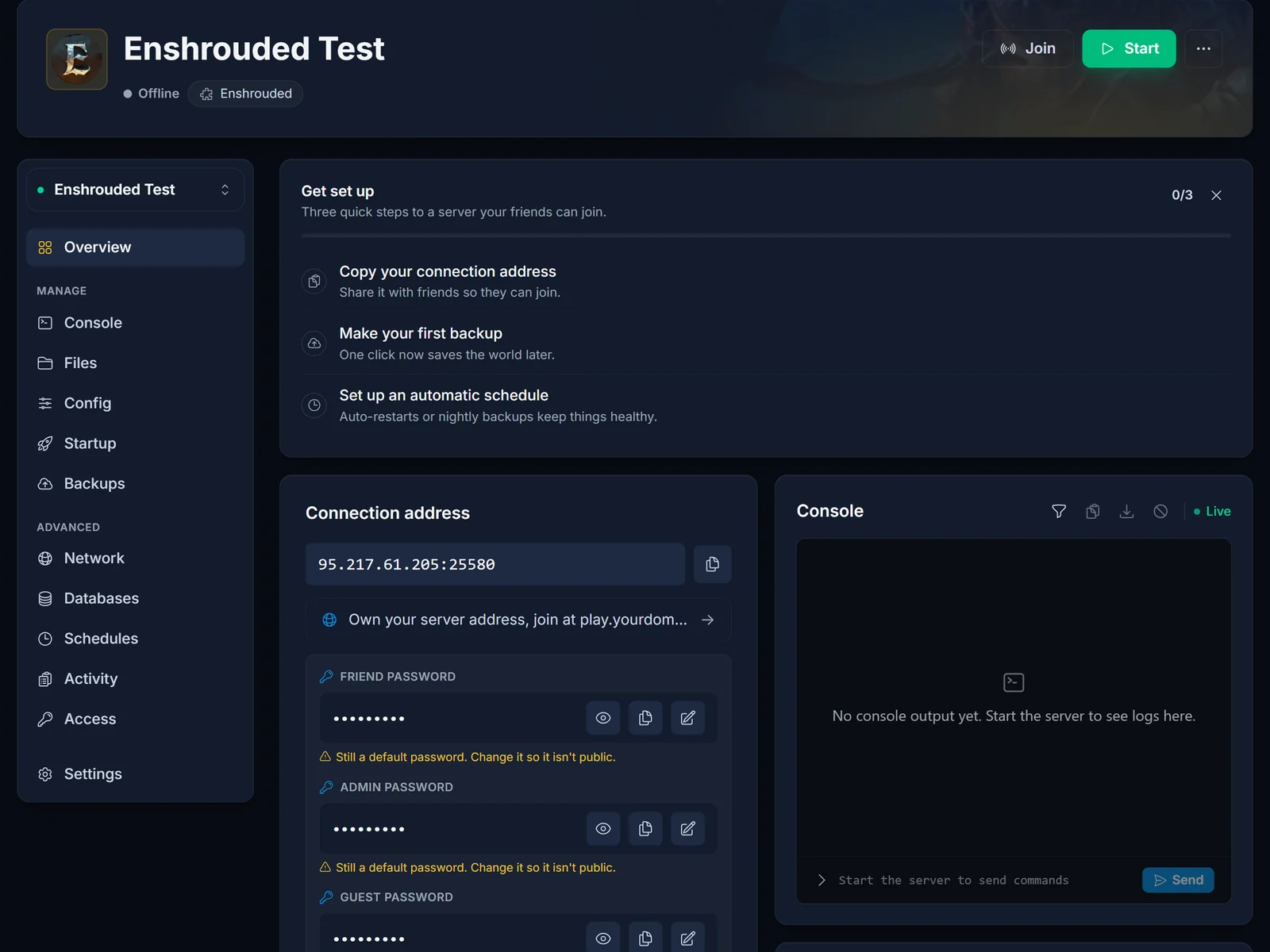
Copy the whole thing, port included. Rented servers do not run on Enshrouded's default port, so an address without the number after the colon will not find anything. Use it exactly as the panel prints it.
Add the server in game
- Launch Enshrouded and click Play, then Join.
- Press [T] Search By IPv4 / Domain.
- Paste the address from the panel, port and all.
- Choose Add To Favorites. Your server then sits at the top of the browser every time, so this is the last time you have to type an address.
- Join it, and enter a group password when the game asks.
Give a freshly started server a minute before you go looking. Enshrouded loads the world before it answers, so searching too early just returns nothing and people assume the address is wrong.
Which password to use
This is the part that catches people out. Enshrouded does not have one server password: it has four, one per user group, and the one you type decides what you are allowed to do once you are in.
- Admin: everything, including kicking and banning. Keep it to yourself.
- Friend: build, extend the base, use inventories. This is the one to hand out to the people you actually play with.
- Guest: play and explore, but no editing bases and no opening inventories.
- Visitor: look, do not touch.
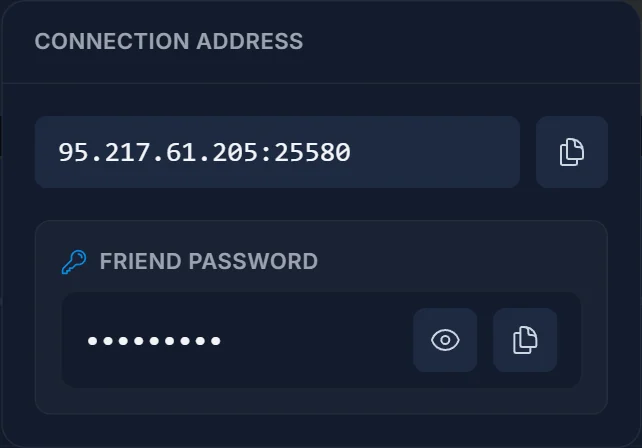
All four live on the Overview in the panel, each with its own reveal and copy button. Change them before you invite anyone, because a brand new server ships with four defaults that are published in every setup guide on the internet, including this one.
The four passwords must all be different. Enshrouded refuses to start if two of them match, and it does so without writing anything to the log, so the only symptom is a server that will not boot. The panel blocks you from saving a duplicate for exactly this reason.
Adding it through Steam instead
If you would rather set it up outside the game, Steam works too:
- In Steam, open View, then Game Servers.
- Go to the Favorites tab and click the + button.
- Paste the same address from the panel and add it.
The server then shows up under favourites in the in-game browser as well. It is the same result, so use whichever you find quicker.
Common issues
- The search finds nothing: the server is still starting, or the port was left off the address. Check the panel says Running, then paste the address again in full.
- Wrong password: each group has its own. If you were given the Guest password you will get in, you just will not be able to build.
- You are in but cannot build or open chests: that is the password you used, not a bug. Ask the owner for the Friend password.
- The server stopped booting right after the passwords were changed: two of the four are identical. Make them all different and start it again.
- Everyone else can join and you cannot: delete the favourite and add it again. A stale entry keeps the old port.
Already have a world you want to carry over? See How to Upload Your World to Your Enshrouded Server. Every plan includes the panel shown above: Enshrouded server hosting.
