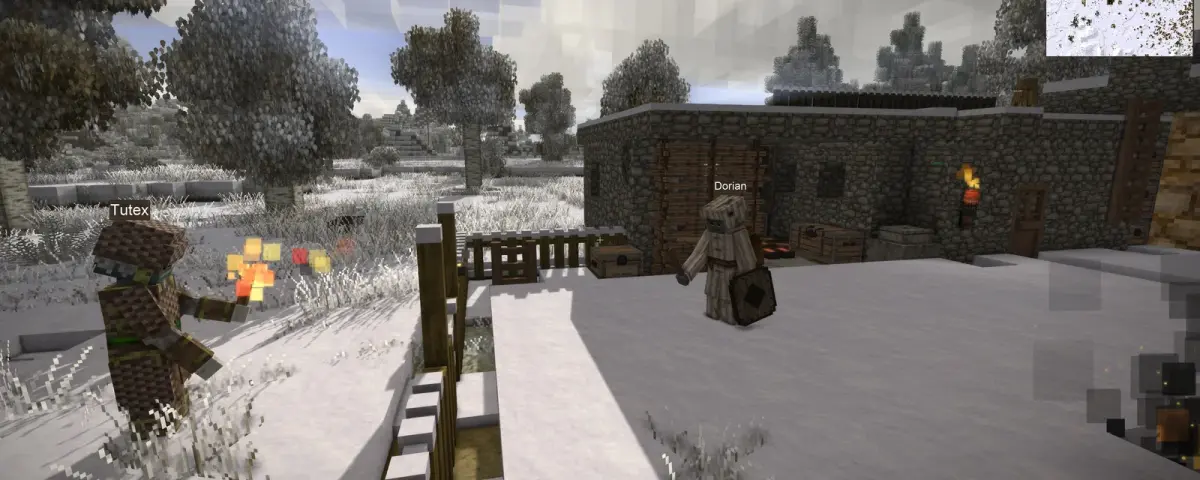
Ask a Vintage Story group what turned their fresh world into a year-long server and XSkills comes up within about thirty seconds. It is the mod that bolts a full progression system onto the game: eleven skills, ability points, specialisations that quietly turn one player into the group's smith and another into its hunter.
Then you go to install it on a 1.22 server and nothing happens.
This is the part almost no guide explains, so here it is plainly. The XSkills that every forum post and video links to has not shipped a build for the version your server is running, and has not for a year. The mod is very much alive. It just is not at the address everyone keeps sending people to.
Why the Original XSkills Will Not Load on Your Server
The version maths is blunt. Xandu's original XSkills (mod 247 on the Vintage Story Mod DB) sits at 0.9.0-pre.2, released 9 September 2025, and lists its game versions as 1.21.0-pre and 1.20.7 stable. XLib, the library it depends on, is on that same 0.9.0-pre.2 build with 1.20.4 as its last stable target.
Vintage Story's current stable release is 1.22.7, out on 16 August 2026.
So the original stack is roughly two stable branches behind the game, and Vintage Story is not forgiving about that. A mod built against an older API either refuses to load or throws during startup. On a dedicated server that usually shows up as the mod simply missing from the loaded list in your server log, while players report that pressing O does nothing at all.
None of this is a knock on Xandu. XSkills is a large, genuinely complicated mod and the author stepped back from it. The community then did what good modding communities do.
xSkills Fork and xLib Fork: the Stack That Runs on 1.22
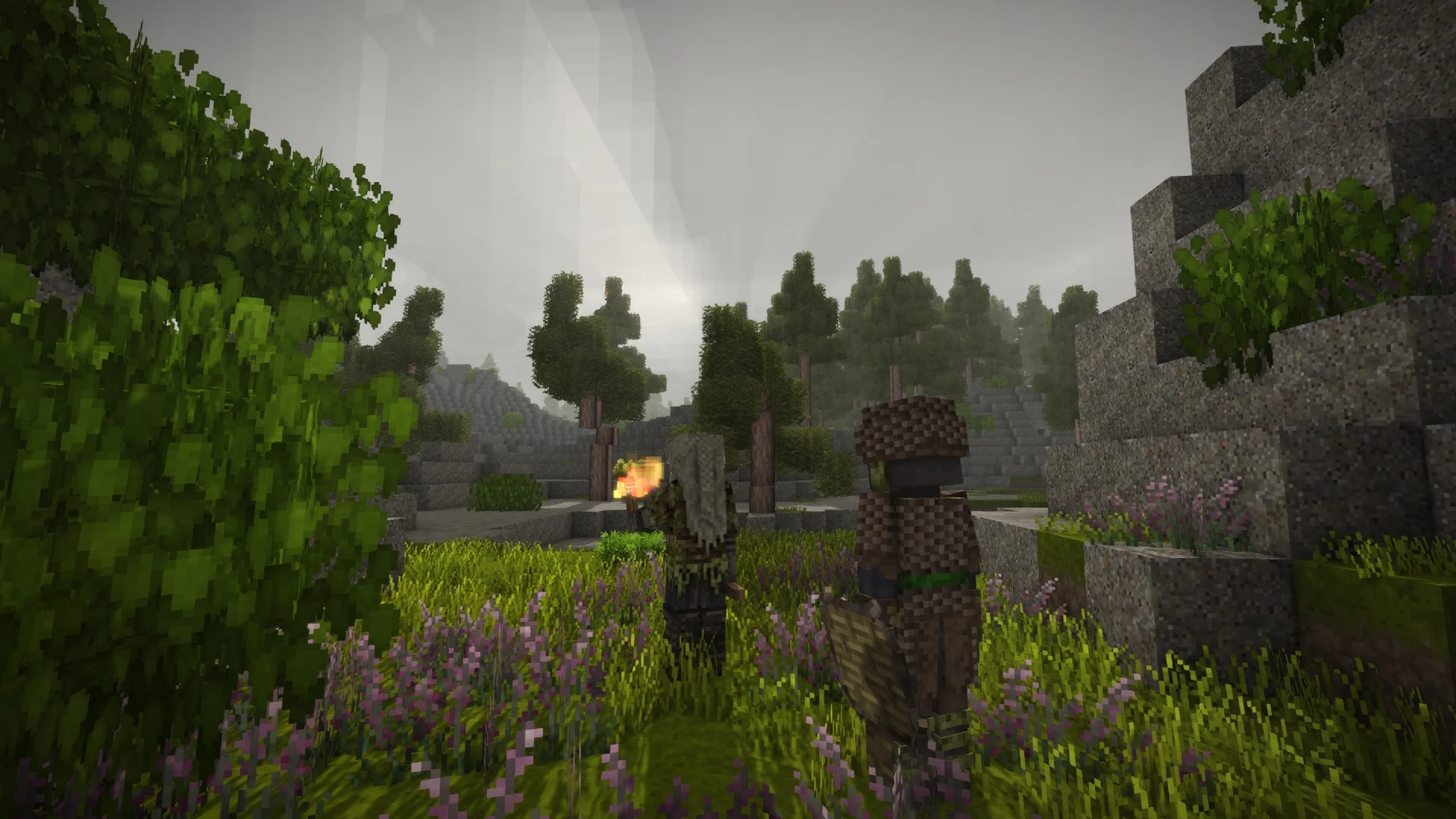
The maintained continuation is a pair of mods by El_Neuman:
- xSkills Fork (mod 44074), currently 1.1.5, listing Vintage Story 1.22.0-pre.1 through 1.22.7
- xLib Fork (mod 44133, by El_Neuman and Mamorka), currently 1.0.38, covering the same 1.22.0-pre.1 through 1.22.7 range
xLib Fork is not a quick recompile. It was migrated to .NET 10 and picked up experience notifications, UI options and wider skill tree support on the way. xSkills Fork also requires imGui, so that is a third file to download, not an optional extra.
The download counts show where the community actually sits: the original XLib has accumulated roughly 396,000 downloads over several years, the fork about 166,000 in far less time. The migration is well underway, which is also why most of the forum threads and videos you will find predate it.
Installing the Fork Stack Without Breaking Your Server
Order and parity are the two things people get wrong.
- Download xLib Fork, xSkills Fork and imGui from mods.vintagestory.at, each matched to your server's exact game version
- Upload all three into the server's
Modsfolder over FTP, or through the file manager in your game server control panel - Remove the original XLib and XSkills if they are still sitting in that folder. Two mods claiming the same role is the fastest route to a server that will not boot
- Restart and read the log. You want all three listed as loaded, with no version warnings after them
- Every player installs the same three mods at the same versions through the in-game Mod Manager
That last step is not optional. XSkills is a content mod, so client and server have to match. A player on a different build gets rejected at connect or desyncs their skill data.
One footnote worth knowing: because the forks use different mod ids, other mods that check for "xskills" to enable their compatibility features will not see them. A small patch on the Mod DB called XLib/XSkills fork compatibility fix spoofs the original ids so that logic triggers. You only need it if you run other mods that integrate with XSkills.
What Your Players Actually Level
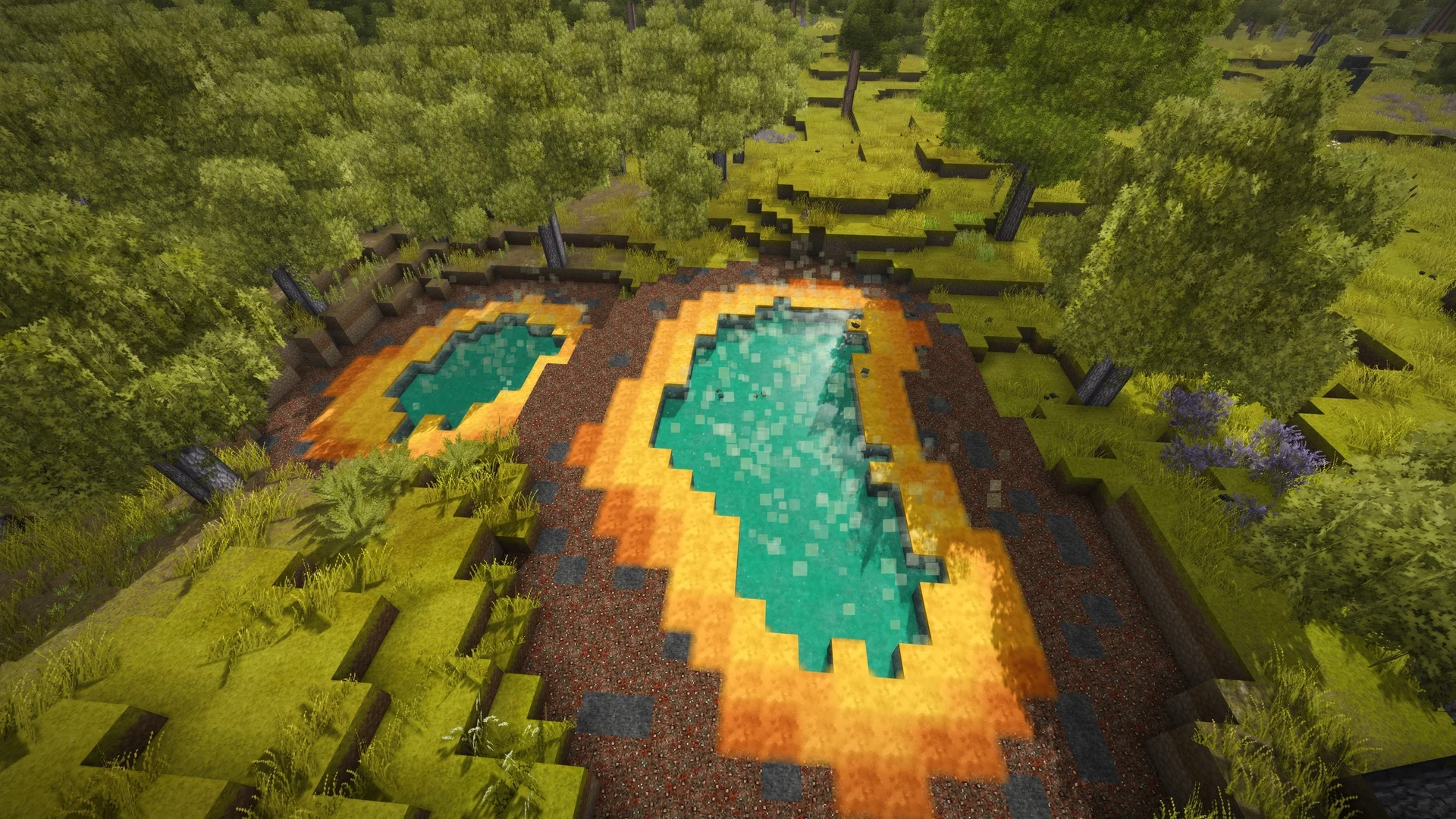
Eleven skills: Combat, Mining, Forestry, Farming, Husbandry, Cooking, Metalworking, Pottery, Temporal Adaptation, Processing and Survival.
Experience comes from doing the matching activity, and each level grants an ability point to spend raising an ability's tier. Combat splits further into weapon specialisations. Swordsman covers sword, club, mace and warhammer. Spearman covers spear, javelin, pike, poleaxe, halberd and staff. Archer covers bow, sling, crossbow and firearm. Tool Mastery covers the working tools, from pickaxe and axe down to the rolling pin.
Players open the skill dialog with O. It only opens once the server has sent them their skill set, so a freshly connected player seeing nothing for a moment is normal rather than broken.
The design detail that matters most on a shared server is that respeccing is deliberately expensive. Unlearn points come from drinking alcohol, and it takes a lot of wine, or a smaller quantity of distilled spirits, to earn one. That friction is what stops people re-rolling into whatever the group happens to need this week, and it is why specialisation choices turn into actual roles.
Server-Side Config and the Specialisation Limit
XSkills is configured through JSON files you edit directly. The setting most server owners come looking for is the specialisation limit: how many specialisations a single player may hold at once.
It interacts with an ability in the Survival tree called All-rounder, which is meant to grant extra specialisation slots on top of your configured limit. On the fork stack that interaction does not always survive a restart or a world reload, which is exactly what XSkills Server Fixes (mod 57522, by RRobert) exists to patch. It is server-side only, so players do not need it, it applies during load and manual reloads, and it ships two admin commands, /xskillsfixes status and /xskillsfixes reload.
Two caveats before you add it. Its listed range is 1.22.0 to 1.22.3, below the 1.22.7 the other forks support, and the author states it was developed with AI assistance and has not been tested past 1.22.3. Treat it as optional. Install it only if you actually see All-rounder slots disappearing, and test it against a copy of your world first.
Running XSkills on a DoomHosting Server
Every step above is file work plus a restart, which is the part hosting is supposed to make boring. Our Vintage Story server hosting runs on Ryzen 9 hardware with full FTP access, so dropping three mod files into Mods and restarting takes about a minute, and the console is right there when you need to read the load order.
If you are still choosing what else to run, our best Vintage Story mods guide covers what pairs well with a skill system. If the server itself is not up yet, start with the dedicated server setup guide. And before you size the machine, remember XSkills adds per-player data to every save, so run the numbers through the Vintage Story RAM calculator.