Vintage Story is already one of the deepest survival games out there, and its mod scene makes a long-running server feel almost bottomless. The thing that catches new server owners out is parity: most Vintage Story mods have to sit on the server and on every player's client at the exact same version, or nobody connects. After running modded Vintage Story servers through the 1.20 and 1.22 lines, these are the mods worth installing in 2026, with the parity and dependency notes that keep a server actually joinable.
How Vintage Story Mods Work on a Server
Vintage Story makes modding pleasant once you know the rules:
- The ModDB is official: every mod below lives on mods.vintagestory.at, and the in-game Mod Manager can download and update most of them for you.
- Client and server parity: a content mod (new blocks, food, creatures, skills) must be installed on the server and on every player, on the same game version. A handful of mods are server-side only, but assume parity unless the mod page says otherwise.
- Dependencies matter: several food and content mods need a shared library like A Culinary Artillery installed too, or they fail to load.
- Version matching: a mod built for 1.20 can break a 1.22 server. Match every mod to your server's exact version before you start.
Get those four right and the rest is just picking what your group wants.
Survival Depth: Primitive Survival and Expanded Foods
If you want the core survival loop to go deeper, these are the staples:
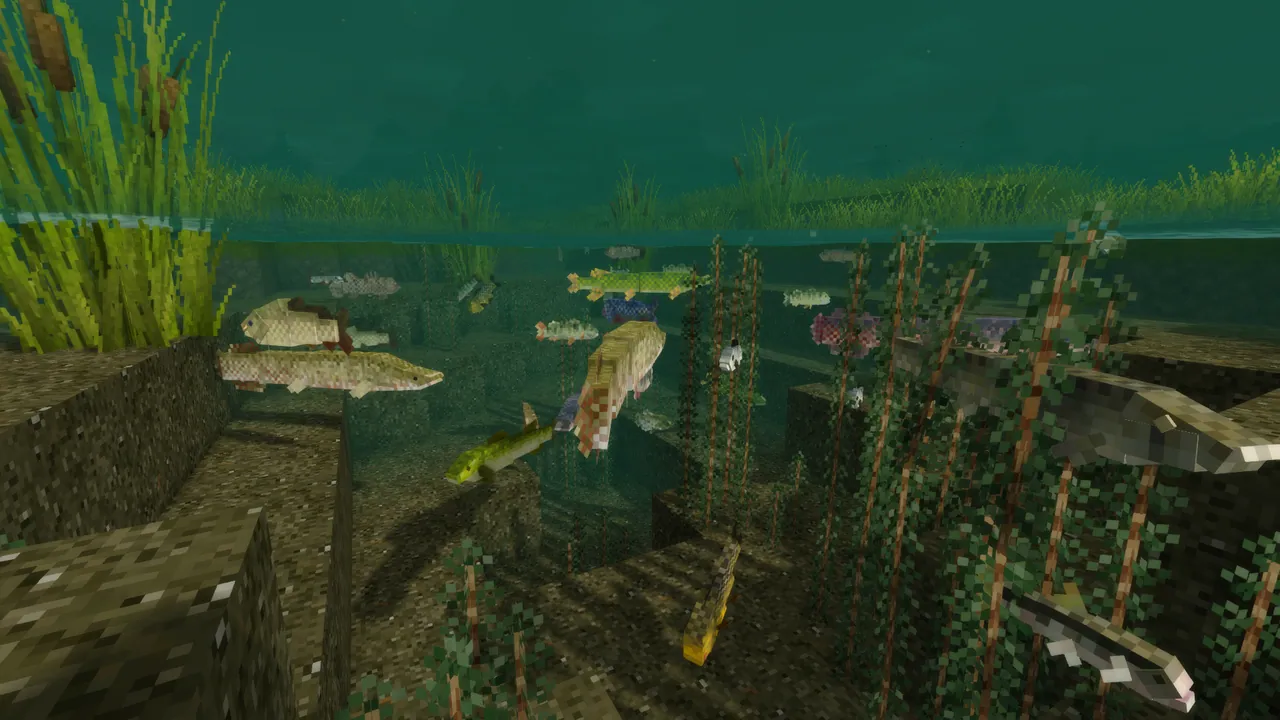
- Primitive Survival: adds traps, fishing, snares, and a pile of early-game survival tools that fill the gaps in vanilla. One of the most-installed mods for a reason.
- Expanded Foods: a huge cooking and food-preservation expansion that turns meals into a real progression system. Needs A Culinary Artillery as a dependency, so install both.
- Wildcraft (Trees, Fruits, Herbs and Flowers): vastly expands the flora you can forage and farm, and pairs perfectly with Expanded Foods.
These change the rhythm of a long server without touching the game's tone, which is why they are the safest first additions for a survival-focused community.
Progression: XSkills and XLib
XSkills (with its XLib library) adds a full class and leveling system: mining, farming, combat, and cooking skills that level as you play and unlock perks. It is the single biggest change to how a Vintage Story playthrough feels over dozens of hours, and it is the mod most communities build a server around. Install XLib first, since XSkills depends on it.
It is a content mod, so every player needs both installed at your server's version. Worth it for any server you expect people to sink real time into.
Quality of Life: Carry On and Prospect Together
- Carry On (Carry Capacity): pick up and carry chests, crates, and blocks with their contents instead of emptying them first. The single biggest convenience mod for base-building and moving house.
- Prospect Together: shares prospecting results across your server so the whole group can see ore readings on a shared map. This one is genuinely multiplayer-improving, it turns prospecting from solo busywork into a team effort, and it is close to essential on any server with serious miners.
- Status HUD mods: small client-side additions that surface temperature, season, and body stats more clearly. Optional, but a nice touch for newer players.
Prospect Together in particular is the kind of mod that only makes sense on a server, and it is one of the first we install on a community world.
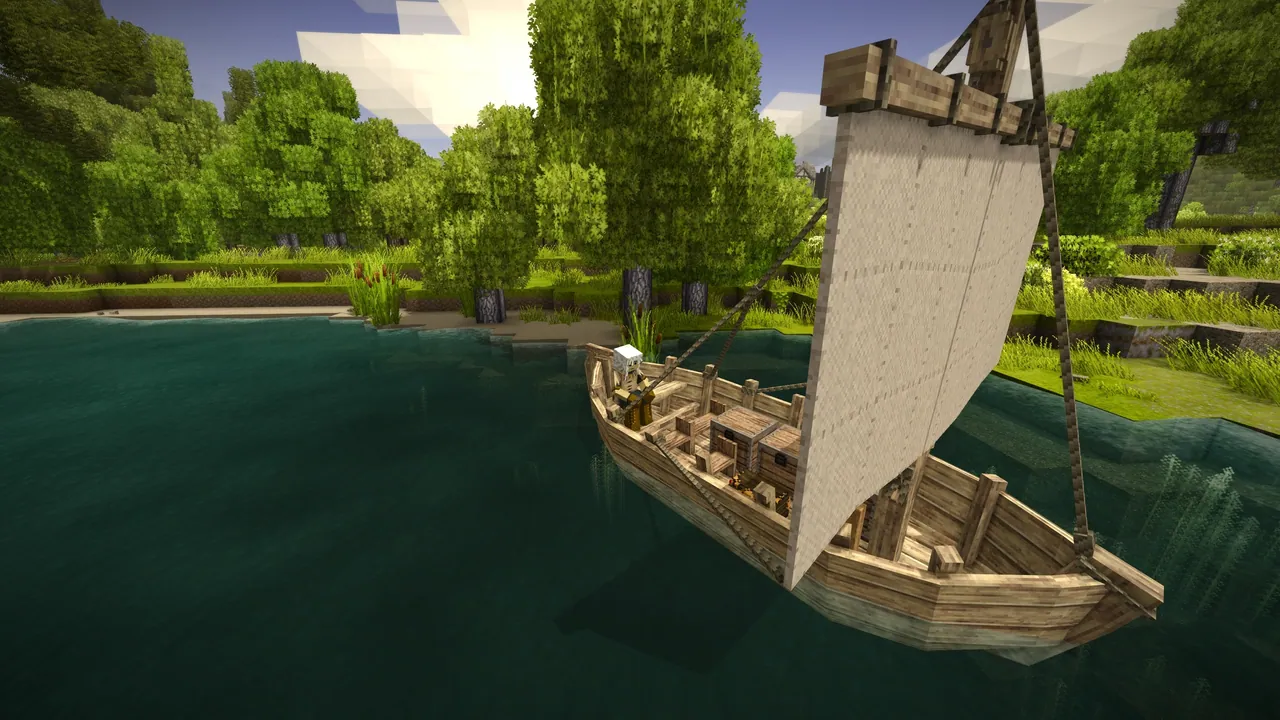
World and Content: Medieval Expansion, Ancient Tools, Better Ruins
For groups who want more to find and build:
- Medieval Expansion: more building blocks, mechanics, and medieval-flavoured content that fits Vintage Story's setting cleanly.
- Ancient Tools: early-game tools and techniques (by Th3Dilly) that smooth the rough opening hours.
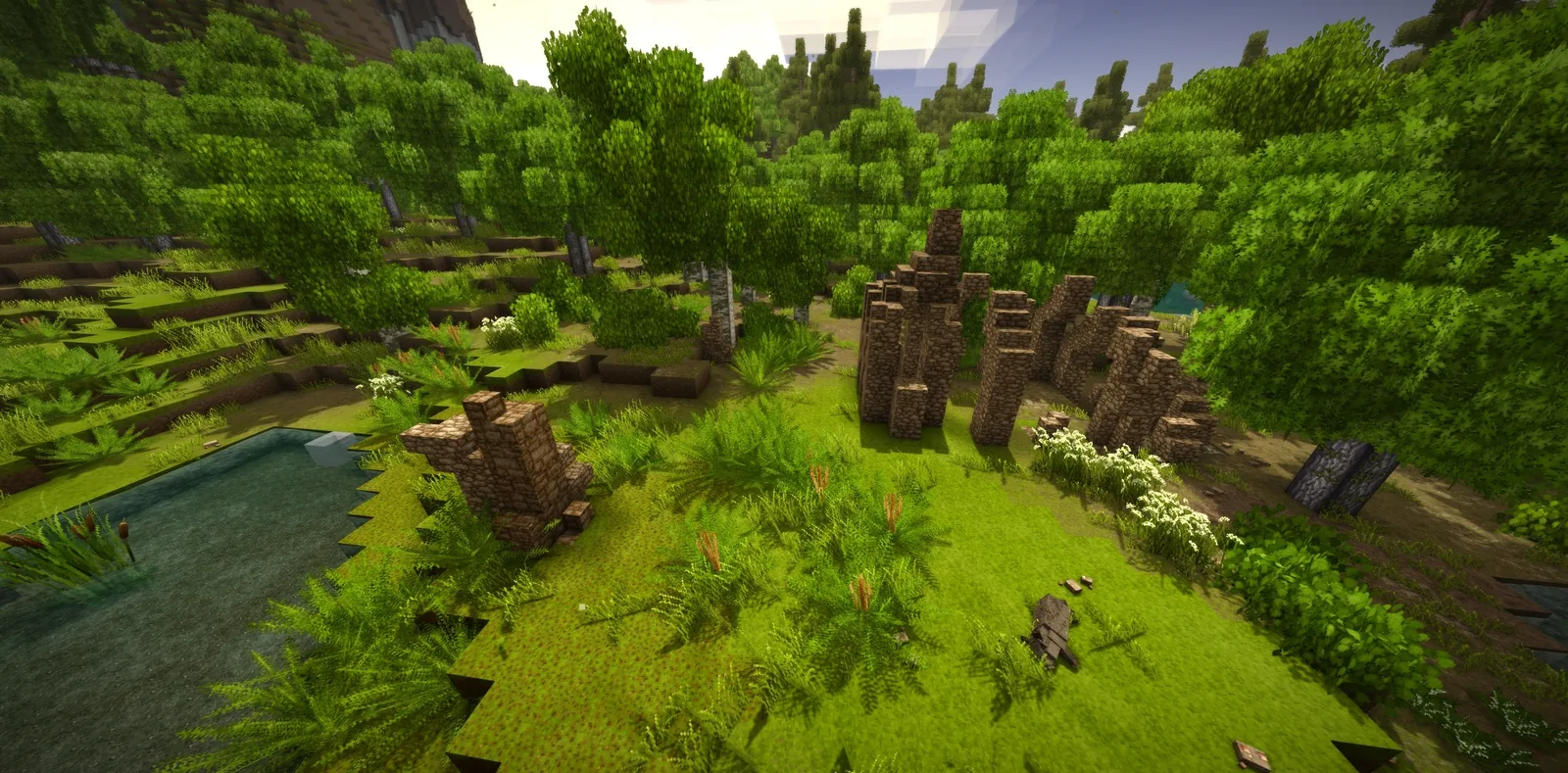
- Better Ruins: expands the variety of ruins and structures the world generates, giving explorers more reason to range far from base.
Worldgen-touching mods like Better Ruins are best added before you generate the world, since they affect new chunks, not existing ones. If your server already has a heavily-explored map, add them knowing the new content appears only in fresh territory.
How to Install Mods on Your DoomHosting Server
The flow is the same for every mod:
- Download each mod from mods.vintagestory.at, matched to your server's exact game version
- Upload the mod files into the server's
Modsfolder over FTP - Install any dependencies too (A Culinary Artillery for the food mods, XLib for XSkills)
- Have every player install the same content mods at the same version through their in-game Mod Manager
- Restart the server and check the log for load errors
Our full Vintage Story dedicated server setup guide walks through the server side in detail. On DoomHosting Vintage Story servers you get full FTP access to that Mods folder, so adding a curated mod list takes a few minutes.
A Note on Versions and Dependencies
Two things cause almost every modded-server problem. First, a version mismatch: if a player cannot join after you add mods, the usual cause is that they are on a different game or mod version than the server. Pin everyone to the same version. Second, missing dependencies: a content mod that silently fails to load is almost always waiting on a library like A Culinary Artillery or XLib. Read each mod page's requirements before you add it, and keep a backup of your world before a big content addition.
Host Your Vintage Story Server with DoomHosting
Rent a dedicated Vintage Story server from DoomHosting on Ryzen 9 hardware with full FTP access, DDoS protection, one-click backups, and 24/7 support. Drop XSkills, Expanded Foods, or Prospect Together into the Mods folder and have your group playing in minutes, and host in North America or Europe for the lowest ping. Whatever you run, match the version on the server and every client, install the dependencies, and back up your world first: a well-chosen mod list is what turns a quiet Vintage Story world into a server people keep coming back to.