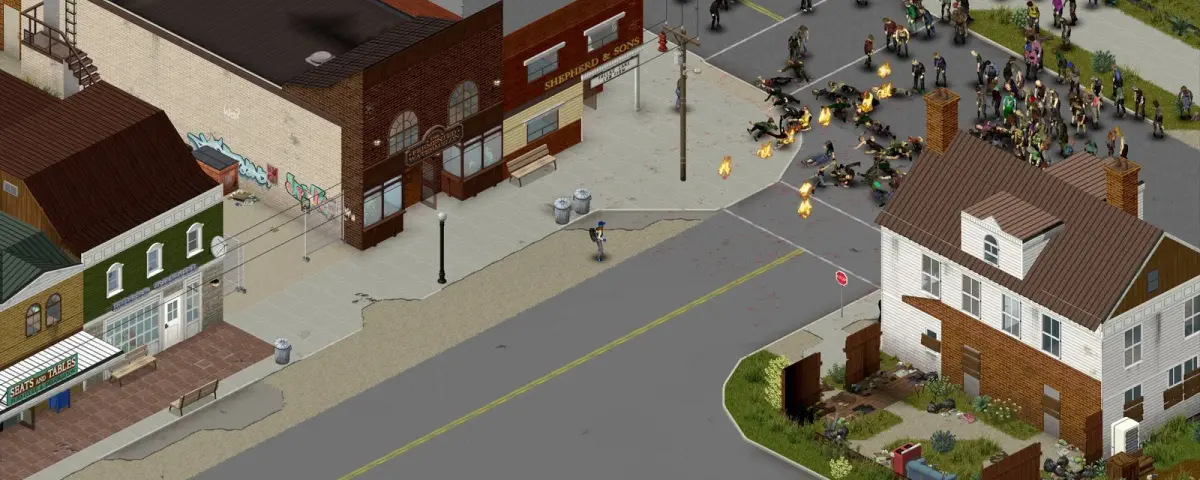
You click Join, the progress text crawls through "Loading map", and then Project Zomboid gives up with "Failed to download map from server". No crash log, no hint, just the main menu again. It is one of the most searched multiplayer errors in the game, and the usual advice (lower your resolution, swap a Java class file) treats the symptom on one player's PC while ignoring the server that actually sends the map.
We run a lot of Project Zomboid servers, so this guide works through the error from both ends: the server fixes and the player fixes. It is written against Build 42.22.2, stable since 9 November 2026.
What the error actually means
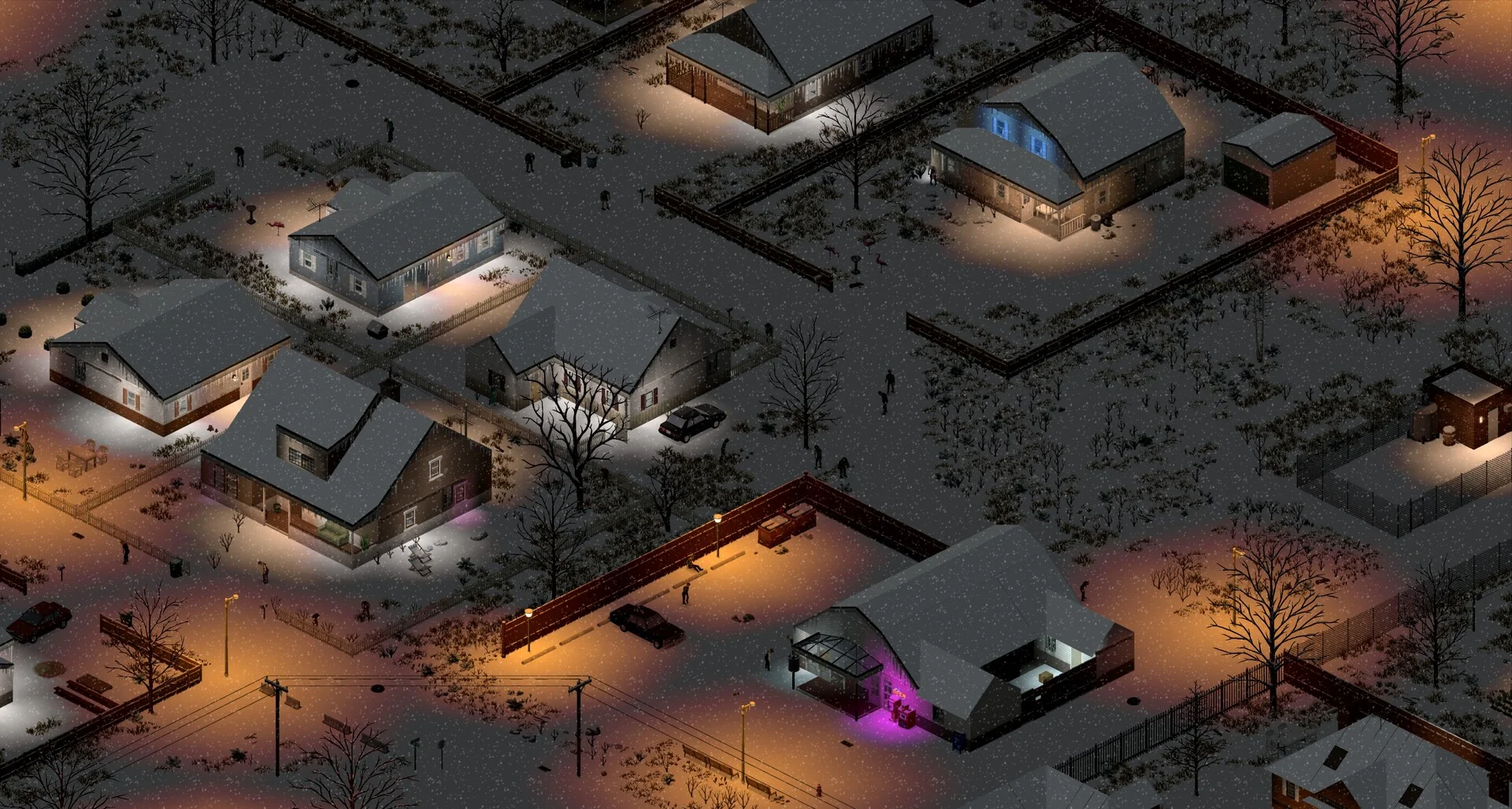
A Project Zomboid client does not keep a full copy of the multiplayer world. When you join, the server streams you the map data around your character: buildings, containers, zombies, player-built walls. Only once that block of world has arrived does the game put you in it.
"Failed to download map from server" means that transfer did not finish. That gives you three places to look:
- The server was too busy, too slow or in the wrong state to send the data (boot still running, mid-save, hung, overloaded).
- The world asks for data the client cannot match: a map mod missing on one side, a wrong map order, or a build mismatch.
- The connection between the two dropped or throttled the transfer (Wi-Fi, VPN, a blocked UDP port).
If one player gets the error and everyone else joins fine, start with the client section. If everyone gets it, the problem is on the server, and no amount of resolution tweaking will fix it.
Step 1: make sure the server and clients run the same build
This is the first thing to rule out, especially this month. 42.22.2 became the default Stable build on 9 November 2026, and Steam updates clients to it automatically by default. Servers do not always follow.
On DoomHosting, the Steam Auto Update variable in the panel's Startup tab defaults to 0, because an automatic update can break a modded world overnight. So your server keeps running its installed build until you update it. Players on 42.22.2 joining a server still on 42.21 can be rejected or stall during loading, which looks like a map download problem.
Check the version line at the top of the console when the server boots, then compare it with the build shown on the client's main menu. To bring the server up to date:
- Take a backup first. Our backup and restore guide shows how.
- Set Steam Auto Update to
1in the Startup tab and restart. The server downloads the current build on boot. - Set it back to
0afterwards if you prefer to control updates yourself.
Staying on an older build because your mods are not ready? Then every player has to switch their client to the same branch. The Indie Stone kept a temporary 42.21 branch under Game Versions & Betas in Steam for that. For Build 41 worlds, see how to keep your server on Build 41.
The update matters for its own sake, too: the 42.22.2 patch notes fix clients that "could become stuck on Loading Map" and two dedicated server hangs. A hung server cannot send you a map.
Step 2: check that the server is ready and not overloaded
Players often join the moment the panel says the server is starting. Project Zomboid is not ready until the console prints that the server has started, and on a big save the boot can take minutes.
The most common slow-boot cause we see on our own fleet is BackupsOnStart: the server zips the entire save on every boot before it accepts players. On an old world that zip gets slow, and on a tight disk it fails. Our panel spots that failure in the console and switches the setting off for you; on any other host, check your server ini.
Then look at resources while players join:
- RAM. A server that is swapping or near its memory limit serves chunks slowly, and the client times out. Big modded maps and high zombie populations are the usual reasons. Our RAM requirements guide has real numbers for Build 41 and Build 42.
- Player count. The server ini itself warns that more than 32 players can mean poor map streaming. If the error appears only at peak hours, that is your answer.
- Joining during a save. If the error lines up with a save or a backup, that is a load problem too.
A plain restart clears a hung state, which is why "it worked after a restart" is such a common report. If it keeps coming back, fix the cause.
Step 3: check map mods and the Map= order
Custom maps are the classic server-side cause. Every map mod has to appear in three places in the server ini, and they have to agree:
WorkshopItems=1234567890;2345678901
Mods=SomeTownMap;OtherMod
Map=SomeTownMap;Muldraugh, KY
- The map's Workshop ID must be in
WorkshopItems=so the server downloads it and tells clients to. - The mod ID must be in
Mods=. - The map's folder name must be in
Map=, and map mods go beforeMuldraugh, KY. Put vanilla first and the custom cells never load.
Two situations reliably produce the error. The first is removing a map mod while players' characters are standing in its cells: they log back into an area the server no longer has. The second is a player whose own Workshop copy of the map failed to download or is outdated. If you need to remove a map mod for good, move affected players out first or plan a reset (see our map reset guide). Our Build 42 mods guide covers the mod lists in more detail.
Step 4: fixes on the player's PC
When the server is healthy and only one player is affected, work through these on their machine:
- Clear the local cache for that server. In your
Zomboid\Saves\Multiplayerfolder, delete the folder for the server you cannot join. Your character and the world live on the server, so nothing is lost. The client rebuilds its cache on the next join. - Verify game files in Steam (Properties, Installed Files) and make sure the client is on the same branch as the server.
- Re-sync Workshop mods. Unsubscribe and resubscribe to the server's map mods, or let the game re-download them on join.
- Use a cable, drop the VPN. The map transfer is a large burst of UDP traffic. Weak Wi-Fi and VPNs are the most common reasons a single player fails while others load fine.
- The resolution trick. Many players report that joining in windowed mode or at a lower resolution gets them past the error. Results are mixed, but it costs nothing to try.
One fix we do not recommend: replacing WorldStreamer.class with a modified copy from a download site. It edits the game's own code, it has corrupted installs for some players, and since 42.22.1 the game checks its Java runtime for tampering and shows detected alterations in the version watermark, which tells you where The Indie Stone stands on patched game files. Fix the cause instead.
Still stuck?
If every player fails and the server is updated, ready and unmodded, check that both UDP ports are open: the game port (default 16261) and UDPPort (default 16262). Guides that still mention 8766 and 8767 are out of date, because those ports were replaced in 41.77. Our port forwarding guide covers self-hosted setups.
Most "failed to download map" reports come down to an out-of-date server, a busy server, or a map mod list that does not match. All three take minutes to fix once you know where to look. If you would rather survive Knox County than read console logs, a DoomHosting Project Zomboid server comes with the Startup variables, backups and console diagnostics described above, plus 24/7 support.