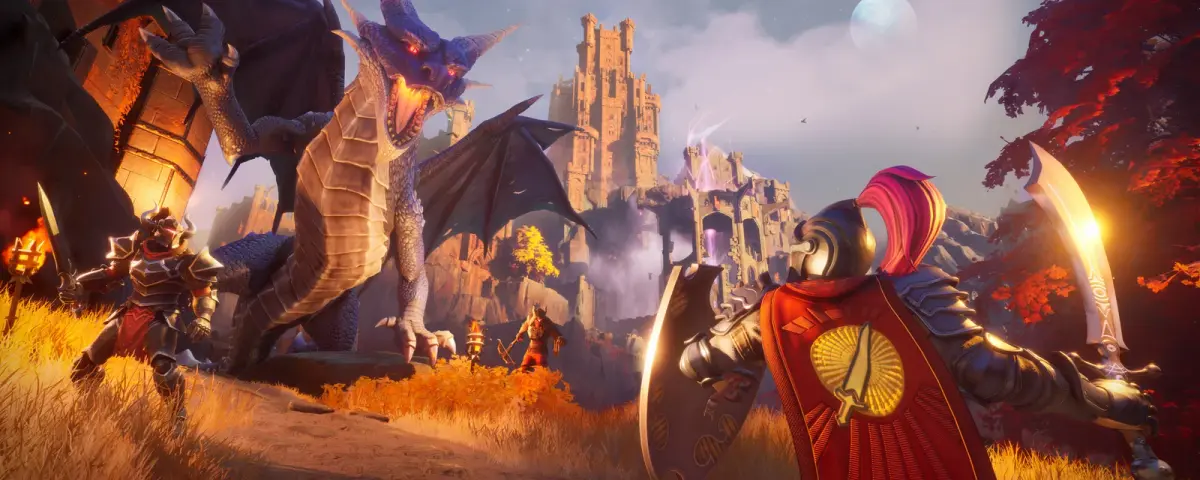
Three weeks after launch, RuneScape: Dragonwilds is still cleaning up after its rockiest 1.0 problem. The 1.0.0.8 patch went live on October 8, 2026 on Steam, Epic, the Jagex Launcher, Xbox, PS5 and Switch 2, and its patch notes are short: Jagex fixed the bug that made world saves disappear "under certain conditions". What it did not do is bring anything back. Worlds that already vanished stay invisible until 1.0.1, which Jagex says launches next week.
If you run a Dragonwilds dedicated server, the same post carried two lines aimed straight at you. Your server has to be restarted to pick up the hotfix, and SteamCMD downloads of the new build are being rate limited. Here is what changed, what is still coming, and how to get through the next week without losing a world of your own.
What the 1.0.0.8 Patch Notes Actually Fix
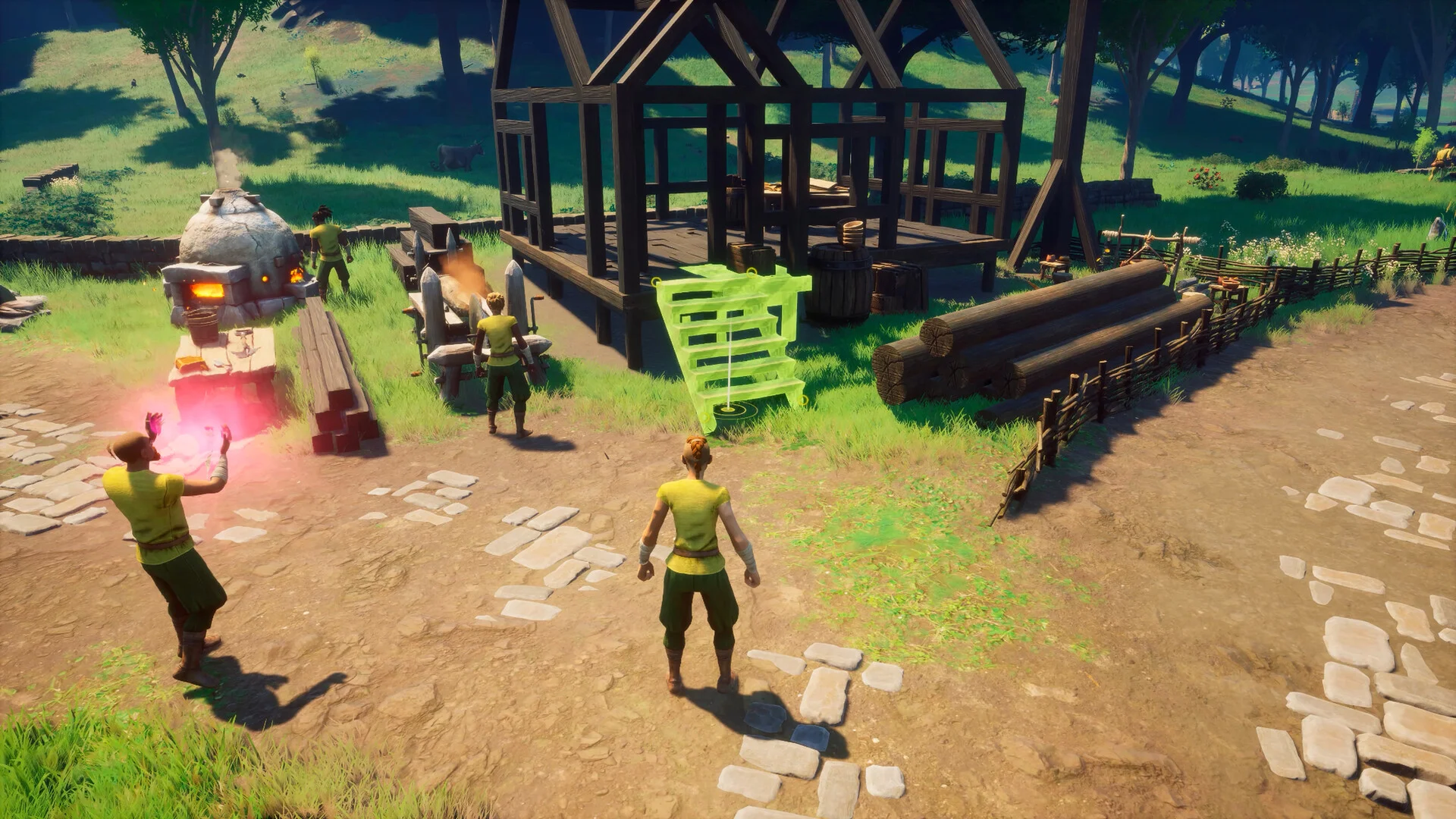
The full 1.0.0.8 changelog is one fix: an issue that could cause world saves to disappear is gone. It is a preventative patch. It stops new worlds from going missing, and Jagex states plainly that worlds which already disappeared "will still not be visible" until 1.0.1.
That makes 1.0.0.8 the last step in a run of save-related hotfixes since the September 15 launch:
- 1.0.0.5 (late September) removed the Edit Appearance button, the most common trigger for character corruption. It also fixed console players corrupting their own save by joining a modded dedicated server, and fixed dedicated server owners being unable to edit their server worlds from a console.
- 1.0.0.6 (September 29) brought Epic players back into crossplay and made some corrupted world saves visible in the menu again, which Jagex said was not a full fix.
- 1.0.0.8 (October 8) closes the hole that was still making worlds vanish.
In its September 29 update on save corruption, Jagex put the scale at around a thousand players, mostly on consoles and PC Game Pass. Saves broke when the game disconnected or a console went to sleep at the wrong moment, and editing a character's appearance was named as the main culprit.
What 1.0.1 Brings Next Week
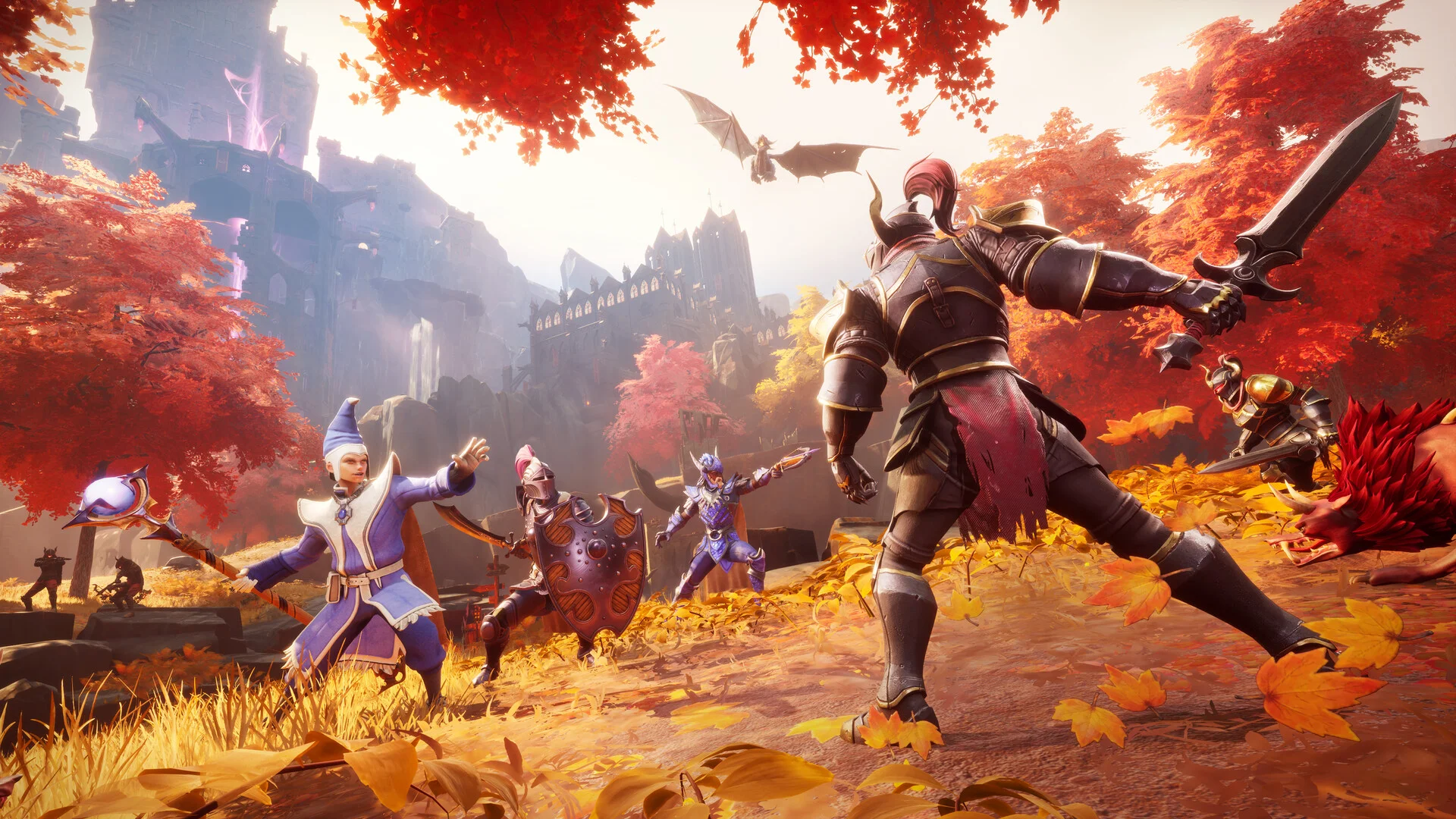
1.0.1 is the recovery patch, and it was first promised for mid-October. Jagex lists three things for it:
- A range of content updates and fixes, not detailed yet.
- Restoring world saves that disappeared. The official wording is "should hopefully be restored", so treat it as likely, not certain.
- Bringing corrupted characters back. They can join worlds again and get items and skill levels as compensation.
The compensation is specific. Jagex said a corrupted character will be replaced in the same world with Tier 4 equipment and pre-set levels based on player averages, including Construction 85, Mining 72, Artisan 61 and 60 in Attack, Ranged and Magic. Name, appearance and private chest access carry over. Jagex also said outright that asking players to start again "doesn't sit right" with the team, so a forced wipe is off the table.
One warning from the 1.0.0.5 notes still applies. Some restored saves came back with default settings, so a Custom or Creative world can return as a Normal world. Check your world type after 1.0.1 before anyone builds on it.
Is Your Dedicated Server Affected?
Jagex has not said that world files on dedicated servers were part of the disappearing-saves bug. The reports centred on local and cloud saves on consoles and Game Pass. A dedicated server keeps its worlds on its own disk, so the hotfix matters to you mostly because every client is now on 1.0.0.8 and your server needs the same build.
On our servers every world is a single file in RSDragonwilds/Saved/SaveGames/, named after the world (MyWorld.sav), with a rolling MyWorld.sav.backup written beside it. The server loads whichever world the Default World Name startup setting points at. If that file is missing, it does not complain. It quietly creates a brand new Normal world under the same name, and the console prints:
LogDomServerGameMode: No save found for configured world [MyWorld]; creating it
So if players log in after an update and the world looks reset, read the console before anything else. That line almost always means the world name and the filename no longer match, not that the save is gone.
Updating Through the SteamCMD Rate Limit
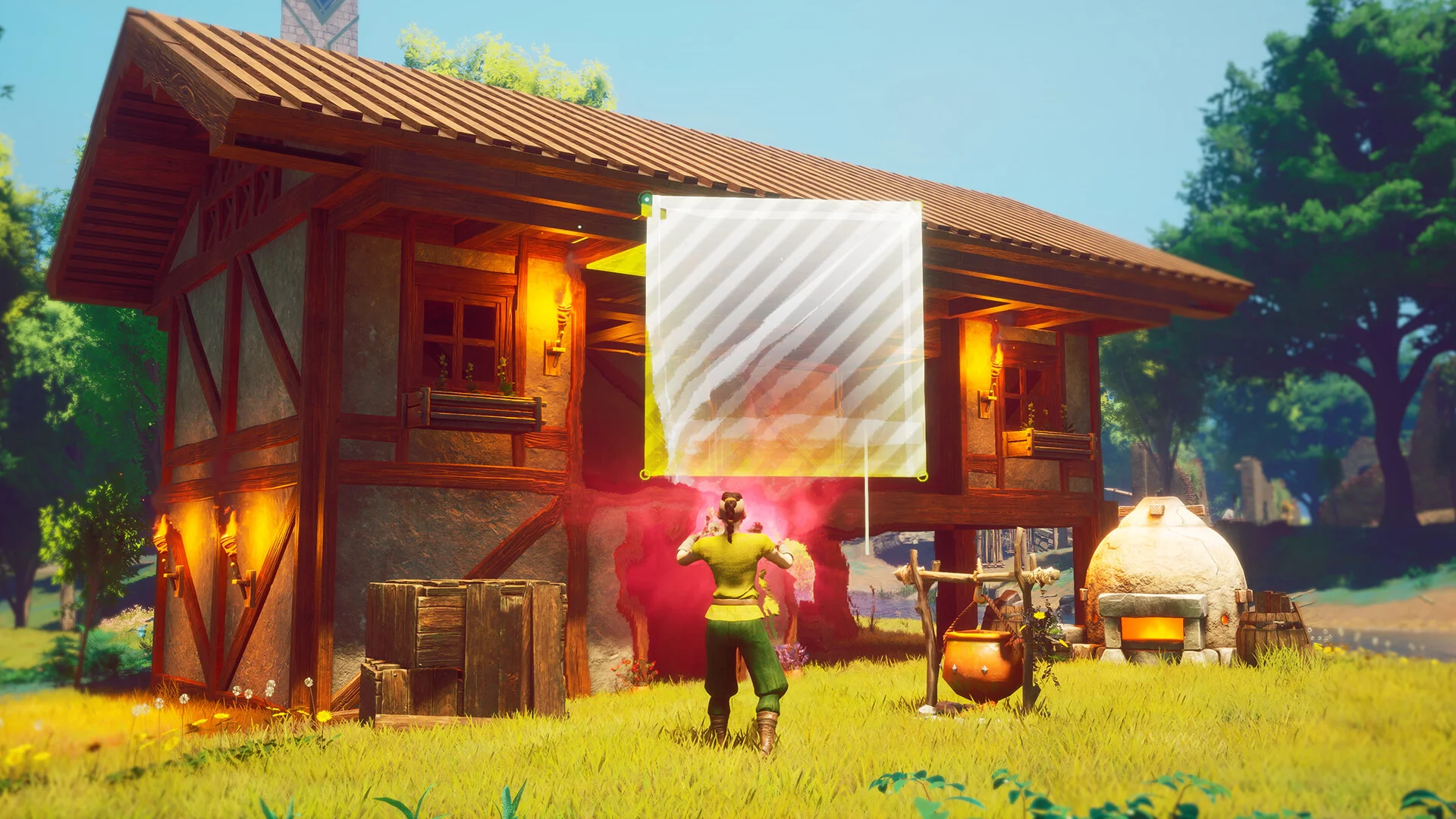
The Dragonwilds Dedicated Server (Steam app 4019830) got its new public build, 25808123, at 15:47 UTC on October 8, about an hour after the patch post. Jagex says SteamCMD is throttling downloads of it and that it is working with Shockbyte on a more permanent fix.
Our Dragonwilds servers have Auto Update on by default, so a normal restart runs SteamCMD and pulls the new build. If the update step fails or times out in the console, wait a few minutes and restart again. Do not reach for a reinstall to force it. A reinstall does not get around the rate limit any faster, and it puts your files at risk for nothing.
Before 1.0.1 lands, do this:
- Take a manual backup now. Save restoration is exactly the kind of change you want a known-good copy in front of.
- Download your world
.savto your PC as a second copy outside the server. - Never edit or replace the active world's file while the server runs. It rewrites that file on every save and your change is thrown away.
- Tell console players to stay out of Edit Appearance, even if it comes back early, until 1.0.1 is confirmed stable.
- Check the world type after the update. If a Custom world came back as Normal, stop the server and upload your original save.
The Bigger Picture
1.0.0.8 is not exciting, and that is fine. It stops the bleeding. 1.0.1 is the patch that decides whether players who lost a world come back, and Jagex has committed to restoring rather than wiping. Past that, the Summit on October 3 set out Luminance as a free update in December and official mod support with an in-game browser in the first half of 2027, so there is a long road ahead for any world you keep alive now.
If a world came back as the wrong type, our guide to uploading a Custom or Creative world walks through restoring it, and Getting Started with Your RuneScape: Dragonwilds Server covers the rest of the setup. You can also rent a RuneScape: Dragonwilds server with automatic updates, backups and crossplay for PC and console players.