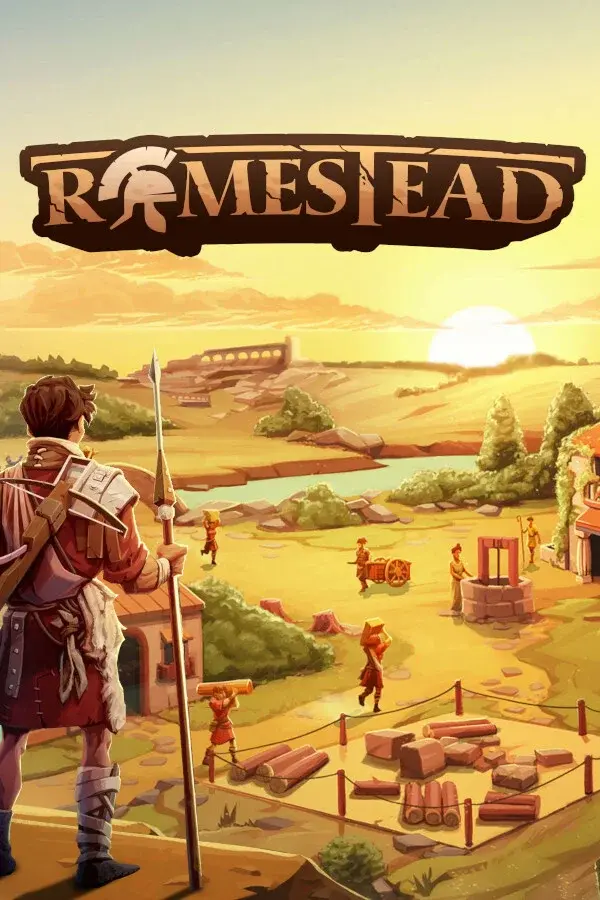

Your Romestead server is ready the moment it is deployed. This guide walks you through starting it, setting up your world, and getting your group connected.
Start your server
Open your server in the DoomHosting panel and press Start. The first boot downloads the Romestead dedicated server files and generates your world, which takes a few minutes. Once the console shows the server is ready, it is online and your settlement is live.
Set up your world
All of Romestead's server settings live on the Startup tab. Set them before your first start, or change them later and restart:
- World Name: the name of your saved world.
- World Size: how large the map is, from 1 (small) to 10 (large). Bigger worlds use more RAM.
- Max Players: how many can join, up to 8.
- Server Password: leave it blank for an open server, or set one so only people with the password can join.
- Enable Cheats: turn admin and cheat commands on or off.
After changing any setting, restart the server so it takes effect.
Connect to your server
Your server's address is on the panel's Connection address card, in the form IP:PORT. Share it with your group. In Romestead, open the in-game multiplayer menu, enter the address (and the password if you set one), and join. Your world stays online 24/7, so your settlement keeps standing whether you are playing or not.
Sizing your server
Romestead runs well from 4GB of RAM for a small group. A larger world or a full 8-player settlement benefits from more. Use our Romestead RAM calculator to estimate what your group needs, and add RAM at any time from the panel.
Common issues
- The server takes a while on the first boot. The first start downloads the game files and can take a few minutes. Give it time and watch the console.
- Friends can't join. Check they are using the exact
IP:PORTfrom the Connection address card, plus the password if you set one, and that the server shows as online. - A setting didn't change. Romestead reads the Startup-tab settings when it boots, so restart the server after editing any of them.
Need a server first? See our Romestead server hosting page.
