Valheim's mod scene in 2026 looks very different from the Valheim Plus era. The framework everyone runs is BepInEx, the install method everyone uses is Thunderstore (paired with the r2modman or Thunderstore Mod Manager desktop apps), and the old all-in-one mods have been replaced by focused single-purpose mods that get updated within days of each Valheim patch.
If you host a Valheim dedicated server, your job is harder than a single-player modder's. You need mods that don't break crossplay, work on Linux (Pterodactyl) as well as Windows, survive Iron Gate's patch cadence, and have install paths that don't require your players to babysit r2modman every time a friend joins. This list is built around that. Every entry below has a server-side / client-side tag, an install location for a dedicated server, and a one-line note on the perf or compatibility quirk that matters in 2026.

The crossplay trap (read this first)
Valheim crossplay is incompatible with BepInEx mods. When crossplay is enabled, the game uses PlayFab networking instead of Steam networking, and BepInEx hooks into the Steam path. Mods load fine on your server, the game starts fine on each client, and then nobody can find your server in the join browser. There is no workaround in 2026: pick crossplay (Xbox/PlayStation friends), or pick mods (Steam-only friends, full BepInEx ecosystem). You cannot have both.
For a dedicated server, that means flipping crossplay=false in start_server_crossplay.bat equivalent (Linux: drop the -crossplay flag) before installing any mod from this list. If you already have a crossplay world running, your save files are fully compatible: just disable crossplay, restart the server, and your existing world boots straight into BepInEx mode.
Foundation: BepInExPack Valheim
Server-side and client-side. Mandatory.
Every mod on Thunderstore depends on this. It's the loader that injects mod assemblies into the Valheim runtime. On a dedicated server, you extract the contents into the server's root directory (next to valheim_server.x86_64 on Linux, next to valheim_server.exe on Windows). On a client, r2modman handles it.
- Thunderstore:
denikson/BepInExPack_Valheim(this is the canonical pack, not the generic BepInExPack) - Server install path: server root, with
doorstop_libs/,unstripped_corlib/,BepInEx/folders extracted in place - 2026 note: stay on the denikson Valheim pack, not BepInEx 6 alphas. Most mods on Thunderstore still target the 5.x ABI denikson ships.
Server-side admin tools
These only need to be installed on the server. Players don't need anything on their end.
Server Characters (Smoothbrain)
Server-side only. Backs up each player's character .fch file on the server every time they disconnect. If a player corrupts their character (death loop in a bad spot, inventory glitch, mod conflict), you restore from a server-side snapshot instead of asking them to send you a file from their %USERPROFILE%\AppData\LocalLow\IronGate\Valheim\characters\. The single most important mod for any server with more than two players.
- Install:
BepInEx/plugins/ServerCharacters.dll - Storage cost: a few KB per player per disconnect. Negligible.
Server_devcommands (JereKuusela)
Server-side only. Re-enables devcommands (the F5 console) on a dedicated server so admins can use god, noportals, event, spawn etc. without first SSHing into the server to edit a save. Pair with the op admin list in adminlist.txt so only specific Steam IDs get console access.
- Install:
BepInEx/plugins/Server_devcommands.dll - Why it matters: vanilla disables devcommands on dedicated servers entirely. Without this, debugging a stuck event or refunding a bug-lost item means restarting in single-player.
Configuration Manager (BepInEx)
Client-side recommended, harmless server-side. An in-game UI (F1 by default) that lets you edit every mod's config file live, without alt-tabbing to a text editor. If your server runs 10+ mods, this saves admins hours.
Quality-of-life mods (the daily-driver list)
These are the mods players actually notice. All work over multiplayer. Each player installs them client-side; on the server they're optional but recommended so config defaults match.
Equipment and Quick Slots (RandyKnapp)
Adds three dedicated equipment slots (helmet/cape/utility) and three quick-access bars next to your hotbar. The most-downloaded Valheim mod on Thunderstore for a reason. It cleans up the inventory grid, removes the equip/unequip dance for capes in different biomes, and surfaces consumables (mead, food) on a hotkey.
- Both sides. Server stores nothing extra. Client config controls hotkey bindings.
Quick Stack Store Sort Trash Restock (Aedenthorn / forks)
The classic. One key dumps your inventory into nearby chests that already have matching stacks. Another sorts a chest. Another restocks your inventory from nearby chests. With a Mistlands base and 40+ chests, this saves five minutes every run.
- Both sides. Configure radius (default 10m) per-server so cheaters can't pull from chests across the map.
AzuAutoStore (AzumattDev)
Deposit-into-nearby-chests-that-already-have-this-item, but automatic on pickup. Walk past a chest while carrying iron, the chest auto-eats your iron. Sounds minor, plays huge.
- Both sides. Server config controls deposit radius (set to 6m max; 20m is exploitable in PvP).
Plant Everything (Advize)
Lets you plant every growable item (mushrooms, dandelions, thistle, raspberries, blueberries) using the Cultivator, not just the vanilla shortlist. Pair with Plant Easily for grid-snap rows.
- Both sides. World file stores planted entities like any other ZDO; no extra perf cost.
Building mods
PlanBuild (MathiasDecrock / forks)
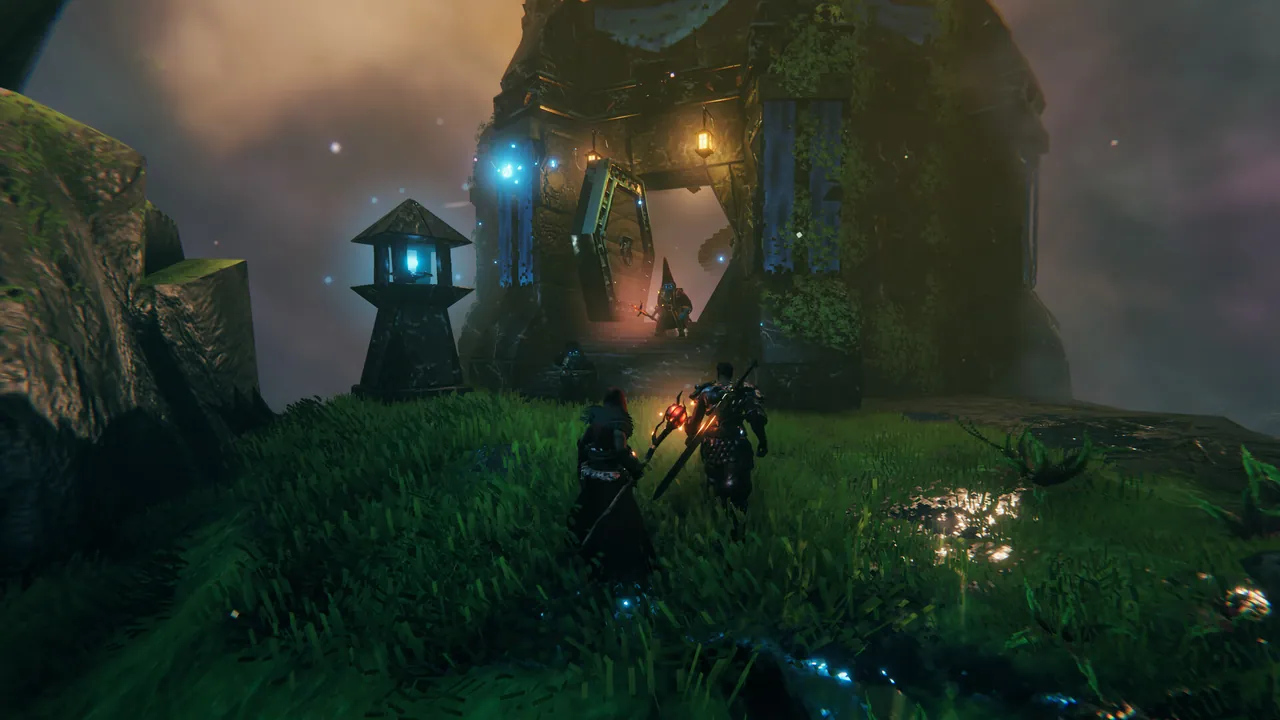
Copy/paste structures. Save a longhouse blueprint, paste it three islands over. The mod respects vanilla material costs (you still need the wood and iron) so it's not creative-mode cheating, just labour-saving.
- Both sides. Server stores blueprints in
BepInEx/config/marcopogo.PlanBuild/blueprints/. Back this folder up if your build server has any meaningful work in it.
Build Camera / AdvancedBuilder (Aedenthorn)
Flight build mode. Press hotkey, detach from your character, fly around, place pieces. Essential for roof work. Plays nice with PlanBuild for blueprint placement.
- Client-side only. No server impact at all.
Valheim Raft / V+Ships (alternatives to Karve/Drakkar)
For servers that want player-built ships. The Valheim Raft scene has fragmented since the original mod went unmaintained; in 2026 the active fork is SailingShips by Sailing Ships maintainers. Status changes every couple of patches: check the mod's GitHub compatible_versions file before installing on a live server.
- Both sides. Adds new prefab IDs to the world ZDO; uninstalling later orphans those entities.
Combat and progression overhauls
EpicLoot (RandyKnapp)
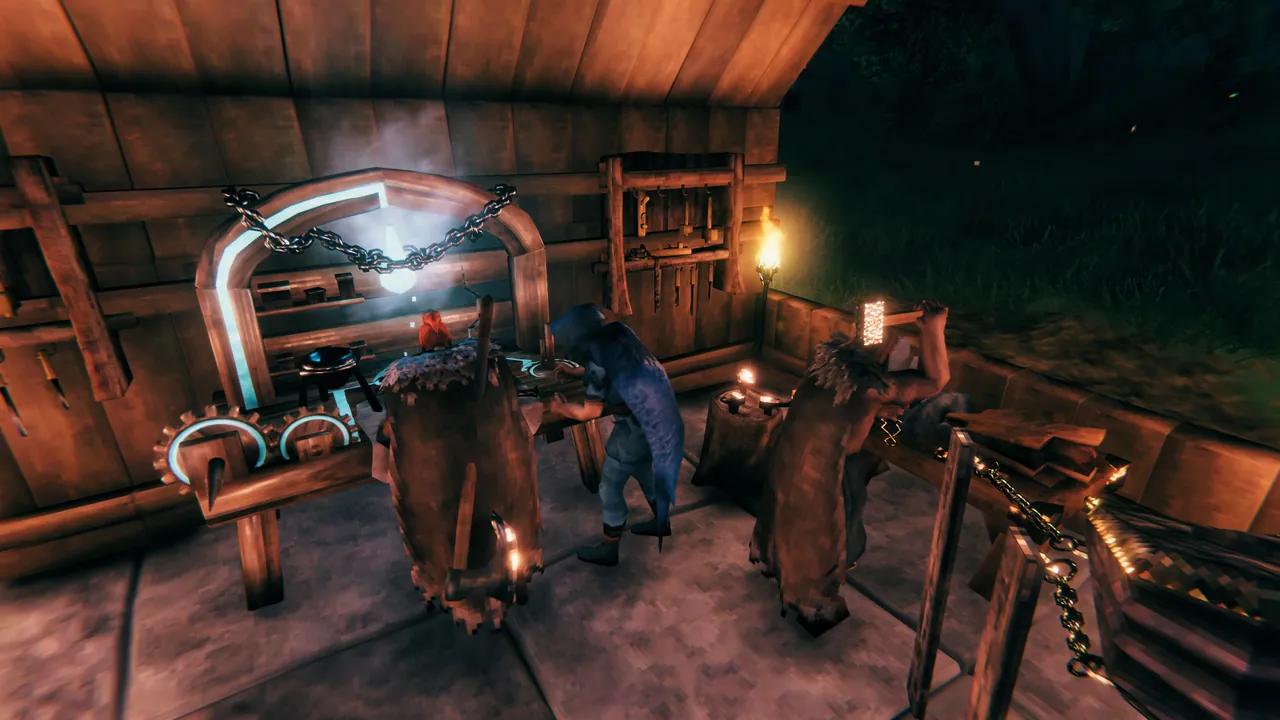
The big one. Adds loot rarity tiers (Magic/Rare/Epic/Legendary), magic enchantments, gambling at the Bog Witch, set bonuses, abilities. Turns Valheim into a Diablo-flavoured ARPG. Heavy mod: read the config, decide your drop rate, lock it before your players reach Plains, because raising drop rates mid-playthrough trivialises gear progression for everyone.
- Both sides required. Server is authoritative for rolls. Client renders the rarity colours and tooltips.
- Perf: each magic item carries extra serialisation. Negligible per item, but a packed inventory at year 200 of a server is measurably heavier.
Therzie's Warfare and Monstrum
New weapons, armour, and enemies built to slot into vanilla progression without breaking it. Warfare adds tier-balanced weapons (a Plains crossbow, a Mistlands greatsword); Monstrum adds new mobs to existing biomes. Together they extend the late-game without an EpicLoot-scale rewrite.
- Both sides. Bigger world file growth than vanilla.
Better Archery (virtuaCode)
Reworks bow handling: draw time, arrow physics, drop, fast-swap to second weapon. Makes the bow feel like a real weapon rather than a melee-fallback.
- Client-side; harmless server-side. Two players can run different bow settings on the same server.
UI mods
MinimalUI (Magnusmagnusson)
Cleans up the HUD: smaller hotbar, smaller compass, configurable transparency. Pairs well with Equipment and Quick Slots, which otherwise crowds the bottom of the screen.
- Client-side only. Doesn't affect the server. Each player can run their own.
AzuClock and AzuCraftyBoxes
AzuClock: shows real-time and in-game time. Trivial, but you'll wonder how you played without it. AzuCraftyBoxes: workbench/forge can pull materials from nearby chests, so you stop emptying chests every crafting session.
- Both client-side. CraftyBoxes also runs server-side for radius config.
Performance mods
Two mods reduce lag on the server itself, and both are safe on a dedicated server. Better Networking compresses what the server sends each player and lets you raise the outgoing queue size, which is what fixes a base that loads late and desyncs, and it has to go on the server and on every player. Serverside Simulations moves zone simulation off whichever client walked in first and onto the server, so one player's bad connection stops dragging a whole area down, and it is server-only. Everything else sold as a performance mod is client-side graphics work and changes nothing the server does. Full setup for both is in best Valheim server performance mods.
What to skip in 2026
- Valheim Plus. The original VPlus has been effectively unmaintained since 2024. Forks exist but they fragment the community and conflict with focused mods that do each VPlus feature better. Install the focused mods (Equipment Slots + AzuAutoStore + Build Camera + Plant Everything) and skip VPlus entirely.
- Any mod that hasn't been updated since the Ashlands patch (1.0). Mistlands, Ashlands and the H&H rewrites broke ABI compatibility for a lot of older mods. Check the Thunderstore "updated" date before installing; older than 18 months is a red flag for a live server.
- "Cheats Plus" / god-mode mods on PvP servers. Self-evident, but they install silently from r2modman if a player imports a friend's full mod list. Use Auga or VHVR's mod-list whitelist to lock your server's expected client mods.
How to install mods on a Valheim dedicated server
For a Linux Pterodactyl install (DoomHosting and most other modern hosts), the recipe is:
- Stop the server.
- FTP into the server and locate the root directory (where
valheim_server.x86_64lives). - Upload the denikson BepInExPack Valheim archive, extracted, into the server root. You should see new folders:
BepInEx/,doorstop_libs/,unstripped_corlib/, plus arun_bepinex.shscript. - Edit the server's startup command to launch via
run_bepinex.shinstead ofvalheim_server.x86_64directly. On Pterodactyl this is a one-line change in the egg's startup field, usually swapping./valheim_server.x86_64 -name "..."to./run_bepinex.sh -name "...". - Drop each mod's
.dllintoBepInEx/plugins/. Drop each config file generated on first run intoBepInEx/config/(most mods do this automatically the first time the server starts). - Start the server. Watch the live console for a line like
[Message: BepInEx] Loaded 14 plugins. If it says 0 plugins, your startup command didn't switch torun_bepinex.sh. - For each client-side mod, your players install it through r2modman with the same versions. Mismatched versions cause silent connection failures more than they cause clear error messages, so lock a version manifest and pin r2modman to it.
If you host with DoomHosting's Valheim servers, run_bepinex.sh is already in the startup options, FTP credentials are issued at provision time, and the panel exposes the BepInEx log in the live console so you can read load failures without SSHing.
Host Your Valheim Server with DoomHosting
Running a modded Valheim server on shared hardware turns a 12-mod world into a stuttering mess by year 200. You want a real CPU. DoomHosting's Valheim servers run on dedicated Ryzen 9 hardware with one-click BepInEx setup, full FTP access, DDoS protection, and 24/7 support from people who actually run Valheim servers. Plans scale from a four-friend group to a 30-player community, and you can swap mod sets without re-provisioning.
Pick your mods carefully, lock your crossplay decision, and your players will be back next wipe.