Valheim ships with sensible defaults, and almost nobody wants them. The default death penalty is brutal enough that new players quit, portals refuse to carry ore which shapes your entire base layout, and raids escalate on a timer whether your group is ready or not. All of that is adjustable, and on a dedicated server most of it has to be set before anyone joins, because a few of these settings are baked into the world the first time it loads.
We host Valheim dedicated servers, so this covers the settings in the order you actually meet them, which layer each one lives in, and the two that will bite you when 1.0 lands on 9 September.
The three layers, and why it matters
This is the part most guides skip, and it is the reason people think a setting "didn't apply". Valheim server settings live in three different places, and they behave differently:
- Server variables (name, password, world, backups, crossplay, auto-update). Set in your panel, applied on restart. Easy to change any time.
- World modifiers (combat, death penalty, resources, raids, portals). Passed as launch arguments. Change them, restart, done.
- World toggles (no build cost, player events, passive mobs, no map). Stored inside the world's
.fwlfile. These cannot be set with launch arguments, which is the trap below.
If you change something and it does not take effect, you almost certainly changed it in the wrong layer.
Presets versus modifiers
A preset is a starting point. Valheim accepts seven:
normal casual easy hard hardcore immersive hammer
casual and easy soften combat and the death penalty. hard and hardcore do the opposite, with hardcore removing the ability to recover your gear at all. immersive turns off the map and portals for a no-fast-travel run. hammer removes build costs, which is the creative-mode preset.
Modifiers then override individual pieces of whatever preset you picked. That combination is what most groups actually want: casual as a base, then raids turned back up because the group likes the fights.
The five modifiers worth setting
Each takes a graded value, and normal is the default that never needs to be set.
combat: veryeasy, easy, normal, hard, veryhard
The most useful dial for a mixed-skill group. easy keeps the game readable for newer players without making it pointless.
deathpenalty: casual, veryeasy, easy, normal, hard, hardcore
The setting most responsible for people quitting. Default Valheim drops your gear where you died and takes skill levels with it, and a death in the Mountains can mean an hour of recovery. casual keeps your items on death. For a group that plays a few evenings a week, this is the single highest-impact change you can make.
resources: muchless, less, normal, more, muchmore, most
Raises drop rates. more is a reasonable choice for a small group who do not want to spend three sessions mining copper before anything interesting happens.
raids: none, muchless, less, normal, more, muchmore
Base attacks. Turning these to none makes building relaxing and removes a lot of the game's tension, so most groups are happier at less than at none.
portals: casual, normal, hard, veryhard
casual lets portals carry ore. This is the biggest structural change on the list, because the ore rule is what forces you to build near water and haul metal by boat. Turn it on and your base placement stops mattering; leave it off and the logistics stay part of the game. There is no wrong answer, but decide it before people build.
The four toggles, and the trap
These four are stored in the world file, not passed as launch arguments:
nobuildcost playerevents passivemobs nomap
Here is the trap. Valheim's -setkey argument does not write these into the world's .fwl, and there is no -removekey at all. So if you set a toggle with a launch argument it may appear to work for a session and then vanish, and you can never turn it off the same way.
They have to be edited in the world file itself, with the server stopped. Our panel does this for you in the Valheim settings, but if you are editing by hand, stop the server first or the world will overwrite your change on save.
Crossplay and the join code
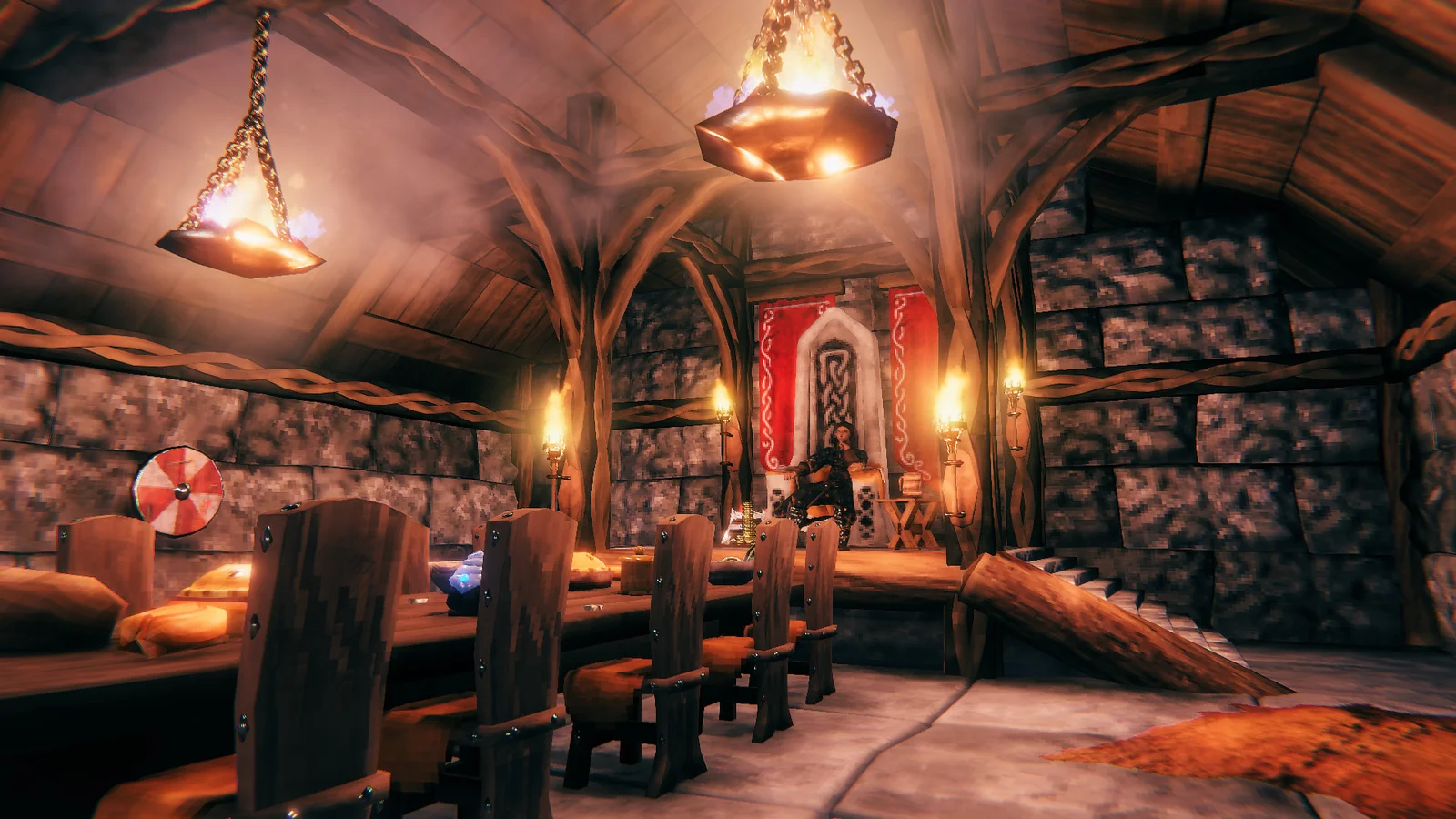
Crossplay is on by default on our servers. With it enabled the server registers with Valheim's PlayFab backend and prints a join code to the console, which is how Xbox players and anyone not on your network connects. The direct IP still works for PC players on Steam.
Two things worth knowing: the join code changes when the server restarts, and crossplay servers report zero players to some third-party query tools even when they are full. That is a known quirk of the crossplay backend, not a broken server.
If you run BepInEx mods, crossplay is off by default on that setup, and that is correct. Modded servers cannot take console players.
Backups
Our defaults run a save every 30 minutes, keep 4 backups, and hold a short set for 2 hours and a long set for 12. That is reasonable for a group playing a few times a week.
If your group plays long sessions, shorten the interval. Valheim writes the whole world on each save, so more frequent saves cost more disk, not more CPU.
What changes on 9 September, and one thing to do first
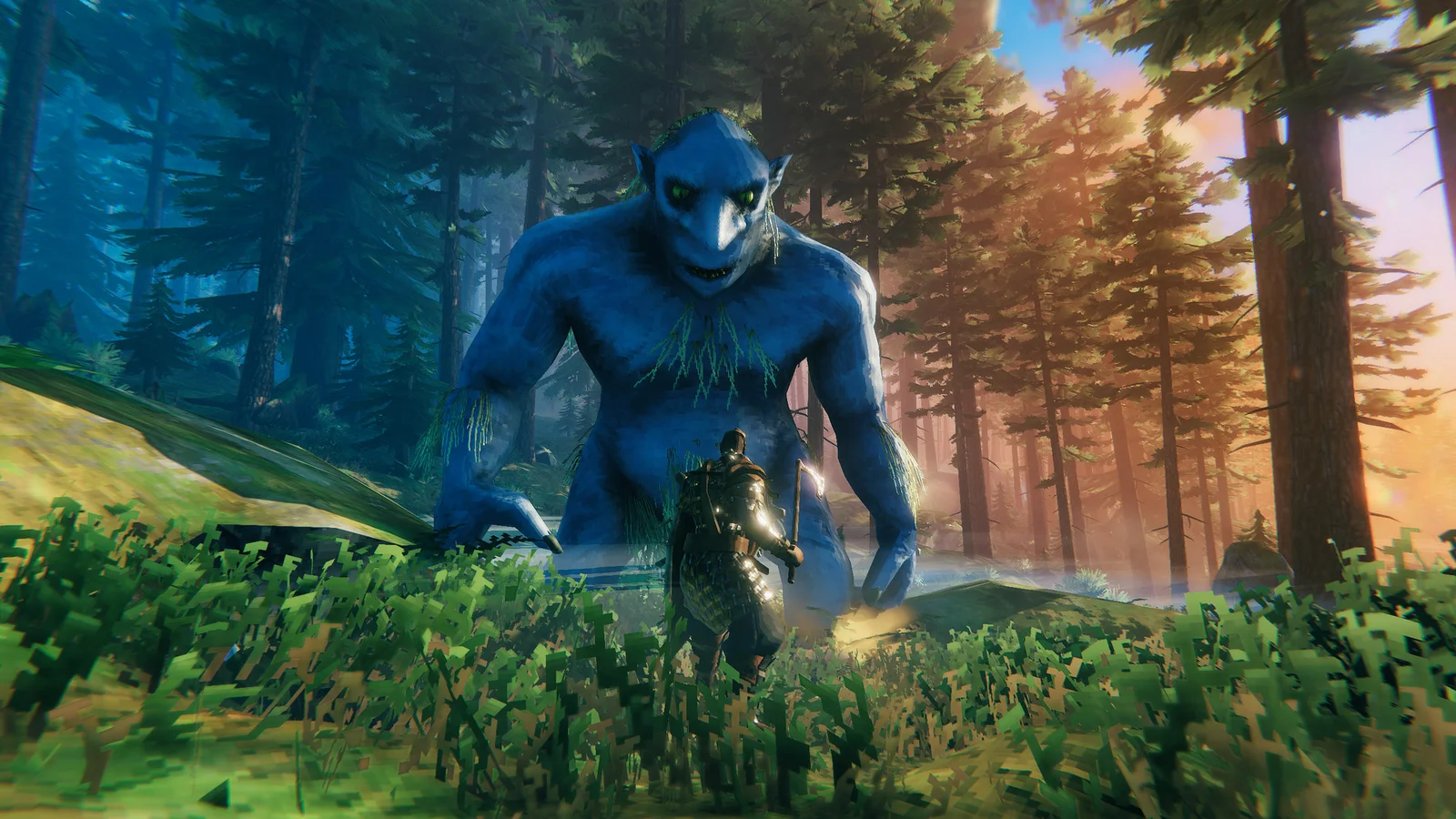
Valheim leaves Early Access on 9 September 2026. 1.0 brings the Deep North, the final biome, plus PS5 and Nintendo Switch 2 with crossplay across every platform.
The important part for anyone running a server: auto-update is on by default. That means your server will pull 1.0 on its own, on launch day, without asking. For a vanilla server that is exactly what you want.
For a modded server it is not. BepInEx and every mod built against the current version will break the moment the game updates, and a modded Valheim server with broken mods usually will not boot at all. If you run mods:
- Take a backup before 9 September. Not after.
- Decide whether to turn auto-update off and stay on the old build until your mods catch up, or let it update and accept downtime while you wait for BepInEx.
- Tell your group which one you picked, ideally before launch day rather than during it.
We will update this guide with any settings 1.0 actually adds once it is live. Anything written before then is guesswork.
Common mistakes
Leaving the default password. Our servers ship with a placeholder you are meant to replace, and the field accepts 5 to 20 characters. A public server with a guessable password will get visitors.
Changing world modifiers and expecting old worlds to notice. Modifiers apply on restart, but a few settings are written into the world the first time it generates. If something refuses to change, that is why.
Setting toggles with launch arguments. Covered above. It does not stick and cannot be undone that way.
Turning raids off and then wondering why building feels pointless. Raids are most of the reason walls exist. less beats none for nearly everyone.
Not deciding the portal rule up front. Whether ore travels through portals changes where it makes sense to build. Agree on it before the group commits to a base.
Running Valheim for a group
A dedicated server keeps the world up when the host logs off, which matters more in Valheim than in most survival games because progression is tied to a shared world and bosses you kill together.
We host Valheim servers with instant setup, full FTP access, DDoS protection and 24/7 support, with every setting above editable from the panel rather than by hand. You can upload an existing world directly.
Rent a Valheim server, work out what you need with the Valheim RAM calculator, or read where to put your base in our Valheim base locations guide.