Plugins are what separate a plain vanilla Minecraft server from one people actually stick around on: permissions, land claims, anti-grief, a Discord bridge, and the performance tools that keep your TPS at 20. The best part for a server owner is that plugins are server-side, so you install them once and your players just connect, nobody downloads a thing. After running Paper and Spigot servers for years, these are the plugins worth installing in 2026, grouped by what they do for your server.
How Plugins Work on a Minecraft Server
Two things to get straight before the list:
- Plugins are not mods. Plugins run on a Bukkit-based server (Paper, Spigot, Purpur) and are server-side only: your players join with a normal vanilla client and never install anything. Forge and Fabric mods are the opposite, every player has to install them. For a public server, plugins win on friction every time. If you are still choosing server software, our Paper vs Spigot vs Purpur vs Fabric guide covers which to run.
- Some plugins need dependencies. Economy and placeholder features often need Vault and PlaceholderAPI installed alongside them, or they will not load. Each plugin page lists what it needs.
Everything below installs as a .jar in your server's plugins folder. Drop it in, restart, configure.
Essential Admin Plugins: EssentialsX, LuckPerms, Vault
These three are the foundation of almost every server:
- EssentialsX: the core command pack. Homes, warps, kits, spawn, teleport requests, an economy, and hundreds of quality-of-life commands the vanilla server lacks. The first plugin most owners install.
- LuckPerms: the permissions standard. Ranks, groups, and per-player permissions with a clean web editor. If you want staff roles or donor perks, this is how you do it.
- Vault: the bridge that lets economy and permission plugins talk to each other. Many plugins list it as a dependency, so install it early.
Get these three running and you have a real server instead of a vanilla world with op commands.
Protection and Anti-Grief: WorldGuard, CoreProtect, GriefPrevention
A public server without grief protection lasts about a day. The staples:
- WorldGuard: define regions and control what can happen in them (no PvP at spawn, no block breaking in the hub). Pairs with WorldEdit.
- CoreProtect: block logging and rollback. When someone griefs, you inspect what happened and undo it in seconds. Non-negotiable on any server with strangers.
- GriefPrevention: golden-shovel land claims that let players protect their own builds without staff involvement. Towny or Lands are heavier alternatives if you want a town-based server.
Build and World: WorldEdit, Chunky, BlueMap
- WorldEdit: mass block editing for builders, the tool behind every big spawn build. Server-side, so builders use it with simple commands.
- Chunky: pre-generate your world's chunks in advance. This both saves players from lag spikes at the world border and reduces the load your server takes when someone explores new terrain.
- BlueMap or Dynmap: a live web map of your world that anyone can view in a browser. Great for community engagement and for spotting grief or unwanted bases.
Cross-Play and Versions: Geyser, Floodgate, ViaVersion
This is the category that quietly doubles a server's player base:
- Geyser + Floodgate: let Bedrock players (phones, consoles, Windows 10 edition) join your Java server. Both install server-side, so you open the doors to a huge audience without running two servers.
- ViaVersion / ViaBackwards: let players on newer or older Minecraft versions connect to your server. No more locking out half your community every time a Minecraft update drops.
For a public server in 2026, Geyser alone is one of the highest-impact plugins you can run.
Performance: Spark and Chunky
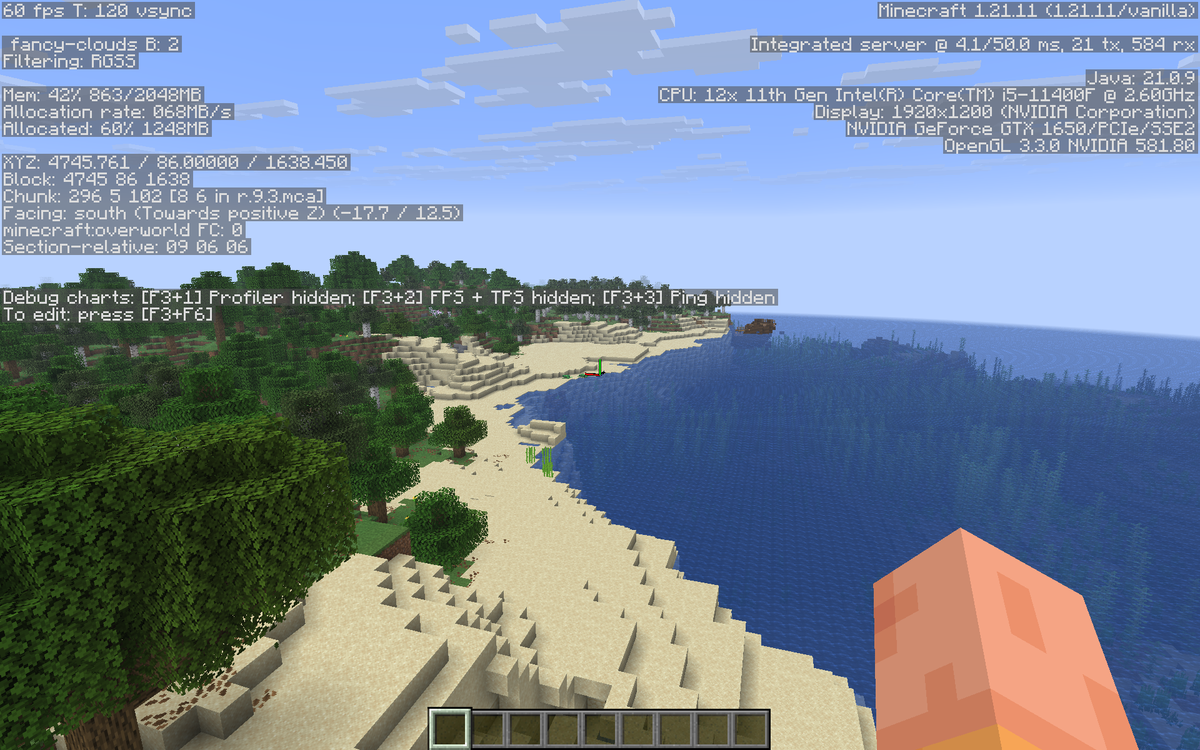
When your TPS drops, guessing is the slow way to fix it:
- Spark: the profiler every serious owner uses. It tells you exactly which plugin, entity, or chunk is eating your tick time, so you fix the real cause instead of blaming the host.
- Chunky: as above, pre-generating terrain is one of the biggest single performance wins on a survival server.
If your server is already chugging, our guide to fixing Minecraft server lag and TPS drops walks through the tuning that pairs with these plugins. A plugin list is only as good as the tick budget it runs in.
Community: DiscordSRV, mcMMO, Citizens
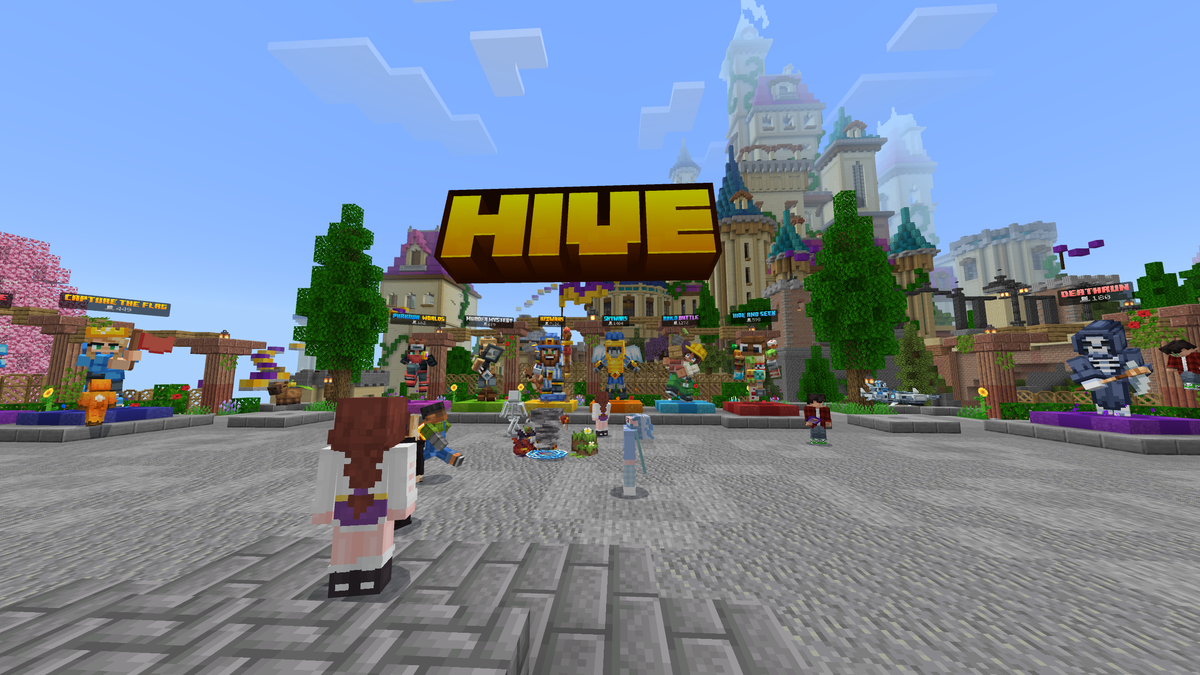
The plugins that turn a server into a community:
- DiscordSRV: bridges in-game chat with your Discord, so the conversation keeps going when nobody is online. Close to essential for a growing community.
- mcMMO: RPG-style skills (mining, woodcutting, combat) that give players a reason to grind and level. A long-running favourite for survival servers.
- Citizens: scriptable NPCs for shops, quests, and info points around spawn.
How to Install Plugins on Your DoomHosting Server
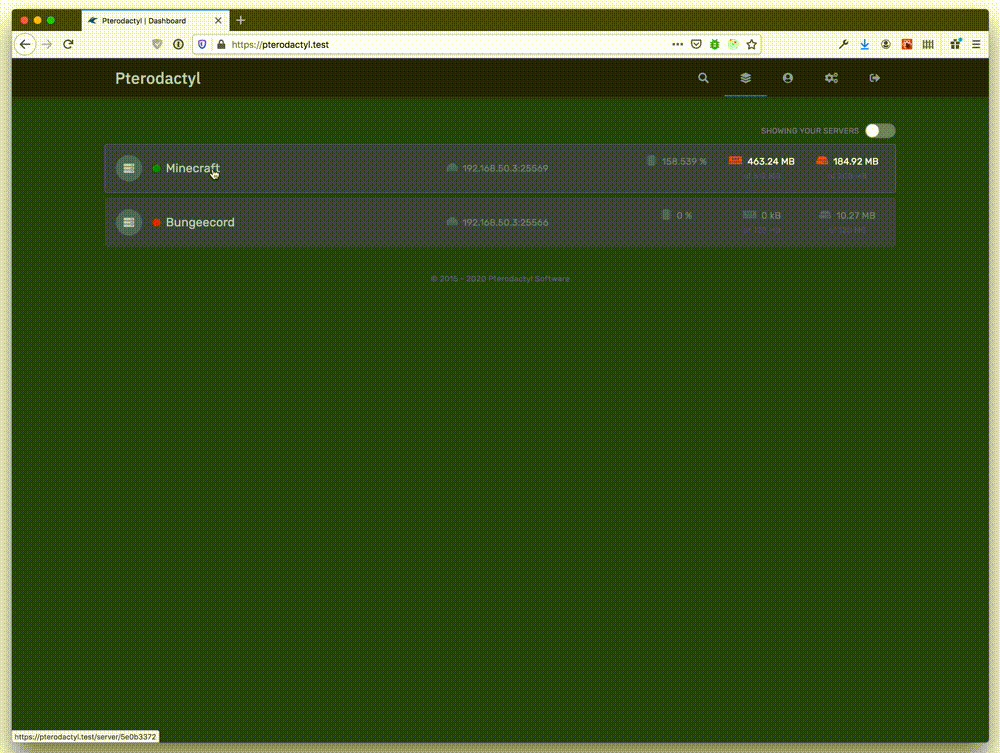
The flow is the same for every plugin:
- Download the plugin
.jarfor your server's Minecraft version and software (Paper, Spigot, Purpur) - Upload it into the server's
pluginsfolder over FTP - Install any dependencies too (Vault, PlaceholderAPI) into the same folder
- Restart the server, then edit each plugin's generated
config.ymlto taste - Use LuckPerms to grant the right commands to the right ranks
On DoomHosting Minecraft servers you get full FTP access to that plugins folder and one-click restarts, so a full stack of EssentialsX, LuckPerms, WorldGuard, and Geyser takes a few minutes to set up. Always match the plugin to your server version, and add one plugin at a time so you can spot which one causes a problem if something fails to load.
A Note on Versions and Dependencies
Most plugin headaches come from two places. First, a version mismatch: a plugin built for an older Minecraft version may not load on the current one, so check the supported versions before updating. Second, missing dependencies: a plugin that silently fails to enable is usually waiting on Vault or PlaceholderAPI. Read the plugin page's requirements, keep a backup before big changes, and watch the console on restart for load errors.
Host Your Minecraft Server with DoomHosting
Rent a dedicated Minecraft server from DoomHosting on Ryzen 9 hardware with full FTP access, instant Paper or Purpur setup, DDoS protection, one-click backups, and 24/7 support. Drop EssentialsX, LuckPerms, and Geyser into the plugins folder and your server is community-ready in minutes, and host in North America or Europe for the lowest ping. Whatever stack you run, match the version, install the dependencies, and profile with Spark before you blame the hardware: the right plugins are what turn a quiet vanilla world into a server people log into every day.