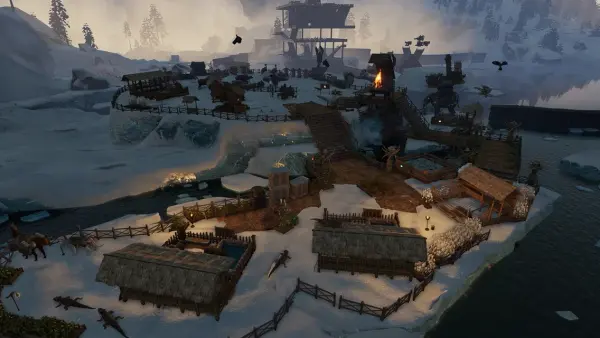
Mods are what keep an ARK: Survival Ascended server fresh long after your tribe has tamed the local map. ASA handles mods very differently from the old Survival Evolved days: everything runs through CurseForge, and clients auto-download the mods your server uses when they connect, so there is no Steam Workshop subscribing and no manual file-swapping for your players. After running modded ASA servers since launch, these are the mods worth installing in 2026, grouped by what they do for your server.
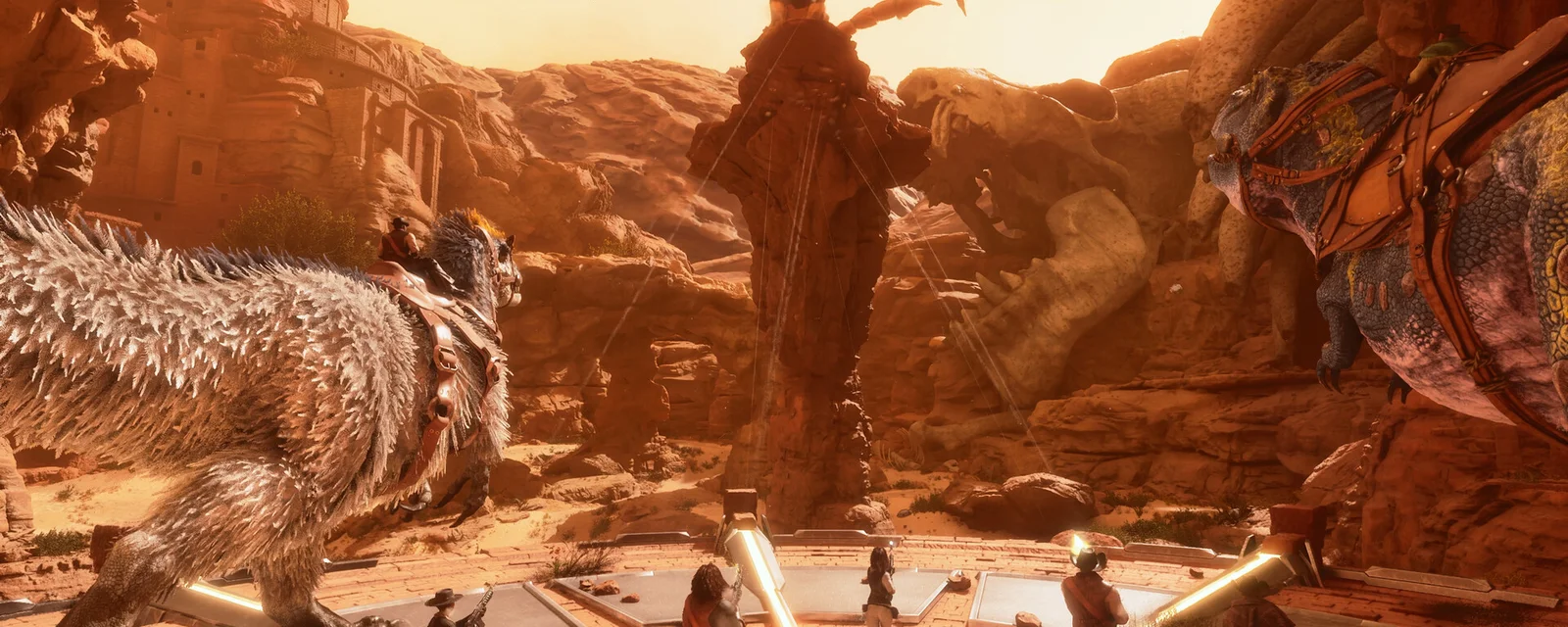
How ARK: Survival Ascended Mods Work on a Server
ASA modding is genuinely low-friction once you know the flow:
- CurseForge, not Steam Workshop: every mod below lives on CurseForge. You add its mod ID to your server, and that is it on the server side.
- Clients auto-download: when a player joins your modded server, ASA pulls the mods automatically. Your players do not subscribe to anything or install files by hand, which is a big change from Survival Evolved.
- Load order matters: the order you list mods in decides which one wins when two touch the same thing. Put overhaul and stacking mods in a deliberate order, not whatever you added them in.
- Maps need a fresh server: a map mod (a new world) is a separate server instance, not something you bolt onto an existing save.
Everything below is added by mod ID on the server, and your players just connect.
Building and Storage: Structures Plus, Castles Keeps and Forts, Dino Storage
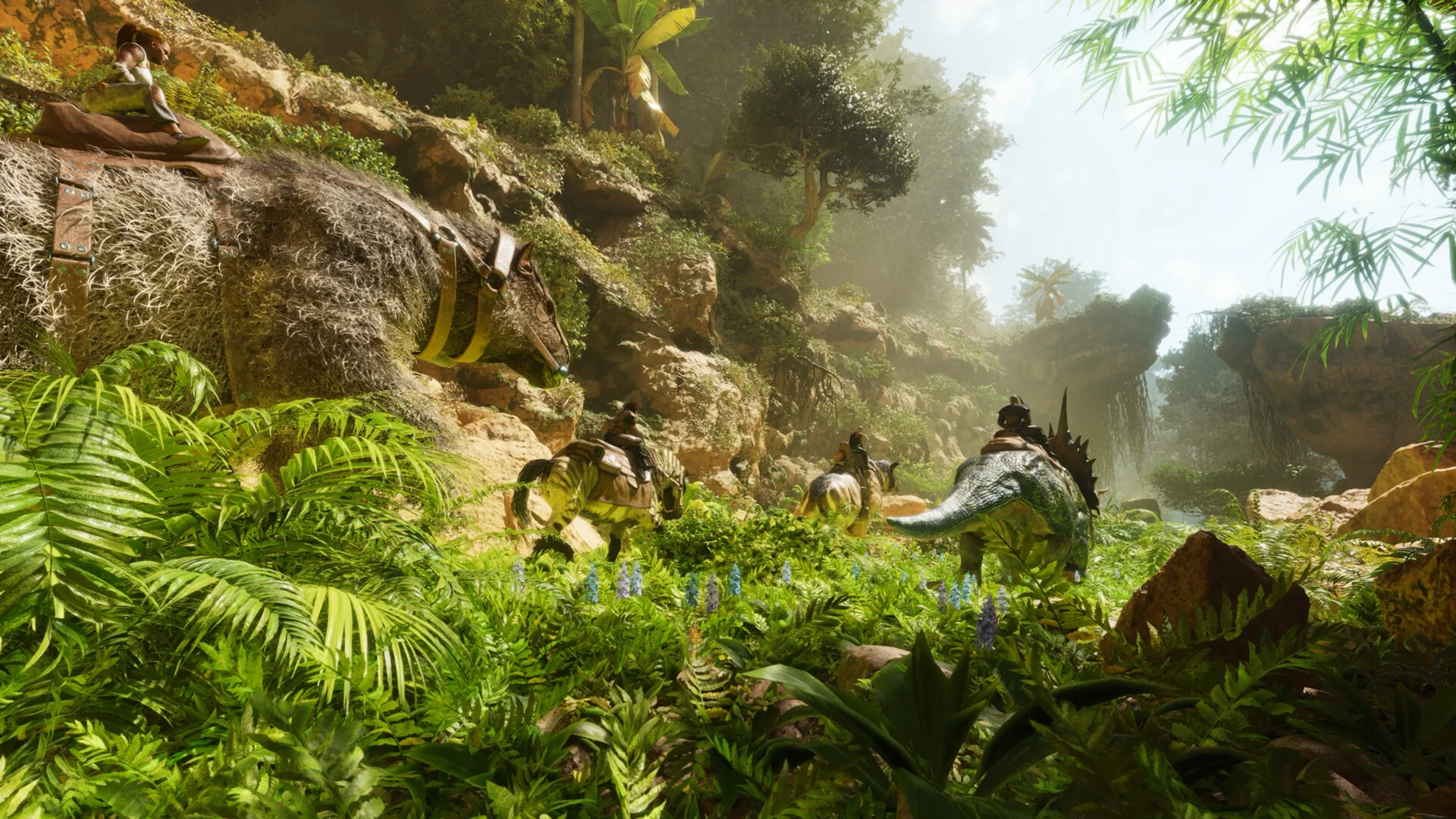
The building mods are the first thing most tribes install:
- Structures Plus (S+): the legendary building overhaul, with snap points, pickup, and quality-of-life that vanilla building still cannot match. The single most-installed ASA mod for a reason.
- Castles, Keeps, and Forts (CKF Remastered): medieval building pieces for tribes who want real castles instead of box bases. Pairs cleanly with S+.
- Dino Storage v2: soul-trap your tames into balls to store them. This is also a genuine server-performance tool: stored dinos are not actively simulated, so a tribe that pods its idle dinos keeps the server far lighter than one leaving 80 tames on render.
Dino Storage in particular is one we recommend on every server, because it lets players keep big collections without the tame count crushing your tickrate.
Stats and Utility: Awesome SpyGlass and Teleporters
- Awesome SpyGlass!: see a creature's full stats, levels, and tame info at a glance. Removes the guesswork from breeding and taming, and it is close to essential on a serious server.
- Awesome Teleporters!: a clean teleport network for moving around big maps and between bases without the vanilla slog.
- Death Recovery Mod: recover your inventory after a death from a recoverable item, which saves a lot of frustration on a high-stakes server without going full no-collect.
These are small, popular, and they smooth the rough edges that make new players quit.
Stacking and Automation

- Stacking mods (HG Stacks and similar): bigger resource stacks mean fewer item entities in your storage and on the ground, which is both a convenience and a real performance win on a busy server.
- Automated Ark / auto-pickup mods: automate the tedious farming and crop loops. Great for smaller groups, but use them deliberately, since heavy automation adds background work for the server to tick.
Stacking is the safest performance-friendly mod on this list. Automation is worth it, but watch your tickrate when a base runs a lot of automated tasks at once.
Creatures and Content
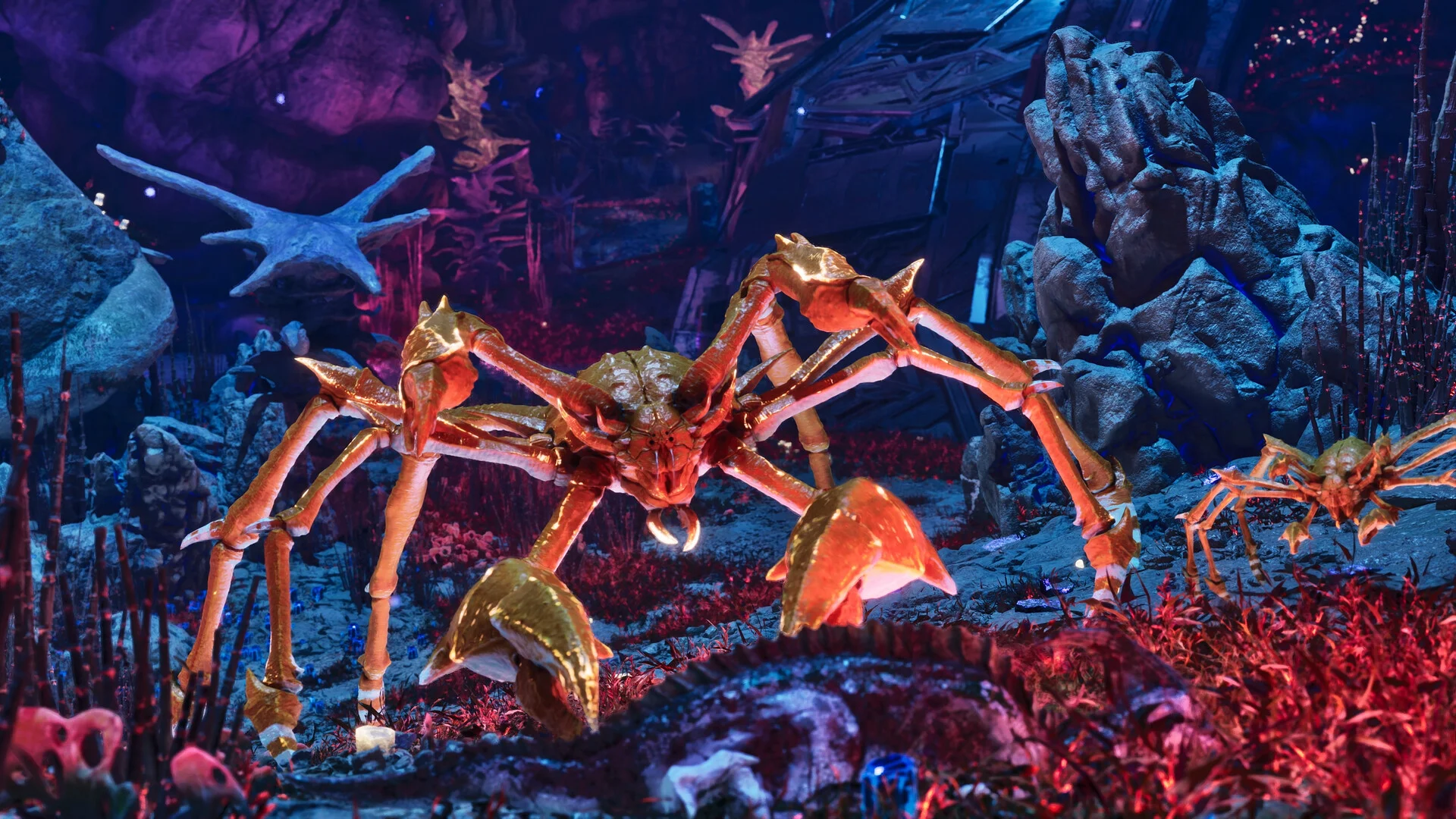
Creature mods are how you make a server feel different from every other ASA server:
- Additional creature mods: from balanced new tames to premium boss creatures, these add fresh things to hunt and breed. Pick a couple that fit your server's theme rather than stacking a dozen.
- Kraken's Better Dinos: quality-of-life behaviour tweaks that make vanilla dinos smarter and more useful without changing the balance much.
A word of restraint: each creature mod adds assets and AI for the server to handle, so two or three well-chosen ones beat a pile that bloats load times and memory.
Maps: Svartalfheim, Amissa, and the Official DLC Maps
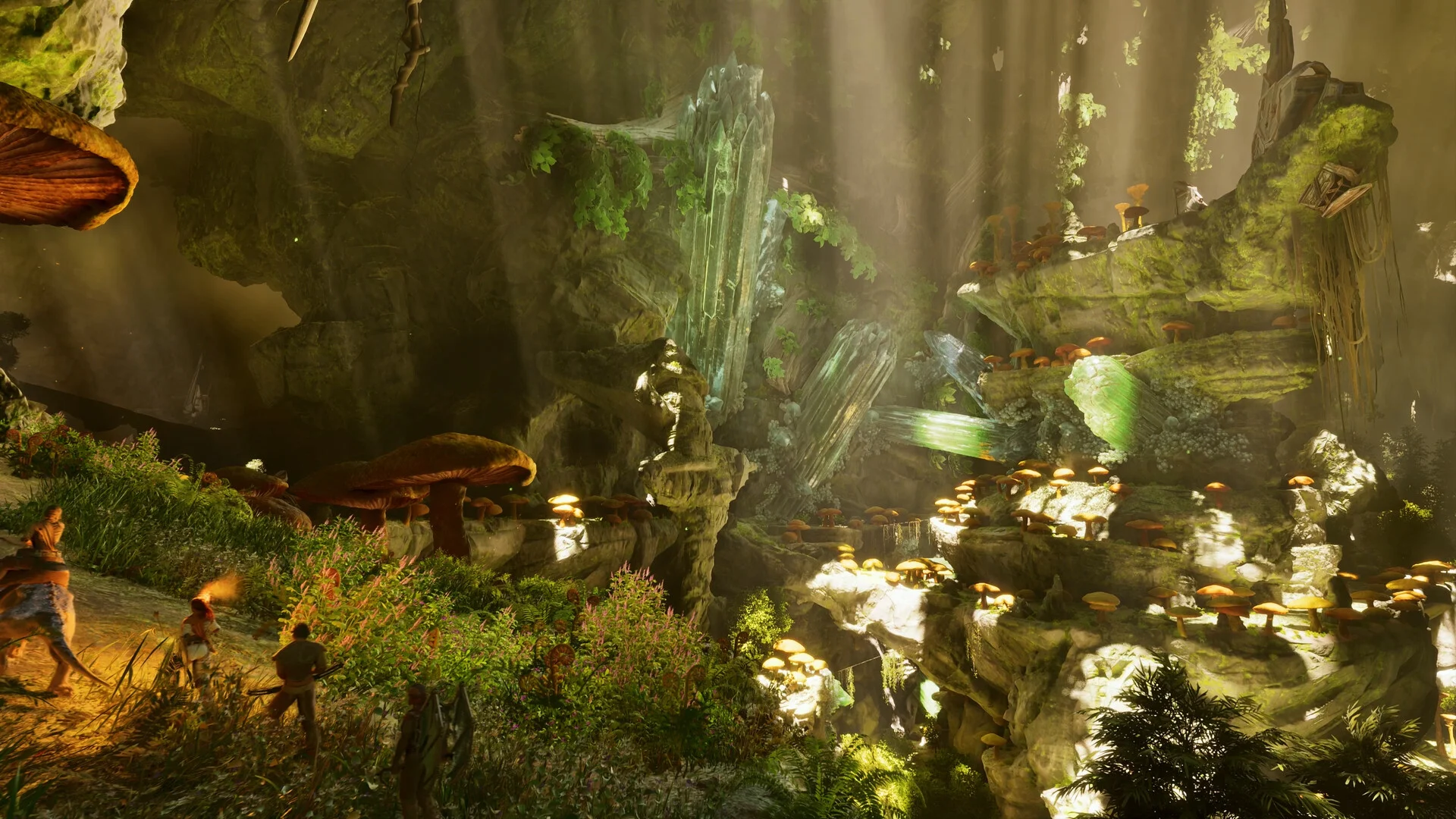
Map mods are the biggest change you can make. Community maps like Svartalfheim and Amissa are gorgeous, full-size worlds that play completely differently from The Island, and the official maps (Ragnarok, The Center, Scorched Earth, Aberration) give you more ground to settle as they arrive. Remember a map is its own server: pick the world first, then layer your building and quality-of-life mods on top.
If you are deciding where to settle on whichever map you run, our ARK: Survival Ascended base locations guide covers the spots that hold up for PvE and PvP.
How to Install Mods on Your DoomHosting Server
The flow is the same for every mod:
- Find each mod on CurseForge and note its mod ID
- Add the mod IDs to your server's mod list, in a deliberate load order
- For a map mod, set it as the server's map (a fresh world, not an add-on to an existing save)
- Restart the server, and your players auto-download the mods when they connect
- Test-join yourself and check the log for any mod load errors
On DoomHosting ARK: Survival Ascended servers you manage your mod list and map straight from the panel, so a stack of S+, Dino Storage, and a creature mod or two is a few minutes of setup. Keep a backup before adding anything big, and add mods a few at a time so a bad load order is easy to trace.
A Note on Mod Count and Performance
The two things that bite modded ASA servers are mod count and load order. Every creature and structure mod adds assets the server loads and simulates, so a giant mod list will lengthen load times and raise memory use. Pick a focused stack that serves your server's theme, order it deliberately, and you get all the variety without the lag. If a player cannot load in after a change, the usual cause is a broken load order or a mod that needs updating to your game version.
Host Your ARK: Survival Ascended Server with DoomHosting
Rent a dedicated ARK: Survival Ascended server from DoomHosting on Ryzen 9 hardware with full FTP access, easy CurseForge mod management, DDoS protection, one-click backups, and 24/7 support. Run Structures Plus, Dino Storage, a community map, or a curated creature pack, and host in North America or Europe for the lowest ping. Whatever stack you run, keep it focused, order it deliberately, and back up first: the right mods are what turn a stock ASA server into one your tribe keeps coming back to.