Founder & Hosting Engineer
Andreas
Andreas is the founder of DoomHosting and the engineer who built most of the infrastructure powering it: the Pterodactyl deployment, the Nuxt frontend, the panel automation, and the billing stack. He writes the deeper technical pieces here: hardware comparisons, real performance numbers from our own nodes, and the occasional opinionated take on what's wrong with the wider game-hosting industry.
Articles by Andreas
40 articlesGetting Started with Your V Rising Server
Connect to your DoomHosting V Rising server, configure ServerHostSettings.json, set your max player count, and install your first BepInEx mod from Steam Workshop.
Getting Started with Your Vintage Story Server
A walkthrough of your first 10 minutes with a DoomHosting Vintage Story server — connecting, configuring world settings, and installing your first ModDB mod.
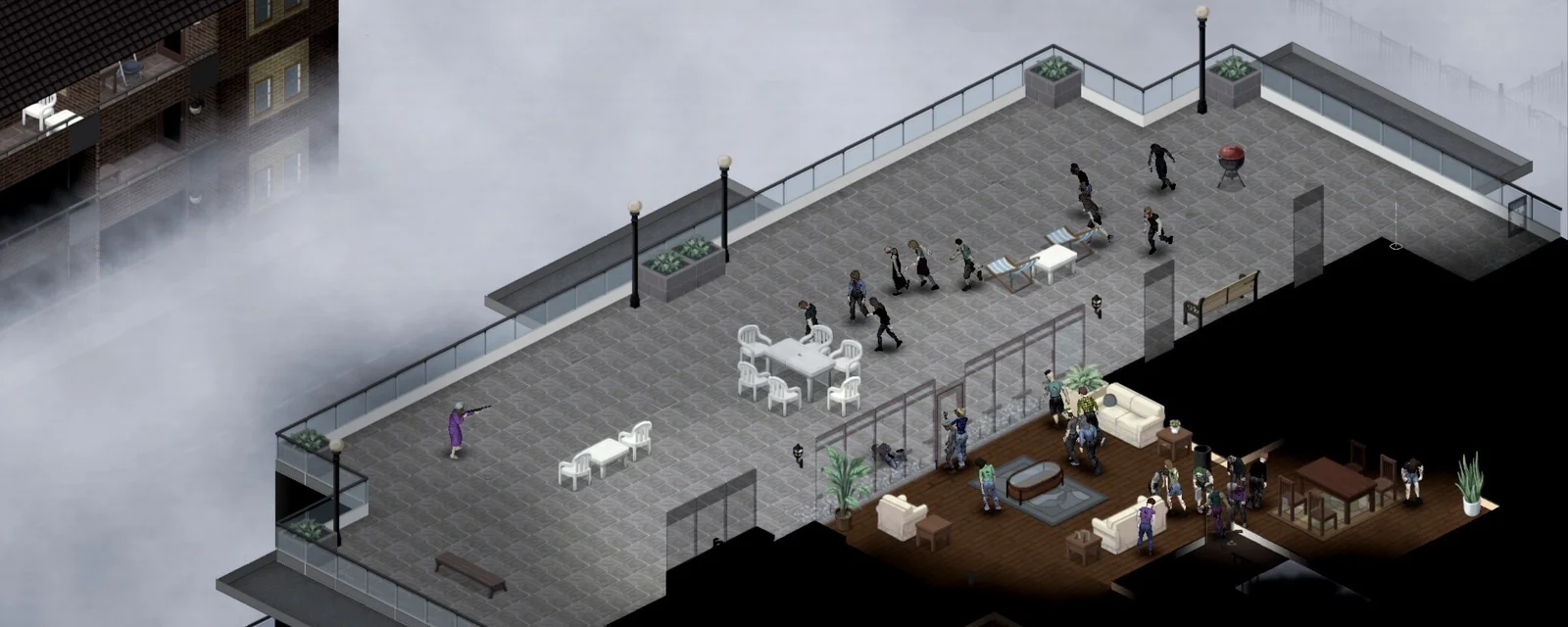
Best Project Zomboid Mods for Multiplayer Servers (2026)
17 best Project Zomboid mods for multiplayer servers in 2026 — QoL, weapons, maps, server admin tools. RAM impact and load order included.
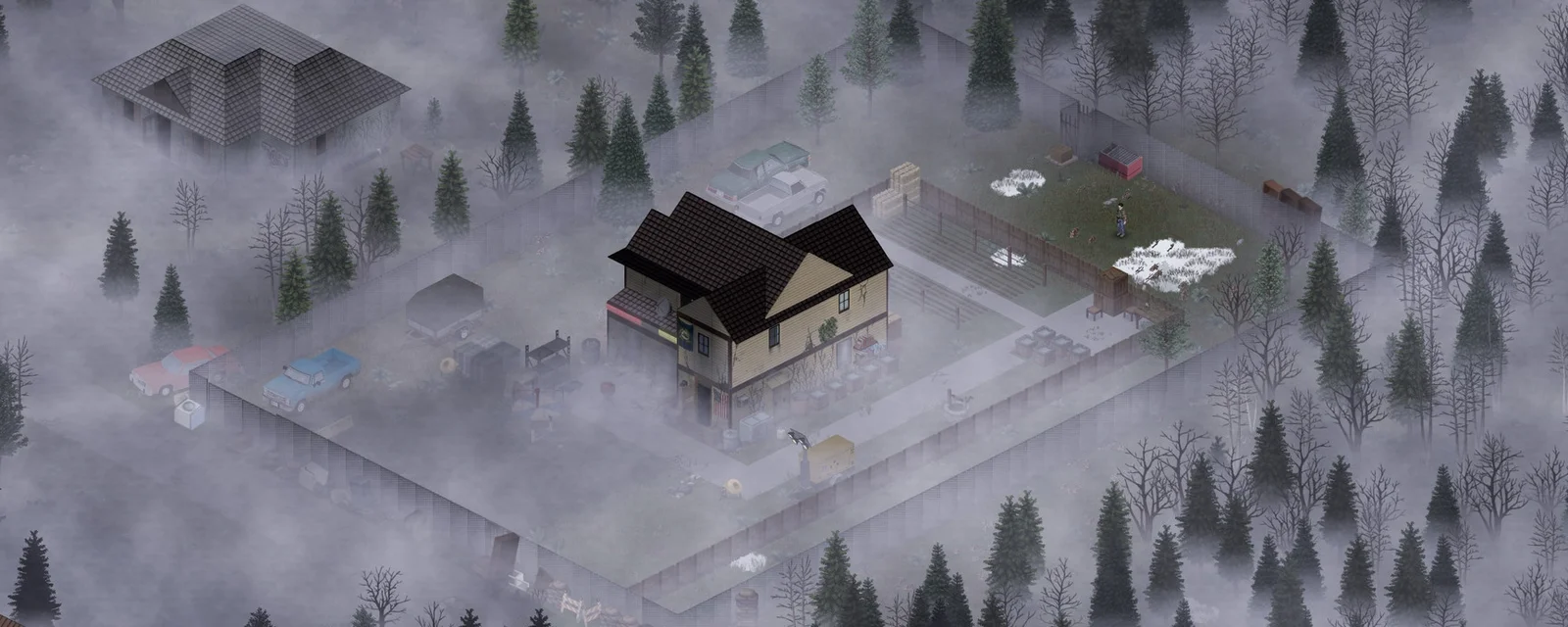
Project Zomboid Build 42 vs Build 41: What's Different for Server Owners
Detailed comparison of Project Zomboid B41 and B42 for server owners — RAM, mod compatibility, save migration, when to upgrade.
Project Zomboid Server RAM Requirements (Build 41 vs Build 42)
Real RAM benchmarks for Project Zomboid B41 and B42 servers. Tables by player count and modlist, signs of OOM, and tuning advice.
How to Set Up a Whitelist on a Project Zomboid Server
Lock your Project Zomboid server to approved players only. 4-step whitelist setup with adduser, addalltowhitelist, and SQLite storage details.
How to Back Up and Restore a Project Zomboid Server
Back up and restore your Project Zomboid server safely. Full restore, world-only restore, character-only restore, and migration between hosts.
How to Reset or Wipe a Project Zomboid Server Map
Reset your Project Zomboid map — soft reset (keep characters), hard reset (wipe everything), or chunk-level refresh. Real Pterodactyl paths.
Project Zomboid Port Forwarding Guide (Port 16261)
Forward port 16261/UDP for Project Zomboid in 5 steps. Router-by-router instructions, Windows Firewall, CGNAT fixes, and verification.