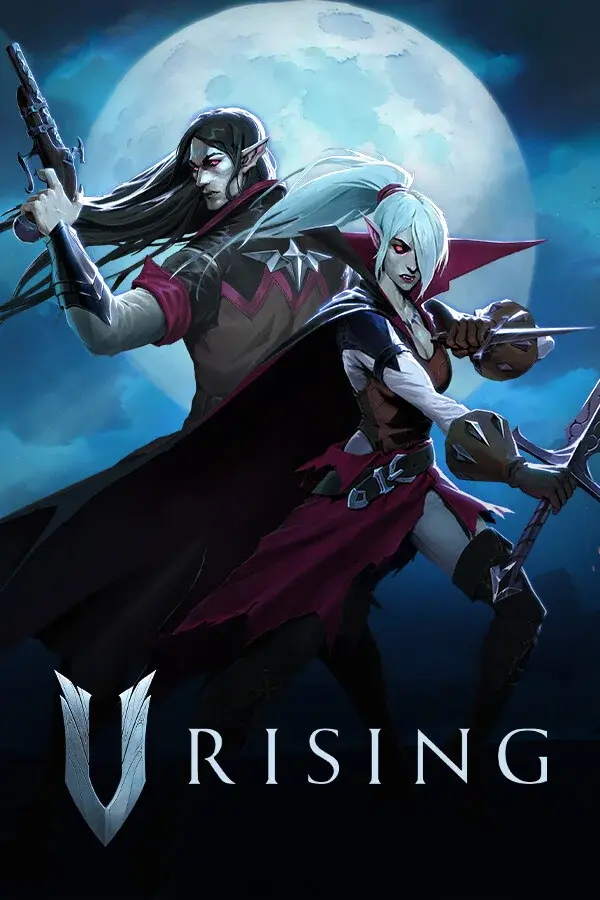

Your V Rising dedicated server is provisioned and ready. This guide covers the first 10 minutes: connecting, tuning ServerHostSettings.json, and dropping your first BepInEx mod in.
1. Find your server address
In the DoomHosting panel, click your V Rising server. The address sits at the top: typically vr-eu-01.doomhosting.com:9876 (default V Rising game port is 9876, query port 9877).
Copy the full hostname:port.
2. Connect from V Rising
- Launch V Rising.
- Click Play Online → Direct Connect (server browser tab).
- Paste the address and click Connect.
If you set a password in ServerHostSettings.json (key Password), the game will prompt for it.
3. Tune ServerHostSettings.json
Most of what you care about lives in ServerHostSettings.json in your server root. Key fields:
- Name: server name shown in the public browser
- Description: short blurb
- Port / QueryPort: usually 9876 / 9877, leave default unless conflicting
- MaxConnectedUsers: default 40, configurable up to 128
- MaxConnectedAdmins: admins that can still join when full (default 4)
- GameSettingsPreset:
StandardPvP,StandardPvE,Hardcore, etc. - Password: leave empty for public, set string for private
Edit through File Manager in the panel, save, click Restart.
Whitelist + Adminlist: edit
adminlist.txtandbanlist.txt(one SteamID per line) in the same folder. Format is plain 17-digit SteamID64: no quotes, no commas.
4. Install a BepInEx mod from Steam Workshop
V Rising mods run through BepInEx. The DoomHosting panel handles the BepInEx install for you. You just drop mod .dll files in.
Option A: One-click Steam Workshop (recommended)
- In the panel, open Mods → search the Workshop catalogue.
- Click Install on the mod, restart the server.
Option B: Manual install
- Download the mod
.zipfrom thunderstore.io/c/v-rising or the author's GitHub. - Extract the
.dllfiles. - Open File Manager →
BepInEx/plugins/(create the folder if missing). - Upload the
.dllfiles. - Restart the server.
All connecting players must have the same mods installed locally. V Rising does not auto-sync client mods.
5. Back up before risky changes
Before applying major mod packs or testing castle-decay settings, take a backup from the panel's Backups tab. Restore is one click.
What's next
- V Rising RAM Calculator: size your server for the player count and mod load
- Open a support ticket from the panel if anything misbehaves. We answer 24/7
