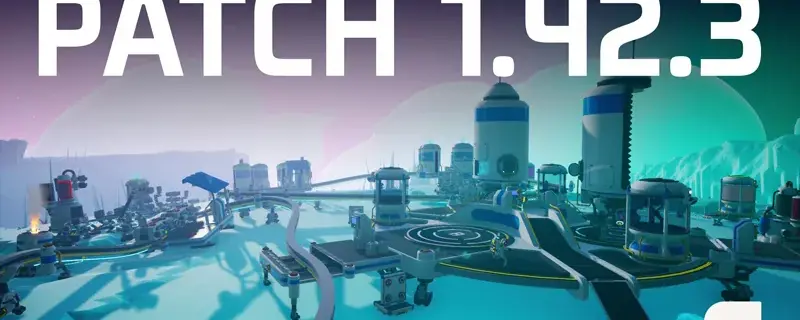
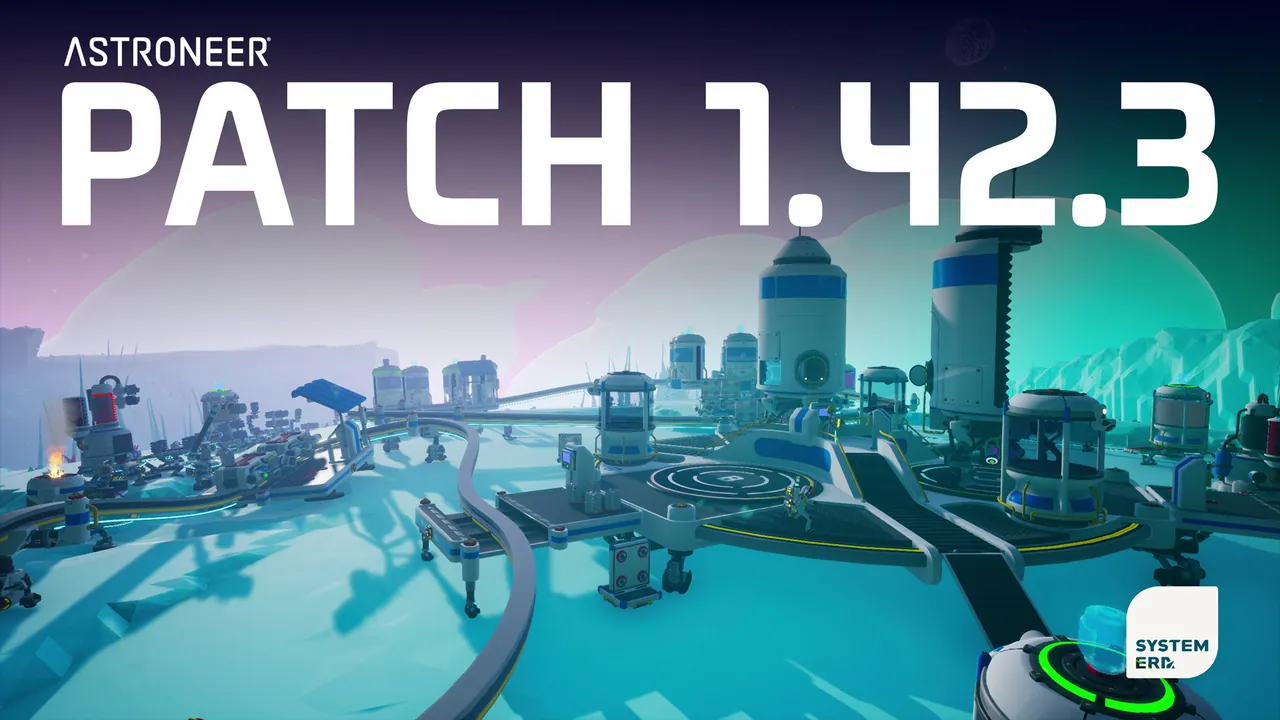
Astroneer's July patch is out, and it lands right where co-op play spends the most time: the Intermodal Terminal (IMT), the megastructure that ties your rail network to your shuttles. Patch 1.42.3 dropped on July 15, 2026 from System Era, and it fixes several transfer and multiplayer bugs that were biting shared bases hardest.
Release Date
- Live on Steam: July 15, 2026
- Version: 1.42.3
- Platforms: PC (Steam), Xbox, PlayStation, Switch, all get the same build
There is no downtime for a dedicated server beyond a normal restart, but you will want to update the client and the server together (see the checklist further down).
Intermodal Terminal: The Big Change
The IMT (short for Intermodal Terminal) is Astroneer's late-game logistics megastructure, a linked Landing Pad and Rail Station that route items between planets and across your rail network. Since it shipped in the MEGATECH update, players have been asking for two things: cleaner control panels, and transfer rules that actually match what the tooltips say. This patch is System Era's first pass at both.
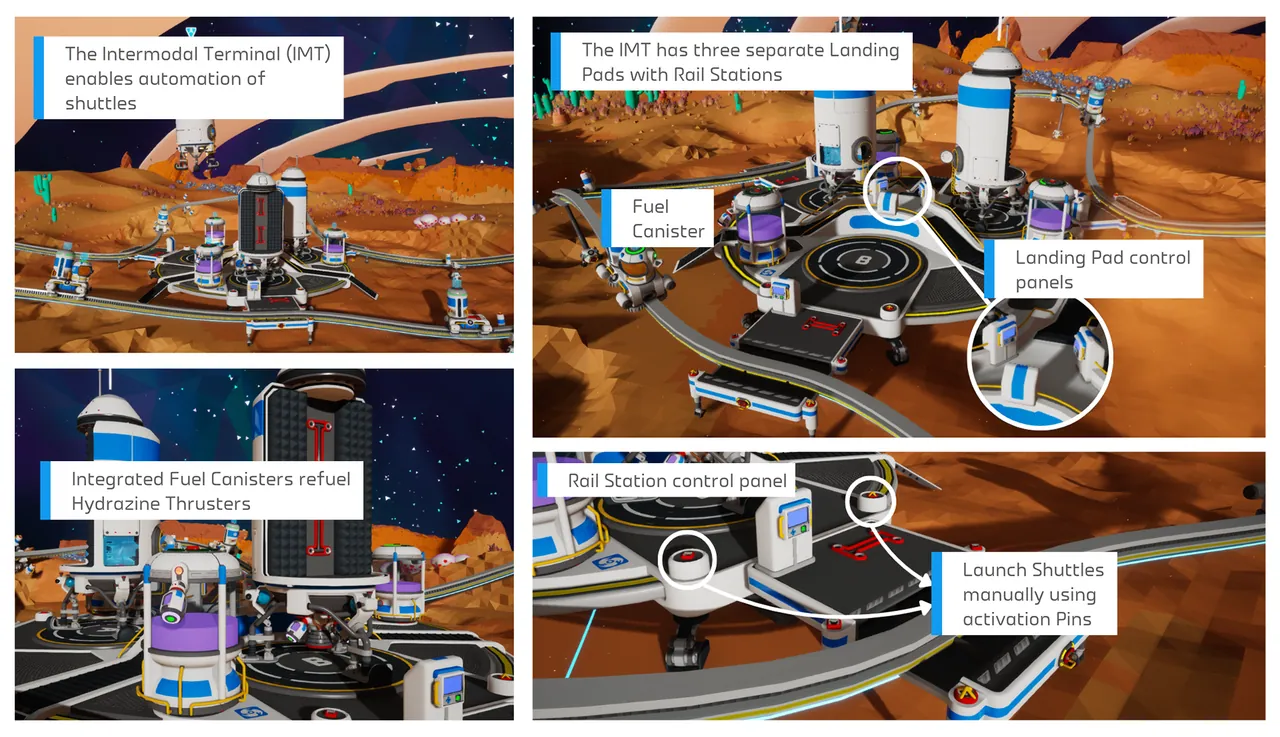
Loading Modes are now unified across the two panels. Before, the Shuttle Loading Mode on the Landing Pad and the Rail Station Loading Mode were independent, so it was easy to pick two settings that fought each other and quietly blocked all transfers. Changing one now flips the other to its opposite state automatically, and there is a new "Loading Disabled" mode on the Landing Pad so both panels line up.
Unsaved settings sync between panels. Editing either control panel now marks both as unsaved, and saving one saves both. Same idea: one source of truth, no more forgetting which panel needs the confirm.
Tier filtering finally works the way it reads. The Tier filter now includes items of the selected tier and below, instead of only the exact matching tier. The bug that prevented smaller storage containers slotted onto larger ones from being transferred is gone, and the transfer rules will no longer yank items back off a receiving vehicle if the Tier setting changes mid-run.
Multiplayer and Server Fixes You Actually Care About
This is the part that matters if you rent a dedicated Astroneer server. Three fixes stand out for shared play:
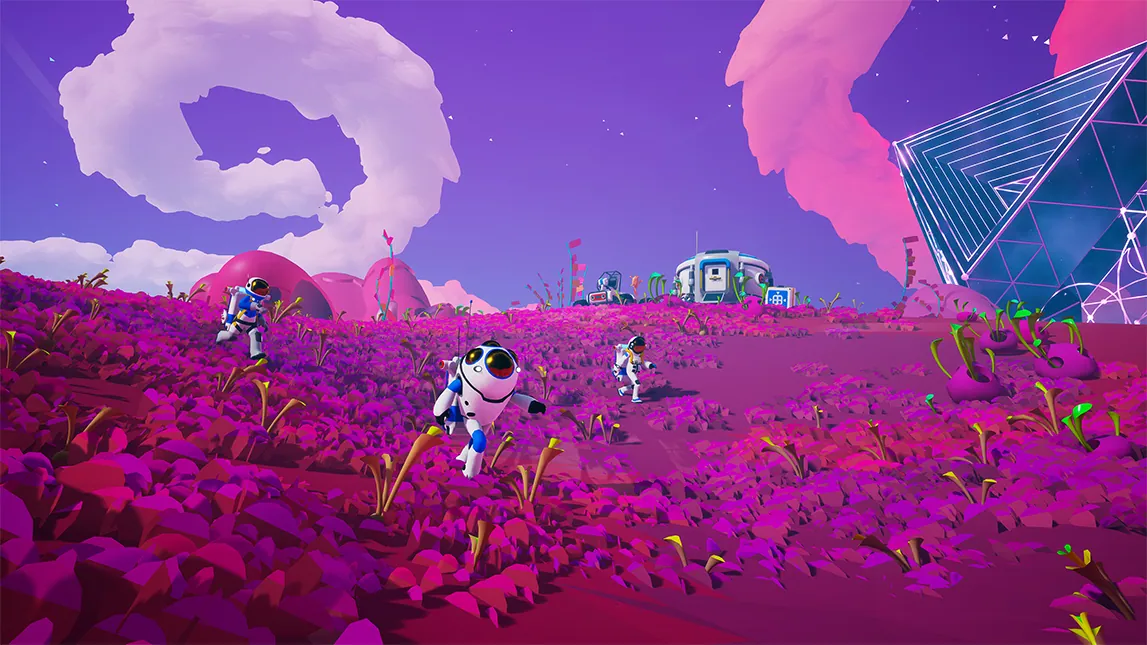
- Client players can build on the Orbital Platform again. A bug prevented anyone who wasn't the host from creating or placing Walkways on the Orbital Platform. This was a real problem for four-player co-op bases where the host was often the only one able to expand the station. Fixed.
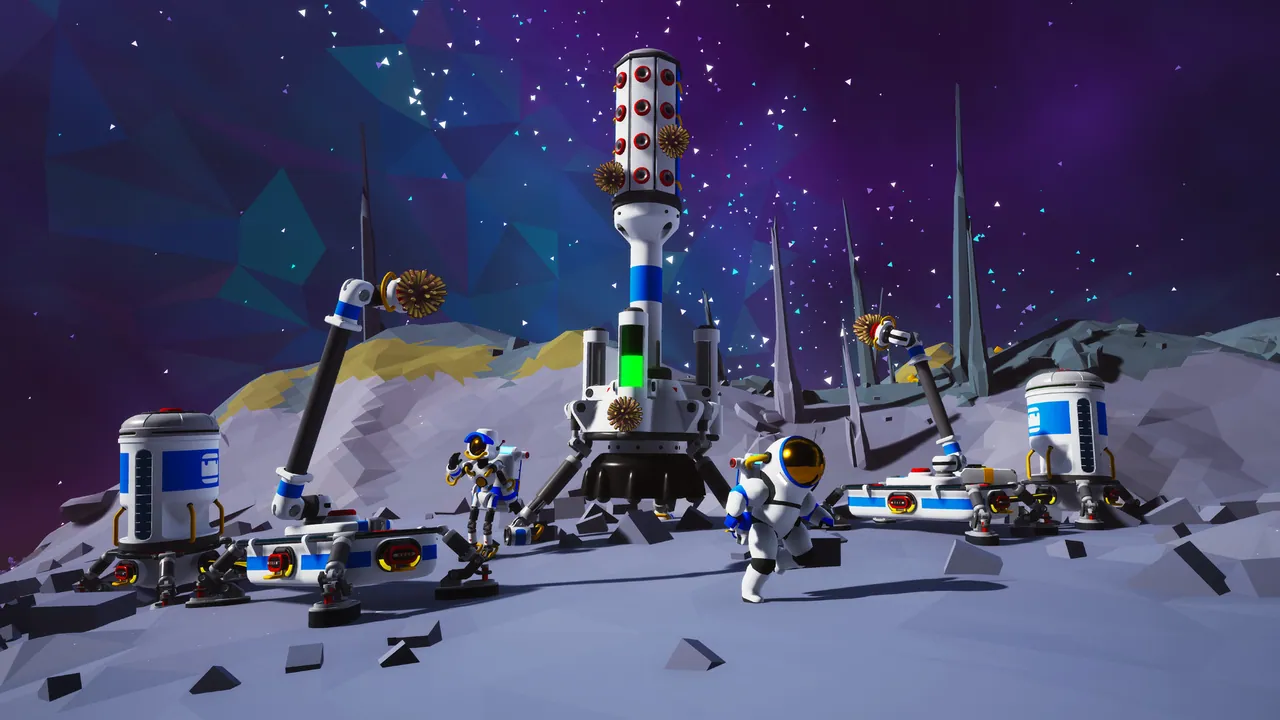
- Auto Extractor crash when players approach clustered rigs is gone. If you had two or more Auto Extractors placed close together, walking near them could crash the game. In a solo save that means reloading; on a server it means everyone dropped from the session at once. Now patched.
- Shuttle Solid Fuel Thrusters no longer double-consume. If a Shuttle had backup Solid Fuel Thrusters in storage and burned through the primary one, the game was consuming a second thruster from storage without using it. Small fix, real money saved on long routes. Note that as a side effect, spent thrusters no longer auto-replace from storage: you now swap them manually on the Shuttle slot after landing.
Less critical but still worth flagging on a shared server: fixed a rare bug where new Vehicle Ports could spawn with no items attached, partly fixed the same class of bug on Mega-X Platforms (Tier 3 and Tier 4 items now spawn as intended, Tier 1 and 2 can still occasionally fail), and truncated multi-language text on the "Ready To Call Car" screen at Rail Stations now displays correctly.
Other Fixes Worth Reading
Two more IMT bugs got squashed: Landing Pad Activation Pins now correctly receive a signal when a Shuttle lands, and you can no longer set a Shuttle's destination to the planet you are already on (the panel now shows a clearer status message when the target is invalid).
Miscellaneous polish includes a partial fix for Tappers floating in mid-air after their host plant is destroyed, correct slotting for small Tier 1 items on the MEGA-Mini Shuttle, hatch doors on the Small and Medium Shuttles that no longer stay stuck open during launch, and Custom Game biome modifier limits lowered slightly so extreme values do not crash save loads.
Legacy issues cleared: Mysterious Mushrooms now persist across saves, the Train Whistle emote plays its audio again, and the white icons on several control panel buttons are visible.
What This Means for Your Server
Practical checklist if you host an Astroneer dedicated server for a group:
- Restart the server as soon as the client update rolls out to your players. Astroneer dedicated builds ship in lockstep with the client; running an older server with a newer client (or vice versa) blocks connection.
- Back up your save first. From your control panel, snapshot the world save before restarting. This patch touches transfer logic, and while we have not seen save corruption reports, a five-minute backup beats a rebuild.
- Re-check your IMT setups. If you had a workaround in place for mismatched Loading Modes or slotted-storage transfers, undo it: the new logic is stricter and your old wiring may now behave differently.
- Warn your co-op group about the Thruster change. If a Shuttle burns through its primary Solid Fuel Thruster, it no longer auto-refills from Shuttle storage. Whoever docks it next has to swap manually, and forgetting means the Shuttle is stranded.
Verdict
Not a headline update, but exactly the kind of patch a co-op base needs: the IMT was the most-complained-about system in the last two months, and this pass makes the control panels behave the way the in-game tutorial already claims they do. The Orbital Platform walkway fix alone is worth restarting your server for. System Era says more IMT improvements are coming in future patches, so treat this as the first round.
Host Your Astroneer Server with DoomHosting
Running Astroneer on a dedicated box is the fastest way to keep progress moving when your friends are offline, and to sidestep the peer-to-peer session cap. Our dedicated Astroneer servers run on high-clock Ryzen 9 hardware with DDoS protection, full FTP access, one-click game updates, and 24/7 support. Boot times are instant, and you can scale RAM up or down as your base grows.
Rent a dedicated Astroneer server from DoomHosting and stop losing progress every time the host quits.