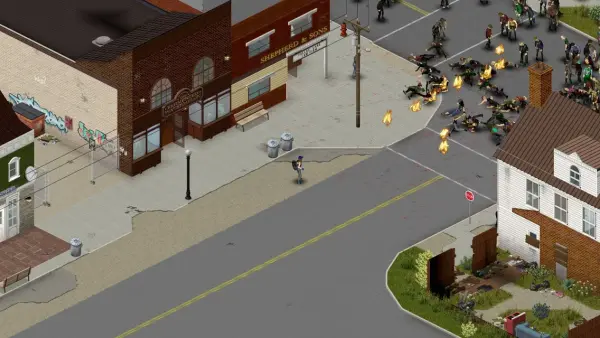
V3.0 "Dead Hot Summer" is the biggest 7 Days to Die release for dedicated server owners in years. 150 new sandbox options replace nearly every legacy difficulty knob in serverconfig.xml, a single SandboxCode string carries them, and eleven official presets ship out of the box. The Fun Pimps revealed the full release notes on June 12, 2026, alongside the Streamer Weekend kickoff. Steam Experimental opens June 15, and Stable hits PC and console June 29.
Release Schedule
V3.0 ships in three stages. The Streamer Weekend ran June 12 through 14 with 500+ creators across 48 countries demoing the update for paid viewers. Steam Experimental opt-in goes live Monday, June 15, which is when most dedicated servers will start testing the new sandbox system. The Stable release is scheduled for Monday, June 29 on PC and console, barring last-minute certification holds.
If you operate a public server, plan a maintenance window between June 15 and 29 for an experimental playthrough, then a second window the week of June 29 to migrate your live save.
150 Sandbox Settings: The Headline Change
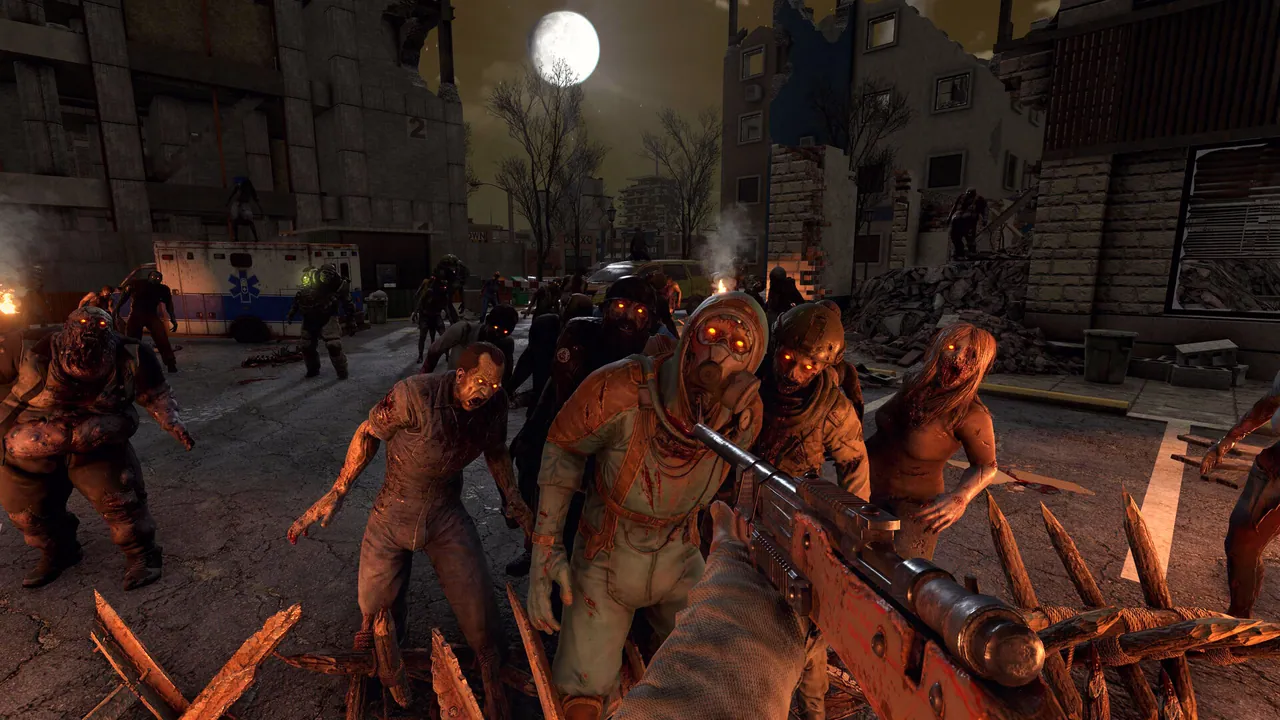
V3.0 introduces 150 sandbox options that consolidate and expand every existing difficulty toggle. The Fun Pimps grouped them into eight categories: Player, Entity, World, Resource, Crafting, Traders, Tasks, and Miscellaneous. Each setting carries at least two variables, which is how the team gets to "billions of permutations" in their pitch.
A handful of the new toggles are pure quality-of-life additions. Walk Speed, Run Speed, Crouch Speed, Jump Strength, and Stamina Regen now have first-class sliders instead of XML overrides. Others are systemic. Headshot Multiplier, Headshot Mode (one-shot kill, finisher, off), AI Smell Mode, and Zombie Digging on/off all get dedicated entries. A new Death Degradation slider lets you choose how much durability items lose when you die, with an optional permanent max-durability hit on top.
Eleven official presets ship with V3.0. "Undead Matinee" is a melee-focused mode with slower, swarming zombies and scarce ammo. "Madmole's Mayhem" stacks the death penalties. "Bite Club" is perma-death. "Legacy Survival" recreates the 2014 difficulty curve. "Chibi Mode" is exactly what it sounds like.
The headline feature for server admins is the preset sharing system. You can name a custom preset, fine-tune every setting, and distribute it as a single string instead of asking players to import a serverconfig.xml patch. That dramatically lowers the friction for setup guides in your Discord.
SandboxCode and the serverconfig.xml Migration
With 150 sandbox options replacing the old hand-rolled difficulty fields, your serverconfig.xml is going to look very different on June 15. The Fun Pimps removed roughly 30 legacy properties and consolidated them under a single new property called SandboxCode:
<property name="SandboxCode" value="AAAJABJACJADJARFBNC"/>
The default value above is the V2.6 equivalent of Adventurer difficulty (GameDifficulty 1). The removed legacy properties include GameDifficulty, BlockDamagePlayer, BlockDamageAI, BlockDamageAIBM, XPMultiplier, DayNightLength, DayLightLength, BiomeProgression, StormFreq, DeathPenalty, DropOnDeath, DropOnQuit, JarRefund, EnemySpawnMode, EnemyDifficulty, ZombieFeralSense, ZombieMove, ZombieMoveNight, ZombieFeralMove, ZombieBMMove, AISmellMode, BloodMoonFrequency, BloodMoonRange, BloodMoonWarning, BloodMoonEnemyCount, LootAbundance, LootRespawnDays, AirDropFrequency, AirDropMarker, and QuestProgressionDailyLimit.
If you carry a V2.6 save into V3.0, you cannot simply edit the new file by hand. The migration path is:
- Open V3.0 locally in single-player and recreate your old difficulty settings through the in-game Sandbox Options menu.
- Copy the generated
SandboxCodestring from the export panel. - Paste it as the
SandboxCodevalue in your dedicated server'sserverconfig.xml. - Restart the server and validate one full day-night cycle before opening to players.
On a managed host this is a five-minute job through the file manager. Save a backup of your live save before the Experimental swap on June 15. We will be running the upgrade on staging containers the day Experimental opens.
Item Magnitude and the Combine Station
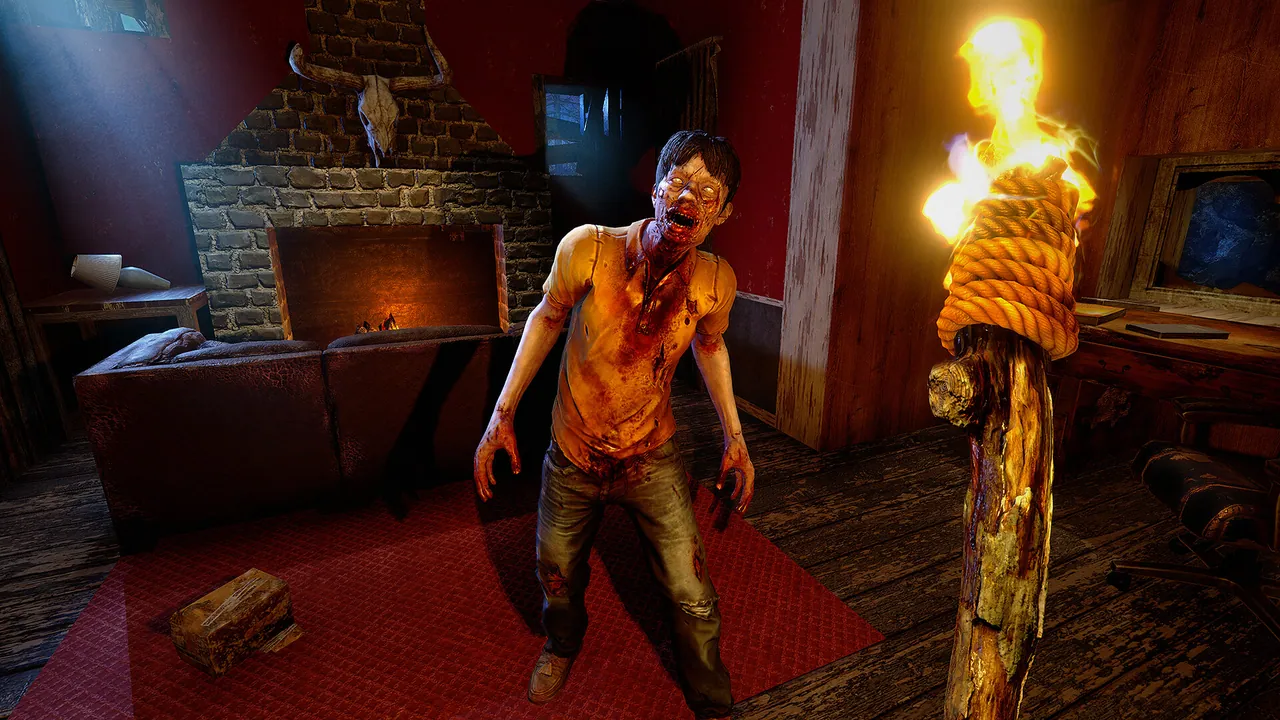
Looted weapons, tools, and workstation mods can now roll boosted stats marked with an orange star and a teal percentage. A pickaxe might roll +30 percent block damage. A shotgun might roll +25 percent range. A cooking pot might roll faster cook time. The Fun Pimps call this Item Magnitude, and it sits on top of (not replacing) the existing quality tiers.
The Combine Station is the new workstation that ties Magnitude together. Drop two similar items in and the higher boosted stat carries forward. The combine path also doubles as a repair path, which means you can keep a tier-1 pickaxe alive longer if you have enough donor parts. Repair Method now has four settings: no repair, repair kits only, combine repair, or both. Permanent Repair Degradation can be set at 5, 10, 15, 20, or 25 percent of max durability per repair, with the first repair always free.
For server admins, the practical impact is loot balance. Traders carry Magnitude-enhanced gear, so the late-game economy on a PvE server is going to shift. If you run hardcore PvP wipes, the new Death Degradation slider lets you tune item loss without forcing full perma-death.
A new M60 turret was added for late-game horde nights. It accepts all 7.62 ammo types.
60+ New POIs and the Sign-Tech Overhaul
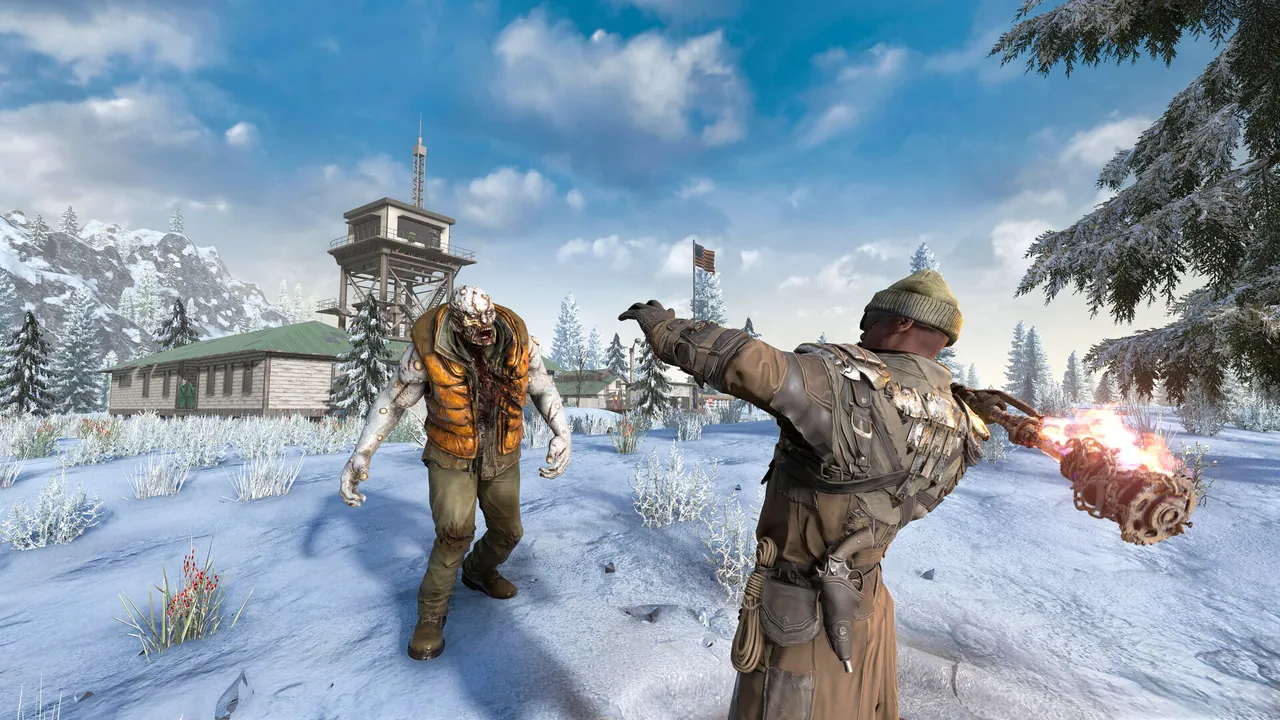
V3.0 ships 60+ new points of interest, including a Tier 5 "Champions Coliseum" (soccer stadium), four new Tier 4 industrial POIs (cable regional center, paper mill, coffee distributor, chem-tech depot), a water treatment plant, two army camps, and two farms. Two new random world generation tile variants add more spawning slots for 100x100 commercial and industrial themed POIs.
Underpinning the new POI batch is Sign-Tech, a complete overhaul of in-world signage. Streets, shops, compounds, and ruins now feature dynamically composed environmental signs. POI creators can author Canvas and Decal signs in custom dimensions (1x1 through 3x3 and beyond) with text, shapes, RGBA color, layer masking, and layer warping (skew, pinch, twirl, kaleido, perspective, arc, stretch, grid). For modders, this means custom POI packs no longer ship hundreds of duplicated sign textures.
What's Changed for Modders
V3.0 cleans up the modding surface in several places. The WebDashboard code was integrated into core, so you no longer reference a separate assembly. The codebase ran through a publicizer pass, which means some vanilla method overrides may now need to be public on your side. Localization.txt is renamed to Localization.csv to play nicely with spreadsheet tools. entitygroups.xml reverts to a proper XML element format (the old text-based format is still parsed for backwards compatibility).
The XUi UI framework received a heavy refactor with a new XML-driven binding system, video and scrollview view types, and cleaner attribute conventions. Plan an evening to test your XUi mods against the Experimental build before stable.
What This Means for Your Server
Whether you self-host or rent with us, here is the practical V3.0 checklist:
- Backup your save before June 15 Experimental and again before June 29 Stable.
- Plan two test windows, one for the Experimental build and one for the Stable upgrade.
- Build a new SandboxCode in single-player and paste it into the dedicated
serverconfig.xmlon Stable day. - Communicate the loot shift to your community. Item Magnitude is going to change how loot rolls feel, and the Combine Station gives players a way to keep favored weapons alive longer.
- Update mods and admin tools against the Experimental build. WebDashboard, XUi mods, and any mods that override vanilla methods need a quick pass.
- Watch the Streamer Weekend VODs if you want to preview the presets before Monday. The "Undead Matinee" and "Bite Club" presets are good public-server starting points.
Expect a small player surge in the first week of Experimental and a much larger one on June 29. Headroom your RAM accordingly.
Verdict
V3.0 is the biggest sandbox shake-up in 7 Days to Die's history. The 150-option preset system replaces the awkward XML scavenger hunt with a real toolkit, the Item Magnitude system finally gives top-tier loot something to chase, and the SandboxCode workflow makes preset sharing trivial across communities. The migration cost is real on the first reboot, but the long-term payoff for dedicated server admins is enormous.
The one caveat: V3.0 Experimental is the first build, and 150 new toggles is a lot of surface area. Expect a hotfix or two before June 29 Stable.
Host Your 7 Days to Die Server with DoomHosting
If you are spinning up a fresh V3.0 server or migrating an existing one, DoomHosting's 7 Days to Die hosting ships with one-click installs, full FTP for your serverconfig.xml and SandboxCode, and Ryzen 9 hardware that holds tickrate through Blood Moons. We deploy in North America and Europe, and our support team will help with the V2.6 to V3.0 save migration if you get stuck.
Dead Hot Summer starts Monday. Make sure your server is ready.