
Joining a Squad server takes under a minute once you know where to look. Squad has no console command for direct IP joins, so you find servers through the in-game browser or the Steam server list. Both methods are below, plus fixes for the cases where a server refuses to show up.
Method 1: the in-game server browser
- Launch Squad and click Servers in the main menu.
- Type the server name (or part of it) into the search box.
- Clear any map, region, or "hide full" filters if the list looks short.
- Double click the server, or select it and press Join.
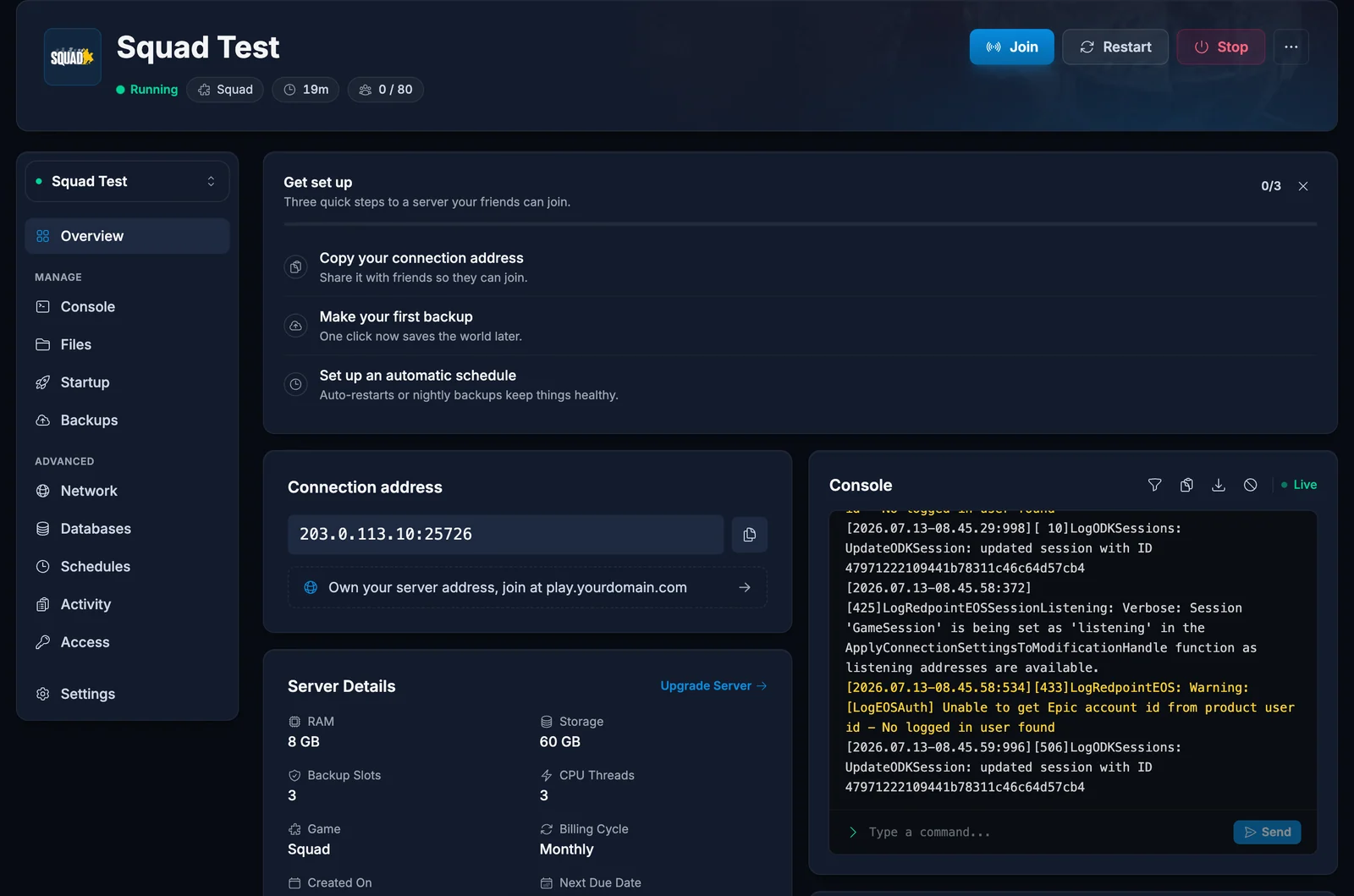
If the server has a password, Squad prompts for it before connecting. Server owners find their address and name on the panel dashboard.
Method 2: Steam server favorites
Steam's server list works even when the in-game browser is being slow, and it remembers your regulars:
- In Steam, open View, then Game Servers.
- On the Favorites tab click the plus icon.
- Enter the server address as
IP:portusing the game port, for example135.181.2.161:25598. Squad answers Steam's queries on its game port, so use the address exactly as shown on your server's panel dashboard or invite message. - Click Add address to favorites, then join from the Favorites tab while Squad is running.
First join takes longer
Squad downloads the current map layer's data and shader cache on first connect to a new server. A first join can sit at the loading screen noticeably longer than later ones. That is normal.
Joining a modded server
If the server runs Steam Workshop mods, you need the same mods installed. Squad prompts you to download missing mods when you join; accept and let them finish, then join again. Large mods can take a while on the first download.
Common issues
The server is not in the browser list: search the exact name and reset every filter, including the ping slider. A freshly restarted server can take a few minutes to reappear. If you know the address, the Steam favorites method above finds it immediately.
Wrong version error: the server updated before you did, or the other way around. Restart Steam to pick up the Squad update, and server owners can trigger the update from their panel.
Stuck on connecting: usually a full server on a map change. Wait for the round to settle or use the queue. If it persists, verify your game files in Steam.
Kicked with an anti-cheat message: make sure Squad was started through Steam (not the exe directly) so Easy Anti-Cheat runs.
Want your own server instead of hunting for a slot on someone else's? Rent a Squad server at DoomHosting: online in minutes, all 100 slots included, managed from a panel that handles admins, mods, and map rotations. The setup walkthrough lives in our Squad getting started guide.
