


To join a Killing Floor 2 dedicated server, find it in the in-game server browser, or open the console and connect straight to its IP address and port. This guide shows where to find the address in the DoomHosting panel, both ways of joining, and what to check when you cannot get in.
Get the address from the panel
The server owner opens the server in the DoomHosting panel. The Overview page shows the connection address on the connection card, with a copy button next to it.
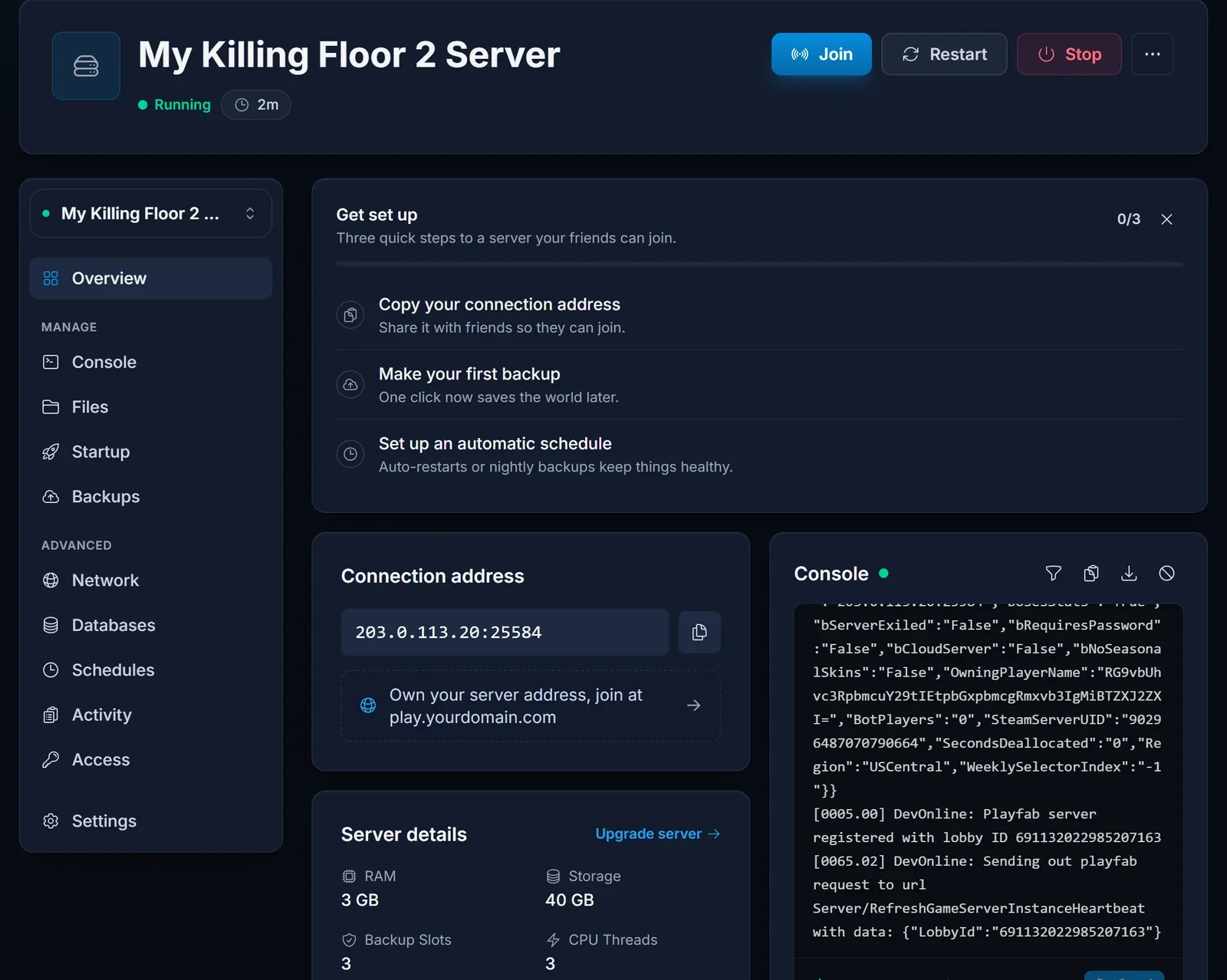
The address is an IP and a port separated by a colon, for example 203.0.113.20:25584. That is the game port, the one you connect to. The server has to show as Running first.
Join from the server browser
- Launch Killing Floor 2 and open the server browser from the multiplayer menu.
- Search for the server name, or filter the list to the map the server runs.
- Select the server and join. Enter the password if it asks for one.
Join with the console
The console connects you directly, which also works when the server does not show up in the browser.
- Open the console in the game with the
`key (or the key left of 1 on your keyboard). - Type
openfollowed by the address from the connection card and press Enter:
open 203.0.113.20:25584
For a server with a password, add it to the end of the address:
open 203.0.113.20:25584?password=yourpassword
Up to six players
A Killing Floor 2 server holds six players at a time, the full survival team. When the server is full, wait for someone to leave.
Common issues
The server is not in the browser. Make sure it shows as Running. A new server can take a minute to be listed, and the console method always works.
Connection failed. Check you used the game port from the connection card and not another port. A network that blocks outgoing UDP traffic can also stop the connection.
Wrong password. The owner sets it as Server Password on the Startup tab. It only changes after a restart, so ask for the current value.
Version mismatch. The server updates itself through SteamCMD on every start. The owner restarts it, and players update Killing Floor 2 in Steam.
Next steps
Setting up your own server? Start with Killing Floor 2 Dedicated Server Setup. Plans and hardware are on our Killing Floor 2 server hosting page.
