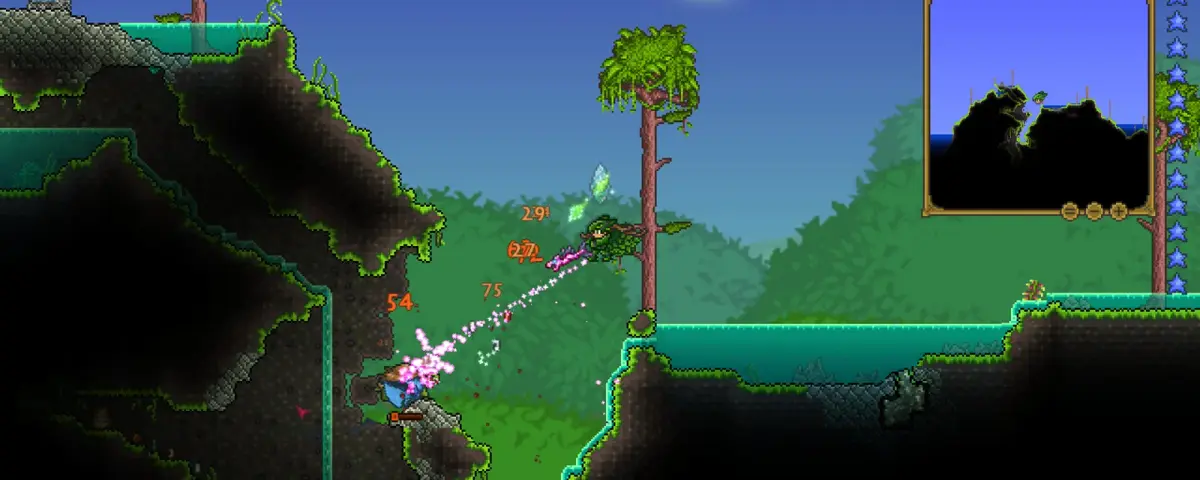
Mods turn Terraria from a game you finish into one you keep coming back to: whole new classes, hundreds of bosses, unified storage, and quality-of-life that makes a second playthrough fly. The thing to understand as a server owner is that almost all of it runs through tModLoader, and every player needs the same mods at the same versions to join. After running modded Terraria servers across the tModLoader and tShock paths, these are the mods worth installing in 2026.
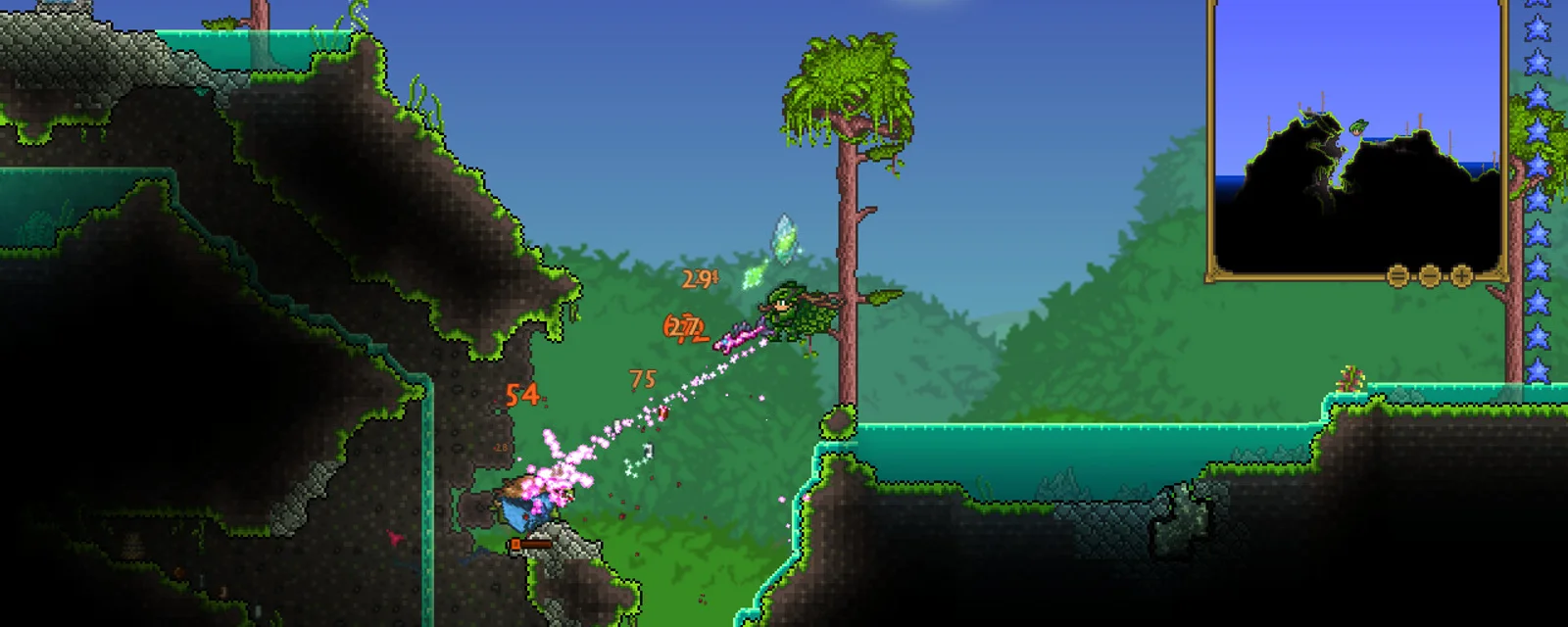
How Terraria Mods Work on a Server
There are two different modding worlds in Terraria, and mixing them up is the most common new-owner mistake:
- tModLoader: the home of content mods (Calamity, Thorium, all the big ones). It runs a dedicated tModLoader server, and every player must have tModLoader installed with the same enabled mods at the same versions, or they cannot join. Content mods are not server-side only.
- tShock: a server-side system for vanilla-protocol servers. It gives you regions, ranks, anti-grief, and admin commands, but it does not run content mods. Use tShock when you want a managed vanilla server, and tModLoader when you want content mods.
Pick the path first. The rest of this list is mostly tModLoader, with a tShock section for vanilla admins.
The Big Content Overhauls: Calamity, Thorium, Spirit
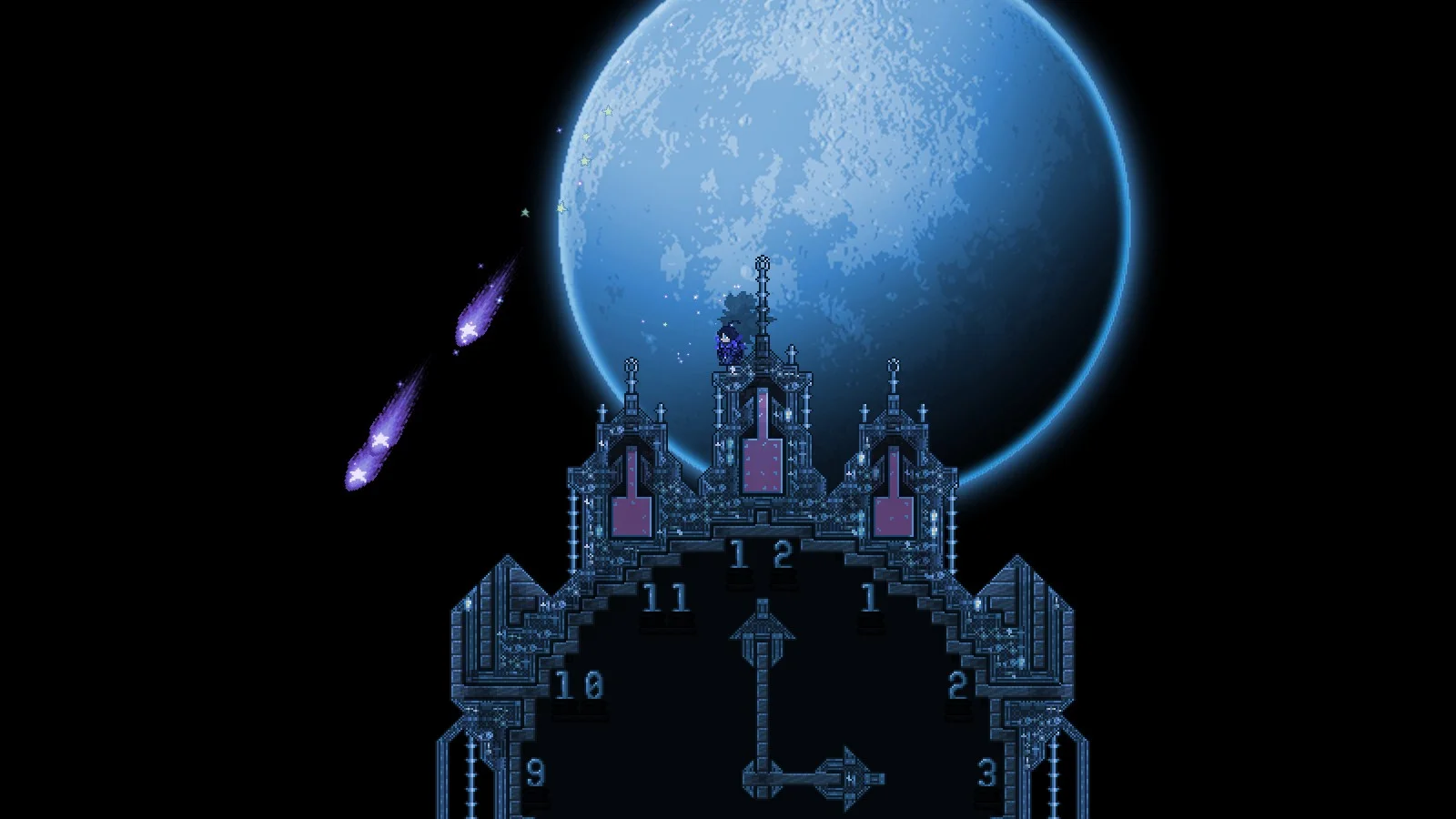
Overhauls are why most people run a modded Terraria server, and every player installs the same ones:
- Calamity Mod: the giant. New bosses, biomes, a rogue class, difficulty modes, and dozens of hours of content past the vanilla endgame. The most popular Terraria mod by a wide margin, and the one most servers are built around.
- Thorium Mod: a huge content expansion that adds the Healer and Bard classes, new bosses, and a ton of items while staying close to vanilla's tone. Pairs well with Calamity for some groups.
- Spirit Mod: a polished content mod with new biomes, bosses, and a distinct art style for groups who want something fresh.
Pick a main overhaul and build the server around it. Calamity in particular is heavy, so give a Calamity server a little more headroom.
Quality of Life: Magic Storage, Recipe Browser, Boss Checklist
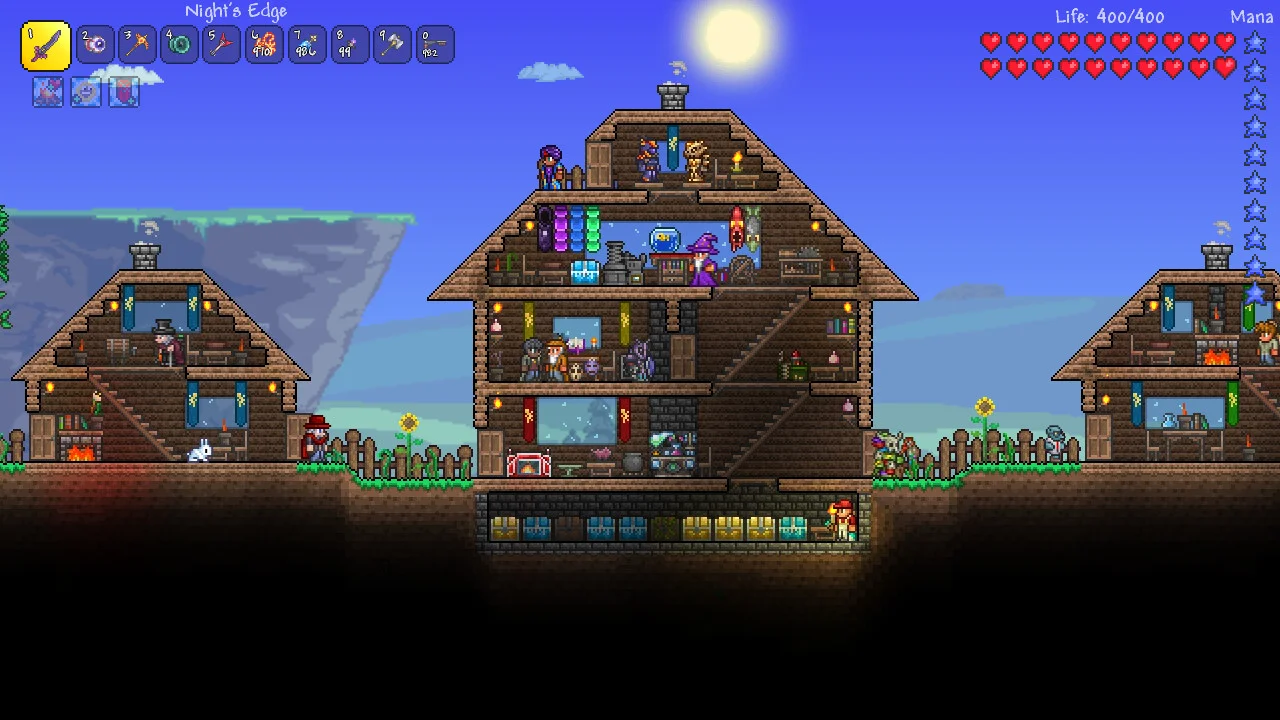
These are the mods that make a long playthrough painless:
- Magic Storage: a single networked storage system you craft from directly. The single biggest quality-of-life mod in Terraria, and close to mandatory on a long server where chest sprawl gets out of hand.
- Recipe Browser: look up any item's recipe and where to get it. Essential once you add content mods with thousands of new items.
- Boss Checklist: shows boss order and progression, which matters a lot once Calamity and Thorium scramble the vanilla sequence.
- Luiafk: unlimited consumables and auto-build tools that cut the busywork on a second or third run.
Expansion and Utility: Fargo's, Alchemist NPC, Census
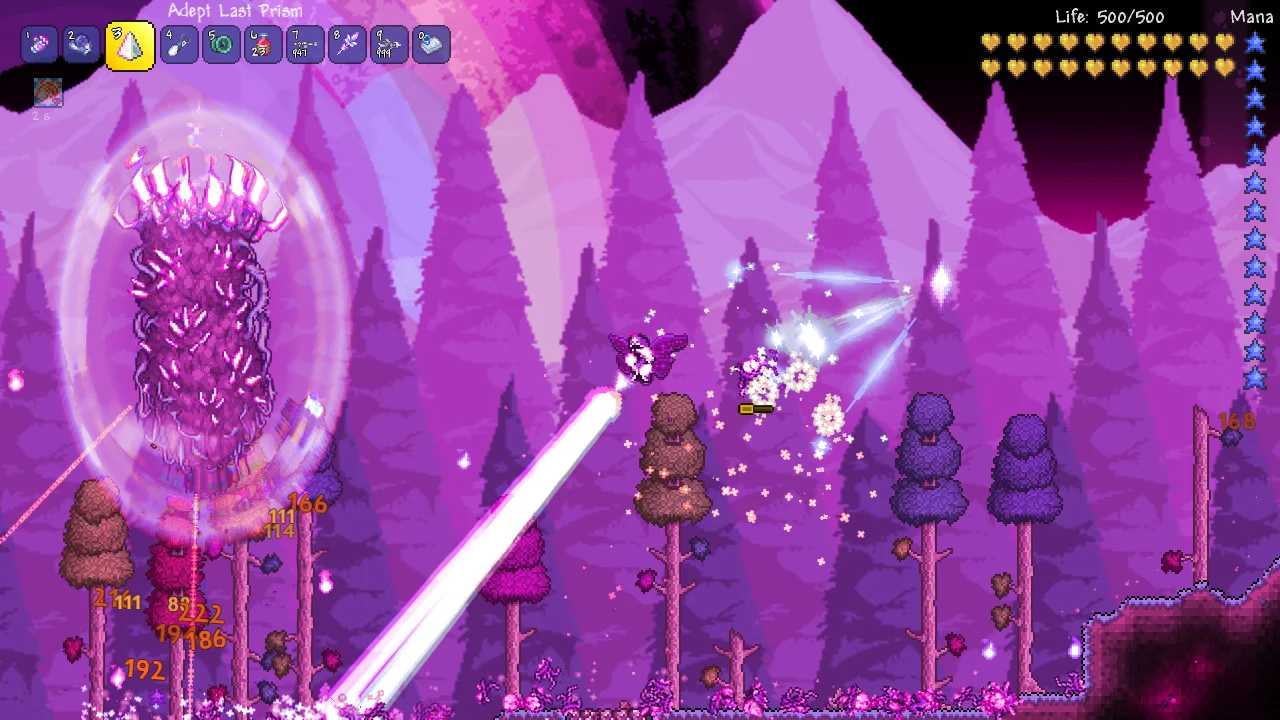
- Fargo's Mutant Mod and Souls: boss-summon convenience, useful NPCs, and optional endgame content. The Mutant Mod alone is a great quality-of-life pick even without the heavier Souls add-on.
- Alchemist NPC: sells potions and ingredients, removing a lot of the potion-farming grind on a content-heavy server.
- Census (Town NPC Checklist) and Which Mod Is This From: small utilities that tell you what unlocks each NPC and which mod added an item. Lifesavers when you run several content mods at once.
Server Admin for Vanilla: tShock
If you are running a vanilla server rather than a content-modded one, tShock is how you keep it civil. It adds protected regions, user accounts and ranks, anti-grief tools, server-side commands, and a REST API for automation. There are also tShock plugins for warps, homes, and economy. It is the closest thing Terraria has to the plugin ecosystem Minecraft enjoys, just remember it lives in the vanilla world, not the tModLoader one.
How to Install Mods on Your DoomHosting Server
For a tModLoader server:
- Set your server to the tModLoader server type
- Subscribe to or upload the mods you want, matched to your tModLoader version
- Enable them so they are written into the server's enabled mods list
- Have every player install the same mods at the same versions in their tModLoader client
- Restart and generate a fresh world for a big content mod like Calamity
On DoomHosting Terraria servers you can switch between vanilla, tShock, and tModLoader, with full FTP access to your mods and config, so a Calamity server or a tShock vanilla server is a few minutes of setup. Keep a backup of your world before adding a big overhaul, since content mods are not compatible with a vanilla save.
A Note on Mod Count and Compatibility
Two things trip up modded Terraria servers. First, version sync: if a player cannot join, the usual cause is a mod or tModLoader version that does not match the server. Pin everyone to the same versions. Second, mod conflicts: huge overhauls like Calamity can clash with other large content mods, so check compatibility before stacking two giants, and add mods a few at a time so a bad one is easy to spot.
Host Your Terraria Server with DoomHosting
Rent a dedicated Terraria server from DoomHosting on Ryzen 9 hardware with full FTP access, one-click tShock and tModLoader support, DDoS protection, one-click backups, and 24/7 support. Run a full Calamity playthrough or a managed tShock vanilla server, and host in North America or Europe for the lowest ping. Whatever you run, match the versions, install the dependencies, and back up your world first: the right mod list is what turns a finished Terraria world into a server your group keeps logging into.