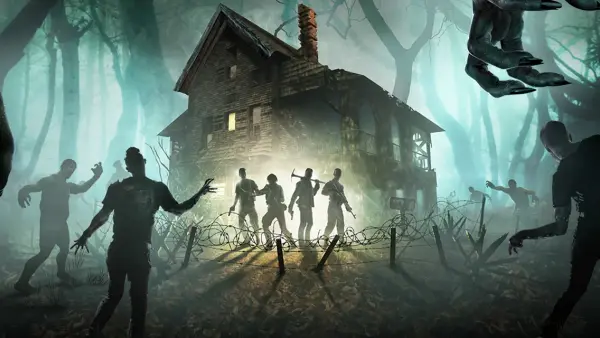
Project Zomboid has exploded in popularity, and finding reliable server hosting can be the difference between a smooth multiplayer experience and endless frustration. We run game servers daily, and this guide breaks down what actually matters when picking a host for Project Zomboid in 2026.
Why You Need Dedicated Server Hosting
Running a Project Zomboid server on your own PC ties up your hardware, eats bandwidth, and means the server goes down every time you restart. A dedicated game server host keeps things online 24/7, handles updates, and gives your players consistent performance.
Project Zomboid Server Requirements
Project Zomboid is a zombie survival sandbox that supports up to 100+ players on a single server, though most communities run 16-32 player servers for the best experience. Here is what you need:
- RAM: Minimum 4 GB for a small server (8-16 players). For 32+ players with mods, plan for 8-16 GB.
- CPU: At least 2 dedicated cores. PZ is surprisingly CPU-hungry, especially with large maps and many zombies loaded.
- Storage: 2-5 GB base, but heavily modded servers can reach 10-20 GB with map data and saved chunks.
- Mods: Steam Workshop integration is essential. Over 10,000 mods exist for PZ, and most server communities run 20-50 mods minimum.
What Changed in Build 42
Build 42 is the biggest update in Project Zomboid's history. Here is what it means for server owners:
- Multi-floor buildings: The engine now supports true multi-story structures across the entire map, which increases chunk complexity and RAM usage by up to 30% compared to earlier builds. If you were running 4 GB before, consider upgrading to 8 GB after the update.
- Overhauled crafting system: Over 500 new recipes were added with physics-based item handling. This increases CPU overhead on active servers.
- NPC groundwork: While the full NPC system is not live yet, the Build 42 engine rewrite lays the foundation. Expanded simulation hooks mean the server does more work per tick.
- New map areas: Additional Louisville neighborhoods and expanded wilderness areas add to chunk generation load.
Popular Mods That Affect Server Performance
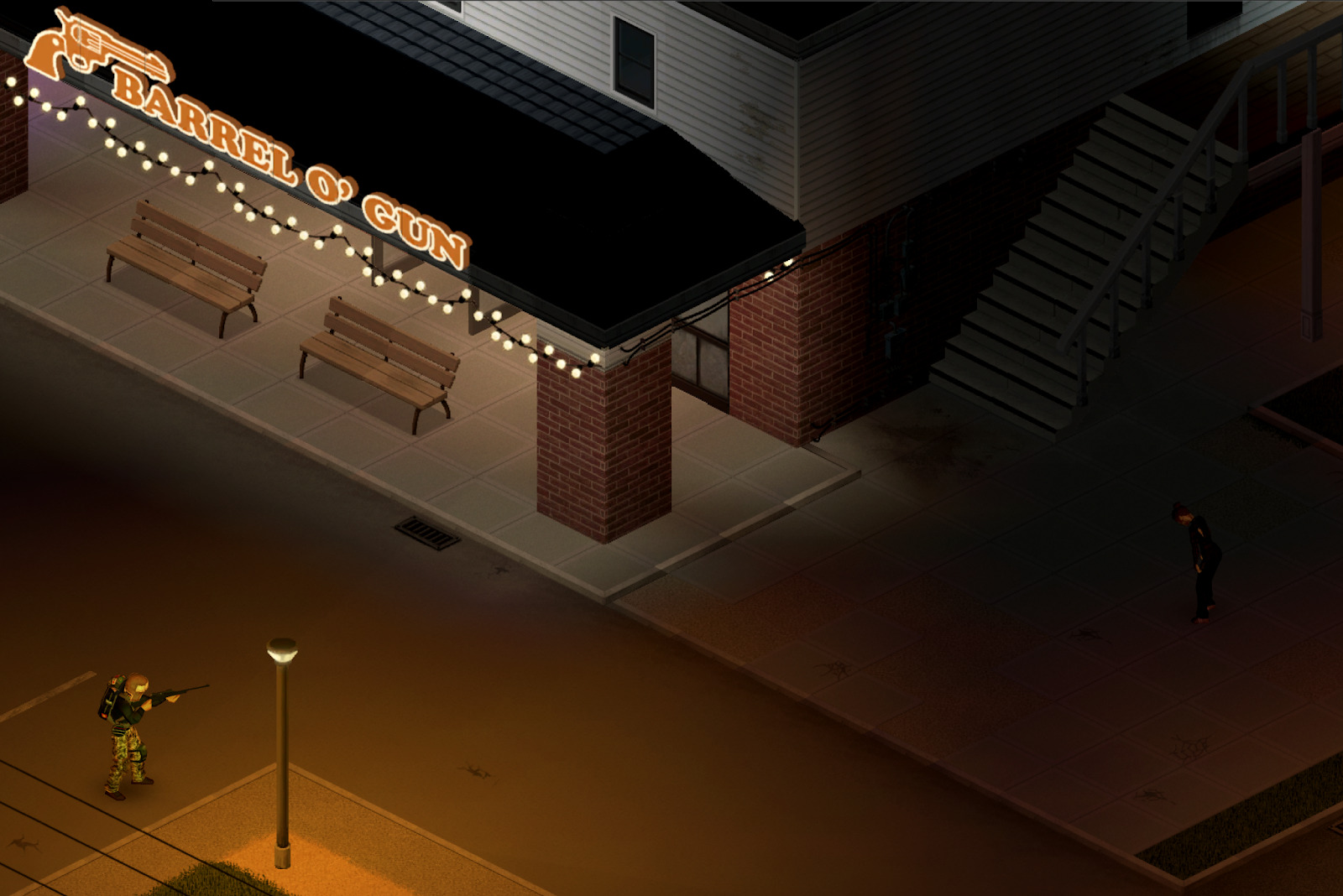
Running mods is the norm in PZ communities. These are the most popular ones and their hardware impact:
| Mod | Players | RAM Impact | Notes |
|---|---|---|---|
| Brita's Weapon Pack | All | +0.5-1 GB | Huge mod, most popular weapon overhaul |
| Hydrocraft | All | +0.5 GB | Massive crafting expansion, CPU heavy |
| Superb Survivors | 1-8 | +1-2 GB | NPC survivors, extremely RAM hungry |
| CDDA Zombies | All | +CPU load | Smarter zombies, increases simulation cost |
| Map packs (Raven Creek etc) | All | +0.5 GB storage | Additional map tiles |
For a modded server running Brita's + Hydrocraft with 16 players, you realistically need 8 GB RAM minimum.
What to Look for in a Game Server Host
After years of running Project Zomboid servers, these are the factors that actually matter:
1. Instant Setup and Mod Support
You want one-click deployment. For Project Zomboid, Steam Workshop mod support is non-negotiable. Look for hosts that also handle game updates automatically.
2. Location and Latency
Pick a host with data centers close to your player base. For European players, servers in Germany, Sweden, or the UK give the best ping. North American players should look for US East or Central locations.

3. Scalable RAM
Project Zomboid benefits from extra RAM as your community grows. A host that lets you upgrade without migrating is worth paying a bit more for. This is especially important with PZ Build 42 increasing base memory usage.
4. DDoS Protection
Multiplayer servers are regular DDoS targets. Enterprise-grade protection should be included, not an add-on.
5. Control Panel and FTP Access
Full file access matters for Project Zomboid. You will need server config tweaks (sandbox settings, spawn rates, loot tables) and the ability to manage backups and mod files.
Pricing Overview
Here is what you can expect to pay in 2026 for decent hosting:
| Players | RAM | Typical Price |
|---|---|---|
| 8-16 | 4 GB | $8-15/month |
| 32+ with mods | 8-16 GB | $20-40/month |
Budget hosts exist at lower prices, but you tend to get oversold hardware, laggy performance, and slow support. It is not worth saving $5/month if your server stutters every time a horde spawns.
Our Recommendation
If you are looking for reliable hosting for Project Zomboid, DoomHosting offers dedicated game server hosting with instant setup, full mod support, and data centers across Europe and North America. Our platform is built specifically for survival games, so performance tuning for these titles comes ready to go.
Project Zomboid Server Hosting - starting from competitive pricing with full Workshop mod support and Build 42 ready.
Final Thoughts
Project Zomboid is an excellent multiplayer survival game that deserves solid server infrastructure. Do not cheap out on hosting - your players will notice the difference. Pick a host that understands game servers, offers the RAM and CPU your player count demands, and provides real support when something breaks.
Ready to get started? Check out our game server hosting plans and have your server running in minutes.