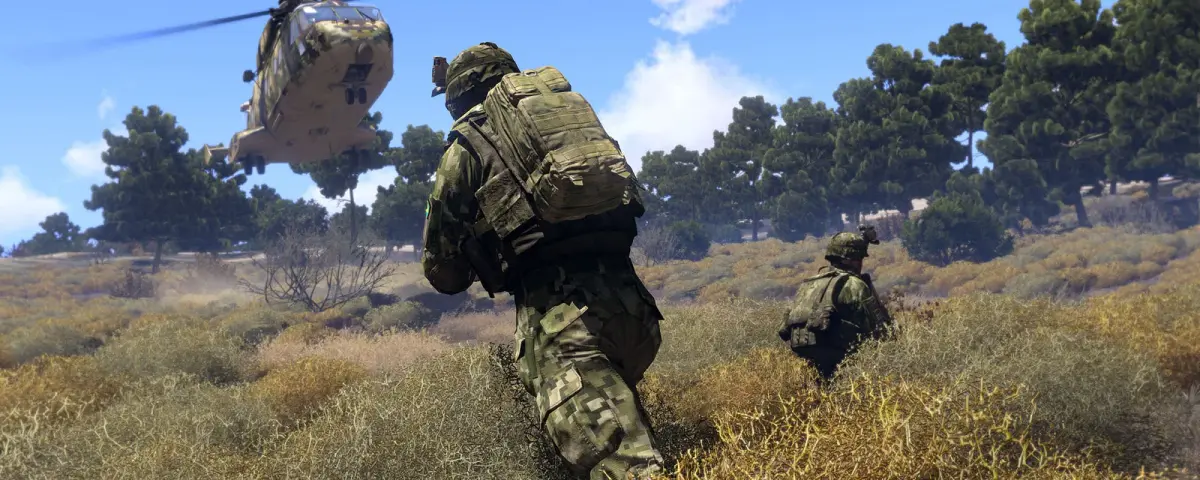
Arma 3 shipped in 2013 and it is still the most heavily modded military sandbox on the market. That is not nostalgia, it is architecture: Bohemia left the engine open enough that entire genres grew inside it. A fresh dedicated server gives you none of that, though. You get vanilla Altis, a handful of official scenarios and a config file. Everything that makes people want to play on your server is something you install.
Two things break almost every new modded Arma 3 server, and neither is the mod list itself. The first is the dependency chain. The second is signature keys. Get those right and the rest is shopping.
Load CBA_A3 first, and mean it
Community Base Addons (CBA_A3) is not a mod anyone plays for. It is the shared function library most other serious mods are built on, and it has to load before them. ACE3 depends on it. LAMBS Danger.fsm depends on it. CUP, Zeus Enhanced and Task Force Arrowhead Radio depend on it.
If CBA_A3 is missing, or sits later in your load order, the server does not politely warn you. It either refuses to boot or it starts and throws script errors the moment a player spawns, which is worse, because it looks like your mission is broken.
On a DoomHosting server, mods are not installed through a Workshop browser. You upload the mod folders over FTP and list them in the MODIFICATIONS startup variable, in order, on the Startup tab. Load order is something you type deliberately rather than something a UI decides for you, so put @CBA_A3 first, every time.
The keys folder is why your players get kicked
This is the most common Arma 3 support question we see, and it has nothing to do with the mods being wrong.
Arma 3 servers verify that the addons a connecting client runs are signed, controlled by verifySignatures in server.cfg. It is on for good reason: it is what stops someone joining with a modified weapon PBO. Every legitimate mod ships one or more .bikey signature files, and those keys have to be copied into your server's keys folder.
Miss that step and the symptom is confusing. The server runs fine, it shows up in the browser, and then every player who installed your mod list gets dropped during connection with a session lost or signature error. Nothing in the console mentions it.
So make the rule mechanical: for every mod folder you upload, open its keys subfolder and copy the .bikey files across at the same time. Do it later and you will spend an evening on it.
The mods that actually change how your server plays
ACE3 is the big one. It replaces Arma 3's health system with proper wound modelling and adds realistic ballistics, medical roles, carrying and dragging, and a hundred interaction menus. It changes the pace of your server more than any other single mod. It is also opinionated, so decide early: retro-fitting ACE3 onto an established server mid-campaign is never popular.
RHS: Escalation is the asset benchmark. RHSUSAF, RHSAFRF, RHSGREF and RHSSAF give you modern US, Russian and Eastern European forces at a fidelity vanilla never reached. It runs standalone, but load CBA_A3 alongside it anyway so the compatibility patches behave.
CUP (Community Upgrade Project) is the other half of that answer. CUP Terrains brings the Arma 2 maps back, which matters more than it sounds: a large amount of community content simply assumes Chernarus and Takistan exist.
LAMBS Danger.fsm rewrites AI behaviour. Vanilla Arma 3 AI is famously either omniscient or oblivious. LAMBS makes them suppress, flank, clear buildings and call for support. It is the cheapest way to make a PvE server feel like it is fighting back.
Zeus Enhanced (ZEN) and Achilles extend the Zeus curator interface, which is where your game master spends the session if you run live operations rather than pre-written missions.
Task Force Arrowhead Radio or ACRE2 give you real radio simulation through TeamSpeak. Pick one, never both. Both need a server-side component as well as the client plugin, and mixing them guarantees an evening of nobody hearing each other.
Client-side mods do not belong on the server
JSRS Soundmod, DynaSound and Blastcore make Arma 3 look and sound dramatically better. None of them should be in your server's startup line. They are presentation mods: they change what a player hears and sees on their own machine, and the server simulates nothing about them. Adding them server-side buys exactly zero gameplay difference while spending RAM on loading the PBOs.
Say this to your community explicitly, because the usual assumption is that anything on the server's list is mandatory and anything off it is banned. Neither is true. Publish two lists: the required mods your mission depends on, and the optional client-side ones people are free to run. A Steam Workshop collection for the required set saves a hundred support messages.
What a modlist costs you in RAM and CPU
Arma 3 is unusual among the games we host, because player count is almost not the variable that matters. Each connected player adds very little. The mod list and the AI count move the needle.
As a rough planning figure: a light list (CBA_A3 plus a couple of quality of life mods) adds about 1GB over vanilla, a medium list with ACE3 and one asset pack adds around 3GB, and a heavy RHS plus CUP plus ACE3 plus custom terrain stack can add 6GB on its own. Our Arma 3 RAM calculator does this arithmetic against your actual player count and mod weight.
CPU is the half people forget. Arma 3's simulation is largely single-threaded, so raw clock speed beats core count, and the thing eating those cycles is usually AI. A 40-slot server with 300 active AI units will stutter long before it runs out of RAM.
That is what headless clients are for. A headless client is a second server process that connects purely to take AI calculation off the main thread. On our panel it is the HC_NUM startup variable, and setting it to 1 or 2 on a heavy Antistasi or ALiVE mission often beats adding RAM.
One last trap while you are on the Startup tab. MAX_PLAYERS is written into server.cfg as maxPlayers on every single boot, so editing that line by hand is pointless: your change is silently gone at the next restart. Change the startup variable instead.
Where to start
If you are building a new server this week, install CBA_A3, ACE3 and LAMBS Danger.fsm, copy the keys, and stop there. That is already a genuinely different game from vanilla, and it will boot on the first try. Add RHS or CUP once you know your group wants the assets.
Our Arma 3 server status checker tells you whether the server is answering Steam. Arma 3 answers on the game port plus one, so a server that runs but stays invisible in the browser usually has an offset problem, not a mod problem.
For the steps before any of this, our Arma 3 getting started guide covers first boot and config. If you do not have a server yet, Arma 3 server hosting handles the mod list, RAM and headless clients on the panel.