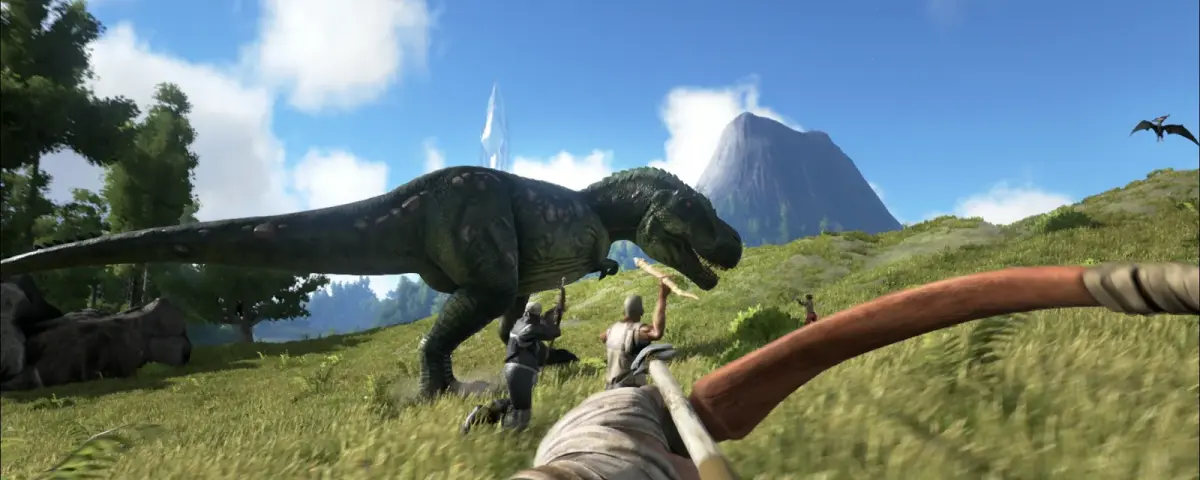
ARK: Survival Evolved still has one of the largest, most stable mod libraries on Steam Workshop, and unlike the new ARK Survival Ascended ecosystem (CurseForge, partly client-only), ASE mods install the way they always have: drop a <workshop_id>.mod file into your server's Mods folder, list the IDs in ActiveMods= inside GameUserSettings.ini, and restart. That predictability is why ASE remains the more popular pick for serious mod-heavy servers in 2026.
If you run a dedicated ARK server, the picks below matter more than they would for a single-player modder. You need mods that don't blow up your tickrate, work in a Pterodactyl Linux environment as cleanly as on Windows, survive cluster transfers without dropping dinos, and pick a load order that doesn't break vanilla structures. Every entry below has a server-side / client-side tag, the exact Workshop ID you paste into ActiveMods=, a note on where the mod loads on a dedicated server, and the one performance or compatibility quirk that catches host admins out.
How ARK mods load on a dedicated server (read this first)
ARK does not use a mod manager. Mods are downloaded via SteamCMD on the host (using workshop_download_item 346110 <id> with the ARK ASE workshop ID, not the server app ID 376030), then the contents land in ShooterGame/Content/Mods/<id>/ plus a sibling <id>.mod file at ShooterGame/Content/Mods/<id>.mod. The server loads only the mods you list in [ServerSettings] → ActiveMods=mod1,mod2,mod3 inside GameUserSettings.ini (Linux path: ShooterGame/Saved/Config/LinuxServer/; Windows path: ShooterGame/Saved/Config/WindowsServer/).
Two things bite people every week on hosting tickets:
- Order matters. Mods listed later in
ActiveMods=override earlier ones on conflicts. Total conversions go first, additive mods in the middle, structure replacements (like S+) last. Get this backwards and S+ pipes disappear from your hotbar. - Every player needs every mod, automatically. ARK clients auto-download the workshop IDs the server advertises on connect. You don't have to tell players to install anything, but if a mod is delisted from Steam Workshop, your players can't join until you remove it from
ActiveMods=. Always check the workshop page is still live before adding a mod to a long-running cluster.
For DoomHosting customers, the simplest workflow is to install mods through your Pterodactyl panel's "Mods" tab if available, or upload the <id> folder and .mod file straight into ShooterGame/Content/Mods/ over FTP, then edit ActiveMods= in the file manager.
1. Structures Plus (S+): Workshop ID 731604991
Server-side and client-side. Load last in ActiveMods=.
Orionsun's S+ is the single mod that ARK servers should have been shipping with since 2017. Free placement, snap points on every structure, pickup with no timer, vacuum pulling resources into nearby crafters, and dozens of new structures (S+ Tek Generator, S+ Industrial Forge) that are flat upgrades to the vanilla versions. Once you've played with it, the base game's building system feels broken.
- Server perf: Negligible CPU cost. The "pickup any structure" feature does add tiny per-structure database writes, but you won't see it in tickrate.
- Cluster note: S+ structures transfer between cluster servers cleanly as long as every server in the cluster runs S+ at the same position in load order.
- Load order: Put it last in
ActiveMods=. S+ overrides vanilla structures (foundations, walls, pipes) so it has to load after any mod that touches structures.
2. Awesome SpyGlass! (Workshop ID 1404697612)
Server-side and client-side. Position-agnostic.
The original spyglass shows level and a wireframe. Awesome SpyGlass shows the full stats breakdown: every tamed stat, every wild level, damage and resistance multipliers, gender, breed cooldowns, baby imprint timer, the entire ARK Mobile-style stat readout. For a tribe doing serious breeding, this mod replaces three external tools and a calculator.
- Server perf: Zero. The stat data is already on the server; the mod just exposes it to a craftable spyglass item.
- Hosting angle: Because the data lives server-side, players who haven't crafted the spyglass yet still load the mod (small download, ~20 MB) and don't slow down server boot.
3. Awesome Teleporters! (Workshop ID 889745138)
Server-side and client-side. Load mid-list.
Vanilla ARK gates teleportation behind Tek tier and a fortune in element. Awesome Teleporters adds craftable teleporter pads available from level 30, with a flat element cost per jump and configurable cooldowns. On large maps like Ragnarok and Crystal Isles, this is the difference between an active tribe and three players who never leave the safe zone.
- Server perf: Each teleport call is a single server-side actor swap, no streaming overhead.
- Config tip: Set
MaxTeleportsInTribe=8and a 30s cooldown to stop tribes from chain-teleporting raid loot home in real-time.
4. Dino Storage v2: Workshop ID 1609138312
Server-side and client-side. Mandatory for clusters.
Lethal's Dino Storage replaces vanilla cryopods with "Soul Traps," a multi-tier capture system that lets you store thousands of dinos per character without occupying the server's dino slot count. For cluster servers this is non-negotiable: vanilla cryopods break when you cross-map a dino that's been in storage too long. Dino Storage doesn't.
- Server perf: Massive win. Each soul-trapped dino is removed from the active dino population. A 1,000-dino tribe collapses to ~50 active dinos plus a soul terminal, which is the biggest single tickrate gain you'll get from any mod on this list.
- Cluster note: Every server in the cluster must run Dino Storage at the same load-order position, or transfers between maps lose the soul-trapped dinos.
5. Death Recovery Mod (v1.13): Workshop ID 751991809
Server-side and client-side. Position-agnostic.
A craftable terminal that retrieves the inventory of your last death corpse, regardless of distance, decay timer, or whether another player looted it. On servers where mid-tier players quit because they lost a flak set falling off a cliff, this single mod measurably improves retention.
- Server perf: Stores one inventory snapshot per player at a time. Tiny disk footprint, no tickrate cost.
- PvP balance: Configure
DeathRecoveryCooldownto 30+ minutes on PvP servers, otherwise raiders will death-recover their lost gear straight out of an enemy vault.
6. Castles, Keeps, and Forts: Remastered (Workshop ID 1814953878)
Server-side and client-side. Load before S+.
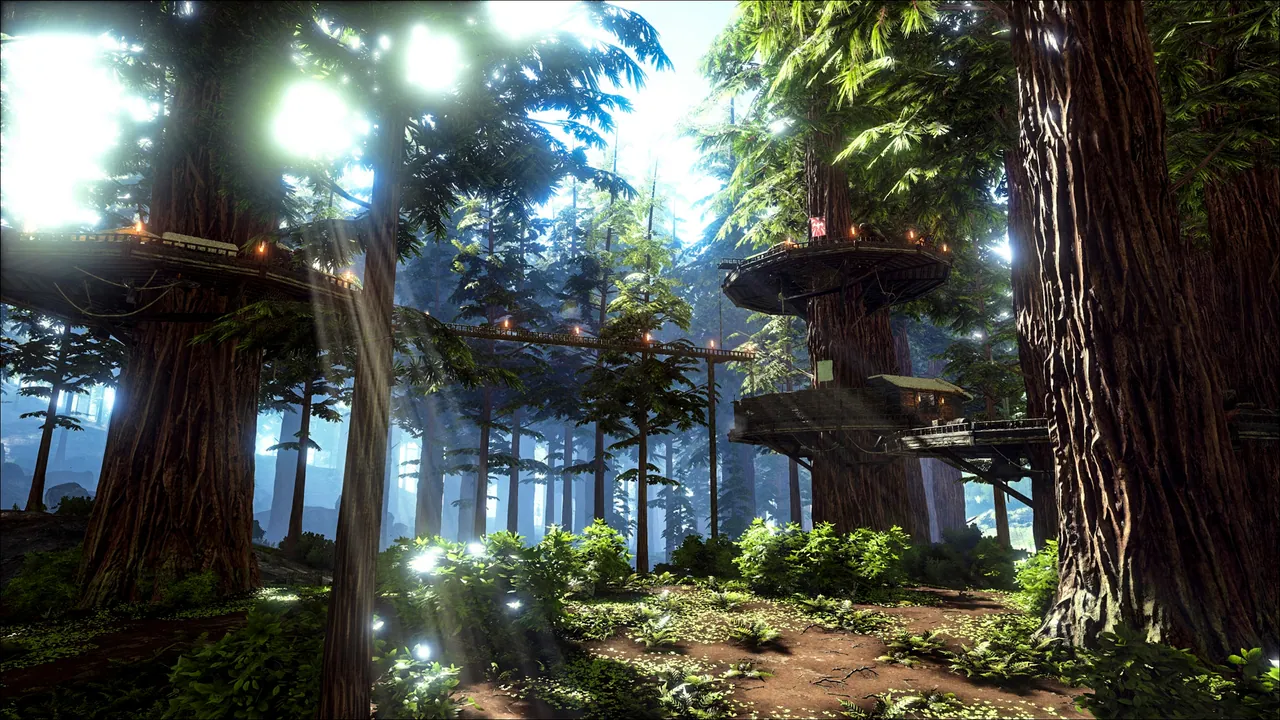
The medieval building overhaul. Stone keeps, drawbridges, banners, portcullises, arrow slits, the whole RP roleplay pack. CKF adds hundreds of structures that don't override vanilla, so it stacks with S+ cleanly as long as CKF loads first.
- Server perf: The heaviest mod on this list for memory. High-poly stone meshes push the per-server RAM ceiling up by 1.5–2 GB even before anyone builds. Don't run CKF on a 4 GB tier. Go 8 GB minimum, ideally 12.
- Cluster note: Players cannot demolish CKF structures from a server that doesn't have CKF installed. If you run a mixed cluster (RP map plus PvP map), keep CKF off the PvP map to avoid orphan structures.
7. Automated Ark: Workshop ID 812655342
Server-side and client-side. Load mid-list.
Tachyonical's automation suite: auto-feeders that pull from nearby fridges, auto-cookers that draw water and produce stew, auto-farmers that harvest a crop plot on a timer. It's the closest ARK gets to a Satisfactory factory floor.
- Server perf: Tickrate-sensitive. Each automated structure runs a per-tick proximity check. A base with 100 auto-feeders + 30 auto-cookers + 20 auto-farmers can drop server tickrate from 30 to 18 during peak hours. Cap automation per tribe in your server rules, or expect lag complaints.
- Tuning: Set the global mod tick interval to 1.0 instead of the default 0.5 in
Game.iniif you have more than five active tribes.
8. eco's RP Decor: Workshop ID 741203089
Server-side and client-side. Load before S+.
Eco has produced a whole shelf of decor mods (Garden Decor, Tek Decor, Stable Decor, Camping Decor). RP Decor is the one to start with. Functional furniture, working bookshelves and bunk beds, hanging signs, the rugs and tapestries that turn a stone keep into somewhere players actually want to log in.
- Server perf: Cheap. Decor items are static meshes with no per-tick cost. Memory cost is ~300 MB.
- Cluster note: Same warning as CKF. Only install on servers where you actually want decor, and keep load order consistent across the cluster.
9. ARK Additions: The Collection! (Workshop ID 1522327484)
Server-side and client-side. Load mid-list.
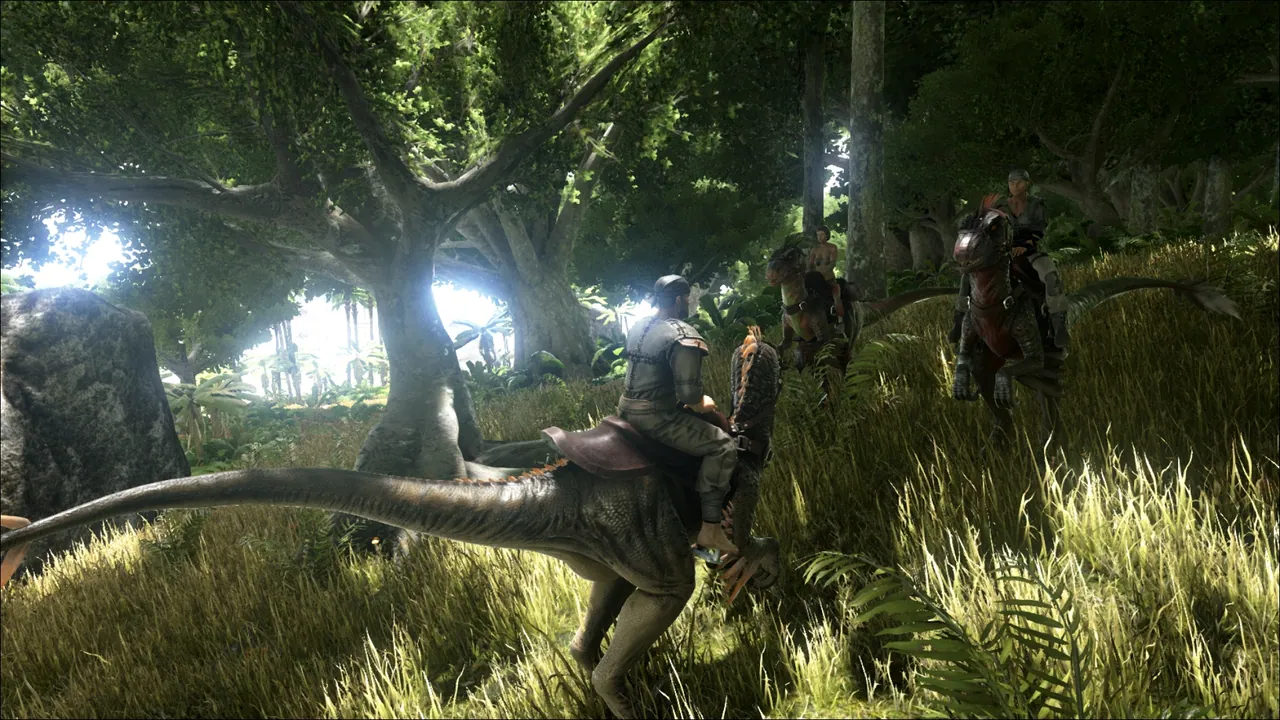
Garuga's curated new-creature pack. Acrocanthosaurus, Brontosaurus reskin, Cretoxyrhina shark, plus a handful of dinos that fit the vanilla design language so well people forget they're modded. Doesn't override any vanilla creature, just adds new spawn entries.
- Server perf: Adds about 8 new creatures to the global dino pool. Small RAM cost (~200 MB), but check your
DinoCountMultiplier: if you also run Primal Fear, you'll want to drop the multiplier to 0.8 to leave room. - Spawn config: Use the included
cheat summoncodes once after install to verify creatures spawn on your map. ARK Additions does not auto-add spawn entries to custom maps (e.g. Lost Island, Fjordur). You may need to inject them via Beacon or a custom NPCSpawnEntriesContainer override.
10. Primal Fear: Workshop ID 839162288
Server-side and client-side. Load EARLY (right after any total conversion).
The hardcore creature overhaul. Primal Fear adds tiers of dinos all the way up to Apex, Alpha, Demonic, Elemental, and Chaos, with stat multipliers that make vanilla bosses look casual. It's a server-defining mod: players sign up for "Primal Fear servers" specifically because they want the difficulty.
- Server perf: The most demanding mod on this list. Apex+ creatures with multi-stage spawn logic chew CPU. RAM cost +2 GB. We recommend a 12–16 GB tier for any server running Primal Fear at default difficulty.
- Compatibility: Primal Fear has known conflicts with several alternative creature mods. If you run it alongside ARK Additions, no problem; if you also try to run Annunaki Genesis or Pugnacia, expect creature spawn collisions.
- Load order: Place Primal Fear early in
ActiveMods=, before any additive creature mod. Putting it last will silently override the new tier system.
Recommended `ActiveMods=` line
For a server running every mod on this list, the load order is:
[ServerSettings]
ActiveMods=839162288,812655342,889745138,1522327484,751991809,1609138312,1404697612,1814953878,741203089,731604991
In plain English: Primal Fear → Automated Ark → Awesome Teleporters → ARK Additions → Death Recovery → Dino Storage v2 → Awesome SpyGlass → Castles Keeps and Forts → eco's RP Decor → Structures Plus.
Save the file, restart the server, and your players will auto-download every mod on their next connect.
Quick troubleshooting
- Server boots but mods aren't active:
ActiveMods=is in[ServerSettings], not[/Script/ShooterGame.ShooterGameMode]. ARK is fussy about the section header. - Players can connect but can't see a mod's structures: the player's client is still downloading. ARK auto-downloads on first join, which can take 10+ minutes for the full list above. Confirm in Steam → Downloads.
- A mod's structures disappeared after an update: the mod author renamed an asset. Roll the server back to the previous version via your Pterodactyl backup tab, wait for the mod author's fix, then re-update.
- One mod stops loading after a Steam update: mods that haven't been updated in 18+ months sometimes break with new ARK patches. Check the workshop page for a "last updated" date and consider replacing the mod if it's stale.
Host Your ARK Server with DoomHosting
Modded ARK punishes underpowered hosts. CKF eats 2 GB before anyone builds, Primal Fear eats another 2, and Automated Ark turns tickrate into a budget you spend or run out of. DoomHosting runs every ARK server on dedicated Ryzen 9 hardware with NVMe storage, configurable RAM tiers up to 32 GB, full FTP access for direct ActiveMods= editing, automated Pterodactyl backups so you can roll a botched mod update back in two clicks, and DDoS protection on every node.
Browse our ARK Survival Evolved hosting plans. Pick the tier that matches the mods you actually want to run, and your players will be auto-downloading the full list above before the server hits MOTD.




