

To join a The Isle server you need two things: the game on the evrima branch, and the exact server name. The Evrima client finds servers through its in-game browser, so the name is what you search for, not the address.
Here is the whole flow, plus every reason a server refuses to show up.
Step 1: switch Steam to the evrima branch
This is the single most common reason a player cannot see a server. Legacy and Evrima clients are on different branches and cannot see each other's servers.
- Open your Steam library and right-click The Isle.
- Click Properties, then Betas.
- In the branch list, choose evrima.
- Close the window and let Steam finish downloading.
Step 2: set the filter to Unofficial
Launch the game and open the server browser from the main menu. By default it shows the official servers, which are run by the developers. A rented server is not one of those.
Set the session filter to Unofficial and refresh the list.
Step 3: search for the server name
Type the server name in the search box and connect. If the owner set a password, you will be asked for it as you connect, and the entry shows a lock before you click.
If you do not know the name, ask whoever rented the server. The name is set on the server's Startup tab, so an owner can look it up or change it there at any time.
For server owners: what to give your players
Give them three things and almost every join problem disappears:
- The exact server name, spelled the way it appears in the browser.
- A reminder about the evrima branch, because a new player will not know about it.
- The password, if you set one.
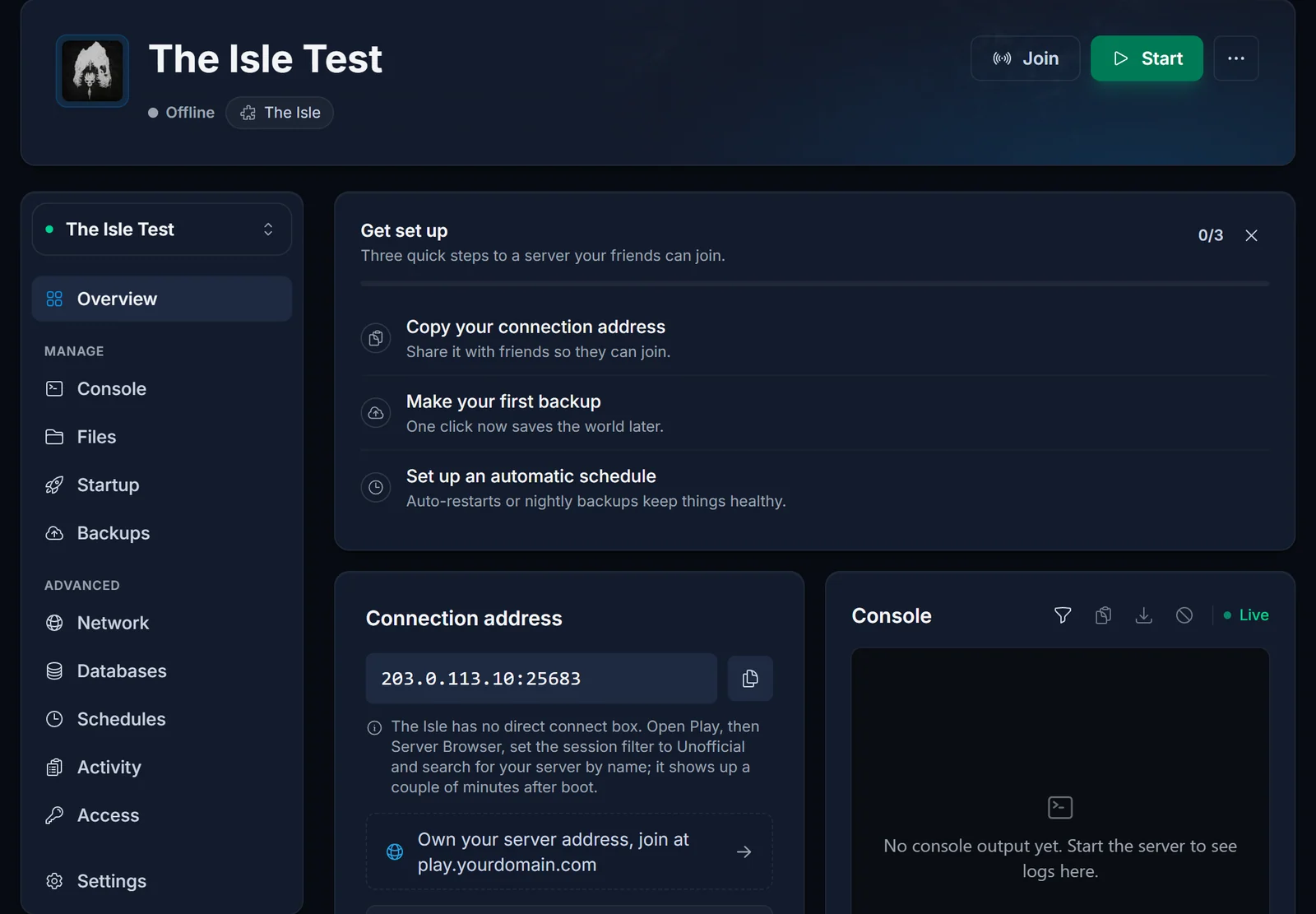
Your server's address is shown in your control panel. Players do not need it for the browser route, but you do for anything else you point at the server. The panel does not show a live player count for The Isle, so the in-game browser is where you check who is on right now.
Common issues
The server is not in the list at all. Work through these in order:
- The player is still on the Legacy branch. This is the usual answer.
- The server was restarted a moment ago. It takes a few minutes to register itself before it appears.
- The filter is still on Official.
- The server is on an older build than the client after a patch. Restart it so it updates, then look again.
- Epic Online Services is having problems. The whole browser goes quiet for everyone when that happens, on official and unofficial servers alike, and there is nothing to fix on your side. Wait it out and try again.
"Data acquisition failed" when connecting. This one is on the server, not the player. It usually means the server's queue is enabled but the queue port is not reachable. If you own the server, open a ticket and we will check the port allocation.
The connection is refused with a whitelist or blacklist message. The server has bServerWhitelist=true and your SteamID64 is not in WhitelistIDs. Ask the owner to add it. Owners: see how to set up your The Isle Evrima server.
The server is full. If the owner enabled the queue you will be held in line and let in as space opens. If not, you simply get refused until someone leaves.
Looking for a server of your own? See The Isle server hosting.
